

IDE Window: View project forms units
This dialog comes in two flavours:
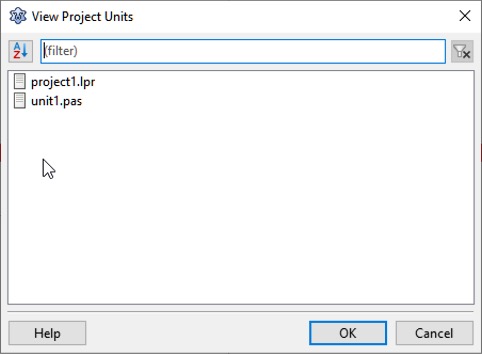
- Main Menu > Project > Units: shows the units of the current project (this is the same list as that which appears in the Project Inspector)
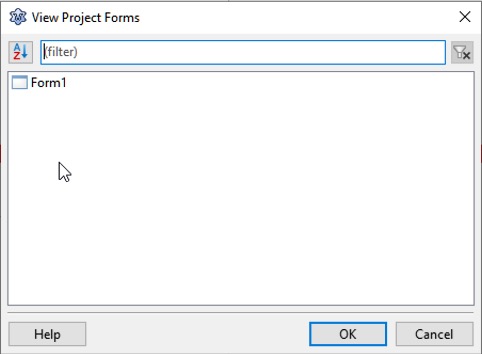
- Main Menu > Project > Forms: shows the forms of the current project. These are all units which have an .lfm file with a streamed component.
Select:
- the unit and click OK to open it in the source editor; or
- the form and click OK to open it in the visual form designer.
From the Free Pascal wiki, page "IDE Window: View project forms units", as it stood on 2021-02-01 after a change by Trev, out of the wiki's dump of 2024-05-26. Copyright stays with the author who wrote it, according to the old wiki's Licensing page. If you have concerns about this material, message the admin.
Edited on wiki.freepascal.org by 6 people, 2006–2021
From the official wiki's backup of 26 May 2024: who edited this page there, and when. Edits made there after that date were not recorded, and the earlier versions are not shown here; the main page says why.
| When | Who | What changed |
|---|---|---|
| Mattias2 | ||
| Mattias2 | ||
| Paulatreides | ||
| Paulatreides | ||
| Paulatreides | ||
| Swen | (minor) | |
| Jwdietrich | categorized | |
| FTurtle | ||
| Trev | Link Project Inspector; add selecting a form | |
| Trev | Add linked menu breadcrumbs; add missing images |
Talk about this page
Nobody has opened a bench for this page yet. Sign in to open one.