

Catalog · How the catalog works
Give-Your-Voice

A free voice recording software to ease the production of audio books
- ★ 14 on GitHub
Anyone may press Interesting, signed in or not. It helps others find this project.
README
Give Your Voice
A free voice recording software to ease the production of audio books.
License: GPLv3
Author: Lulu
You can support the development by donating
Target platform
Windows 64b (tested on Win10)
Linux 64b (tested on Ubuntu 22.04 LTS)
MacOS version 10.15 and more with intel processor (tested on MacOS 10.15 Catalina)
Features
- One directory per section (chapter/text/poem...) -> your project is well organized.
- Allows multiple recordings per section -> the software keep the page number where you stopped.
- Removes background noise on recording.
- During recording, use the CONTROL key to mark where you've mispronounced something, making it easy to find and correct mistakes.
- Audio tools:
- add silence, cut or silencing part
- insert new recording at cursor position
- replace the selected audio by a new recording
- undo/redo
- Mix easily your recording
- activate compressor, amplify and bass boost effects for voice enhancement
- add musics and/or sounds effects and keep only the part that interests you
- graphical volume envelope to easily control the volume (fadein, fadeout)
- integrated audio limiter to minimize audio clipping
- Produce MP3 files compatible with the platform LibriVox and Litterature audio.com
- respects of their rules for file name
- MP3 generated at 44100Hz, mono, constant bitrate mode, 128kbps
- normalization at 89dB as MP3Gain, (can be modified)
- editable metadata
- Export several MP3 files into a single ZIP file (not available for MacOS).
- Compress your completed projects to free disk space (not available for MacOS).
- Supported language: French, English.
- This software is made with love! :)
Screenshots
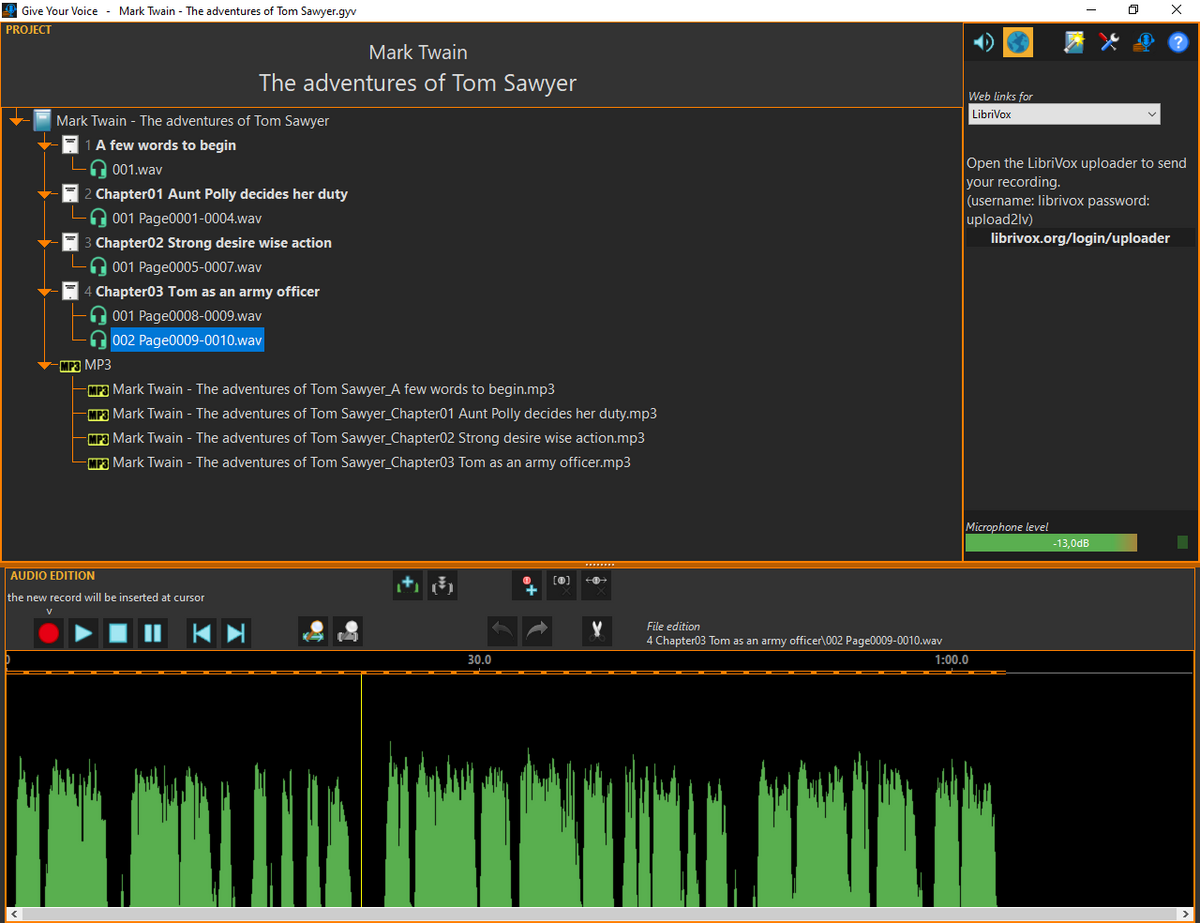
The main window with the project tree view and the audio edition at the bottom
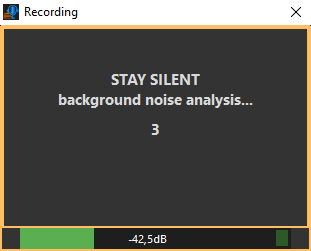
Background noise analysis before recording voice
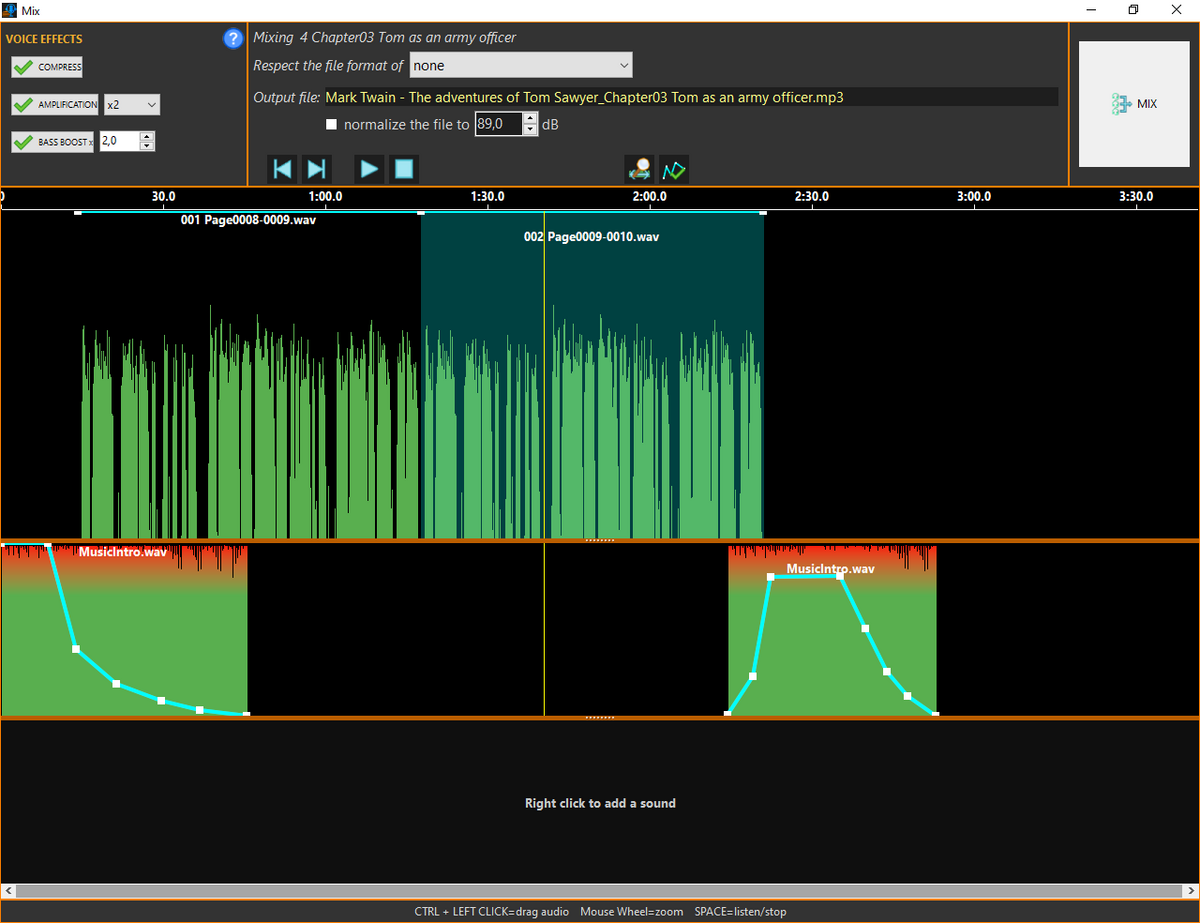
The mixer window where you produce the MP3 files
How to compile
You must have Lazarus IDE installed on your system with BGRABitmap package.
- create a directory named GYV on your disk
- in 'GYV' directory clone this repository. You can also download the zip.
- again in 'GYV' directory, clone the repository UnitsCommon. If you choose to download the zip, unzip the file and rename the obtained directory to "UnitsCommon".
- and again, in the 'GYV' directory, clone the repository ALSound library. If you choose to download the zip, unzip the file and rename the obtained directory to "ALSound".
The directory structure should be like:
.GYV
... ALSound
... Give-Your-Voice
... UnitsCommon
Now, you are able to open the Lazarus project in the directory "Give-Your-Voice".
NOTE FOR MAC USER: with Lazarus create an application bundle. After that, with the Finder, go in 'Give-Your-Voice/Binary/' and copy the 3 folders 'Data' 'languages' and 'x86_64-macos' and paste them in the Resources folder located in the bundle.