

Catalog · How the catalog works
NeoClassicIcons

Classic 16x16 pixel-art icons for Lazarus in the Windows 9x / Delphi 7 style, with a ready-to-use image list component.
- ★ 1 on GitHub
Anyone may press Interesting, signed in or not. It helps others find this project.
README
NeoClassicIcons
Classic 16×16 pixel-art icons for Lazarus, in the spirit of Windows 9x/2000 and Delphi 7, plus a drop-in image list component.
Türkçe · Icon list · Contributing · Changelog

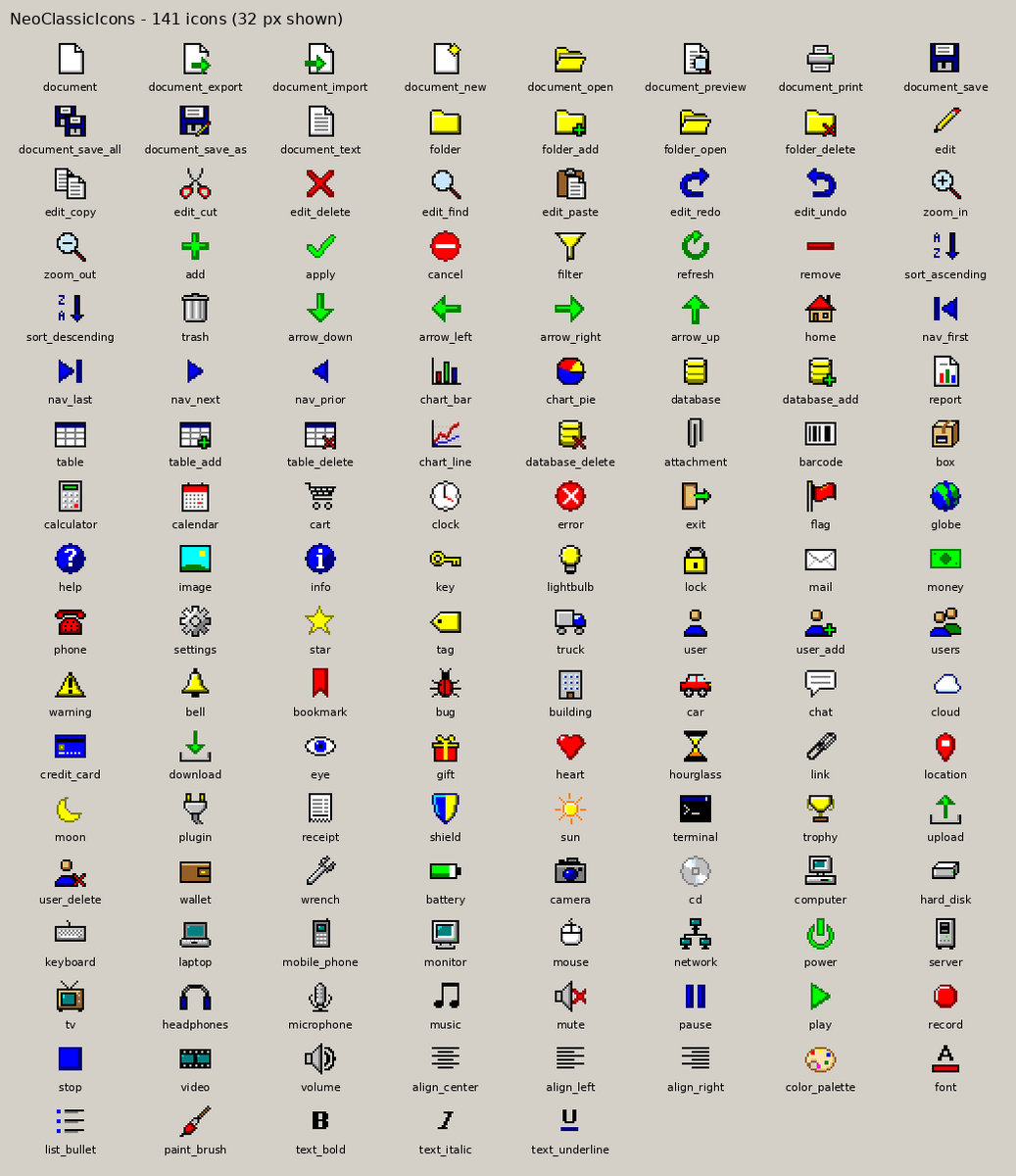
Features
- 141 icons in nine categories: file, edit, action, navigation, data, application, device, media and text formatting.
- Pixel art in the classic 16-colour palette, hand-made at 16×16, with pixel-doubled 32×32 versions so they stay crisp on HiDPI screens.
TNeoClassicImageList: drop it on a form and all icons are already there. Choose them in the Object Inspector or use readable constants such asnciDocumentSave.- No image data in your
.lfmfiles. The icons are linked as resources, so forms stay small and diffs stay clean. - HiDPI aware. The list provides 16, 24 and 32 px resolutions, so
Scaledtoolbars, menus and buttons pick a sharp size. - Stable indexes. An icon's index never changes between releases, and new icons are only ever appended.
- Optional classic theme. On Linux/GTK2, the
NeoClassicThemeunit gives your application the gray Windows 2000 look without touching the desktop theme. - Plain PNGs in
icons/16andicons/32for any other use. - MIT licensed.
Screenshots
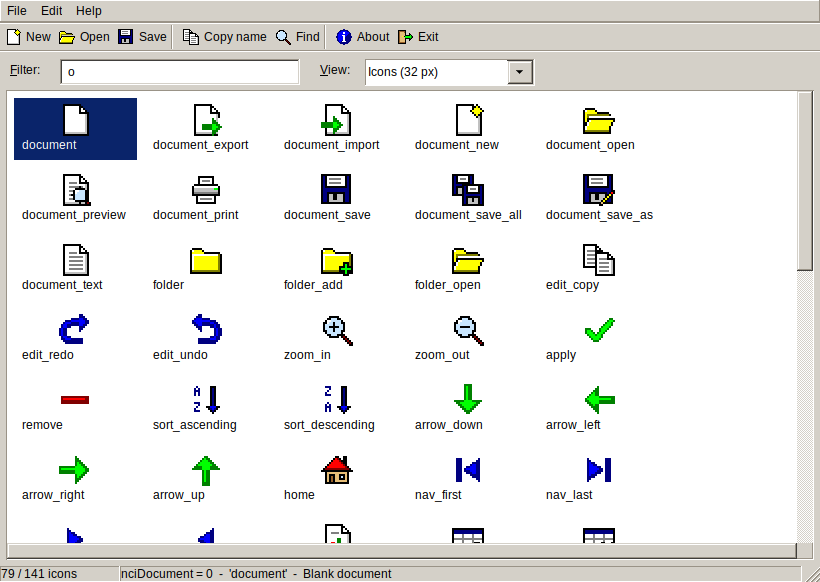
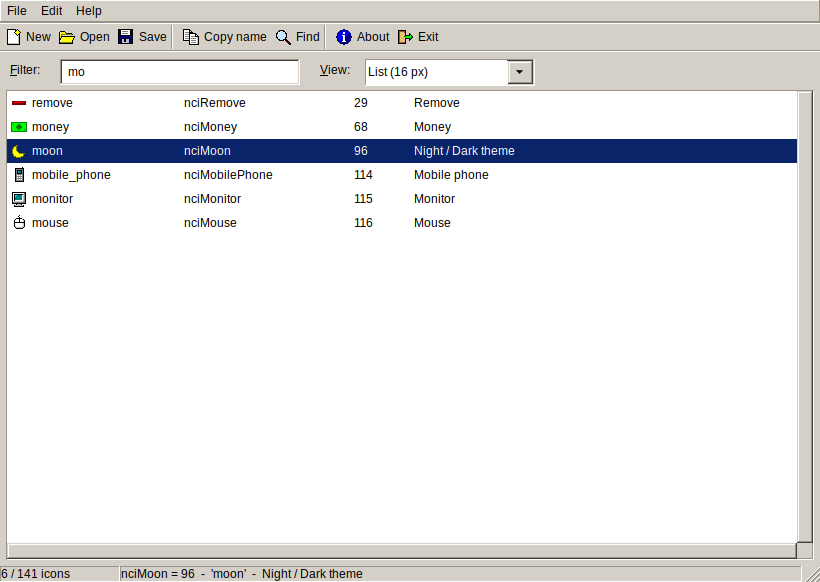
The demo application, using the NeoClassicTheme unit on Linux/GTK2:
Installation
Requirements: tested with Lazarus 3.0 and FPC 3.2.2. Older Lazarus versions have not been tested; multi-resolution image lists need at least Lazarus 2.0.
- Clone or download this repository.
- In Lazarus, choose Package → Open Package File (.lpk)… and open
package/neoclassicicons.lpk. - Click Compile, then Use → Install, and let Lazarus rebuild the IDE.
After the restart you will find TNeoClassicImageList on the NeoClassic tab of the component palette.
Using it without installing it in the IDE: add neoclassicicons to your project in Project → Project Inspector → Add → New Requirement, then create the list in code (see below).
Usage
In the form designer
- Drop a
TNeoClassicImageListon the form. It already contains every icon. - Set it as
Imagesof aTToolBar,TMainMenu,TActionList,TBitBtn,TSpeedButtonorTListView, and pick icons throughImageIndexin the Object Inspector. - For 32 px icons at normal DPI, for example a large toolbar, set the list's
WidthandHeightto 32.
In code
uses
  NeoClassicImageList, NeoClassicIconNames;

procedure TForm1.FormCreate(Sender: TObject);
begin
  Icons := TNeoClassicImageList.Create(Self);
  ToolBar1.Images := Icons;
  tbSave.ImageIndex := nciDocumentSave;
  tbPrint.ImageIndex := nciDocumentPrint;
  btnDelete.ImageIndex := Icons.IndexOfName('edit_delete');  // by name
end;
Other helpers in the package:
| Routine | Purpose |
|---|---|
NeoClassicLoadIcons(AnyImageList) |
Appends all icons to an existing TImageList, in nciXxx order if the list is empty. |
NeoClassicCreateIcon('folder_open', 32) |
Returns one icon as a TPortableNetworkGraphic (16 or 32 px). The caller frees it. |
NeoClassicIconIndex('folder_open') |
Returns the index for a name, or -1. |
NeoClassicIconList[i], NeoClassicIconTitles[i] |
Name and description of each icon. |
Classic Windows 2000 / Delphi 7 look (optional, GTK2)
List NeoClassicTheme before Interfaces in your .lpr:
uses
  {$IFDEF UNIX} cthreads, {$ENDIF}
  NeoClassicTheme,   // must come before Interfaces
  Interfaces, Forms, Unit1;
The theme only affects your application, not the desktop. It gives gray #D4D0C8 surfaces, navy selection, bevelled controls and yellow tooltips.
- The bevelled look comes from the
redmond95engine in thegtk2-enginespackage. If that engine is missing, the colours are still applied. - On Windows, Qt and Cocoa, and inside the Lazarus IDE, the unit does nothing.
- To switch it off at run time, set
NEOCLASSIC_THEME=0.
Building the icons
Every icon is a 16×16 text file in src/, one palette character per pixel. tools/build.py turns them into everything else:
python3 tools/build.py           # regenerate icons/, package/*.res, package/neoclassiciconnames.pas, docs/
python3 tools/build.py --check   # verify that the committed files match src/ (used by CI)
The generated files are committed, so using the package does not require Python. To add or change an icon, see CONTRIBUTING.md.
Repository layout
src/            icon sources (ASCII pixel art) + order.lst (index order)
icons/16, 32    generated PNGs
package/        Lazarus package: neoclassicicons.lpk and its units
examples/demo/  demo application that shows every icon
tests/          automated tests (run with a display, or xvfb-run)
tools/build.py  generator
docs/           icon list and images used by this README
License
MIT © 2026 OpenLast. This covers both the icons and the code. Attribution is appreciated but not required beyond keeping the license notice.
The NeoClassicTheme style is adapted from the "Redmond" theme of gtk2-engines (LGPL). Only colour and size settings were reused, and the engine itself is loaded from the user's system.