Catalog · How the catalog works
ReactionDiffusionSimulation_Claude

This is an an example project generated by Claude Code
- ★ 1 on GitHub
Anyone may press Interesting, signed in or not. It helps others find this project.
README
Reaction Diffusion Simulator
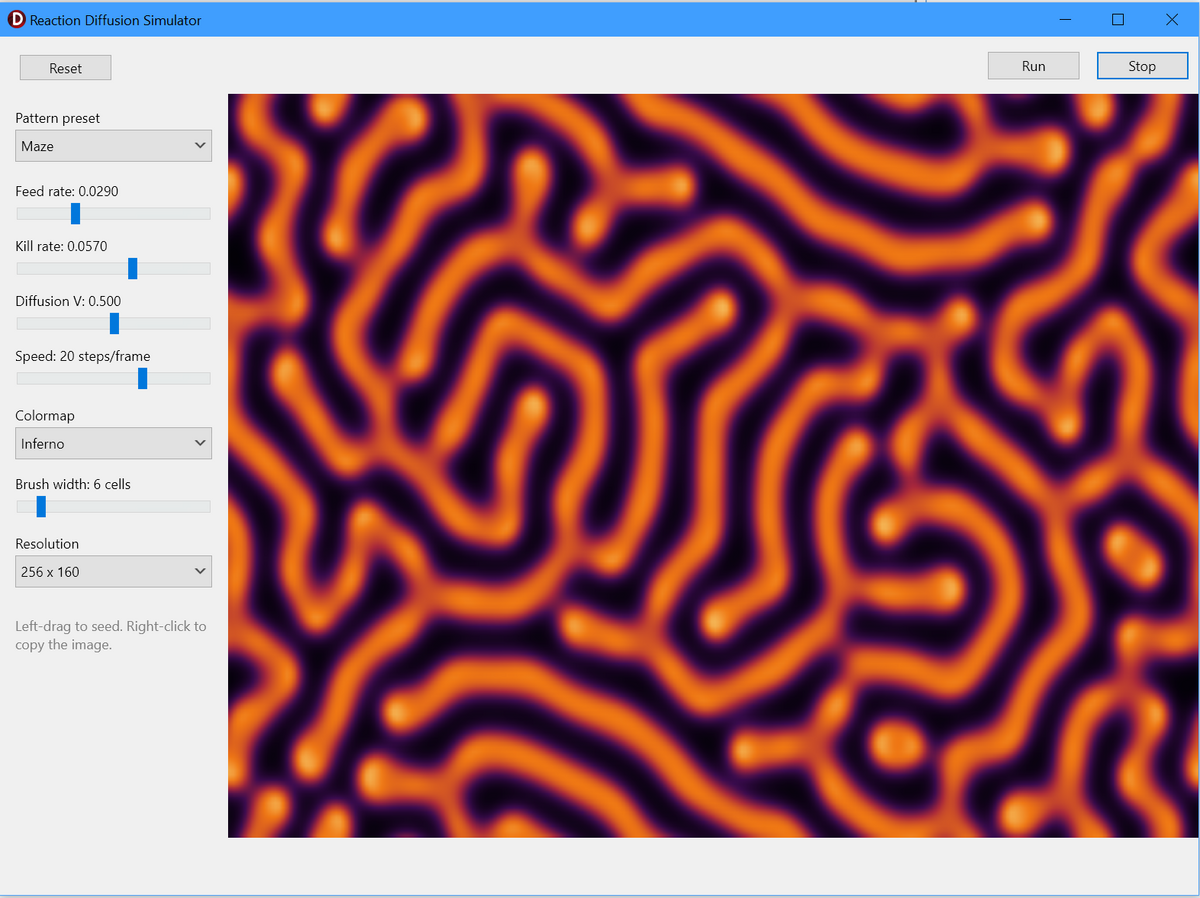
To get some practice with using Claude Code, I created this simple reacton diffusion simulator (see also https://github.com/hsauro/LorenzAttractor_Claude)) It took less than 30 minutes to create the code.
Once setup, using Claude Code is very easy. I started with a basic FMX project with a form and some TLayout panels. The center control had a TSkPaintBox and I added some buttons to run, stop and reset the simulations. A created the stubs for the OnDraw and button clicks although I am not sure how necessary that was. I then asked Claude to write the main code for setting up the differential equations, inplementing the solver and creating the skia drawing code.
After the first version was made we iterated by adding more UI controls, (Claude did this automatically by upding the fmx file), different resolution settings, color styles, and some preset patterns. I also asked Claude to add a right click over the paint box to capture the image into the clipboad. There is also a brush tool that can be used to disturb the chemical concentrations in real time.
This is one of the more famous patterns that is created by reaction diffusion (preset maze)