

Mond

The Mond Enhanced Suite by Daniel Crumpler — a modern Rainmeter collection featuring clock, weather, now playing, recycle bin, and interactive settings panel, inspired by Connect-R’s original Mond skin.
- Active · last change 6-22-2026
- ★ 1 on GitHub
README
🌙 Mond Enhanced Suite
by Daniel Crumpler
A modern reimagining of the original “Mond” Rainmeter skin by Connect-R.
🖼️ Overview
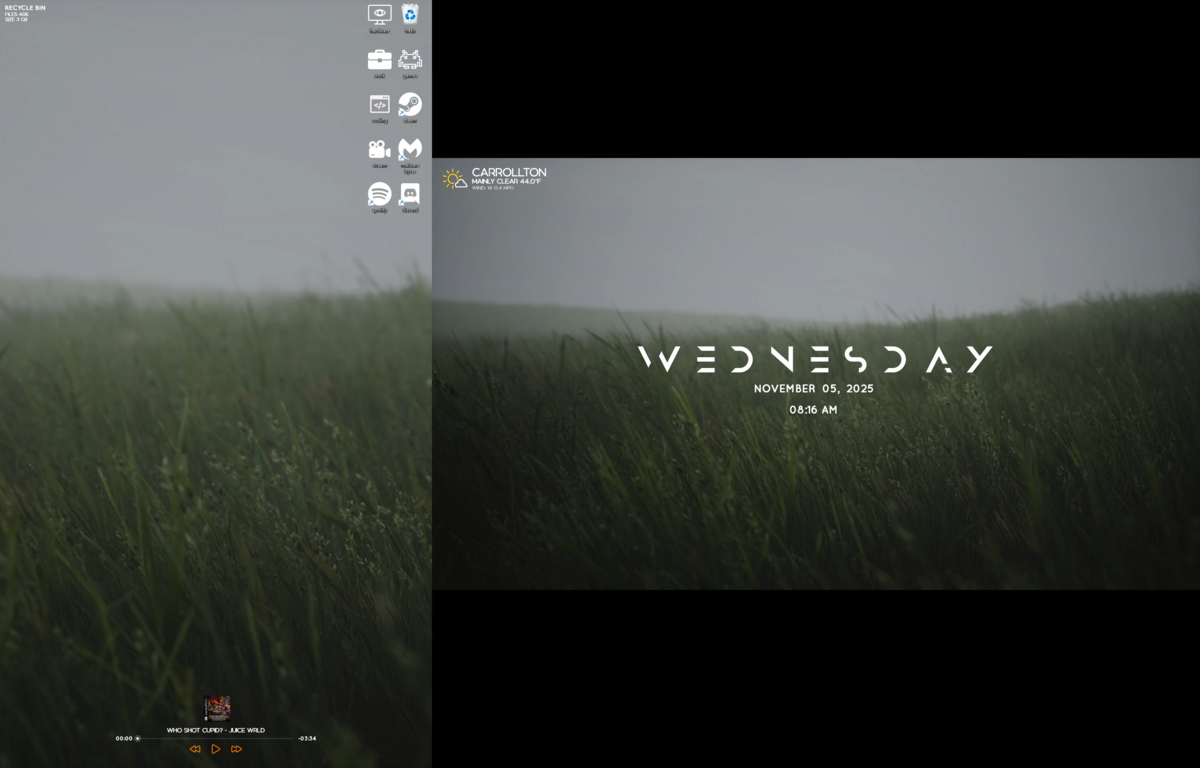
The Mond Enhanced Suite brings a cohesive and visually refined Rainmeter experience. Each component—Weather, Clock, Now Playing, Recycle Bin, and Settings—has been re-engineered for responsiveness, interactivity, and easy customization, while preserving the minimalist elegance of the original Mond design.
🖼️ Preview Gallery
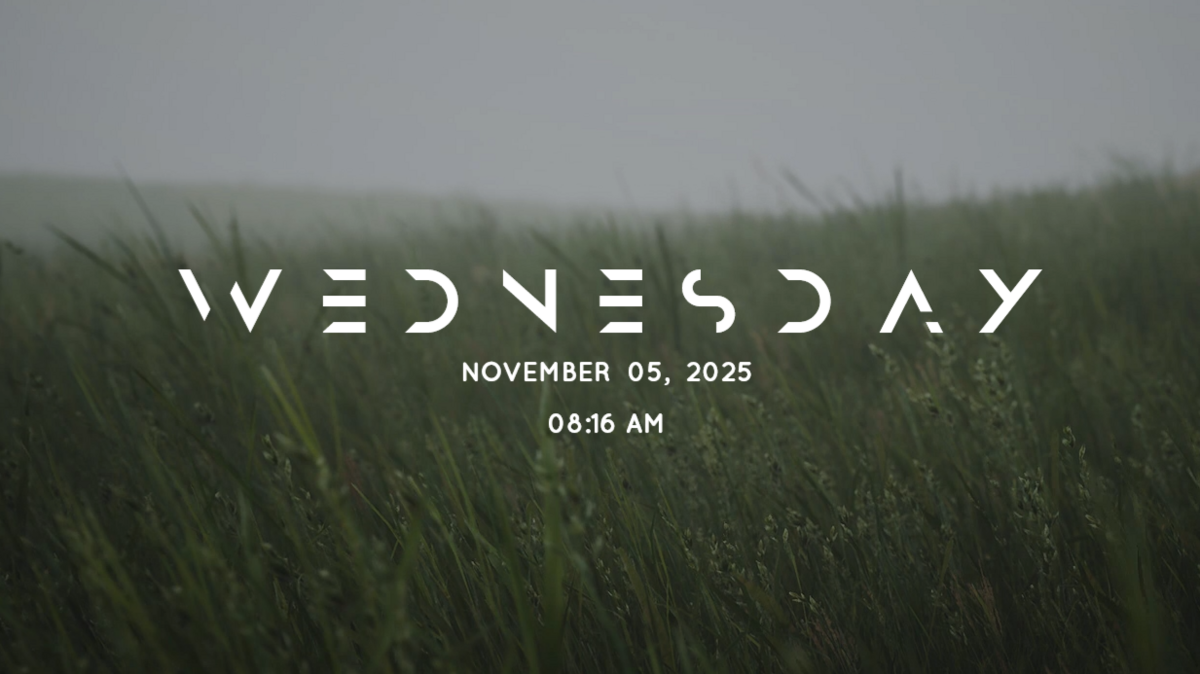
🕒 Clock & Date
🌦️ Weather Module

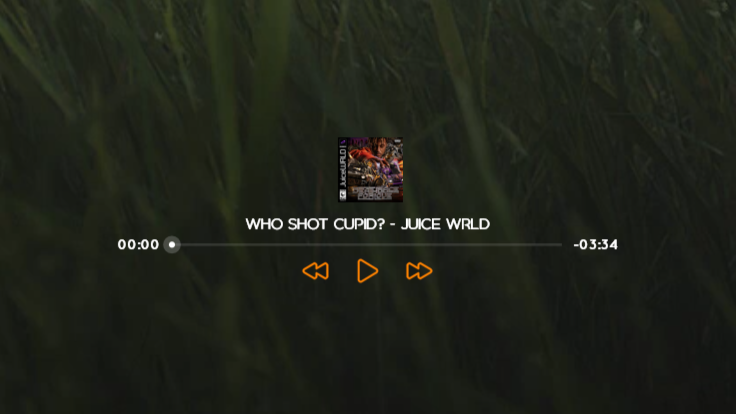
🎵 Now Playing
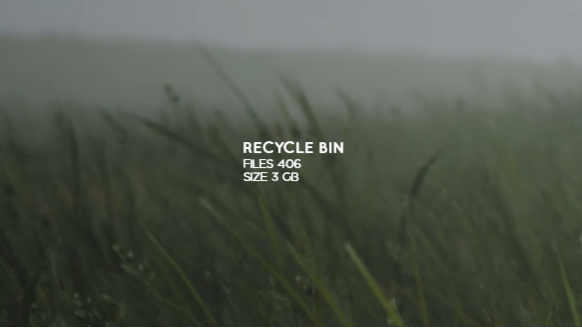
🗑️ Recycle Bin
🌤️ Desktop Layout Example
✨ Components
🕒 Clock & Date
A clean digital clock and calendar module.
- Switch between 12-hour and 24-hour modes.
- Styled using Quicksand and Anurati fonts.
- Auto-scaling with the mouse wheel.
- 💡 Tip: Double-click the clock to open or close the Settings panel.
🌤️ Current Weather
Displays live weather data based on your detected location.
- Location determined via ipwho.is.
- Weather data fetched from Open-Meteo.
- Includes temperature, wind, and condition icons.
- Dynamic icon routing handled by
iconrouter.lua. - Supports unit toggles for °F / °C and mph / kph.
🎵 Now Playing
A sleek music widget powered by WebNowPlaying.dll.
- Displays song title, artist, album, and progress bar.
- Interactive play/pause/skip controls.
- Live cover art display.
- Auto-scales dynamically and syncs with supported media players.
🗑️ Recycle Bin
A minimalist bin indicator with quick actions.
- Shows file count and total size in the Recycle Bin.
- Click to open or empty the bin.
- Auto-switches between full and empty icons.
- Uses RecycleManager.dll for real-time monitoring.
⚙️ Settings Panel
An integrated configuration interface for the entire suite.
- Change colors, clock format, temperature units, and media player directly from the panel.
- Linked to
Variables.incso settings persist after refresh. - Hover animations and intuitive tooltips.
- Supports RainRGB4 for color selection.
⚙️ Requirements
- Rainmeter 4.5 +
- Internet connection (for weather data)
- Plugins:
- WebNowPlaying.dll
- RecycleManager.dll
- RainRGB4 (optional for color picker)
📦 Installation
- Download or clone this repository.
- Copy the entire Mond folder into your Rainmeter
Skinsdirectory. - Refresh Rainmeter and load the desired modules from Manage Skins.
- Use the Settings Panel to customize colors, scaling, and preferences.
🧠 Credits
- Original Design: Mond by Connect-R
- Enhancements, rewrites, and integrations: Daniel Crumpler
- APIs Used: ipwho.is, Open-Meteo
🪪 License
Licensed under the MIT License. Feel free to modify, redistribute, or include in your own Rainmeter builds with proper credit.
🧩 Folder Structure
Mond/
????????? @Resources/
???   ????????? Variables.inc
???   ????????? iconrouter.lua
???   ????????? WeatherIcons/
???   ????????? Language/
???   ????????? Addons/
????????? Clock/
????????? Weather/
????????? Player/
????????? RecycleBin/
????????? Settings/
❤️ Notes
This suite is designed for clarity, performance, and customization. Scroll to resize, double-click the clock to open or close Settings, and enjoy a unified Mond experience.