Catalog · How the catalog works
ImageViewer

View images in a folder or play a slideshow. Simple with Image Viewer.
- ★ 1 on GitHub
Anyone may press Interesting, signed in or not. It helps others find this project.
README
Image Viewer v2.0.1410 / 09nov2025 / MIT License
View images in a folder or play a slideshow. Simple with Image Viewer.
Features
- View static and animated images
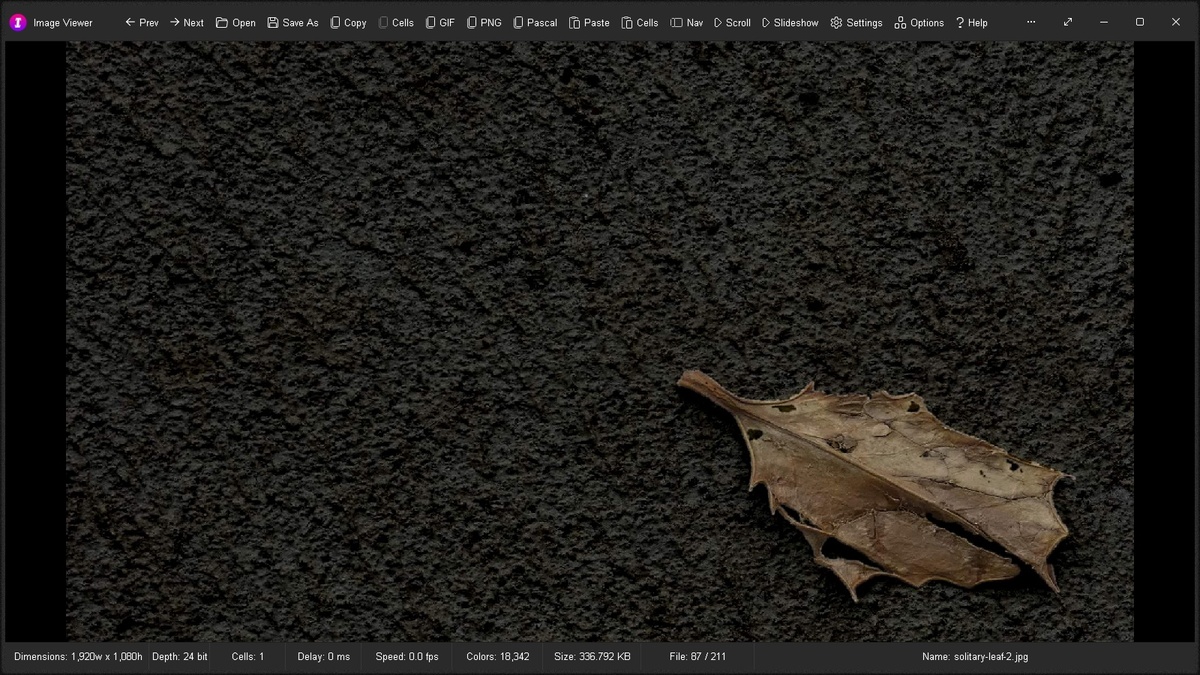
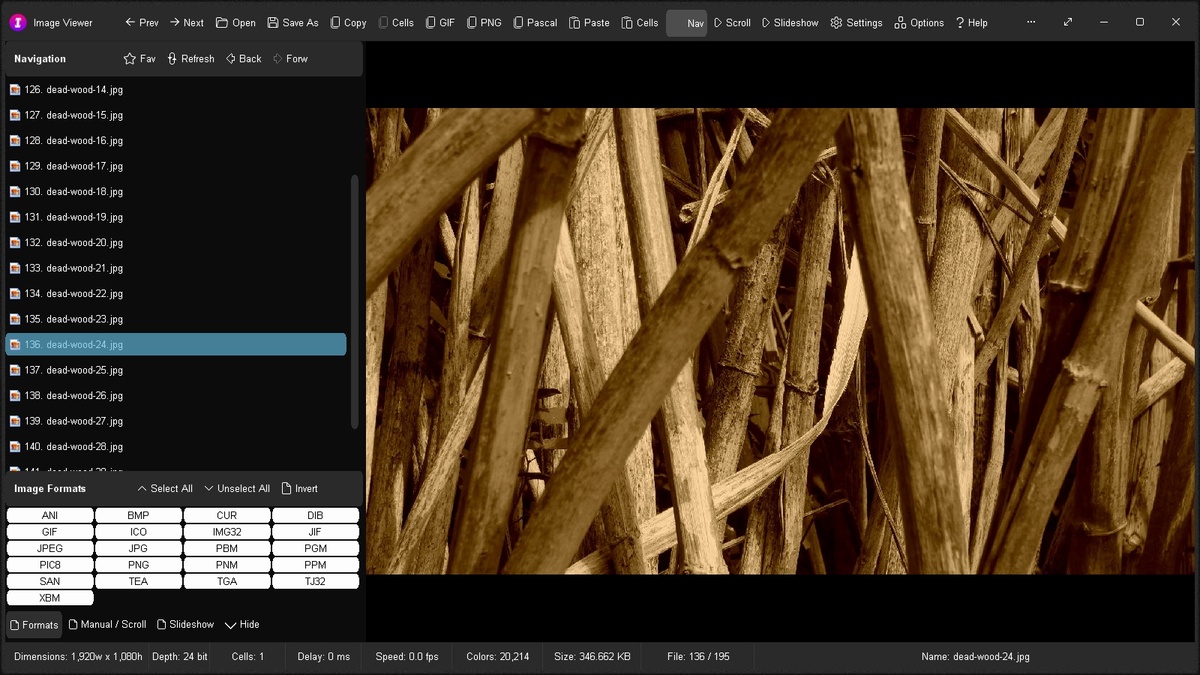
- Realtime Image Information - Dimensions (width x height in pixels), Depth (bits), Cells (1..N), Delay (in milliseconds), Speed (in frames/cells per second), Colors, Size (file size), and File name
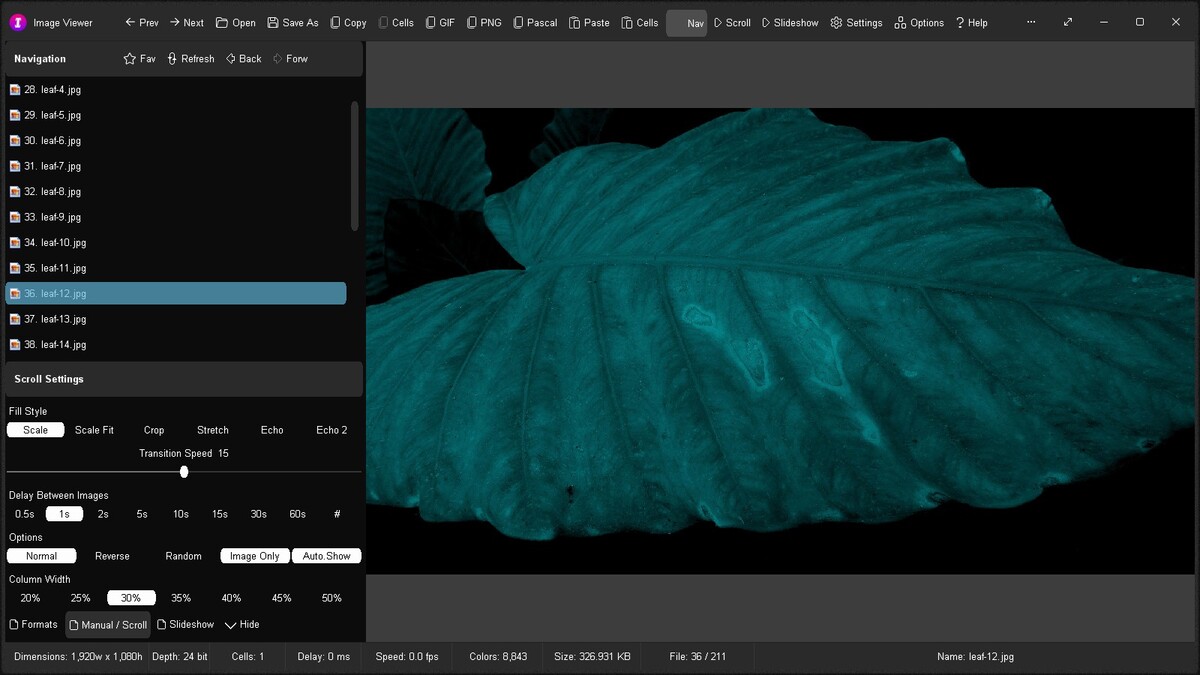
- Scroll - Automatically scroll through a folder of images with definable delay and transition speed in the current window
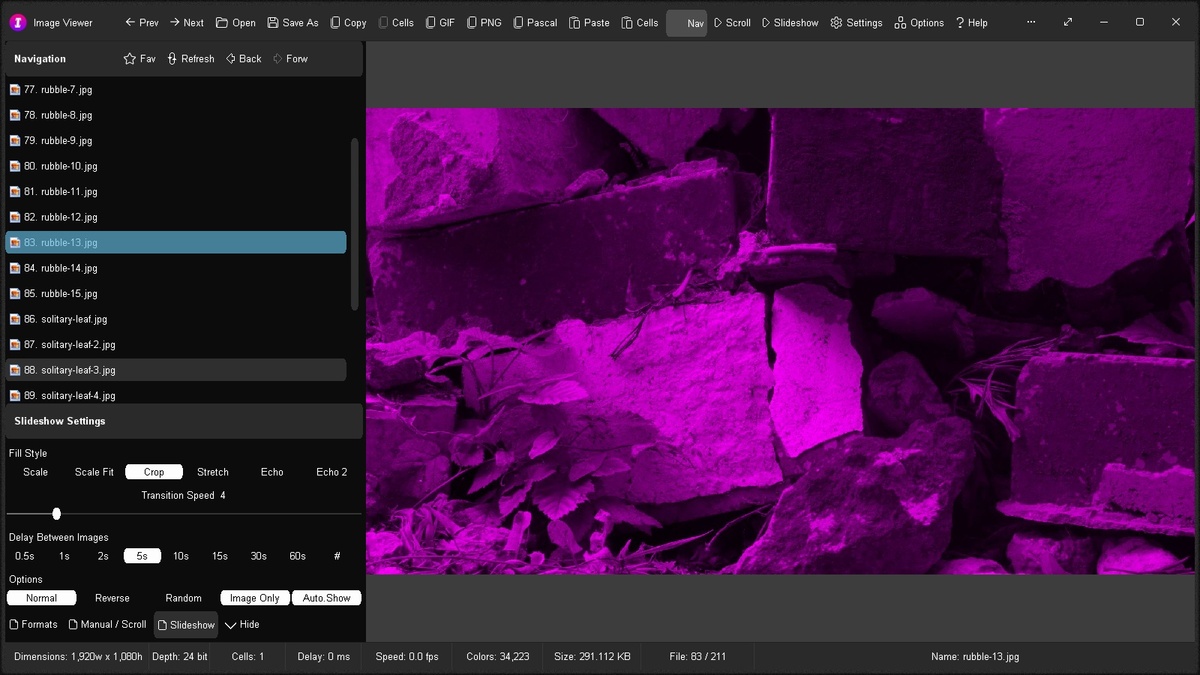
- Slideshow - View a folder of images as a slideshow at fullscreen with definable delay and transition speed
- Display Order Sequence: Normal, Reverse, or Random
- Control how images display - Fill Style: Scale (view at 1:1 or scale down to fit), Scale Fit (scale up or down to fit), Crop (view at 1:1 or trim to fit), Stretch (stretch to fill entire area), Echo and Echo 2 (view at 1:1 or scale down to fit and echo a strong / faint background in unused area)
- Copy image to Clipboard (first cell of animation)
- Copy animation to Clipboard as an image strip
- Copy image to Clipboard as mime/type GIF/PNG and paste directly into html code
- Copy image to Clipboard as an uncompressed Pascal array
- Paste image from Clipboard and save to file
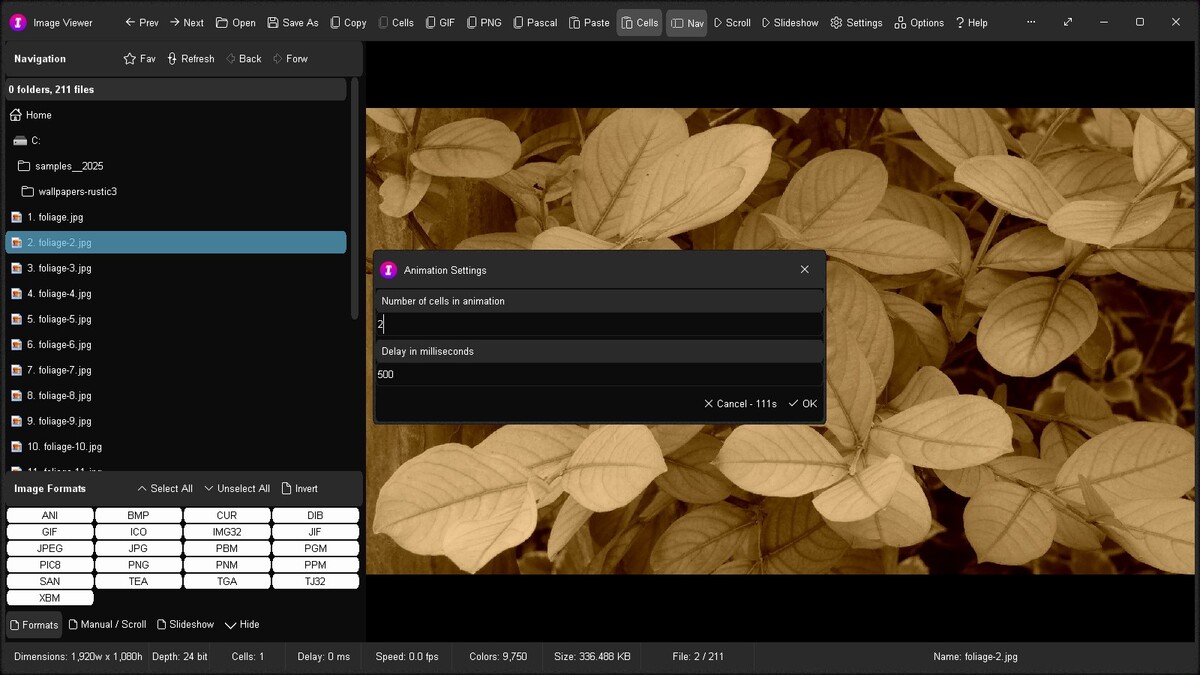
- Paste image strip from Clipboard as an animation and save to file - define number of cells and animation delay in milliseconds
- Supports Clipboard transparency (PNG and CF_DIBV5)
- Definable Screen Color: Default, Grey, Light Grey, Black, White, Off White, and Custom
- Supports Image Formats: ANI - Animated Cursor, BMP - Bitmap, CUR - Static Cursor, DIB - Device Independent Bitmap, GIF - Animated GIF, ICO - Icon, IMG32, JIF - Jpeg, JPEG - Jpeg, JPG - Jpeg, PBM - Portable Bitmap, PGM - Portable Greymap, PIC8 - Game Sprite, PNG - Portable Network Graphic, PNM, PPM - Portable Pixelmap, SAN - Simple Animation, TEA, TGA - TarGA Picture, TJ32 - Animated Transparent Jpeg, and XBM - X Bitmap
- Option: Image Only - Automatically hide GUI and show image only during a scroll or slideshow task (after a short delay)
- Option: Auto.Show - Automatically show the GUI (if hidden) when the mouse cursor moves during a scroll or slideshow task - deselect option to run a scroll / slideshow task on a 2nd monitor and work on the 1st
- Option: Settings > On App Start - Start Normally, Scroll through List, or Play Slideshow
- Option: Settings > Paste to Current Folder - Paste and save in current folder (ticked) or last folder (not ticked)
- Prev/Next - Show previous / next image
- Open - View or edit image in default graphics app - e.g. MS Photos
- Save As - Save image to file in the same or different image format with automatic format conversion
- Nav - Toggle display of navigation panel
- Options Window - Easily change app color, font, and settings
- Portable
- Smart Source Code (Borland Delphi 3 and Lazarus 2)
Download
Download imageviewer.exe or from the "bin" or "src" folders above.
Images