

Catalog · How the catalog works
Ultibo-LVGL

Ultibo with LVGL v9.4.0
- ★ 1 on GitHub
Anyone may press Interesting, signed in or not. It helps others find this project.
README
Ultibo LVGL
Using Ultibo with LVGL v9
</br>
📑 Overview
From scratch I have managed to translate most of the original LVGL v9.4.0 headers to Ultibo (Pascal), maintaining the original comments of each structure, procedure and function.
It's a way to take advantage of both LVGL and Ultibo's Baremetal Raspberry.
Very useful in industrial projects that require a GUI.
I tested it with:
- Rapberry Pi Zero2W
- Rapberry Pi 3B
- Rapberry Pi 4B
- Official Raspberry Pi touch screen (v1)
- Peripherals: FHD monitor, mouse and keyboard.
To develop a project, you absolutely need these three files:
| File | Description |
|---|---|
| initunit.pas | Disable Console Autocreate during boot. |
| UhLVGL.pas | Ultibo LVGL handling. All credit goes to the Ultibo team. |
| UbLVGL.pas | Ultibo binding for LVGL v9. |
Note: It is required to have the latest version of the RTL from the
developbranch updated.
</br>
📋 Examples
These are short examples intended to show how some components work using Ultibo.
| Example | Description |
|---|---|
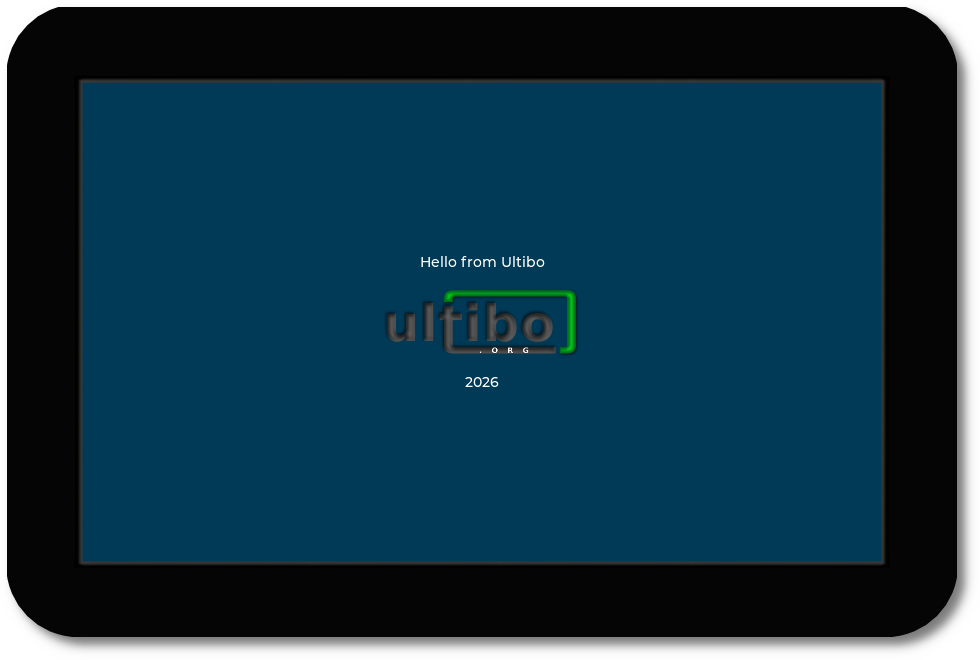
| 1 | It's "Hello World", including an image and with custom colors. |
| 2 | Handling different events including animation. |
| 3 | Tabview with three tabs, use of animated GIF, custom fonts and arc. |
| 4 | Tabview with three tabs, gradient buttons, checkboxes, and a text area with a keyboard. |
</br>
⚙ Ultibo LVGL Tool
I developed a tool to convert images, animated GIFs, and TrueType fonts into LVGL v9 compatible code, generating a file for use with Ultibo.
It also shows you how to use the file generated within Ultibo.
This tool was used in the development of the examples.
Detailed information can be found at Tool.
</br>
🌐 Additional Links
- Official forum and solution to doubts from Forum Ultibo.
- LVGL Repository.
- LVGL documentation.