

grcalc

An MS-DOS graphic calculator written in Turbo Pascal, updated to run on Mac OS using Free Pascal
- Active · last change 12-25-2025
- ★ 1 on GitHub
README
GrCalc - Graph Calculator
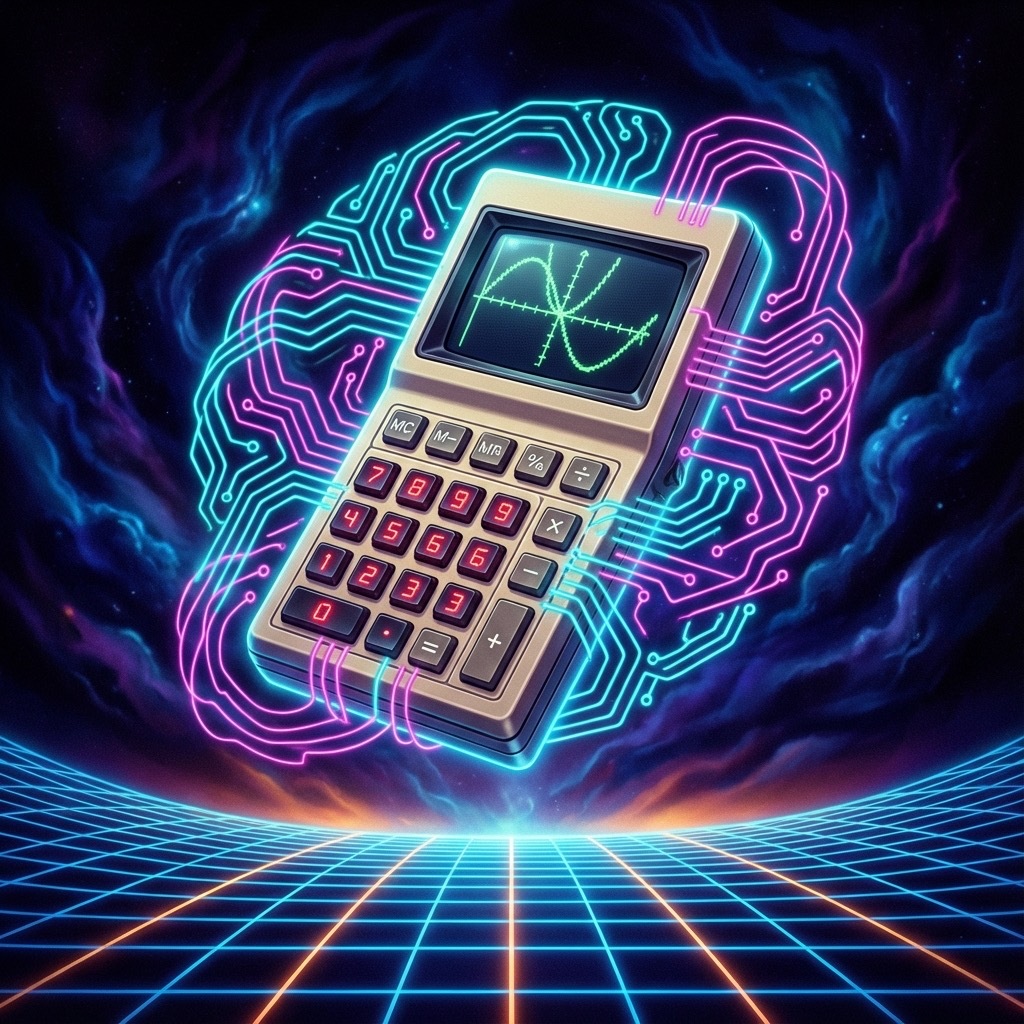
A modernized version of a 1990s TurboPascal 7 graph calculator application, adapted for Free Pascal.
Original Program
This is "A Proper Graph Calculator" written in 1995-1996. It was a DOS-based graphical application that allowed users to:
- Plot mathematical equations (two equations simultaneously)
- Pan and zoom the graph view
- Find roots, y-intercepts, and intersection points
- Use trigonometric functions (sin, cos, tan) and natural logarithm
History
I've written about the history of this in a blog post.
Compilation
Prerequisites
- Free Pascal Compiler
brew install fpc - SDL2 (for graphics support)
brew install sdl2
Building
makeThis will produce the grcalc executable in the project root.
Project Structure
grcalc/
????????? original/           # Original unmodified 1996 source files
???   ????????? GRCLC120.PAS   # Main program
????????? src/               # Modernized source files
???   ????????? GRCLC120.pas   # Modified main program
???   ????????? Button.pas     # Recreated GUI button system
???   ????????? Mouse.pas      # SDL2-based mouse handling
???   ????????? Stack.pas      # Stack data structure for expression parsing
???   ????????? Graph.pas      # TurboPascal Graph API compatibility layer (SDL2)
????????? Makefile
Changes from Original
The following modifications were made to run on modern systems:
Main Program (GRCLC120.pas)
- Added
{$mode objfpc}directive for Free Pascal compatibility - Changed uses clause from
Graphto customGraphunit - Replaced DOS port access (
port[]) with no-op stubs - Changed graph driver path from
'c:\tp7\bgi'to''
Recreated Units
- Button.pas: Complete recreation based on usage analysis
- Mouse.pas: SDL2-based implementation replacing DOS interrupts
- Stack.pas: Simple stack for expression parsing (string and real)
- Graph.pas: TurboPascal Graph API implemented using SDL2
- SDL2 Units: Included
src/sdl2/from SDL2-for-Pascal to ensure cross-platform compatibility (especially macOS Apple Silicon).
Known Issues
Mouse Interaction
Mouse coordinates might need calibration depending on window scaling and High-DPI displays.