

X360Assistant

Volume control, screenshot and video creation utility for Xbox gamepads / Утилита изменения громкости, создания скриншотов и видео для Xbox геймпадов
- Active · last change 6-30-2025
- ★ 1 on GitHub
README

 ← Choose language | Выберите язык
X360Assistant
A utility for adjusting volume, taking screenshots, and recording video using an Xbox gamepad.
Features
To use the utility, go to settings → Xbox Game Bar and uncheck the "Open Xbox Game Bar by pressing the Xbox button" option. Game Bar will still open the utility, but in a slightly different way. You can exit the Game Bar by pressing the B button.
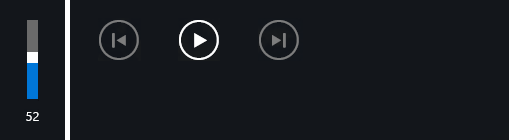
The volume is changed by pressing Xbox + X, Xbox + B or Xbox + DPAD ←, Xbox + DPAD → simultaneously. If the keys are actively used in the game, change the volume in the game menu.
A screenshot is taken by simultaneously pressing one of the following combinations: Xbox + A, Xbox + DPAD ↑, Xbox + DPAD ↓, Xbox + LB, Xbox + RB (choose the one that doesn't interfere with the game). Video recording is started by holding the same buttons. Screenshots can be taken in several modes: Game Bar (default), Steam (F12 key), or both Game Bar and Steam (simultaneously).
For autorun, add a shortcut to the "X360Assistant.exe" program to startup - Windows %AppData%\Microsoft\Windows\Start Menu\Programs\Startup.
Download
Version for Windows 10, 11.
Feedback
r57zone[at]gmail.com