

Catalog · How the catalog works
historical-project_chemistry

- ★ 1 on GitHub
Anyone may press Interesting, signed in or not. It helps others find this project.
README
1996: My final thesis in computer science at school
1996 was the only school year in which I had computer science lessons. I must have been in the 11th grade. A few friends and I already had a few years of experience with Borland Pascal. While the class was taking its first steps, we were given time off for motivational reasons ;-).
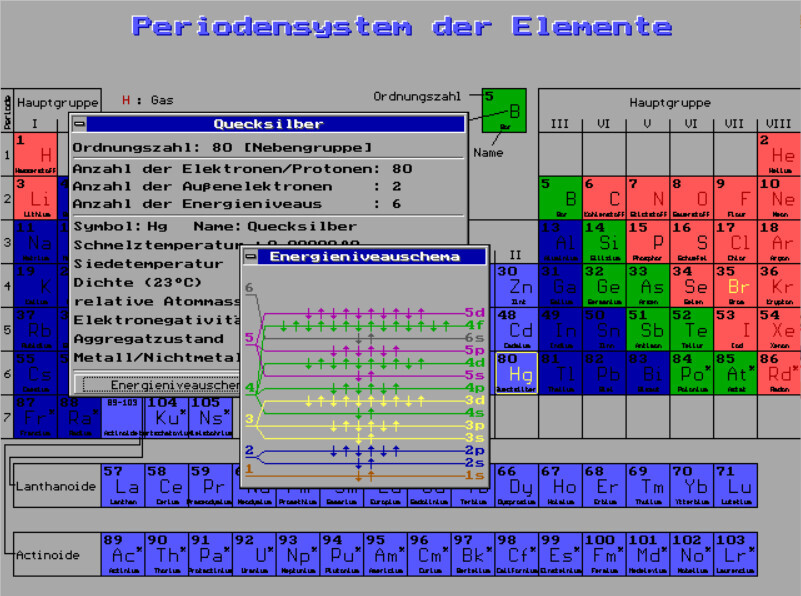
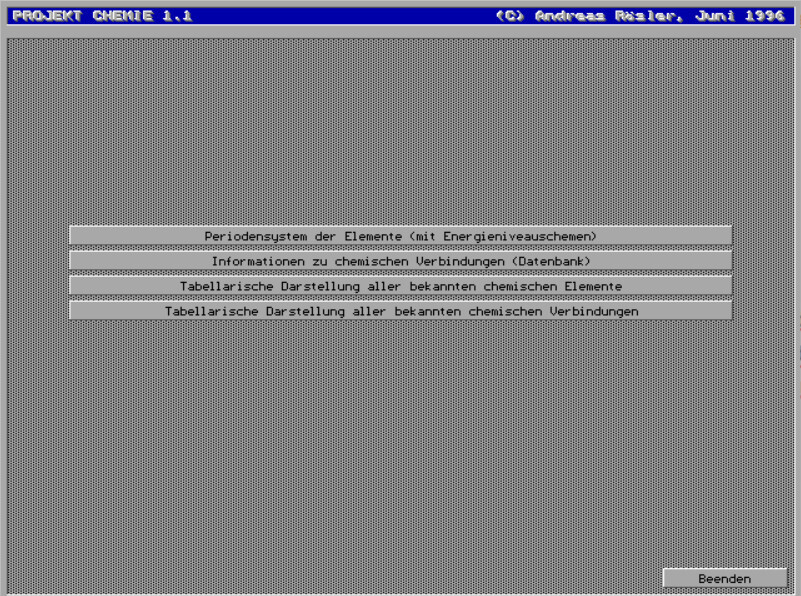
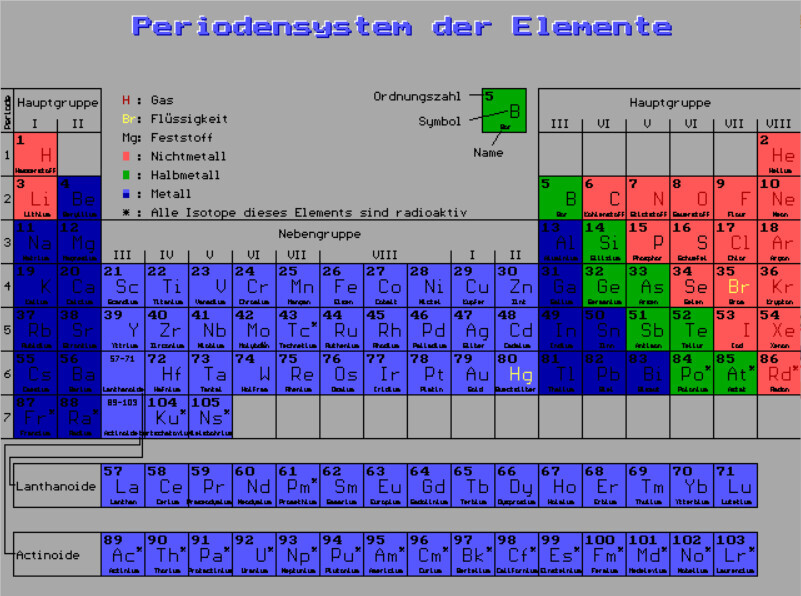
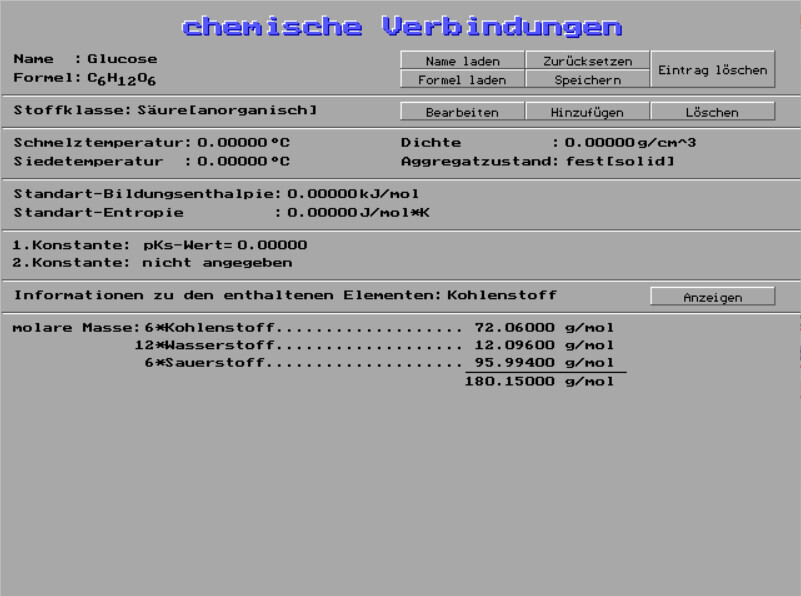
Because I had no other hobbies, this became my final project: the periodic table of the elements, displayed in graphics mode under MS DOS, with two databases I had invented myself. One database was for the chemical elements with their properties, the second for chemical compounds. Both were - of course - only filled with sample data and both are expandable in the program.
Back then, I implemented the graphical dialogs in CONTROLS.PAS in an object-oriented way - I think that was the new cool shit in Pascal at the time. It made it much easier for me to create the many dialogs, but it was also a bit lame. Today you don't notice any of that anymore.
 </img>
 </img>
 </img>
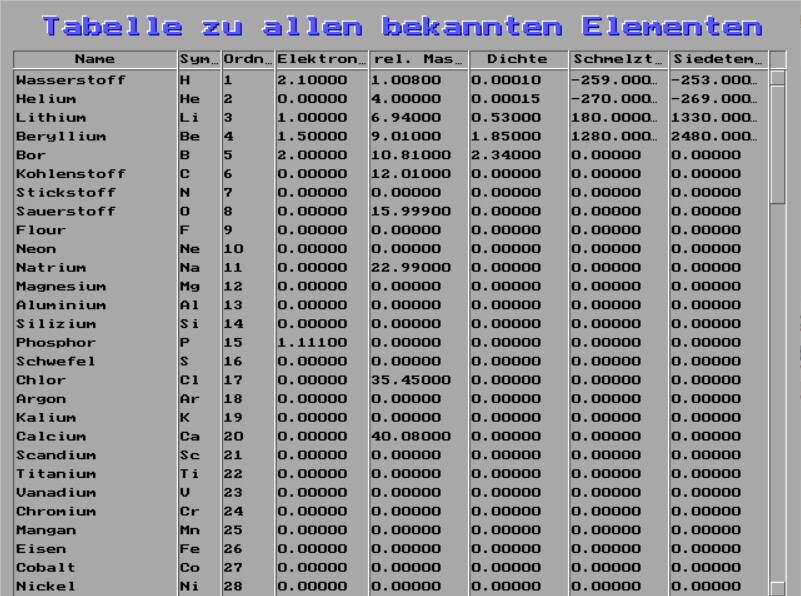 </img>
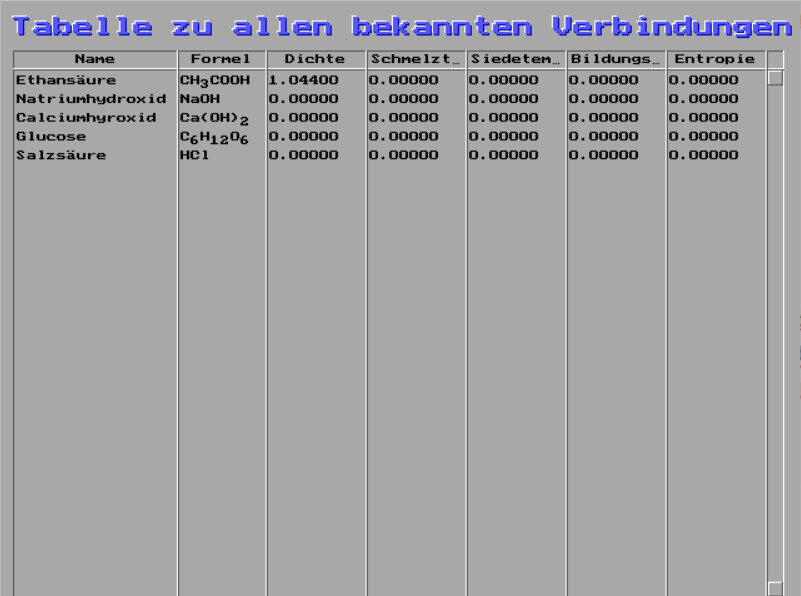 </img>
Run it
Download the whole bin-Directory to your PC. You have several options to run it:
Easiest way: Using dosbox-x
DOSBox-X is a DOS emulator being available for Linux, Windows and macOS. Just change into the directory containing the bin-Files and run ...
dosbox-x -x CHEMIE.EXERetro way: Virtual Periodic System of Elements featured by VirtualBox :-)
Run MS DOS 6.x in your VirtualBox. In addition to a suitable mouse driver, you will also benefit from the use of DOSIdle and WinFloat:
C:\VIRTBOX\DOSIDLE.EXE
C:\VIRTBOX\HIDE87.COM
C:\VIRTBOX\VBMOUSE.EXE install
C:\VIRTBOX\VBMOUSE.EXE wheelkey updn
Hardcore way: The original MS DOS
Use your PC with an IBM 8088 Processor or higher with minimum 512k of memory. A compatible pointing device is required. The AMD 80486DX 40 CPU with 4MB RAM, which I have tested extensively, is highly recommended.
Make sure that the mouse driver is loaded correctly:
LoadHigh C:\DOS\MOUSE.COMCompile the source code
Yes, you can still compile the source code yourself! It certainly works with Borland Pascal 7.0, but Turbo Pascal should also work. In the editor, all individual libraries must be compiled into TPU files. At the very end, the CHEMIE.PAS can be compiled into a CHEMIE.EXE. It is easier and quicker to do this on the command line:
BPC.EXE -B -CD CHEMIE.PAS