

kstereo

Stereograms generator written in Pascal
- Quiet · last change 7-6-2024
- ★ 1 on GitHub
README
KStereo
Welcome to KStereo, a stereograms generator written in Pascal.
Original version was coded in 1997, and a couple of stereograms were created. The release, "kstereo.exe", a self-extracting archive, might still be around on some sites.
The FPC/SDL2 version was created in 2024, and introduces more features (scenes, a basic UI interface to preview/generate/reload/save, support for any output resolution, etc).
Code is not very well documented or straight-forward and in places down right ugly, unfortunately. As I was working on the FPC/SDL2 port, I realized that writing it from scratch would have been a far better approach.
Media
For the original stereograms, check out the image gallery!
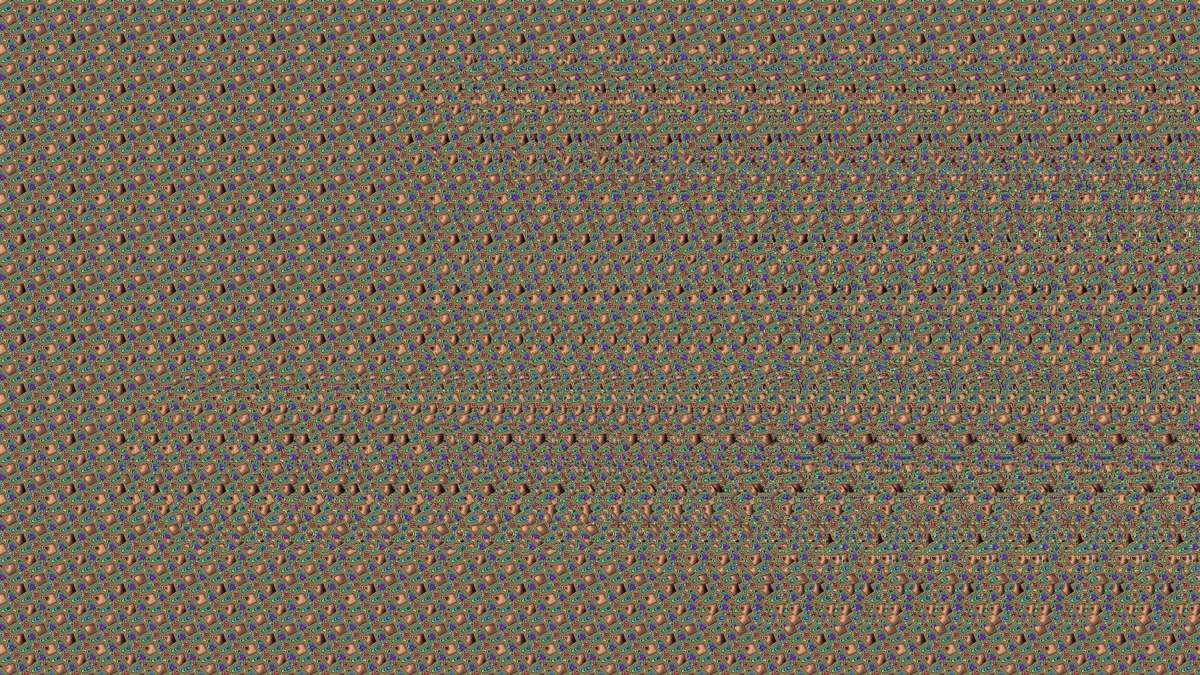
For the newest ones in glorious HD, check the renders folder. Here's an appetizer!
Setup (General)
This project uses submodules and they need to be initialized.
After cloning the project, run:
git submodule init
git submodule update
Alternatively, pass --recurse-submodules to git clone (or tick the box in your clone popup if you have a visual git client).
Setup&Install&Build (FPC SDL2)
Install Free Pascal Compiler (version 3.2.2+)
Run build_kstereo.bat to build and run.
The executable requires the SDL2 dll: SDL2.dll, SDL2_image.dll and SDL2_ttf.dll. You may find them in one of the releases or use your own.
The executable requires a scene parameter. Test scenes may be found in the data folder.
You can modifiy a scene file using an external text editor, then reload it in the program using the "R" key (useful if you want to make adjustments on the fly)
For the list of 3d objects ("obj" group) in the scene, please use the list of objects format. Couldn't figure out how Free Pascal TJSONConfig/jsonconf library reads array of objects, so this is a workaround.
The 3D object type can be:
- "mesh" (in which case provide a mesh in the "var" format)
- "convexsphere" for a SDF-like sphere ("radius" and "pos" properties should be specified)
- "concavesphere" for a SDF-like sphere ("radius" and "pos" properties should be specified)
Setup&Install&Build (original, DOS)
Turbo Pascal/Borland Pascal is needed to build it. You may want to build fast_r.pas, as it's, well, fast.
3D Objects format
The original 3D objects are in OBJ format, which is data disguised as code in the OMF 16 format. A conversion tool is provided, ExtractVARFromObj.pas that converts them back to VAR format.
Not sure why I thought at that time that linking data would be more flexible than reading an external file, but hey, ~30 years after I've learned better :)
The original 3d objects and a few from my Amorphis demo are available in the obj3d folder.
The VAR format is quite simple:
- number of vertices (UInt16)
- each vertex contains x, y, z as Int16 (6 bytes)
- number of faces (UInt16)
- each face has 3 vertex indices (UInt16) and a color (byte) (7 bytes) - make sure you triangulate before exporting from your 3D modeler program.
TODO
- support for floating point
- port the fast version of the generator to SDL2
- maybe a Unity plugin ;)
License
Code license: https://opensource.org/licenses/MIT
Original stereograms: https://creativecommons.org/licenses/by-nc-sa/4.0/