

Catalog · How the catalog works
CastleLines2D

Castle Lines 2D is a set of two components for Castle Game Engine
- ★ 1 on GitHub
Anyone may press Interesting, signed in or not. It helps others find this project.
README
Castle Lines 2D is a set of two components for Castle Game Engine ([https://castle-engine.io/](https://castle-engine.io/)))
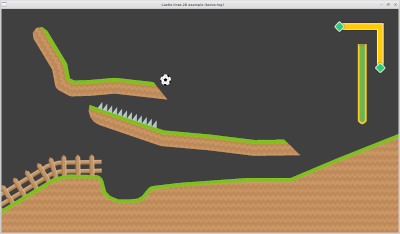
Castle Lines 2D makes it possible to create geometry from polygons directly in the CGE editor.
Castle Lines 2D consists of classes inherited from TCastleAbstractPrimitive:
TCastleLine2D - polyline.
TCastlePolygon2D - potentially non-convex polygon.
To enter the editing mode, use the drop-down menus in the object hierarchy window
Left mouse button - add a point, move a point.
Right mouse button - delete a point.
Middle mouse button - open a window for editing a point.
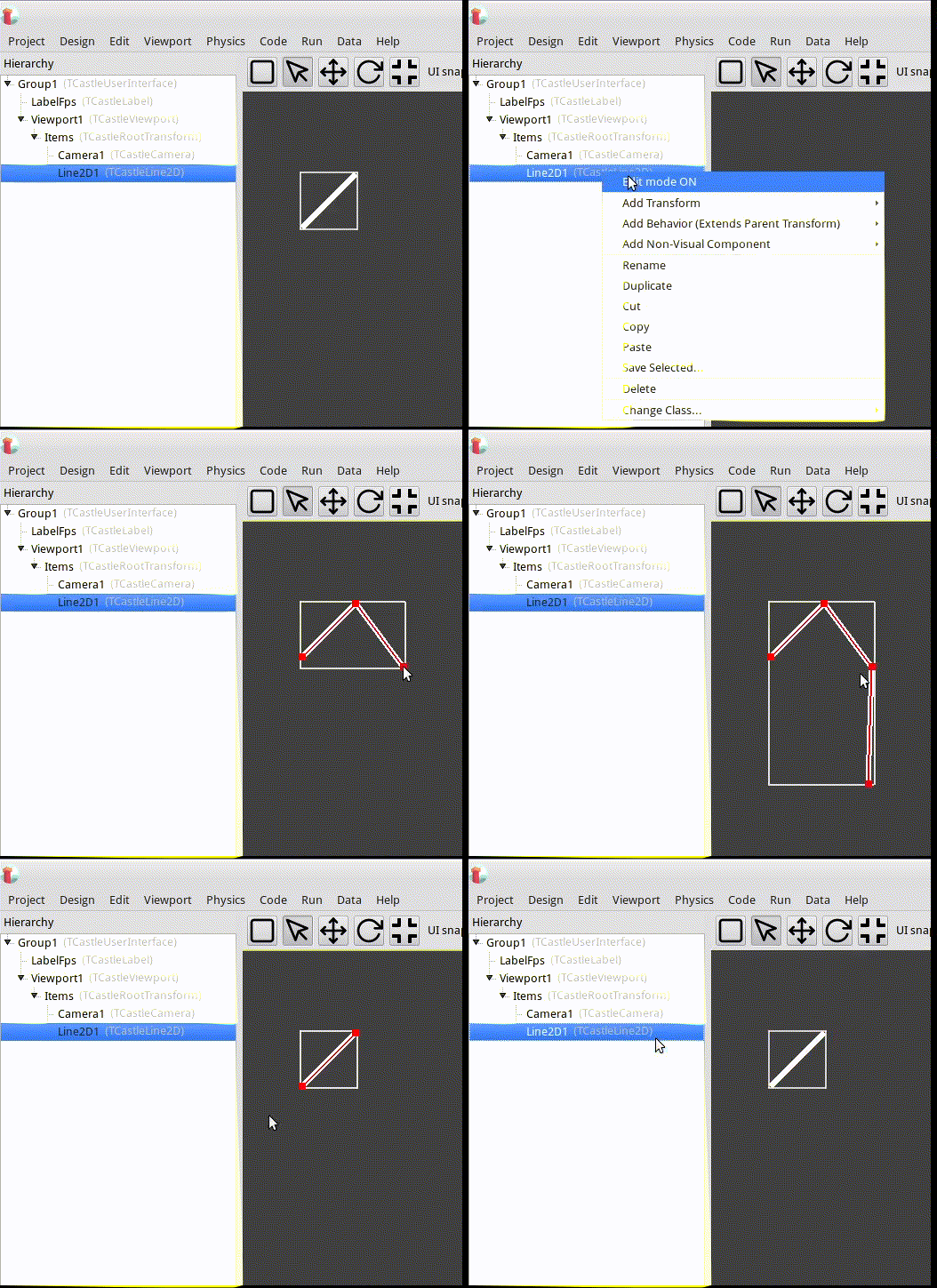
Detailed usage instructions:
- Get TCastleLine2D code.
- Point your project to
TCastleLine2Dsources. E.g. add this toCastleEngineManifest.xml:<compiler_options> <search_paths> <path value="code/" /> <path value="../../../CastleLines2D/src/" /> </search_paths> </compiler_options> - Add to
CastleEngineManifest.xmlthe lineeditor_units="CastleLine2D,CastlePolygon2D".
See CastleEngineManifest.xml docs for examples. - Open your project in CGE editor and use “Project -> Restart Editor (With Custom Components)”
- In Lazarus don't forget to add the source path to “Project Options -> Compiler Options -> Paths -> Other unit files”
- Be sure to also add
CastleLine2D, CastlePolygon2Dto some uses clause, to register components at runtime.
Documentation
For detailed documentation, see [https://kumurtash.github.io/CastleLines2D-docs/index.html](https://kumurtash.github.io/CastleLines2D-docs/index.html)
Examples
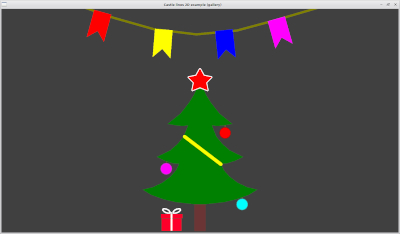
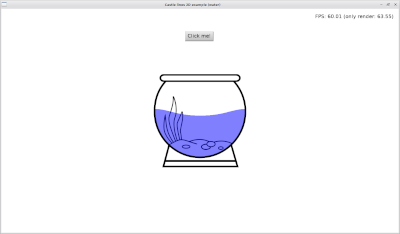
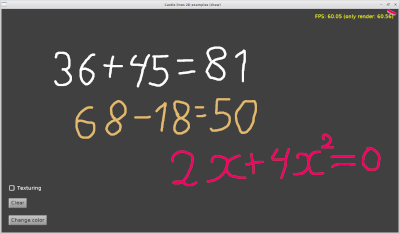
For examples, see /CastleLines2D/examples
Change log
12.01.2023
Added various ways to apply texture to TCastleLine2D, TCastlePolygon2D.
The Shift key now helps to draw straight lines.
In CastlePolygon2D added property - Area
Bugs fixed.