

Catalog · How the catalog works
Calculator

A simple calculator built with C++ Builder, supporting basic arithmetic operations.
- ★ 1 on GitHub
Anyone may press Interesting, signed in or not. It helps others find this project.
README
📐 Calculator in C++ Builder.
📝 Description:
Simple calculator written in C++ Builder. Enables basic mathematical operations.
🛠 Functions:
- ✅ Addition.
- ➖ Subtraction.
- ✖️ Multiplication.
- ➗ Division (division by zero protection).
- 🔒 Window resizing disabled for a consistent user experience.
👉 How to use:
- Open app.
- Enter the first number, then select an operation.
- Enter the second number.
- Click the result button to see the result.
📸 Screen shots:
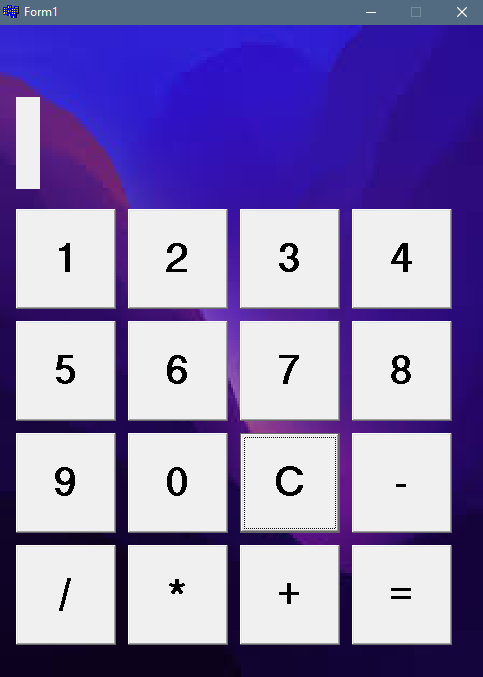
🔍 Requirements:
- 🖥 Operating system: Windows
- 🛠 Environment: C++ Builder. The code was originally written in Borland's version of C++ Builder, so it's best to use that version to compile and run your project. However, the code may also work in newer versions of C++ Builder from Embarcadero, but this has not been tested.
🚀 Installation:
- Environment: Make sure you have C++ Builder installed.
- Downloading the project: Clone the repository with Git: git clone (https://github.com/Kacper657/Testt
- Opening the project: Open the project file (most likely with the extension .cbproj or .bpr) in C++ Builder.
- Build: In the C++ Builder environment, build the project by selecting the appropriate option (for example, "Build").
- Run: After successful compilation, you can run the application directly from C++ Builder.****