

Catalog · How the catalog works
facilita-fiscal

opensource tool to facilitate brazilian invoice and tax document operations
- ★ 20 on GitHub
Anyone may press Interesting, signed in or not. It helps others find this project.
README
Facilita Fiscal (OpenSource)
English/Português(Brasil)
Ferramenta Open Source com funcionalidades relacionadas a documentos fiscais (NFe, CFe).
Toda interface foi construída utilizando apenas os componentes nativos do Delphi Community 10.3.3 Rio.
Algumas funcionalidades dependem dos componentes ACBr.
Open Source tool to facilitate brazilian invoice and tax document operations
The entire interface was develop using only VCL Delphi 10.3.3 Rio components.
For extras funcionalities I've use the ACBr lib.
Fade-in effect when starting (Delphi Native)
Efeito esmanecer ao iniciar
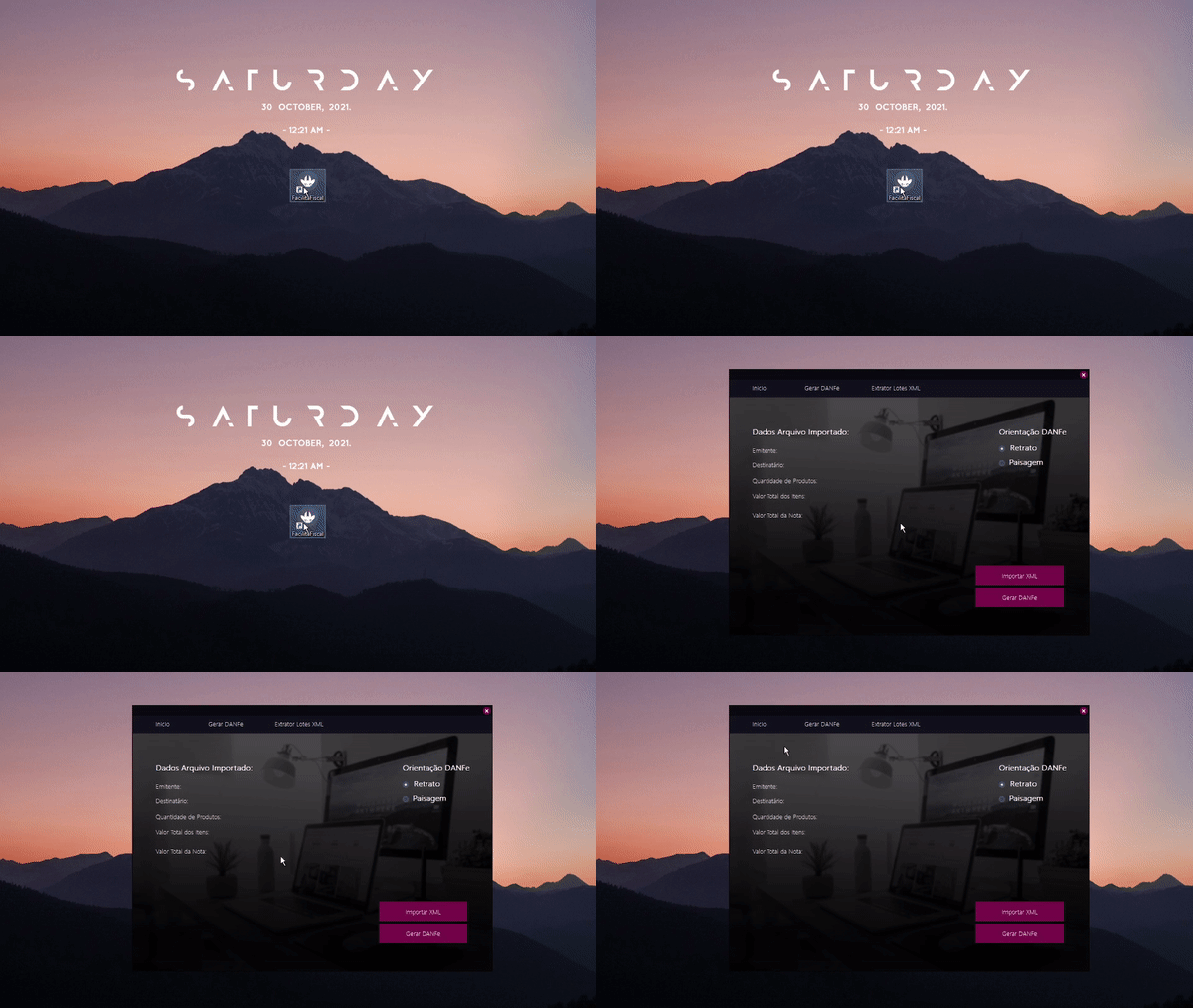
Mouse Hover effect (Delphi Native)
Efeito ao passar o mouse sobre os componentes
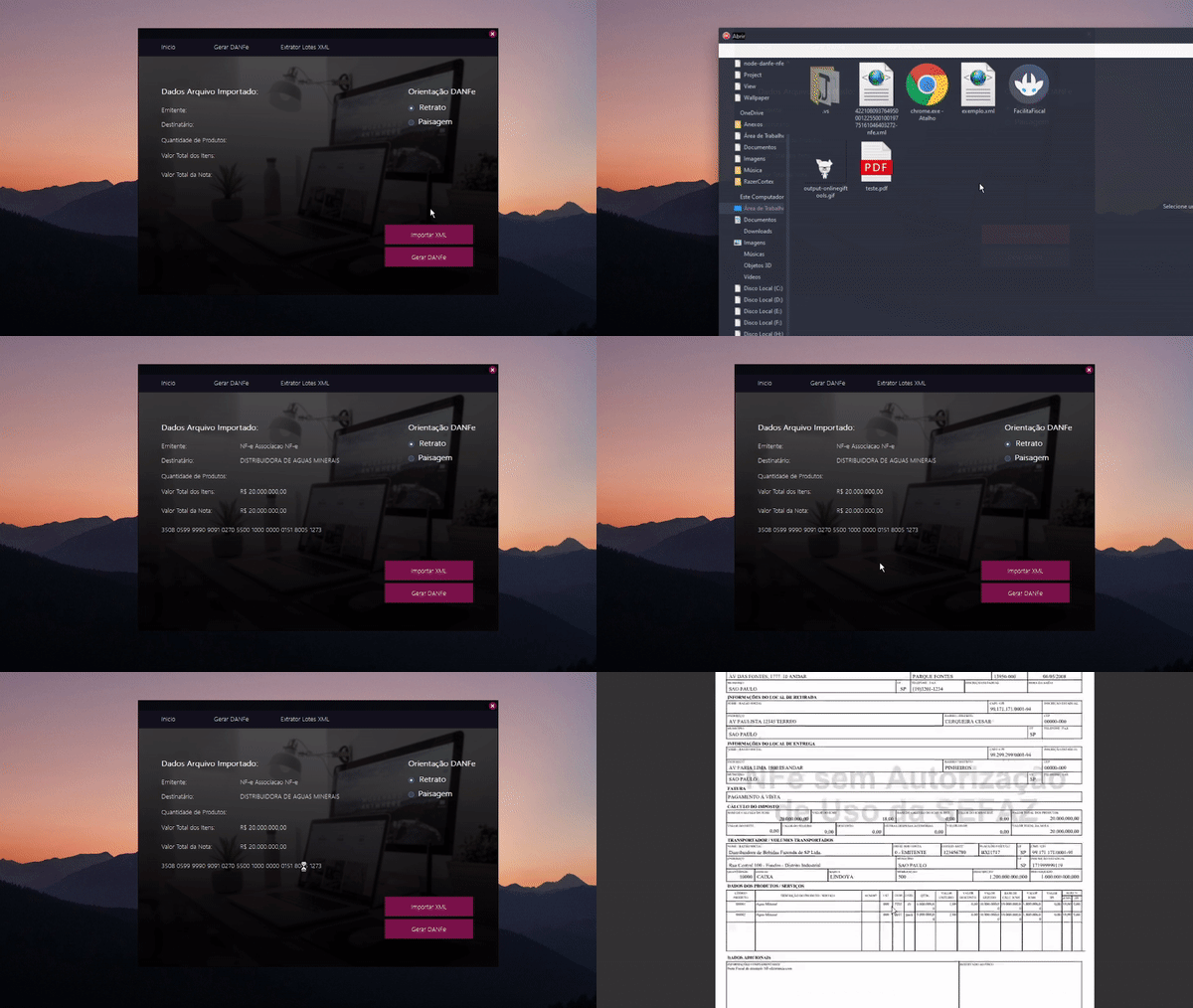
Invoice XML to DANFe
Conversor XML(NFe) Para DANFe
Fade-in Effect
{runtime Timer create in OnCreate event}
procedure form.OnCreate;
begin
Timer := TTimer.Create(nil);
try
 FadeIn; {function}
except
 {exception}
end

{fadeIn Event}
procedure FadeIn;
begin
Self.AlphaBlend := True;
Self.AlphaBlendValue := 0;
Timer.OnTimer := OnTimer;
Timer.Interval := 3;
Timer.Enabled := True;
end;

{Timer event}
procedure OnTimer(Sender: TObject);
begin
if Self.AlphaBlendValue > 250 then
begin
  Self.AlphaBlendValue := 255;
  Timer.Enabled := False;
end
else
  Self.AlphaBlendValue := Self.AlphaBlendValue + 17;
end;

end.
Hover-like effect
{Move Leave Events Button / Panels}

procedure PanelMouseLeave(Sender: TObject);
begin
LeaveBtnPanel(TPanel(Sender));
end;
procedure PanelMouseLeave(Sender: TObject);
begin
MoveBtnPanel(TPanel(Sender));
end;

{functions (Same for Labels, Replacing TPanel for TLabel(aLabel).Font.Color)}
procedure MoveBtnPanel(aPanel: TPanel);
begin
TPanel(aPanel).Color := COLOR_BUTTON_HOVER;
end;
procedure TfrmMain.LeaveBtnPanel(aPanel: TPanel);
begin
TPanel(aPanel).Color := COLOR_BUTTON;
end;

{I Have create a Styles Class to able change the font sizes, colors and the style of interface at the same time}

unit FacilitaFiscal.View.Styles.Colors;
interface
const
H0 = 28;
H1 = 24;
H2 = 18;
H3 = 16;
H4 = 14;
H5 = 12;
H6 = 10;
H7 = 8;
COLOR_BACKGROUND = $001E1213;
COLOR_BACKGROUND_DARK = $00110A0B;
COLOR_HIGHLIGHT_MAIN = $00620FDD;
COLOR_HILIGHT_SECOND = $004600FA;
COLOR_BUTTON = $004A1379;
COLOR_BUTTON_HOVER = $004734FA;
COLOR_WHITE = $FFFFFF;
FONT_STANDARD = 'Segoe UI Light';
implementation
end.