

Catalog · How the catalog works
LogcatD

An extension for RAD Studio that displays logs of android devices
- ★ 24 on GitHub
Anyone may press Interesting, signed in or not. It helps others find this project.
README
Android Logcat for RAD Studio
1. About the project
2. Depends
3. ToDo
4. How to install
5. Bugs and Features
About the project
When developing an Android application, it is often necessary to view system, service and other logs. RAD Studio IDE does not provide us with such a tool. Therefore, we had two options:
- Logcat is a command-line tool;
- Logcat window in Android Studio IDE.
The first option is a command line tool and it is not very convenient to analyze logs. The second option requires us to install the Android Studio IDE. And you must agree that installing Android Studio for the sake of just one Logcat window is a bit redundant.
That's why this project was born, which solves this problem - Android Logcat for RAD Studio extension. With this extension, you can analyze logs in the RAD Studio development environment almost as well as in Android Studio, without having to install the latter.
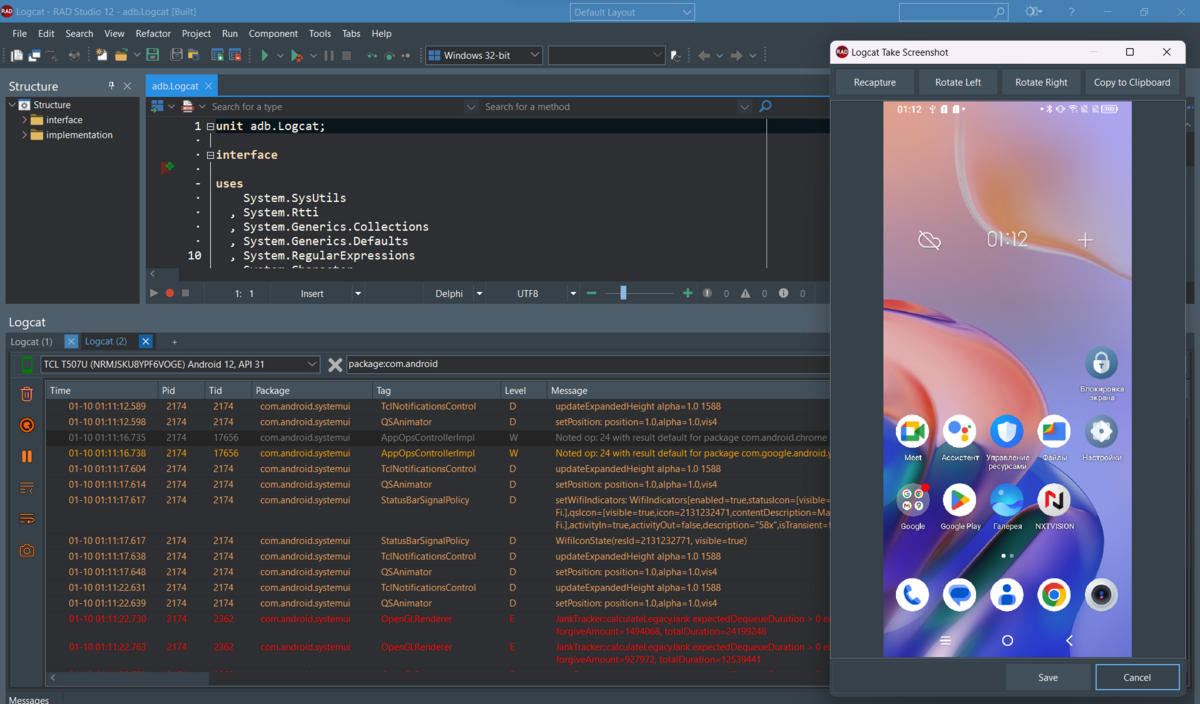
After installing the extension, you can find the tool in the menu: View->Tool Windows->Android Logcat
You can use the following filters:
| Key | Description |
|---|---|
| pid: | filter by pid |
| package: | package name contain strings |
| tag: | log tag contains string |
| message: | log message contains string |
| level: | filter by min log level |
Add - to a key to exclude logs with the value (such as, "-tag:").
Add ~ to use regex (such as, "tag~:" and "-tag~:").
Terms with the same key commbine with OR "tag:foo tag:bar" means "foo OR bar".
Negated terms combine with AND "-tag:foo -tag:bar" means "!foo AND !bar"
You can combine keys: -level:i -package:libc tag:native
https://github.com/ivanovsergeyminsk/LogcatD/assets/25233737/abb9240d-7034-47e2-b6a9-d9afb742e414
Depends
The project depends on two third-party libraries:
- SVGIconImageList
- VirtualTree
You can install them from GetIt - library repository in RAD Studio
ToDo
Define a limit on the number of stored messages in memoryHow to install
1. Install the SVGIconImageList and VirtualTree libraries
Open Tools->GetIt Package Manager...
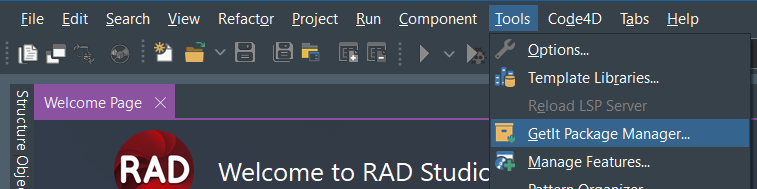
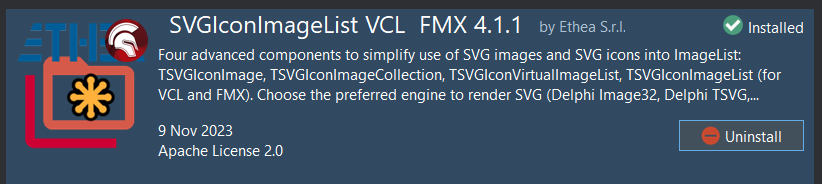
Type "SVGIconImageList" into the search bar

Click the "Install" button and follow the instructions
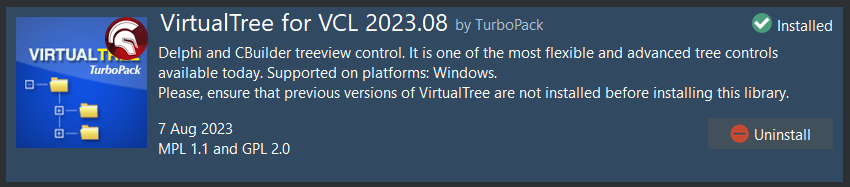
Type "VirtualTree" into the search bar and click the "Install" button and follow the instructions
2. Build and install an extension
Open the Logcat.dpk project.
In the "Projects" tool window, right-click on "Logcat.bpl" and click on "Install" in the menu that appears
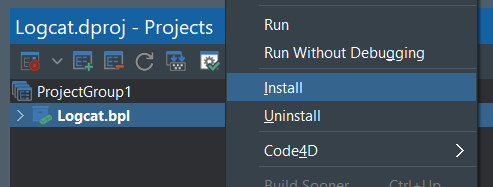
After installing the extension, you can find the tool in the menu: View->Tool Windows->Android Logcat
Bugs and Features
If you find bugs or want to add features to the project, use GitHub's "Issues" and "Pull requests" tools.