

Catalog · How the catalog works
FrameListBoxItem

ListBoxItem allow to add Frame in it.
- ★ 31 on GitHub
Anyone may press Interesting, signed in or not. It helps others find this project.
README
FrameListBoxItem
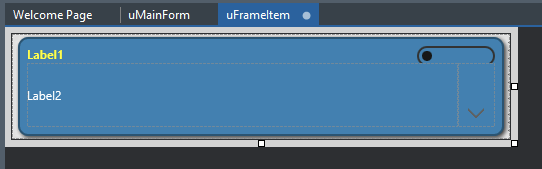
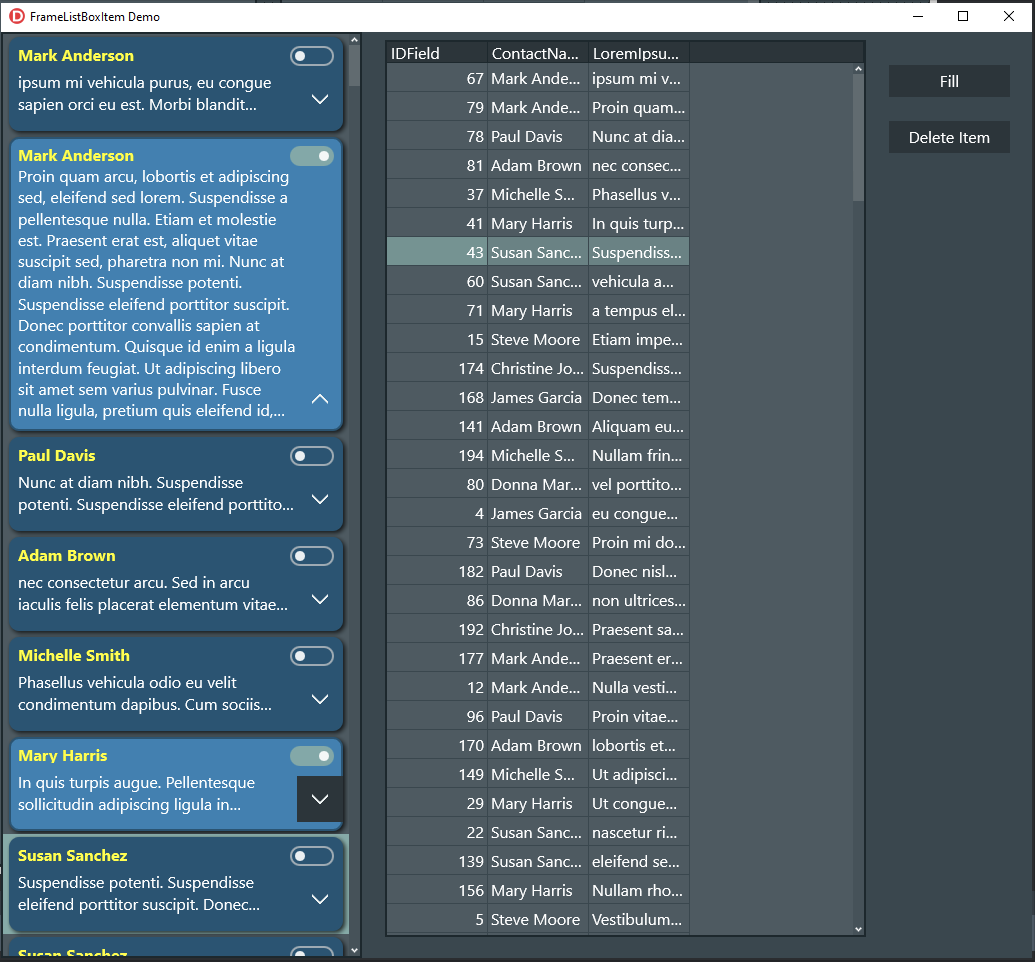
FrameListBoxItem allows to use TFrame in its items. It supports FMX platforms Windows 32/64, Android and IOS (no VCL).
What is it?
It is a TListBoxItem with a Frame property. Nothing more.
VCL support?
No, and it is not meant to be. It supports only FMX.
How does it work?
Simply, it is creating a Frame inside a TListBoxItem.
Installing
Just add FrameListBoxItem.pas to your project.
How to access the internal Frame?
Frame Property allow you to access it. simple right?
Examples
Create FrameListBoxItem and add it to a listbox:
  itm := TFrameListBoxItem<TFrame1>.create(Listbox1);
  itm.Parent := ListBox1;
  itm.Height := 100;
Access a component inside the frame: let’s say you have a frame and a label component inside it.
itm.Frame.label1.Text := 'This is a FrameListBoxitem';There is another way to do it by adding necessary properties inside Frame unit. and handle everything in it.
FrameUnit.pas

TFrame1 = class(TFrame)
...
public
  property ID: String read FID write SetID;
  property Title: String read FTitle write SetTitle(Value: String);
end;
...
procedure SetTitle(Value: String);
begin
  FTitle := Value;
  lable1.Text := FTitle;
end;
...
now simply you can do this:
itm.Frame.Title := 'James Bond';How to populate a Listbox with items from a dataset?
  listbox1.ItemHeight := 0; // set it to 0 if you have a defrent item's hieghts

  Listbox1.BeginUpdate; // this will speed up the proccess.

  myTable.First;

  while not myTable.Eof do
  begin
    itm := TFrameListBoxItem<TFrame2>.create(Listbox1);
    itm.Parent := ListBox1;
    itm.Height := 100;
    itm.Frame.ID :=  myTable.FieldByName('ID').AsInteger; // the frame have ID: integer property you can use it to locate the dataset ;)
    itm.Frame.Title := myTable.FieldByName('CustomerName').AsString; // the frame have Title: String property
    myTable.Next;
  end;
  listbox1.EndUpdate;
Destruction
The frame will destroy with the listbox item destruction or when clear the listbox because the frame is owned by the Listbox Item. don't warry.
ListBox1.Items.Delete(ListBox1.Selected.index);Can I use different frames in one listbox?
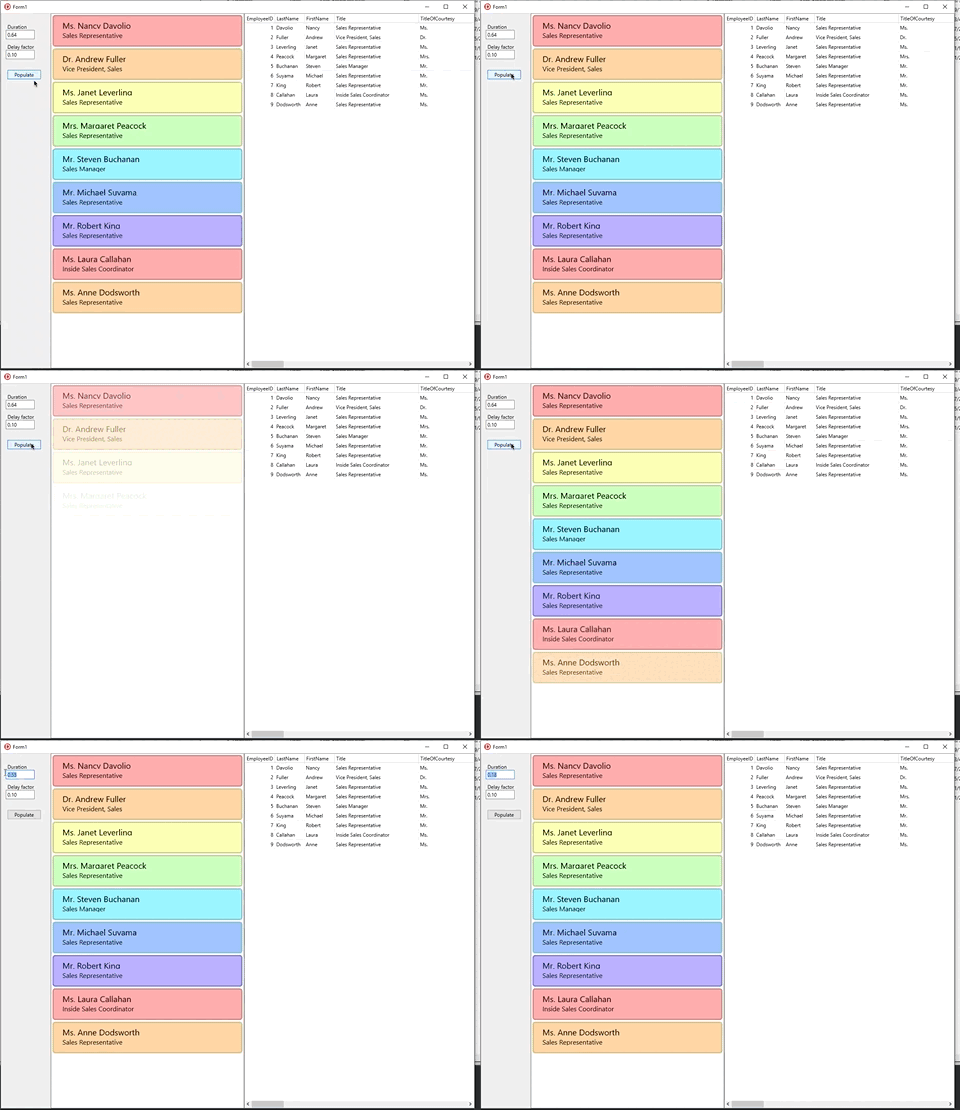
Sure, you can. In the Image bellow
رجاءاّ لا تسألني عن اللغة العربية. لا علاقة للغة العربية بهذه المكتبة نهائيا. استخدم RTLFix.
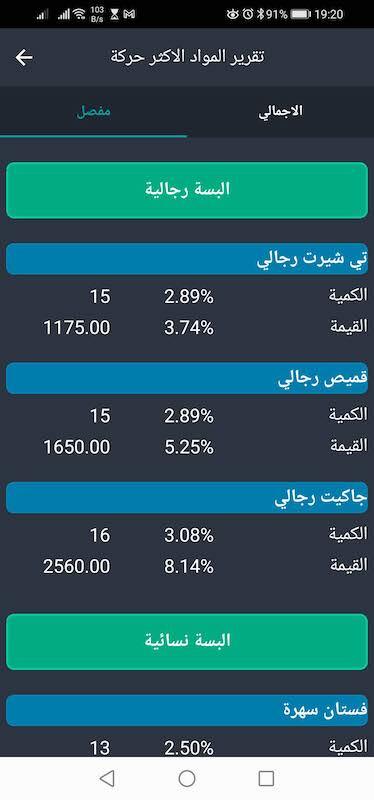
The green part is a Frame:

This part is a different frame:

another example
 // locate the associated record in a dataset
 // "ID" is an integer property in the frame to save the record's identify id inside the frame itself.
 MyTable.Locate('IDField', (Item as TFrameListBoxItem<TFrame2>).Frame.ID );
Visual Binding
No visual binding support ( I didn't think about it yet ). but don't complicate it. life is not always easy. just set the values manually.
License
No license attached. be free to do whatever you want with it.