

Catalog · How the catalog works
CalcToolbox

- ★ 3 on GitHub
Anyone may press Interesting, signed in or not. It helps others find this project.
README
CalcToolbox
A small cross platform calculation software for engineer calculation.
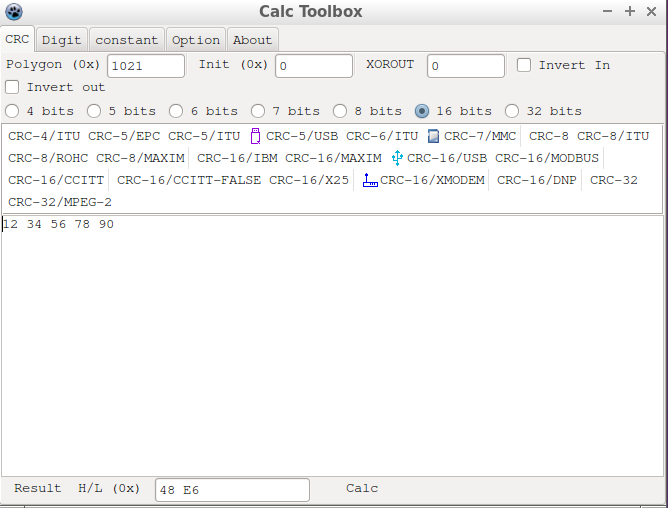
Screenshot
Linux screenshot
feature
- Multiple CRC calculations, with predefined patterns
- CRC4
- CRC5
- CRC6
- CRC7
- CRC8
- CRC16
- CRC32
- Multiple base number conversion
- Multiple types of numbers to byte buffer conversion
- Big Float calculation
- Big Integer calculation
- Convertor
- Programmable calculator
- Multiple interpreters
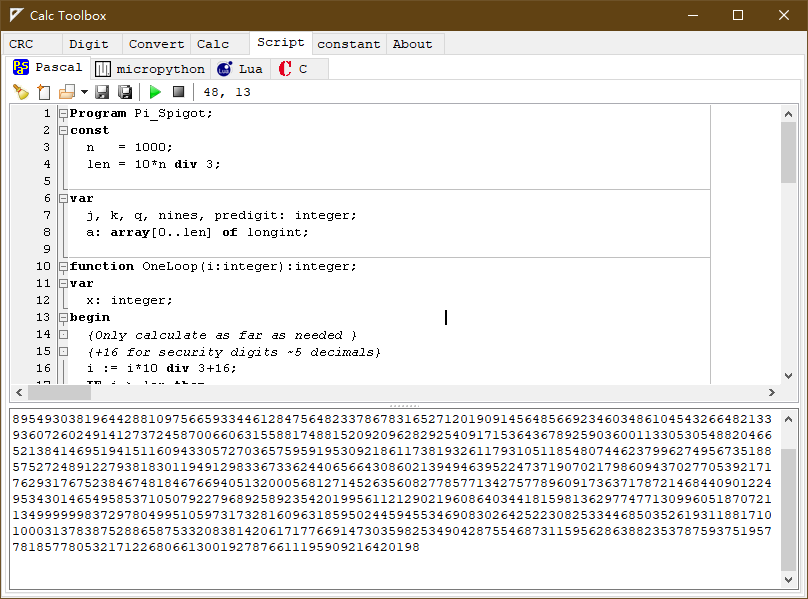
- Pascal Script
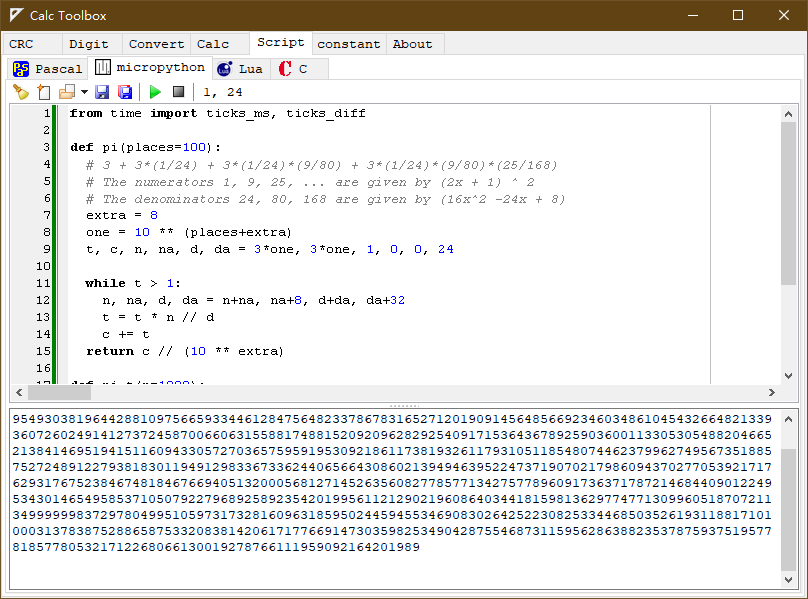
- micropython (windows/linux)
- Lua
- Tiny C
- Constants display
- more
Some 3rd modules
- CRC algorithm from
https://www.iteye.com/blog/kiolp-2262455 - Base convert function from
https://blog.csdn.net/tianqin20140902/article/details/44151717 - Big Float and Big Integer (DFFLib) from
http://www.delphiforfun.org.ws034.alentus.com/Programs/Library/bigfloat.htm - PascalScript (Integrate with Lazarus IDE)
https://wiki.lazarus.freepascal.org/index.php/Pascal_Script - SynEdit (Integrate with Lazarus IDE)
https://wiki.freepascal.org/SynEdit - RichMemo
https://wiki.freepascal.org/RichMemo
Build
- Install Lazarus 2.0+ and FPC 3.0.4+
- Install RichMemo package
- Run Lazarus IDE, then open project CalcToolBox.lpr
- Build the project.
Reduce file size
Default build binary file size is very large (> 30M), to reduce file size, please open project option dialog.
- in Debugging tab, remove option
- Generate info for the debugger
- Display line numbers in run-time error backtraces
- in Compilation and Linking, select
- Smart linkable
- Link smart
Then rebuild.

More screenshot
- CRC
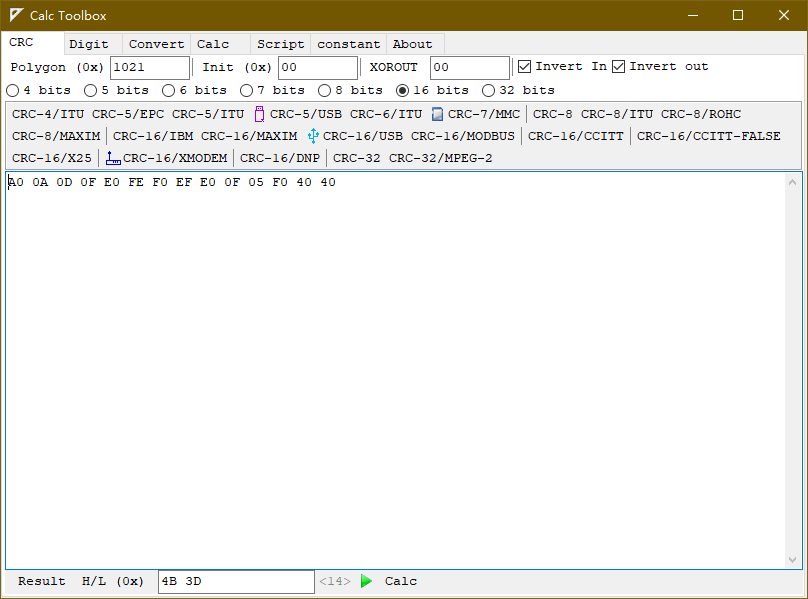
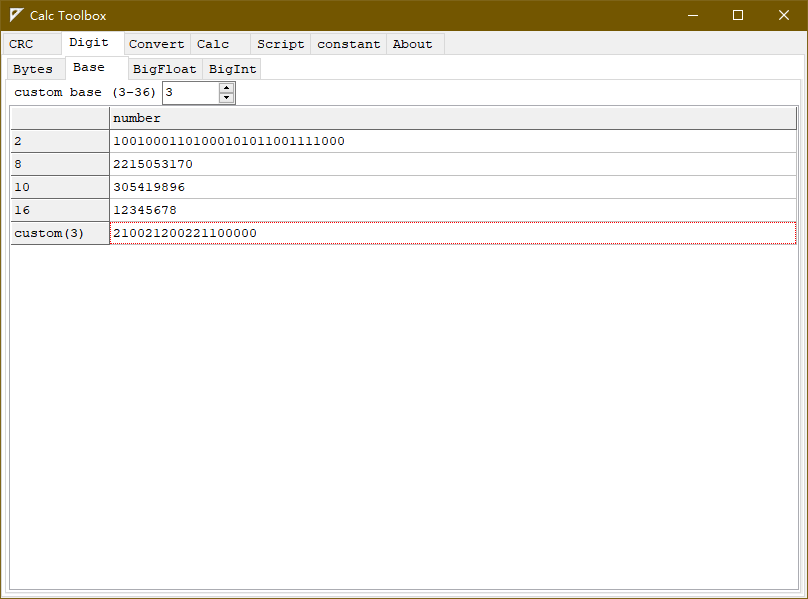
- Base convert
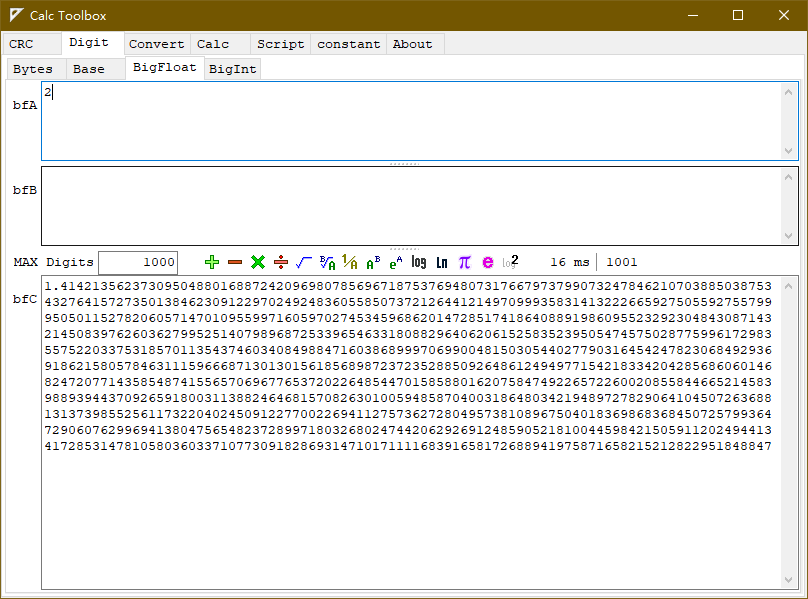
- Big Float calculate
- Big Int calculate
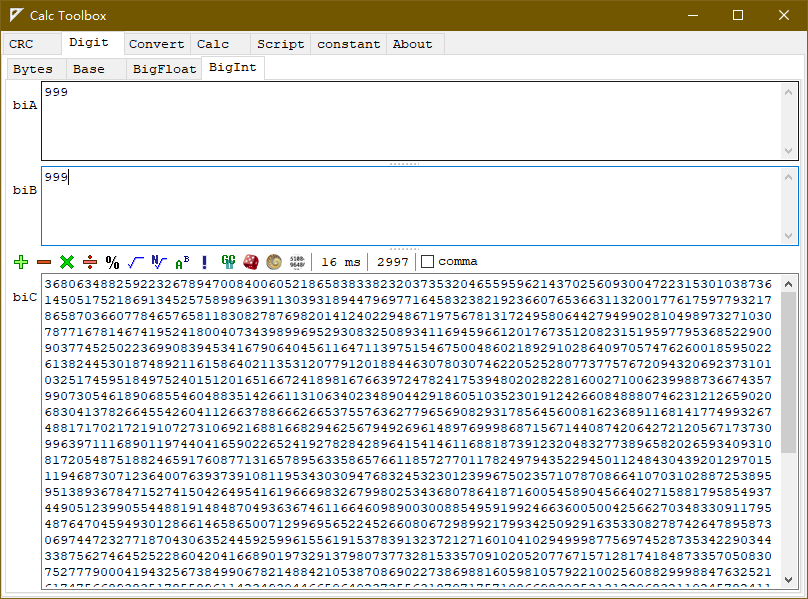
- Big Int calculate
- Programmable calculator
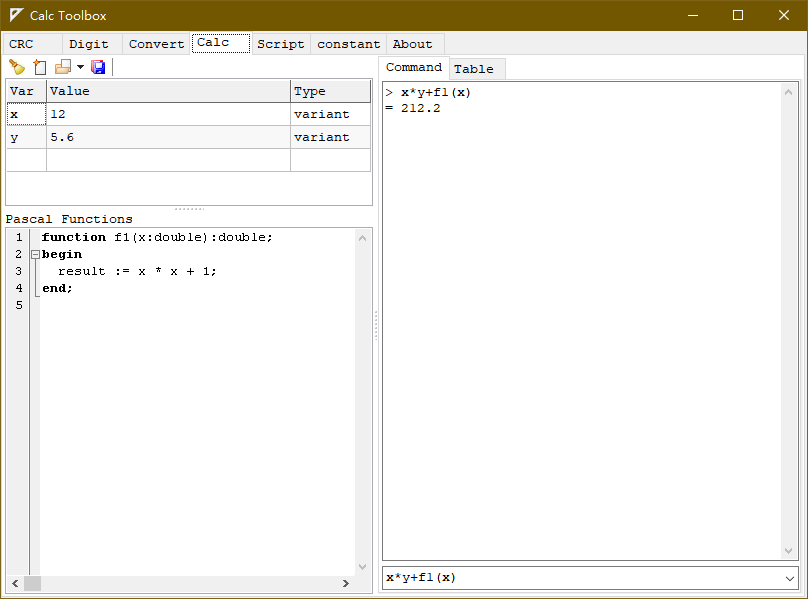
- Pascal interpreter
- micropython interpreter
- Lua interpreter
- TinyC interpreter
- Options