

Autopilot-for-Delphi

Autopilot for Delphi
- Active · last change 11-5-2026
- ★ 43 on GitHub
README
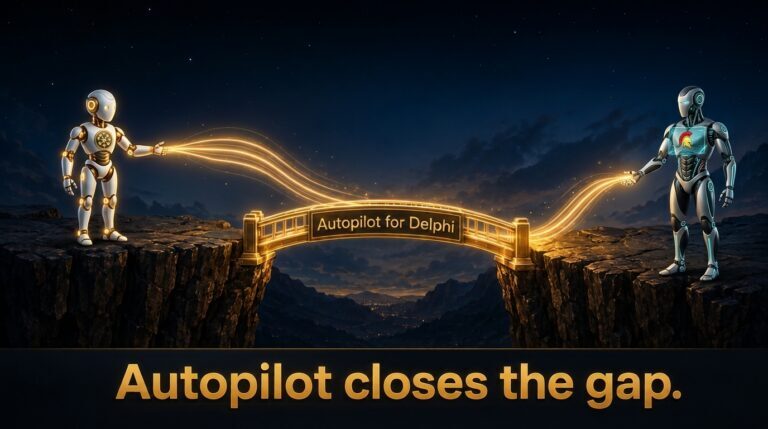
Autopilot for Delphi
There is a big gap between Claude and your Delphi app. Autopilot closes it.
You already work hand in hand with an AI assistant: you give a prompt, the AI writes the code and compiles it. And then it stops dead. It cannot test the program for you. If your program has an OK button, you have to click it. The AI can’t.
Everything past “compile” is on the far side of a chasm. The AI needs you at the keyboard to push the buttons and report back.
What if magic exists? What if the AI could push the buttons itself, without a single change to your forms or your business code?
Autopilot hands the controls of your running VCL/FMX app to the AI. The AI clicks the buttons, types into the edit boxes, reads the labels, reads and changes any published property, and takes screenshots. It all happens in the background: Autopilot never moves your mouse, so you keep working while the AI tests your app.
Full description: GabrielMoraru.com/autopilot.
How to install it
- Download this repository to a folder.
- Ask your AI to register the MCP server from that folder using this prompt.
- That's it.
How to use it
Demos:
Ask the AI to run DemoVCL\Push buttons\Autopilot.PushBtnsDemo.dproj.
Then ask it: "List the controls of the Demo app, then click btnIncrement five times and confirm lblIncrement shows the correct answer (5)."
Your own app:
Ask the AI to wire Autopilot into your project.
Then talk to the AI about your app in plain words:
"Start my app, type 'Magic' in the name field, press Save, and tell me what the status label says."
Repeatable GUI tests, with no AI:
Your DUnitX tests start the app, click, type, read the labels and check the result with Assert.
No AI/no tokens required.
Sample: DemoVCL\Push buttons\UnitTesting\Autopilot.DemoTests.dproj.
See Automated GUI testing in Delphi.
Supported platforms
- Delphi: 10.3 Rio, 11 Alexandria, 12 Athens and 13 Florence. Users report that it works on Delphi 10.2 too.
- Platforms: Win32, Win64 (VCL and FMX), Android (FMX). Mac to be added soon.
- An AI assistant that speaks MCP: Claude Code, Kai, Claude Desktop, Cursor, Cline.
- No third-party dependencies.
Related topics
- How does it compare with Embarcadero Kai?
- How it works
- The tools the AI calls
- Native OS dialogs
- What it deliberately doesn't do
- Found a bug?
- Automated GUI testing in Delphi
- What's new
- License
Your support
Did Autopilot change your life? (I know, you are not the first one to say that 😊)
Give it a star on GitHub.
!.(Resources/Star bringer - contributions.png)