

Catalog · How the catalog works
LazLpSolveIDE

Lazarus port of LpSolveIDE
- ★ 6 on GitHub
Anyone may press Interesting, signed in or not. It helps others find this project.
README
LpSolve IDE(Integrated Development Interface)
Port LpSolve IDE under Lazarus(Lpsolve home).
LpSolve IDE on linux:
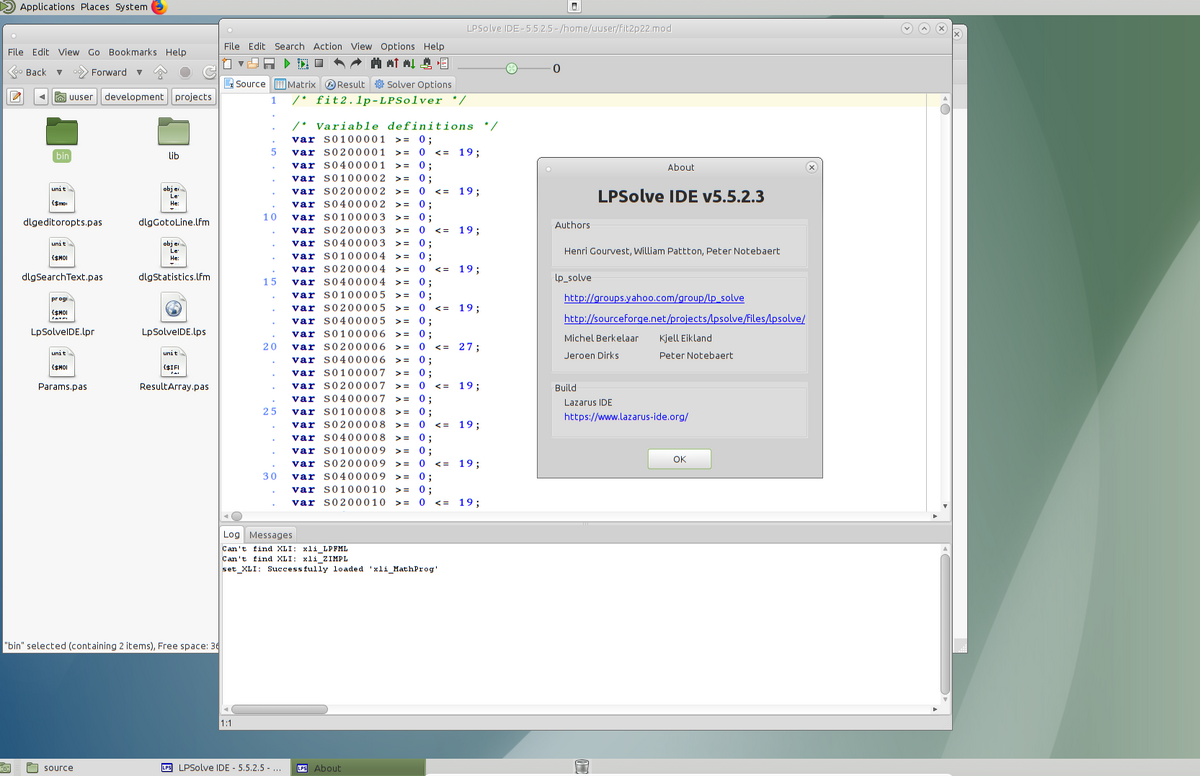
New
- editing the syntax highlighting scheme(rather primitive).
- maintaining the position of the main window between sessions.
To compile LpSolve IDE:
- download and install the appropriate liblpsolve55 binary from the official website.
- compile and install(optional) /packages/lazlpsolver/lazlpsolver.lpk.
- note: installing the package is only necessary if you are going to edit forms.
- open and compile /source/LpSolveIDE.lpi
To make linux stand-alone application:
- create application folder(denote AppFolder)
- put into AppFolder LpSolveIDE binary
- put into AppFolder liblpsolve55 binary(if not installed)
- download from the official website and put into AppFolder all needed extention binaries(BFP and XLI)
- download from the official website and put into AppFolder CHM help file
- put into AppFolder LpSolveIDE.ini
- run the application using(as variant) a bash script:
#!/usr/bin/env bash
AppFolderPath=path-to-AppFolder
export LD_LIBRARY_PATH="$LD_LIBRARY_PATH:$AppFolderPath"
cd $AppFolderPath
./LpSolveIDE
A remark about CHM help file:
If you have a program for reading CHM files on your computer, and the CHM format is known system-wide, then nothing else needs to be done. If the CHM format is not known system-wide, you need to add in the [Help] section of the LpSolveIDE.ini the line "ChmFileReader=chm-help-reader-full-file-name" (without quotes). If there is no program for reading CHM files, you can use lhelp from the Lazarus installation (in /components/chmhelp/lhelp). Compile lhelp, place it in the AppFolder and add the line "ChmFileReader=lhelp"(without quotes) in the [Help] section of the LpSolveIDE.ini.