

Catalog · How the catalog works
one_way_debug

One way to debug a Telegram Bot API. You do not need a certificate for debugging.
- ★ 1 on GitHub
Anyone may press Interesting, signed in or not. It helps others find this project.
README
OneWayDebug
One way to debug a Telegram Bot API. You do not need a certificate for debugging. The Ngrok service uses its certificate.
Instructions only for Windows 32-bit.
Binary Downloads
- Ngrok (tested on version 2.2.8)
- OneWayDebug
- Download and install your favorite webserver:heart:. The webserver must be available locally.
Run
> OneWayDebug.exeUsing
OneWayDebug.exe
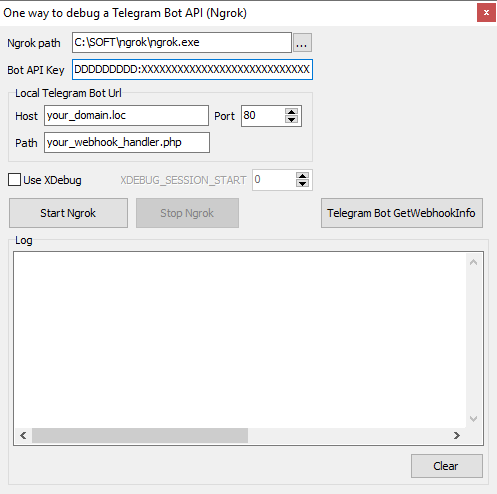
The list of variables
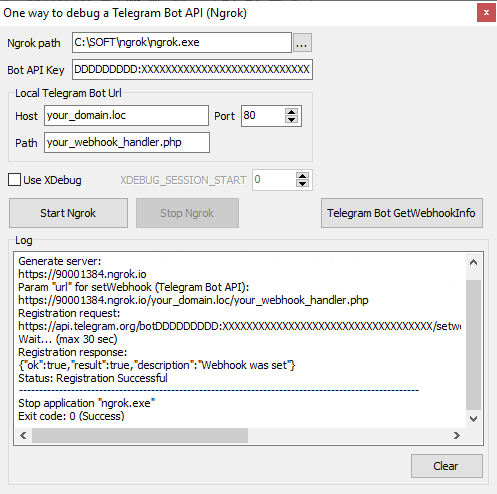
Ngrok path- Path to Ngrok.exeBot API Key- Telegram Bot API Key (without prefixbot)Host,Port,Path- Local webserver settingsUse XDebugfor PhpStorm. IfUse XDebugchecked, then you need to setXDEBUG_SESSION_START
Press button "Start Ngrok"
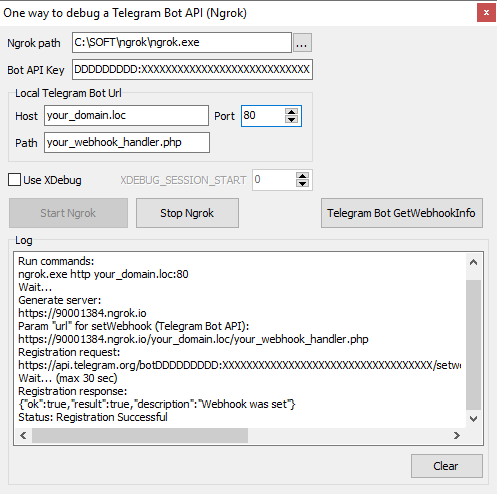
Log
Run commands:
ngrok.exe http your_domain.loc:80
Wait...
Generate server:
https://90001384.ngrok.io
Param "url" for setWebhook (Telegram Bot API):
https://90001384.ngrok.io/your_domain.loc/your_webhook_handler.php
Registration request:
https://api.telegram.org/botDDDDDDDDD:XXXXXXXXXXXXXXXXXXXXXXXXXXXXXXXXXXX/setwebhook?url=https://90001384.ngrok.io/your_domain.loc/your_webhook_handler.php
Wait... (max 30 sec)
Registration response:
{"ok":true,"result":true,"description":"Webhook was set"}
Status: Registration Successful
Press button "Telegram Bot GetWebhookInfo"
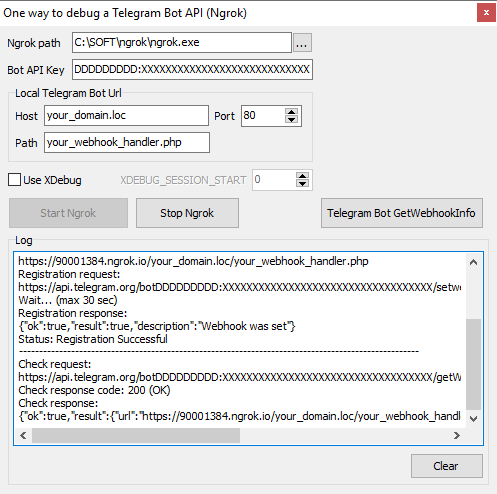
Log
Check request:
https://api.telegram.org/botDDDDDDDDD:XXXXXXXXXXXXXXXXXXXXXXXXXXXXXXXXXXX/getWebhookInfo
Wait... (max 30 sec)
Check response code: 200 (OK)
Check response:
{"ok":true,"result":{"url":"https://90001384.ngrok.io/your_domain.loc/your_webhook_handler.php","has_custom_certificate":false,"pending_update_count":0,"max_connections":40}}
Send a message to the telegram channel
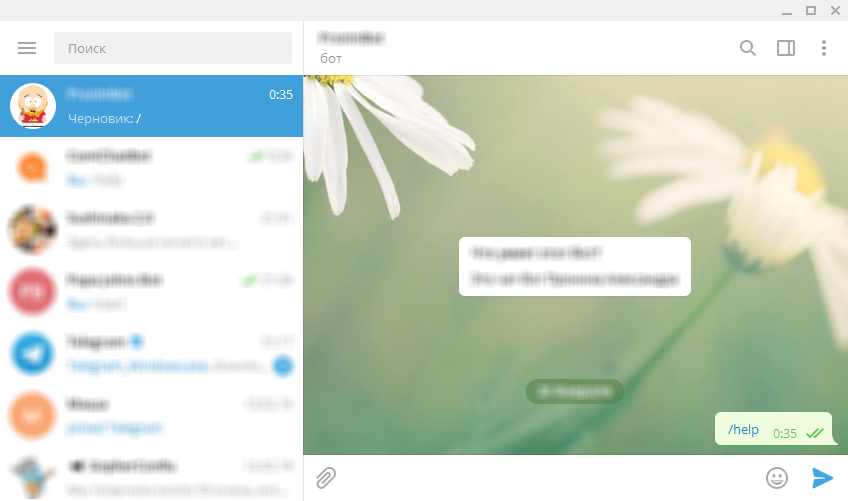
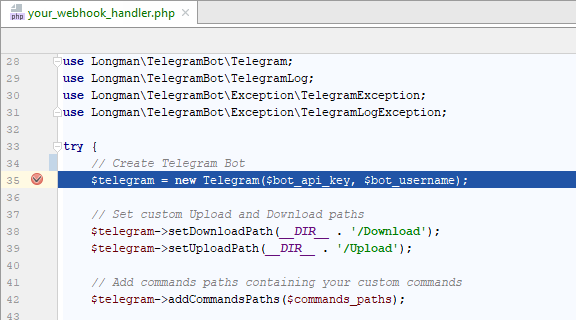
Debug script your_webhook_handler.php
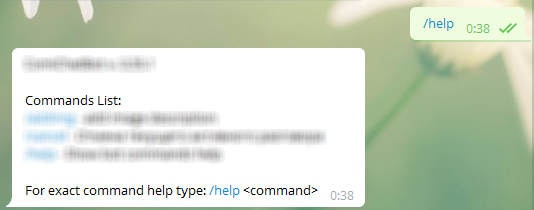
Send response
Press button "Stop Ngrok"
Log
Stop application "ngrok.exe"
Exit code: 0 (Success)
Building project
Delphi 10 is required for building OneWayDebug.
OneWayDebug uses Pipe components by Russell Libby. Author: Russell Libby, updated by Franзois PIETTE @ OverByte Blog: Inter Process Communication Using Pipes https://francois-piette.blogspot.com/search?q=pipe
License
OneWayDebug is OpenSource and released under GPL (GNU GENERAL PUBLIC LICENSE).