

GorillaBlocks

A vibe coded clone of the famous 80's puzzle game. The game uses the Gorilla3D Firemonkey Addon Framework for Delphi / C++ Builder.
- Active · last change 8-18-2026
- ★ 2 on GitHub
README
🦍 GorillaBlocks - The Classic Block Puzzle in Stunning 3D
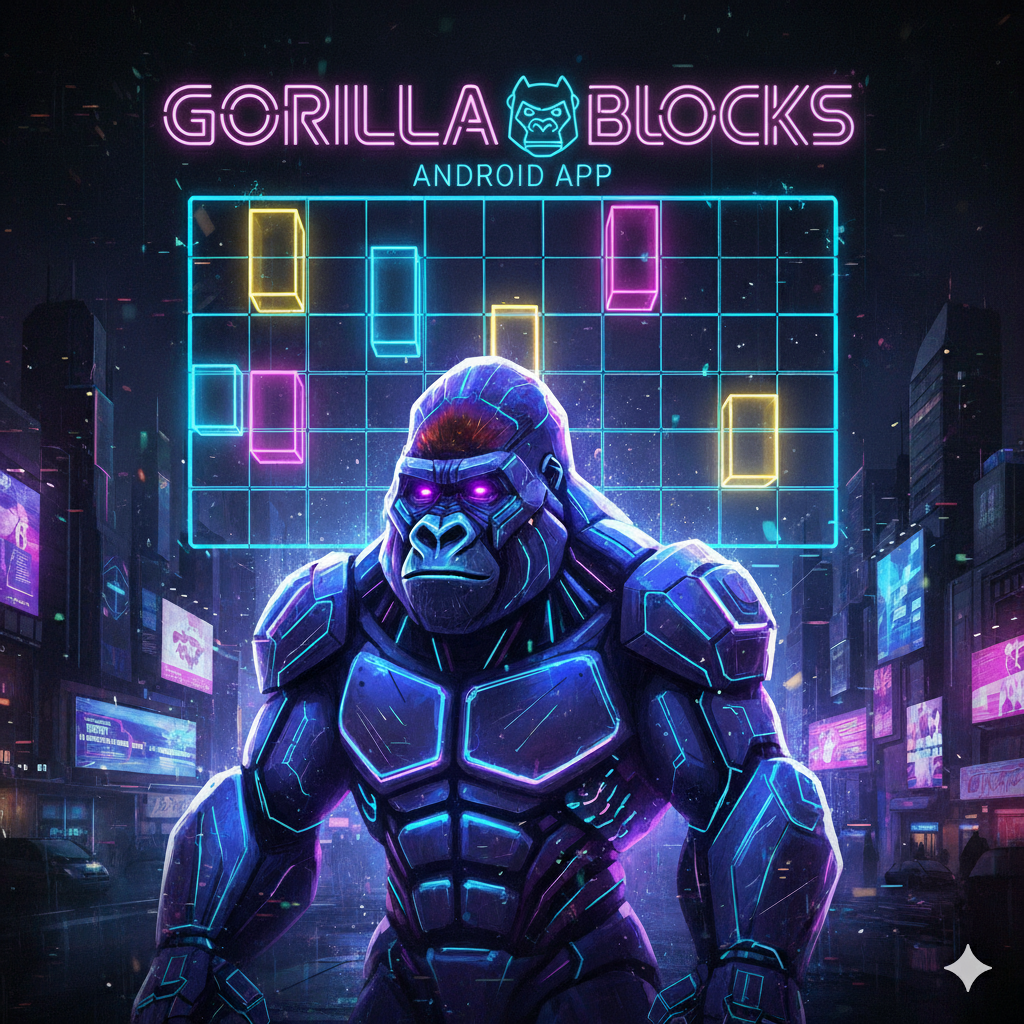
GorillaBlocks is a mostly vibe coded open-source 3D clone of the timeless block-stacking puzzle game, built using the powerful Gorilla3D rendering engine. Experience the famous game from the 80s like never before with modern graphical effects and optimized performance.
✨ Key Features
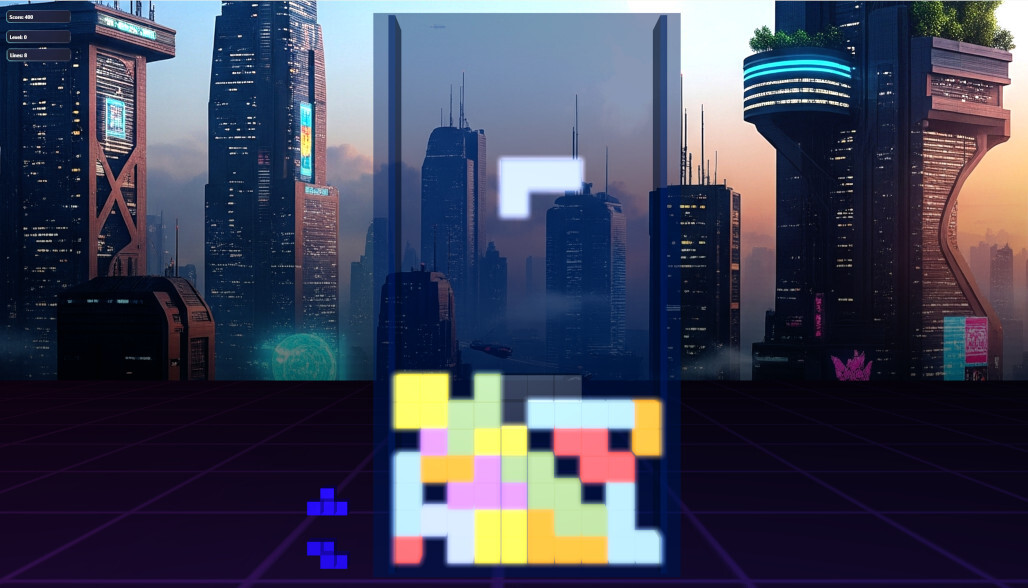
This project serves as an excellent demonstration of Gorilla3D's capabilities, utilizing several advanced rendering techniques:
- Bloom Effect: Adds a vibrant, soft glow to the game elements, enhancing the visual fidelity.
- Different Materials: Showcases various material properties for diverse block appearances.
- Shader Coding: Custom shaders are implemented to achieve unique visual effects.
- Mesh Instancing: Optimizes rendering performance by drawing multiple identical blocks with a single draw call.
🎮 Controls and Input
GorillaBlocks supports both traditional keyboard input for desktop platforms and intuitive touch gestures for Android devices.
Keyboard Controls (Desktop)
| Action | Input Key | Notes |
|---|---|---|
| Move Piece Left | $\leftarrow$ (Left Arrow) | |
| Move Piece Right | $\rightarrow$ (Right Arrow) | |
| Rotate Counter Clockwise | $\uparrow$ (Up Arrow) | |
| Move Downwards | $\downarrow$ (Down Arrow) | |
| Hard Drop | $\text{Spacebar}$ | Drops the piece instantly, granting more points. |
Gesture Controls (Android/Touch)
| Action | Gesture | Notes |
|---|---|---|
| Move Piece Left/Right | $\text{Tap Left/Right}$ | Single tap on the respective side of the screen. |
| Move Piece Left/Right | $\text{Swipe Left/Right}$ | Short or long swipe across the screen. |
| Rotate Clockwise/Counter Clockwise | $\text{Swipe Up/Down}$ | Swiping up or down rotates the active piece. |
| Hard Drop | $\text{Two-Finger Swipe Down}$ | Drops the piece instantly, granting more points. |
🛠️ Technology & Requirements
This project requires the Gorilla3D framework to compile and run.
Gorilla3D Dependency
- Minimum Required Version:
v1.1.12.3490or later. - Installation: The Gorilla3D Developer Edition can be easily installed directly through the Embarcadero GetIt Package Manager: GetItNow - Gorilla3D Developer Edition
💻 Platform Support
GorillaBlocks is designed for cross-platform play and supports the following targets:
- Windows: 32-bit and 64-bit
- Android: 32-bit and 64-bit
- Linux: x64 (64-bit)
🚀 Performance Recommendation
Given the use of 3D rendering, mesh instancing, and post-processing effects like Bloom, medium hardware performance is recommended for the best experience.
| Component | Recommendation |
|---|---|
| CPU | Dual-core processor @ 2.0 GHz or higher |
| RAM | 4 GB or more |
| GPU | Dedicated or modern integrated graphics with support for OpenGL 4.3+ or OpenGLES 3.1 on Android |