

Catalog · How the catalog works
MBen.UssdAutomationDemo

Delphi Android USSD Automation
- ★ 2 on GitHub
Anyone may press Interesting, signed in or not. It helps others find this project.
README
📱 USSD Automation Demo
A powerful Delphi FireMonkey application demonstrating native USSD automation on Android devices using Java Native Interface (JNI) integration.
🌟 Features
- ✅ Native USSD Integration - Direct access to Android's TelephonyManager API
- 🔄 Real-time Response Handling - Asynchronous callback-based communication
- 📊 Database Logging - SQLite integration for transaction history
- 🎯 Dual-SIM Support - SIM slot selection capability
- 🛡️ Permission Management - Runtime permission handling for Android
- 📝 Comprehensive Logging - Java-to-Delphi logging bridge
- 🎨 Modern UI - Clean FireMonkey interface with custom layouts
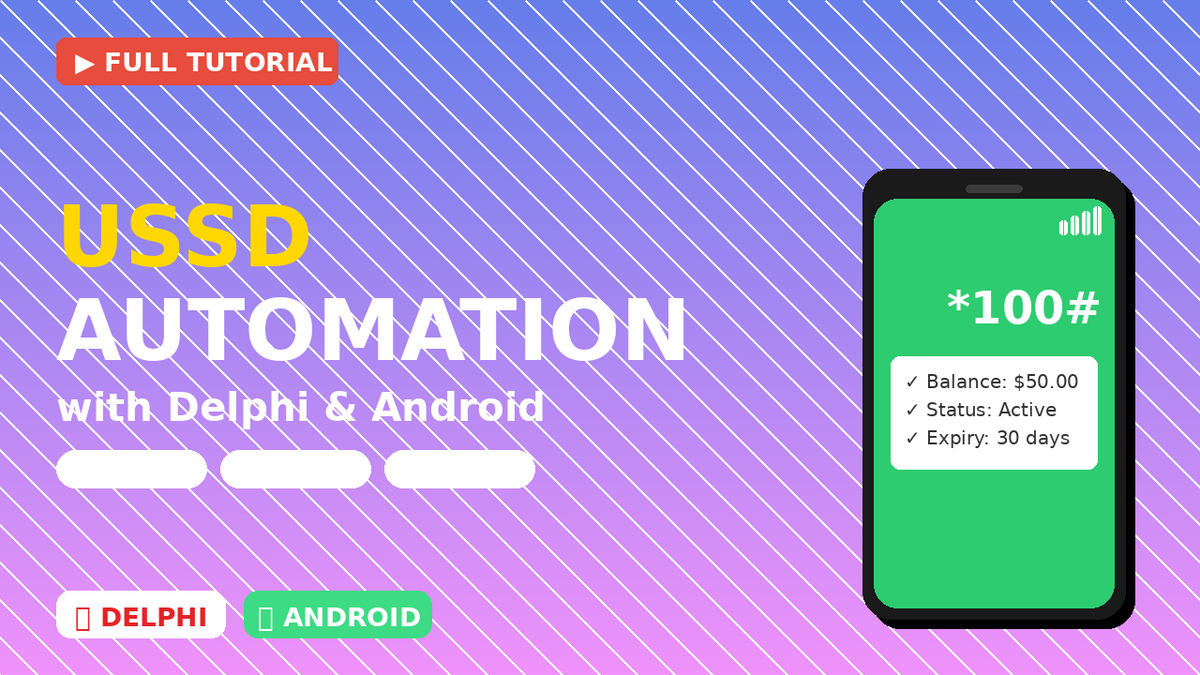
🚀 Getting Started
My youtube Video Link
Prerequisites
- Delphi RAD Studio (10.3 Rio or later recommended)
- Android SDK (API Level 26+)
- Android Device with API Level 26+ (Android 8.0 Oreo or higher)
- Required Permissions:
CALL_PHONE- Required for USSD operationsREAD_PHONE_STATE- Required for telephony access
Installation
- Clone the repository
git clone https://github.com/yourusername/UssdAutomationDemo.git cd UssdAutomationDemo - Open the project
- Launch Delphi RAD Studio
- Open
UssdAutomationDemo.dpr
- Configure Android SDK
- Set your Android SDK path in Tools → Options → Deployment → SDK Manager
- Ensure API Level 26 or higher is installed
- Add Java Bridge
- The
UssdBridge.javafile must be in your project's Java folder - Path structure:
[ProjectFolder]\Android\Debug\src\com\MBenDelphi\UssdAutomationDemo\
- The
- Build and Deploy
- Select Android platform (32-bit or 64-bit)
- Build the project (Shift + F9)
- Deploy to your Android device
📁 Project Structure
UssdAutomationDemo/
????????? API/
???   ????????? API.JNI.UssdBridge.pas      # JNI interface definitions
???   ????????? API.USSD.Service.pas        # USSD service wrapper
???   ????????? Permissions/
???       ????????? API.Android.Permissions.pas
???       ????????? API.Android.Permissions.Interfaces.pas
????????? Model/
???   ????????? Model.Database.pas          # SQLite database manager
???   ????????? Model.Database.dfm
????????? View/
???   ????????? Layouts/
???       ????????? Layout.USSD.pas         # USSD interface frame
???       ????????? Layout.USSD.fmx
????????? Main.View.pas                    # Main application form
????????? Main.View.fmx
????????? UssdAutomationDemo.dpr          # Project file
????????? Android/
    ????????? src/
        ????????? com/MBenDelphi/UssdAutomationDemo/
            ????????? UssdBridge.java      # Java bridge implementation
🔧 How It Works
Architecture Overview
?????????????????????????????????????????????????????????????????????????????????????????????????????????????????????????????????????????????????????????
???           Delphi FireMonkey UI                  ???
???          (Main.View / Layout.USSD)              ???
?????????????????????????????????????????????????????????????????????????????????????????????????????????????????????????????????????????????????????????
                 ???
                 ???
?????????????????????????????????????????????????????????????????????????????????????????????????????????????????????????????????????????????????????????
???         API.USSD.Service (Wrapper)              ???
?????????????????????????????????????????????????????????????????????????????????????????????????????????????????????????????????????????????????????????
                 ???
                 ???
?????????????????????????????????????????????????????????????????????????????????????????????????????????????????????????????????????????????????????????
???      API.JNI.UssdBridge (JNI Interface)         ???
?????????????????????????????????????????????????????????????????????????????????????????????????????????????????????????????????????????????????????????
                 ???
                 ???
?????????????????????????????????????????????????????????????????????????????????????????????????????????????????????????????????????????????????????????
???         UssdBridge.java (Native)                ???
???      Android TelephonyManager API               ???
?????????????????????????????????????????????????????????????????????????????????????????????????????????????????????????????????????????????????????????
Key Components
1. UssdBridge.java
Java class that interfaces with Android's native TelephonyManager to send USSD requests and receive responses.
public void sendUssdRequest(String aUssdCode, int aSimSlot)2. API.JNI.UssdBridge.pas
Delphi unit that defines JNI interfaces and implements callback handlers for Java-to-Delphi communication.
3. API.USSD.Service.pas
High-level service wrapper that manages the UssdBridge lifecycle and provides easy-to-use methods.
4. Model.Database.pas
SQLite database manager for logging USSD transactions with timestamps and status.
💡 Usage Example
// Initialize the service
var
  UssdService: TUSSDService;
begin
  UssdService := TUSSDService.Create;

  // Set up logging callbacks
  UssdService.OnLogUssdReply := procedure(const Msg: string)
  begin
    Memo1.Lines.Add(Msg);
  end;

  // Send USSD request
  UssdService.SendRequest('*100#', 0); // Check balance (SIM slot 0)
end;
🔐 Permissions Setup
Add these permissions to your AndroidManifest.template.xml:
<uses-permission android:name="android.permission.CALL_PHONE" />
<uses-permission android:name="android.permission.READ_PHONE_STATE" />
Handle runtime permissions in your code:
if TAndroidPermissions.CheckPermission('android.permission.CALL_PHONE') then
  // Permission granted
else
  // Request permission
📊 Database Schema
The application uses SQLite to log all USSD transactions:
CREATE TABLE ussd_logs (
  id INTEGER PRIMARY KEY AUTOINCREMENT,
  timestamp DATETIME DEFAULT CURRENT_TIMESTAMP,
  ussd_code TEXT,
  response TEXT,
  status TEXT,
  sim_slot INTEGER
);
🎯 Common USSD Codes
Here are some common USSD codes you can test with:
| Code | Purpose | Region |
|---|---|---|
*100# |
Check balance | Various |
*121# |
Self-service menu | Various |
*#06# |
Display IMEI | Universal |
*#*#4636#*#* |
Testing menu | Android |
⚠️ Note: USSD codes vary by carrier and country. Test with your specific provider.
🐛 Troubleshooting
Issue: "API Level 26+ required" error
Solution: Ensure your Android device is running Android 8.0 (Oreo) or higher.
Issue: Permission denied
Solution: Check that runtime permissions are granted. Go to Settings → Apps → Your App → Permissions.
Issue: USSD request fails with error code
Error Codes:
-1: Menu response or unknown error1: Radio not available2: Network timeout3: Network not allowed4: Invalid USSD format
Issue: Java bridge not initialized
Solution: Verify that UssdBridge.java is in the correct Android source folder and the project is properly built.
🤝 Contributing
Contributions are welcome! Please follow these steps:
- Fork the repository
- Create a feature branch (
git checkout -b feature/AmazingFeature) - Commit your changes (
git commit -m 'Add some AmazingFeature') - Push to the branch (
git push origin feature/AmazingFeature) - Open a Pull Request
📝 License
This project is licensed under the MIT License - see the LICENSE file for details.
👏 Acknowledgments
- Thanks to the Delphi community for FireMonkey framework
- Android SDK team for the TelephonyManager API
- All contributors and testers
📧 Contact
Project Creator: MBenDelphi
- GitHub: @MBenDelphi
- Email: your.email@example.com
🔗 Useful Resources
⭐ Star this repo if you find it helpful!
📺 Watch the tutorial: YouTube Link
💬 Questions? Open an issue!