Console

Library for Windows Console Applications using crt.pas
- Quiet · last change 10-17-2023
- ★ 25 on GitHub
README
Playcom Console Library
Purpose:
Library for Delphi-Console-Applications | Supports Windows 11 (and earlier)
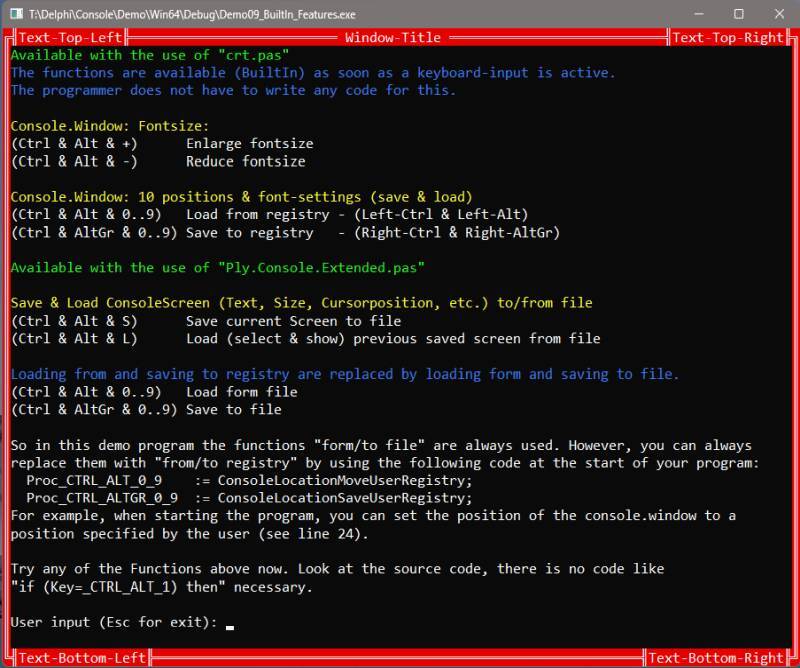
- Can be used to write modern and appealing console applications.
- Should allow older (legacy) source code (Borland Pascal 7.0) to run under Windows.
Usage:
Include the location of the unit "crt.pas" to the searchpath in your project settings and add the unit to the uses-clauses of your project. For the use of extended functions of the library it could be necessary to add further units (e.g. "ply.console.pas", or "ply.console.extended.pas") to the uses-clauses. To demonstrate the use of the library, I have added Demo-Applications.
Feature-List:
- Largely compatible with legacy code (Borland Pascal 7.0)
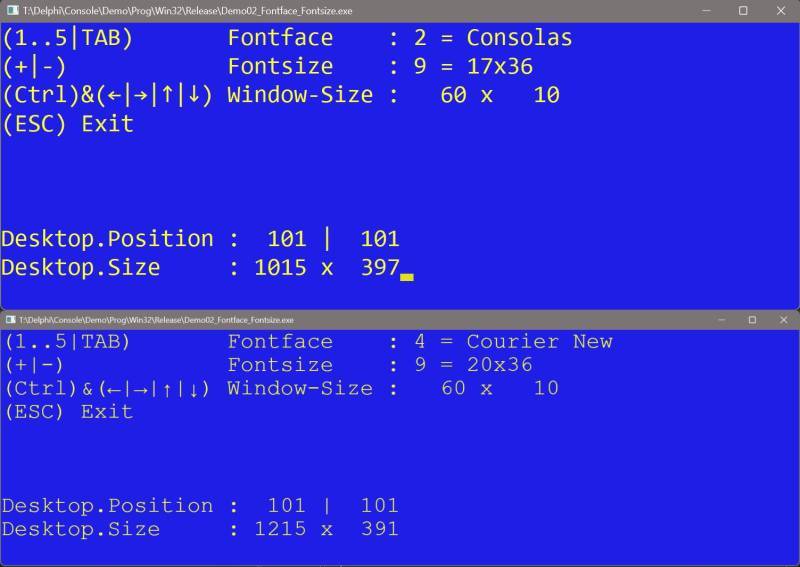
- Different fonts and font sizes
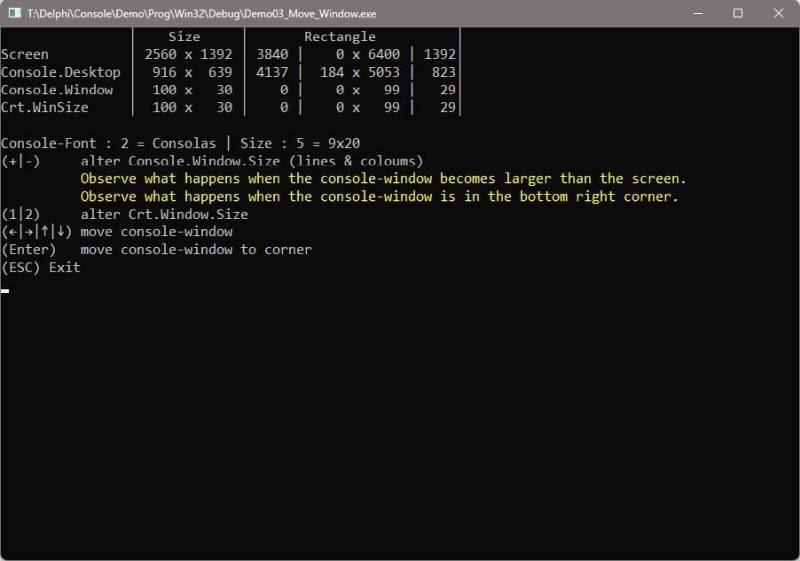
- Any size of the console window
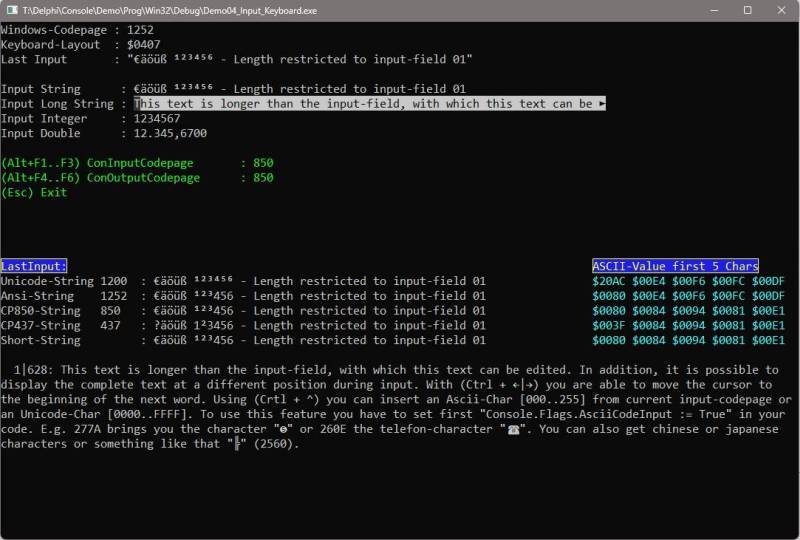
- Enhanced Input- and Output-Functions
- FrameWindow & LineSelect
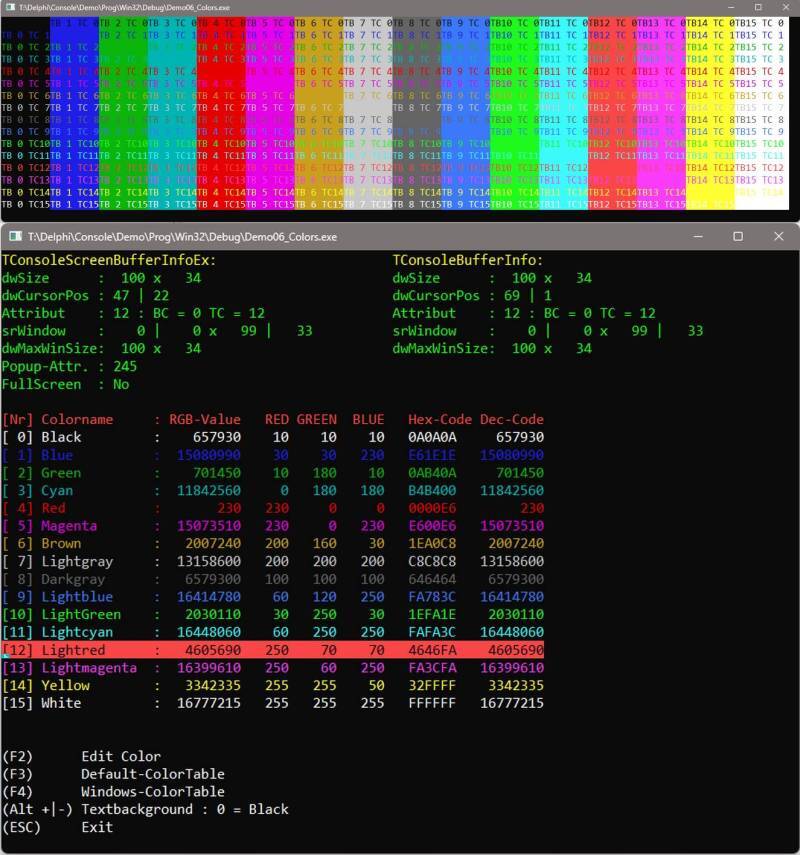
- Extended color-support (16 background colors, colorcodes freely selectable)
- Underline & Outline Text
- Full keyboard support
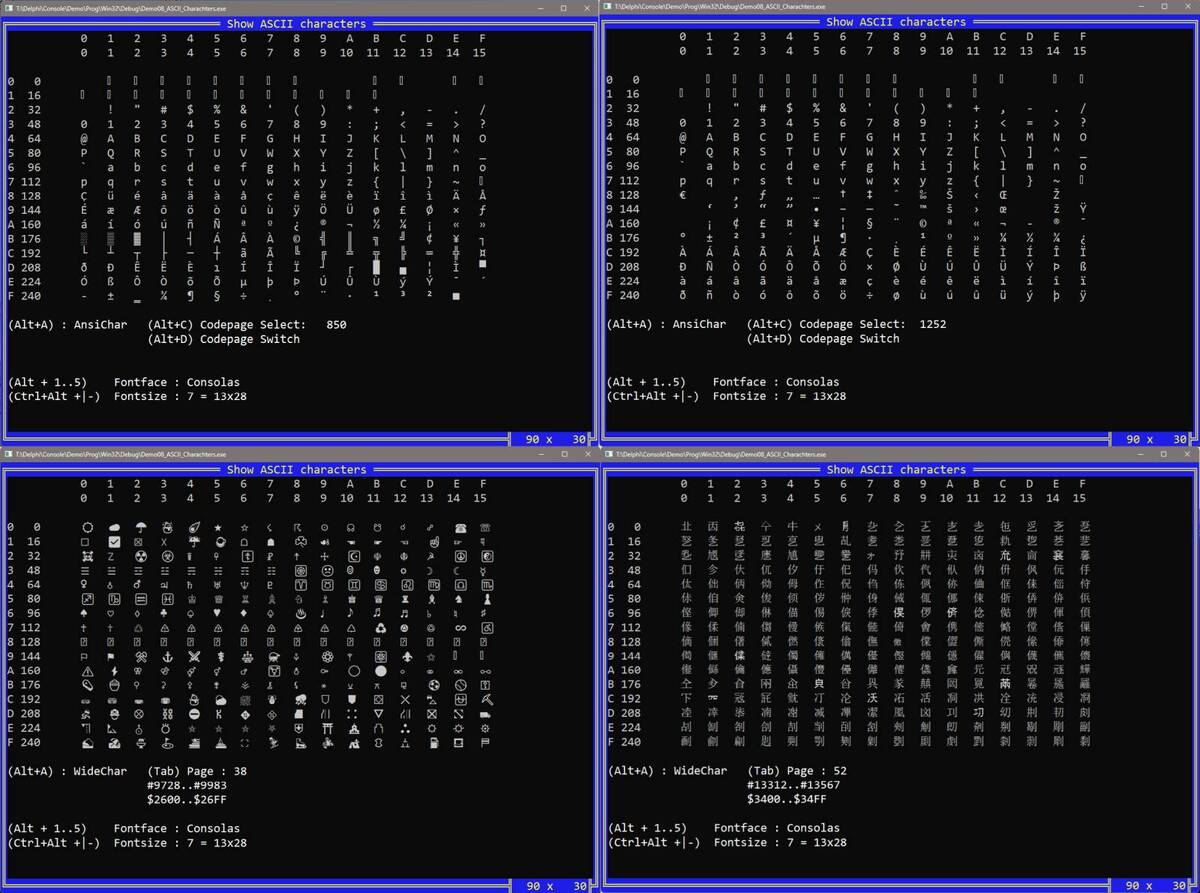
- AnsiString and UnicodeString support (including e.g. chinese characters)
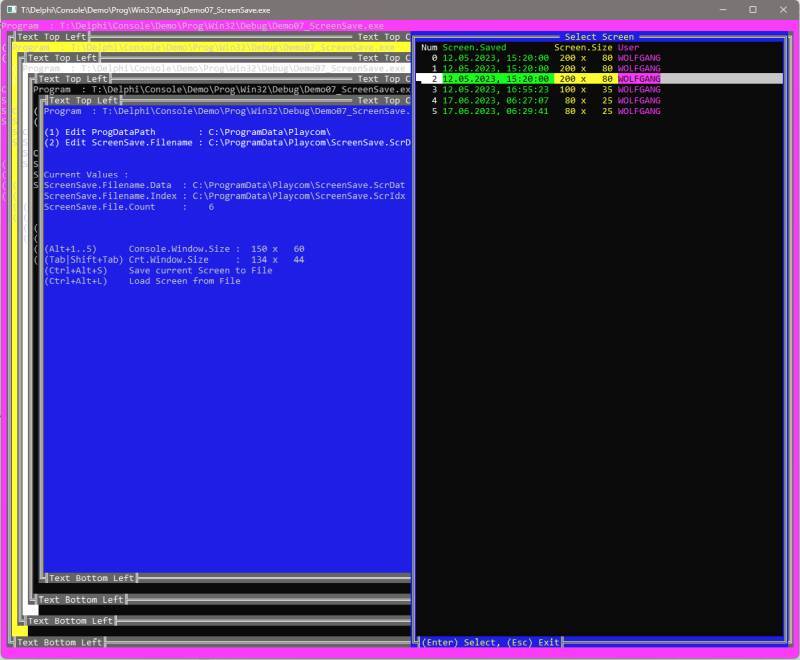
- ScreenSave & ScreenRestore (save to memory or disk)
- Move console-window on any position on the desktop (includes multi-monitor-support)
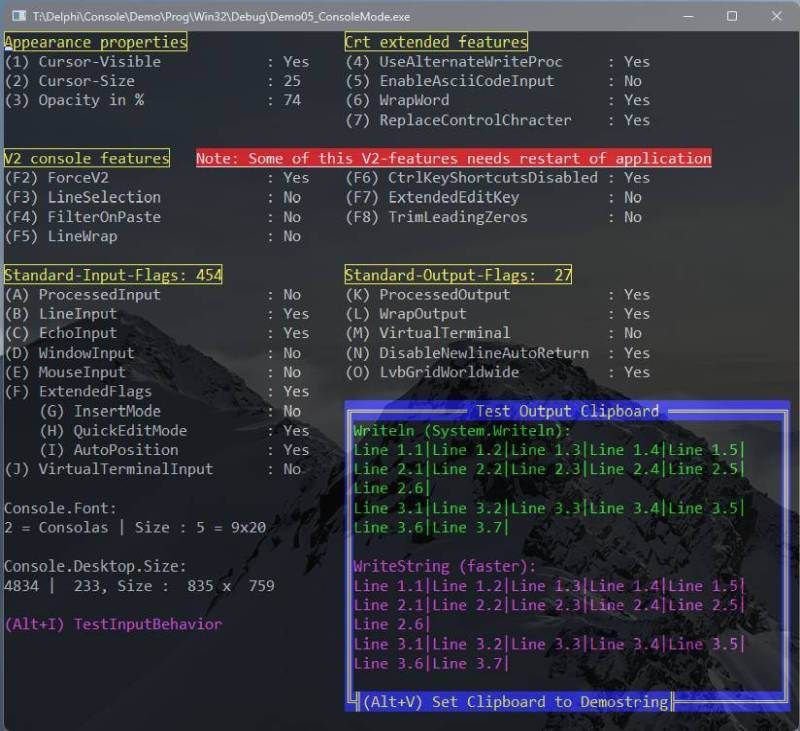
- Change all console-modes (LineWarp, Opacity, QuickEditMode, etc.) directly from the software
- and many more
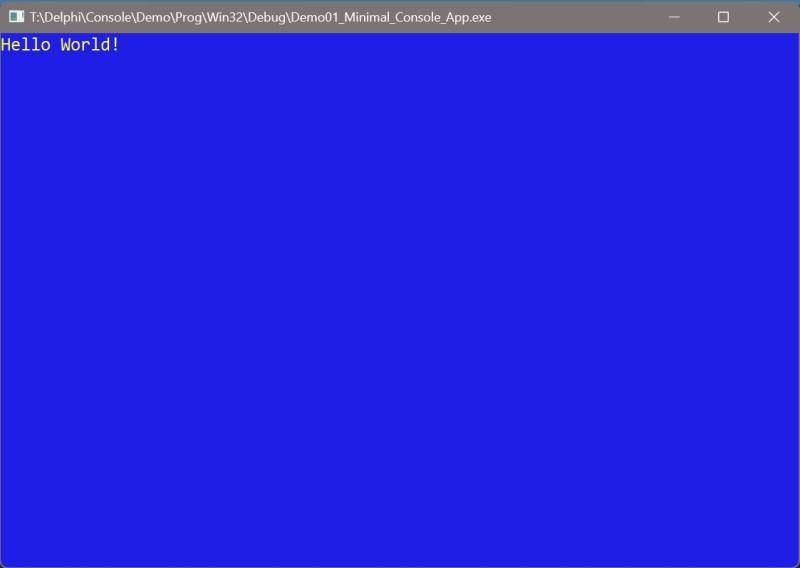
Minimal Console-App:
program Demo01_Minimal_Console_App;
uses crt;
begin
  TextBackground(White);
  Textcolor(Red);
  ClrScr;
  Writeln('Hello World!');
  Readkey;
end.
Contributions:
Contributions are welcome, either as Pull Requests or bug reports. If you want to report a bug or you are missing a feature, contact me by email (wolfgang[at]playcom.de).
Screenshots: