

Catalog · How the catalog works
Borderless-Gaming-Tool

Gaming in window without borders / Игры в окне без рамки
- ★ 39 on GitHub
Anyone may press Interesting, signed in or not. It helps others find this project.
README

 ← Choose language | Выберите язык
Borderless Gaming Tool
Application allows you to remove borders from the windowed game, place it in the center or in one of the corners, and remove the background. This allows you to run games at lower resolutions without scaling and blurring the image. You can also stretch windows without blurring, for example, a 1080p game to 4k. If your monitor or TV screen is partially broken, this utility will help you display the image in the right place.
Setup
- Select the windowed mode and the required resolution in the game.
- Run the program, click "..." in the bottom right angle.
- Select the game window. The list of custom resolutions can be edited in the file
Resolutions.txt.
Automatic hiding of the taskbar can be disabled in Setup.ini, also change the window output to one of the corners and add a pixel offset.
Screenshots
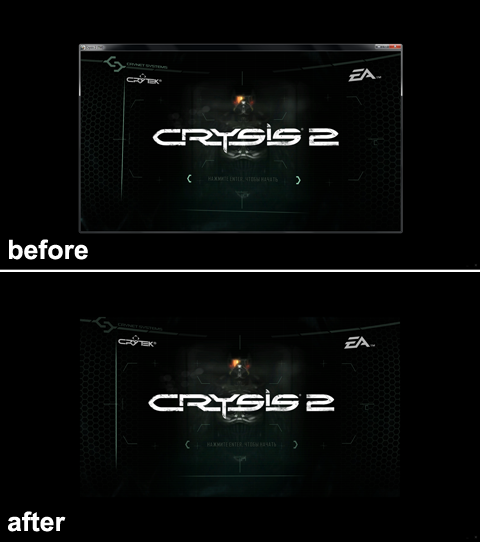
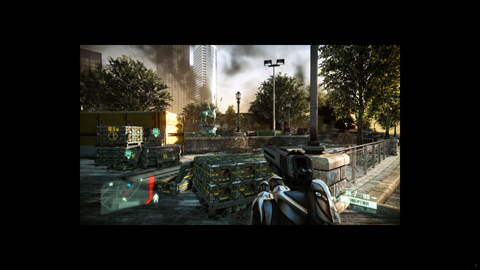
Download
Version for Windows 7, 8.1, 10, 11.
Feedback
r57zone[at]gmail.com