

Catalog · How the catalog works
Delphi-DirectUI

Delphi DirectUI Controls
- ★ 86 on GitHub
Anyone may press Interesting, signed in or not. It helps others find this project.
README
[TOC]
一、JDUI 介绍
JDUI是一套Delphi DirectUI界面引擎,基于Graphics32并做了大量针对性的性能优化,支持高DPI缩放, 具有非常优秀的渲染性能和酷炫的动画特效。
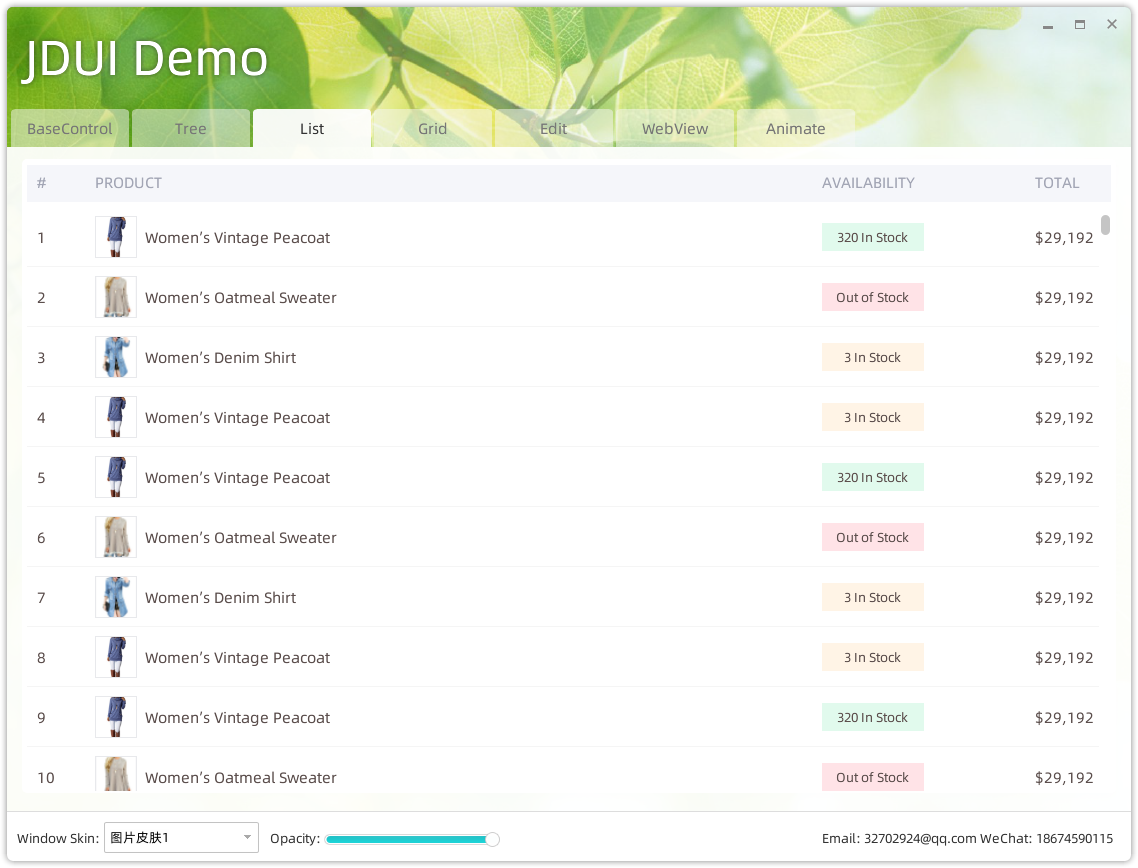
二、Demo项目安装说明
使用环境
操作系统: Windows
开发工具: Delphi 11.2
安装编译
- clone 所有文件至本地电脑;
- 打开 JDUI Projects项目组;
- 编译并安装:DCEF3;
- 编译并安装:Graphics32;
- 编译并安装:DragDrop;
- 安装 JDUIControls(DirectUI界面组件);
- 编译(Build) JDUIControls 控件;
- 复制 DirectUIDemo/win32/Debug/*.dll 文件至 JDUIControls.bpl所在目录,通常应该是 C:\Users\Public\Documents\Embarcadero\Studio\22.0\Bpl (先确认 JDUIControls.bpl 在此目录中);
- 安装(install) JDUIControls 控件。
- 打开Demo项目; 在 JDUIControls控件未安装之前,请勿打开此项目中的窗口文件,避免找不到控件导致控件被移除,可能造成无法编译或运行出错;
- 编译运行DEMO项目; 直接编译并运行Demo项目即可(如以Release方式运行,请先将Debug目录中的文件复制到Release目录)。
三、JDUI主要控件介绍
JDUI Form
DirectUI的窗体以 WS_EX_LAYERED 模式运行,通过 UpdateLayeredWindow 方法刷新窗口,主要包括有以下几个类:
- TJDUIFormRes
窗体的主要资源组件,可放置于窗体上,定义了窗体的外观属性(边框图片资源、工作区域等等)。
- TJDUIFormBackRes
窗体的皮肤(背景)资源组件,可以通过FromFile或FromColor方法将窗体设置为图片背景或纯色的样式。
- TJDUIFormBorderMaskRes
窗体的边框遮罩资源组件,窗体边框四角进行圆角处理时所用到的遮罩图片。
- TJDUIForm
DirectUI窗体基类,将Delphi的窗体文件基类TForm替换成TJDUIForm即可将窗体以DirectUI模式工作:
//建议在IDE的窗体属性面版本中将 BorderStyle 设置为 bsNone,TJDUIForm会根据FormCreate中设置的属性做二次调整

uses ..., JDUIBaseControl, JDUIControl;

TDemoForm = class(TJDUIForm)  //替换基类
...
end;

procedure TDemoForm.FormCreate(Sender: TObject);
begin
OnAnimatedShow := AnimatedShow;  //窗口第一次方式打开(动画结束后)执行此事件

//以下是TJDUIForm可设置的一些属性
AllowResize := True;
ShowIcon := False;
ShowCaption := False;
ShowSkinButton := False;
ShowMaxOrRestoreButton := True;
ShowMinButton := True;

EnabledGlass := VistaUP and (not Win8) and (not Win10); //是否显示毛玻璃效果,仅Win7或Vista有效
DWMEnabled := EnabledGlass; //开启DWMEnabled,EnabledGlass才会生效

BlendBorder := True; //窗体四角是否做遮罩处理(通常是为了处理平滑的圆角效果)

Self.ShowStyle := fssZoom; //窗体打开时的动画效果,有很多种效果,具体请查看枚举值
Self.HideStyle := fssZoom; //窗体关闭时的动画效果

Self.ShowTime := 0.6; //窗体打开时的动画效果时长(秒)
Self.HideTime := 0.6; //窗体关闭时的动画效果时长(秒)

WorkAreaAlpha := 255;

//关联窗体所需要的资源组件,并载入一个皮肤文件
BorderMask := jduBorderMask;
FormBackRes := jduFormBackRes;
FormBackRes.FromFile(ExtractFilePath(Application.ExeName) + 'skins\skin1.jpg', bdtStretch);
FormRes := JduFormRes;
end;
提示:图片资源的设置详情,请查看Demo示例项目
TJDUIControl
DirectUI控件的基类,不直接使用,主要实现了为控件创建32位画布、渲染图像、提供一系列动画方法等等功能;
TJDUIGraphicsControl
父类为TJDUIControl,继承此类并重写绘制方法可创建自己的DirectUI控件。
type
TJDUIImageView = class(TJDUIGraphicsControl)
private
FImageFile: String;

protected
procedure PaintSelf(ATargetBitmap: TBitmap32); override;

public
procedure LoadImage(AImageFile: String);
end;

implementation
procedure TJDUIImageView.PaintSelf(ATargetBitmap: TBitmap32);
var
ABitmap32: TBitmap32;
begin
//在 ATargetBitmap 上绘制即可,此处仅做示例
ABitmap32 := TBitmap32.Create;
try
ABitmap32.LoadFromFile(FImageFile);
ABitmap32.DrawTo(ATargetBitmap, 0, 0);
finally
ABitmap32.Free;
end;
end;

procedure TJDUIImageView.LoadImage(AImageFile: String);
begin
FImageFile := AImageFile;
ForceRepaint; //调用 ForceRepaint 触发控件重绘;
end;
TJDUIWinControl
父类为TJDUIControl,继承此类并重写绘制方法可创建自己的DirectUI控件,使用方式与TJDUIGraphicsControl一样,所不同的是:通过继续TJDUIWinControl的控件可以获取焦点(具有 JduTabStop,JduTabOrder 属性)。
TJDUIContainer
此为容器类,此类在窗体上可做为DirectUI控件的容器,以方便多个控件组合在一起进行排版。此类不会参与窗体的渲染。
其它控件
项目内其它所有控件均通过继承以上几个控件实现(组合类控件派生自TJDUIContainer)
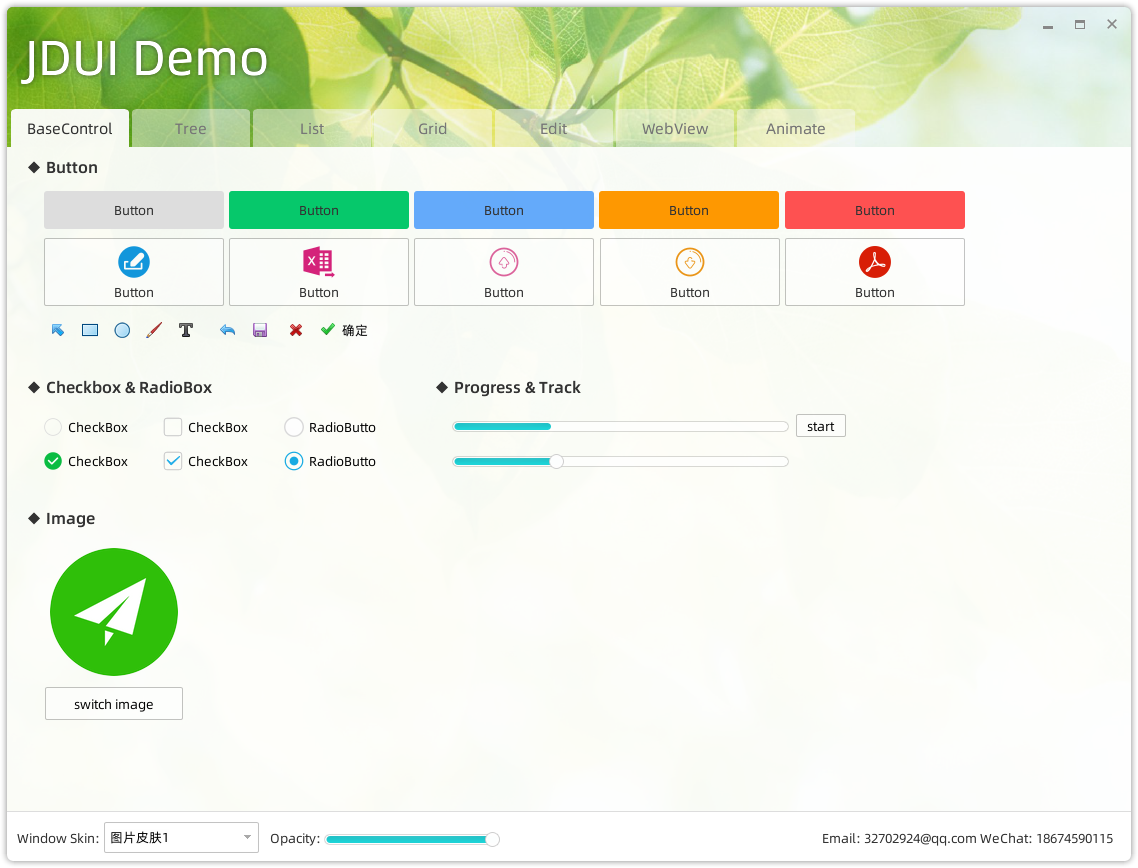
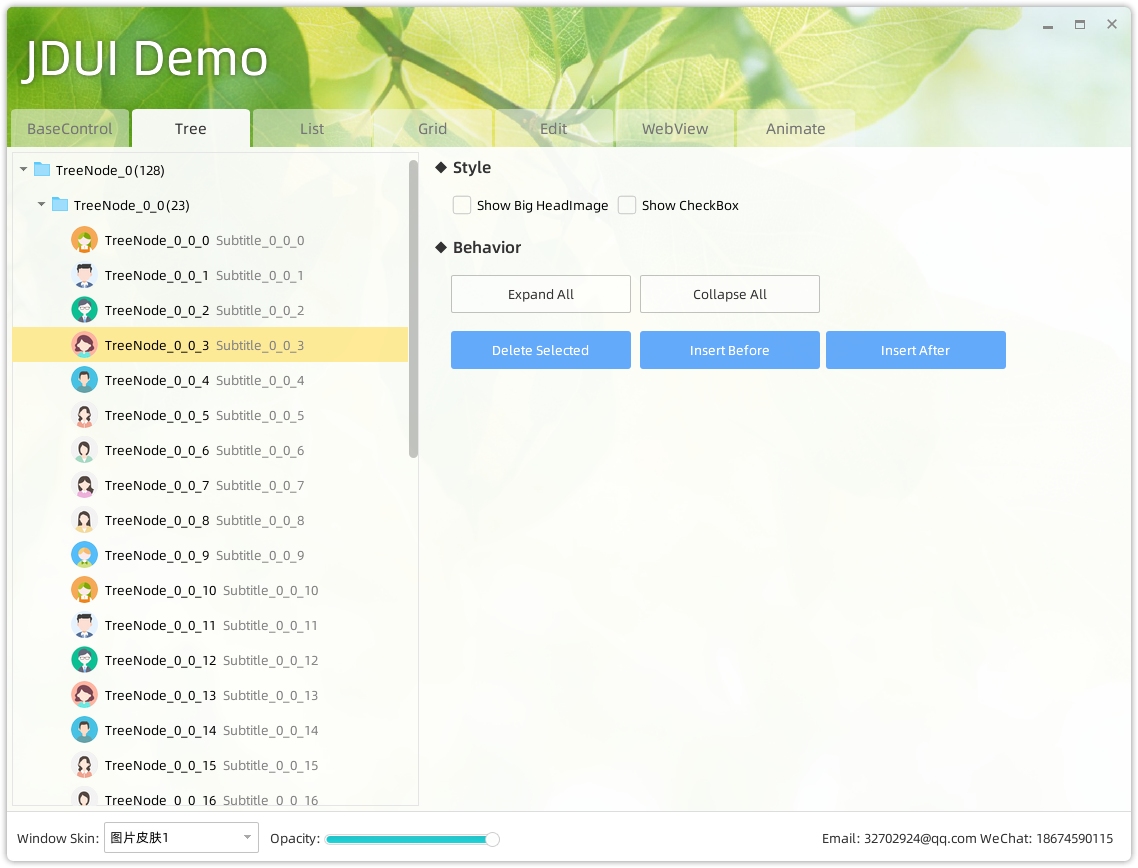
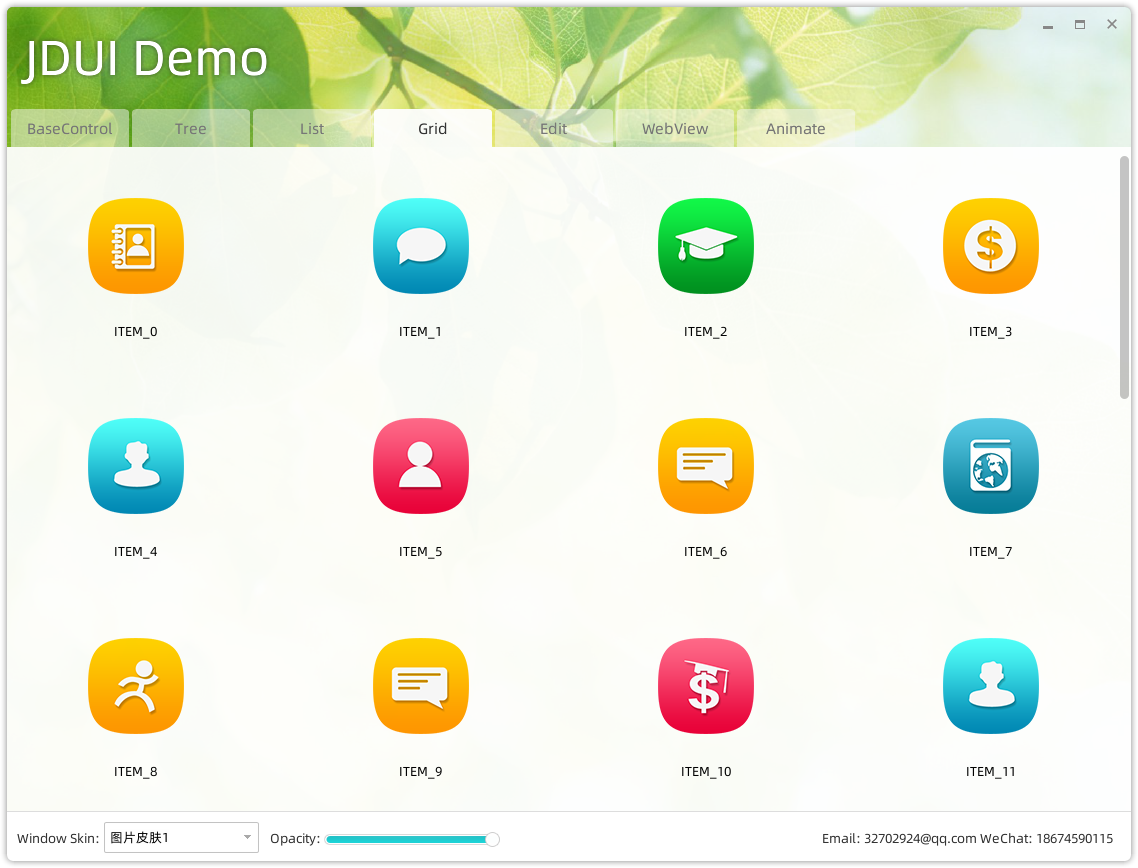
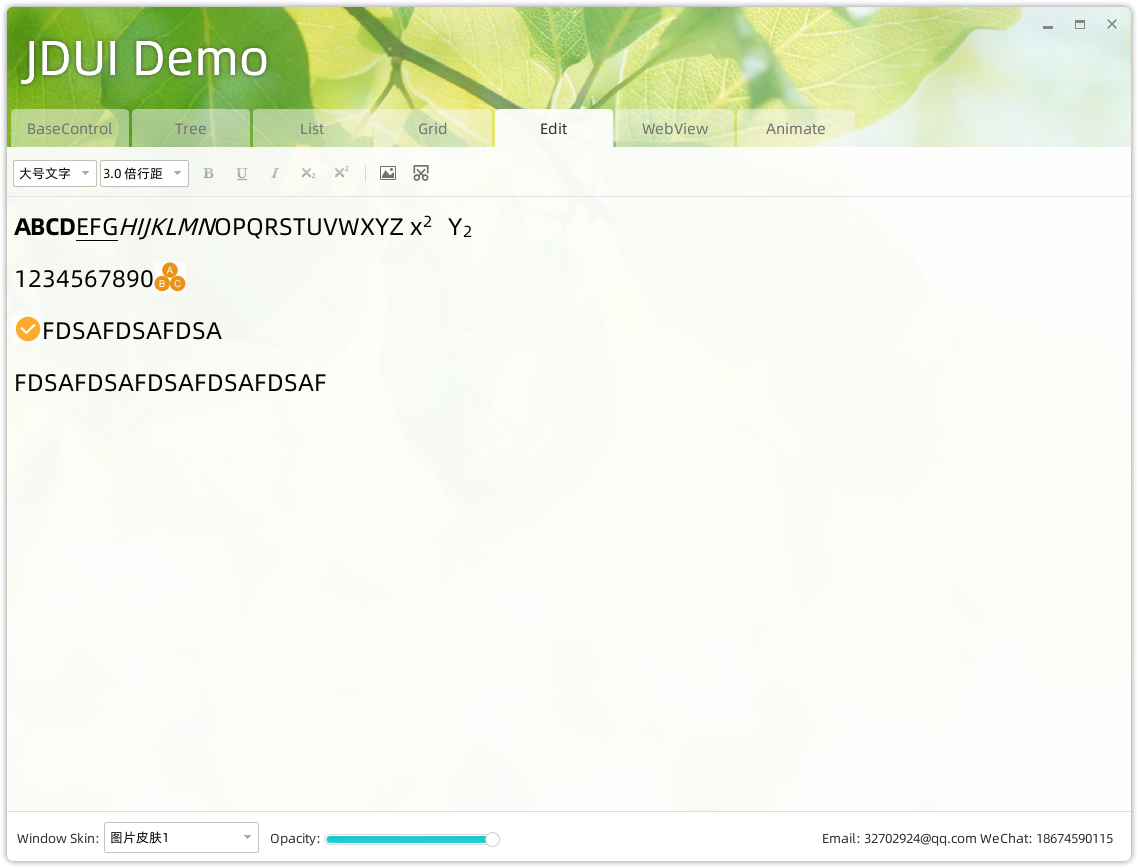
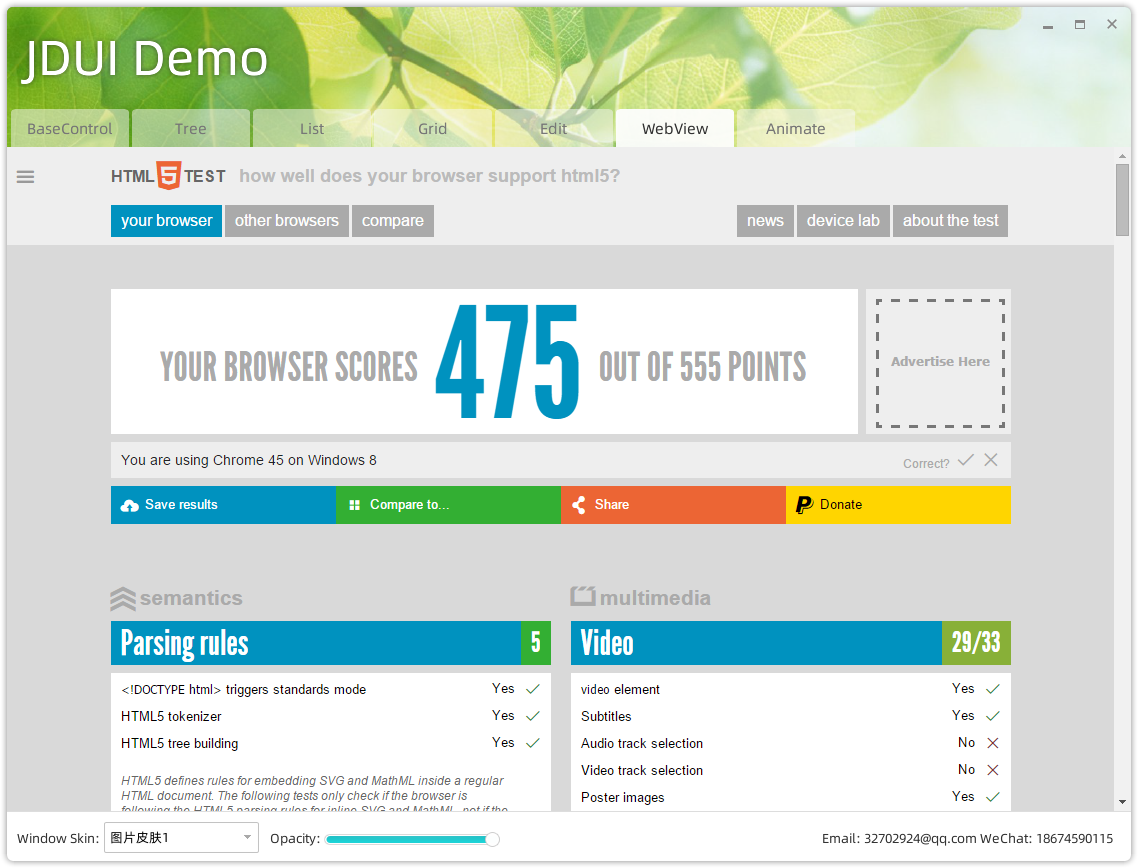
四、更多屏幕截图
五、技术交流
wechat: supersoho QQ: 32702924 email: 32702924@qq.com