

http_inspector

A lightweight cross platform REST client.
- Archived · last change 12-7-2019
- ★ 2 on GitHub
README
This repository is deprecated! Please use
HTTP request inspector
A crossplatform desktop tool for inspecting http requests. The application allows you to send http requests GET, POST, PUT, etc and analyse its responses.
Screenshots
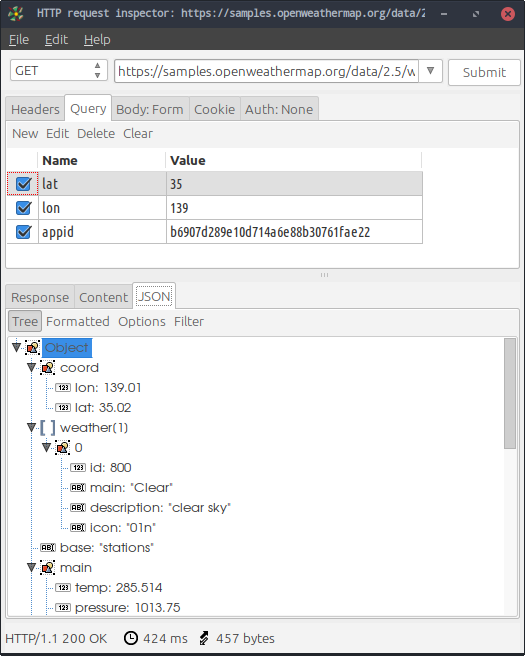
Main window
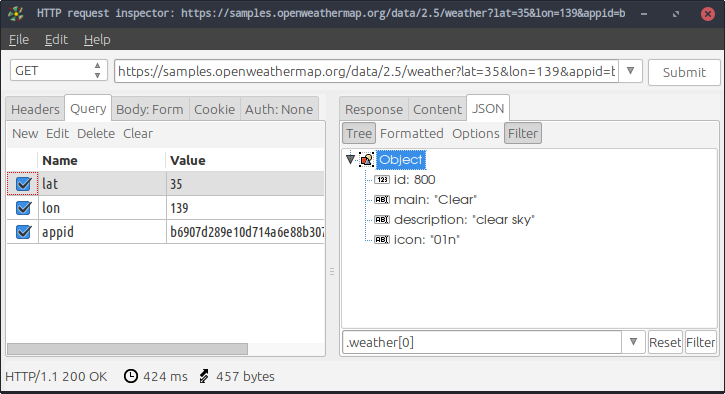
Vertical layout and filtered JSON
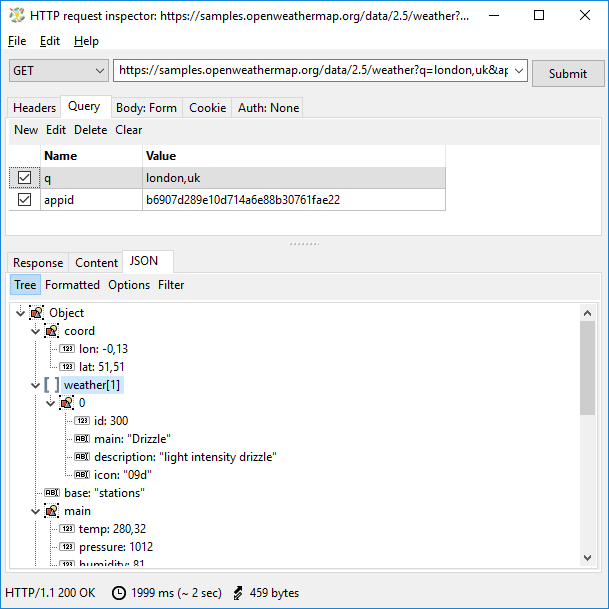
Windows
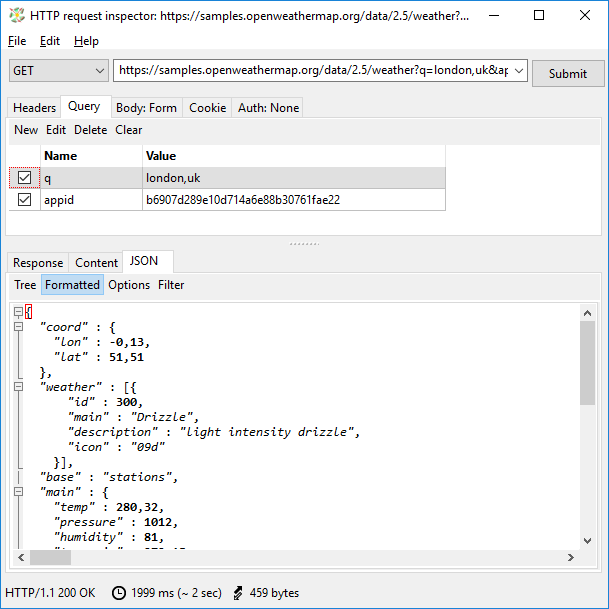
Formatted JSON
Compile from sources
For compiling from sources you will need the following requirements:
- Lazarus 1.8
- FreePascal 3.0.4
- Qt5Pas for Qt5 widget set, can be installed by
sudo apt install libqt5pas1on Ubuntu
Before compiling the application you will have to install a components package
components/rest_explorer. In Lazarus from the main menu
Package / Open package file (.lpk)... open the file
components/rest_explorer/rest_explorer.lpk and then compile and install the
package.
Please ensure that the package TAChart is also installed.
On Linux you can compile and create the install package (deb) by Makefile. For example:
make linux32for compiling a release binary for i386make linux64or for amd64make linux64-qtfor compiling a release with Qt5 widget setmake deb-linux32creates a deb package for i386make appimagecreates AppImage binary (only amd64)
For more targets see output of make.
Refer to install/windows/Readme.txt for information how to compile on
Windows and to create Windows binary installers.
Notes for Windows
The HTTPS requests require the OpenSSL DLLs to be on the system. These DLLs you can get from https://indy.fulgan.com/SSL/ or from "install/windows" directory. Put these DLLs along compiled exe binary.
Setup distributions already have these OpenSSL DLLs.