

Catalog · How the catalog works
Digital-Processing-Image

Repository where I will store the activities carried out in the Digital Image Processing discipline at FCT-Unesp.
- ★ 3 on GitHub
Anyone may press Interesting, signed in or not. It helps others find this project.
README
Digital Image Processing
An academic Digital Image Processing (DIP) project implementing pixel-level image manipulation from scratch, without relying on image-processing libraries (no OpenCV, no GDI+ image filters, no third-party codecs). Every transformation — from parsing the BMP binary header to computing a Sobel gradient — is hand-written.
The project has two independent implementations built by the same authors for the same course assignment:
| Implementation | Language | Interface | Focus |
|---|---|---|---|
| C | C | Command-line | Low-level BMP binary file manipulation |
| Pascal | Object Pascal (Free Pascal / Lazarus) | Desktop GUI | Full image-processing filter suite |
Authors
- João Gabriel Bezerra
- Rennan Furlaneto Collado
Project Structure
Digital-Processing-Image-main/
????????? C/
???   ????????? teste.c                         # BMP header parsing, copy, grayscale, negative
????????? Pascal/
???   ????????? Processamento-Digital-de-Imagens_Trabalho1/
???       ????????? Trabalho_PDI/
???           ????????? unit1.pas               # Main form: filters, transforms, noise, channels
???           ????????? unit2.pas               # RGB <-> HSV color model conversion form
???           ????????? project1.lpi            # Lazarus project file
????????? images/
???   ????????? raw/                            # Original / input images
???   ????????? processed/                      # Generated / filtered output images
????????? CODE_REVIEW_TASKS.md                # Known issues & refactoring backlog
Features
C Implementation — Binary BMP Manipulation
teste.c reads an uncompressed 24/32-bpp BMP file byte by byte, parsing its BMPHeader and DIBHeader structs directly from the file stream (no library does this for you), then writes new BMP files with modified pixel data while preserving the original header layout.
- BMP Header Parsing (
lerCabecalhos) — reads and validates the file header and DIB (bitmap info) header, exposing width, height, bit depth, and data offset. - Header Inspection (
exibirInformacoes) — prints the parsed header fields to the console for debugging/verification. - Image Copy (
copiarImagem) — duplicates the raw pixel stream byte-for-byte into a new file (copia.bmp), proving the header parsing round-trips correctly. - Grayscale Conversion (
converterCinza) — applies the luminosity method to collapse each pixel's RGB triplet into a single grayscale intensity, writing all three channels back with that value. - Negative Conversion (
negativarImagem) — inverts each RGB channel (255 - value) to produce a photographic negative.
The program's main() runs all three operations in sequence against a single input file (imagem.bmp), producing copia.bmp, imagem_Cinza.bmp, and imagem_Negativa.bmp.
Pascal Implementation — GUI Filter Suite
A Lazarus/Free Pascal desktop application (unit1.pas, ~1050 lines) exposing every operation through a menu bar, plus a secondary form (unit2.pas) dedicated to color-model conversion. Below is the actual menu structure, with each item's underlying capability:
Arquivo (File)
- Abrir Imagem / Salvar Imagem / Sair — open, save, and exit.
Operações (Operations)
- Binarização — thresholding an image into pure black/white based on an intensity cutoff.
- Converter para Cinza — grayscale conversion (luminosity-based).
- Compressão de Escala Dinâmica — dynamic range compression / gamma-style intensity remapping to enhance contrast in over/under-exposed images.
- Equalizar — histogram equalization to redistribute intensity levels and improve global contrast.
- Suavizar (Smoothing)
- Media Np(4) / Media Np(8) — mean (averaging) filter over a 4- or 8-neighborhood.
- Mediana (3x3) — 3×3 median filter for noise reduction while preserving edges.
- Gerar Ruído → Sal e Pimenta — synthetic salt-and-pepper noise generator.
- Inverter Imagem — Horizontal and Vertical flip.
- Interpolar → Vizinho Mais Próximo — nearest-neighbor interpolation for image resizing.
- Laplaciano — Laplacian filter for edge/detail detection via second-derivative approximation.
- Limiarizar — threshold-based segmentation.
- Negativar — Cinza (grayscale negative) and Colorida (full-color negative).
- Separar Canal — extracts pure Azul (Blue), Verde (Green), Vermelho (Red) channels, plus grayscale-mapped single-channel views (Cinza/Azul, Cinza/Verde, Cinza/Vermelho).
- Sobel — Completo (combined gradient magnitude), Horizontal, and Vertical edge detection operators.
Conversão de Modelo de Cores (Color Model Conversion)
- A dedicated dialog (
unit2.pas) with bidirectional RGB → HSV and HSV → RGB conversion (RgbToHsv,HsvToRgb), including input validation for each color space's valid ranges.
Image Gallery
All sample images live under images/, split into the originals the algorithms consumed and the outputs they produced.
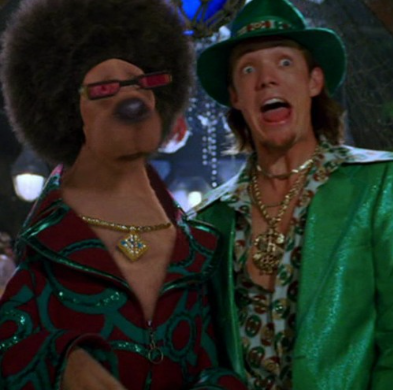
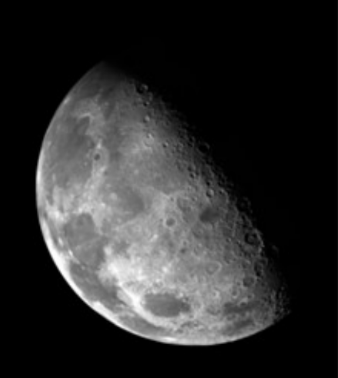
Edge Detection (Pascal Implementation)
| Original (Raw) | Laplacian Filter | Sobel Operator |
|---|---|---|
 |
 |
 |
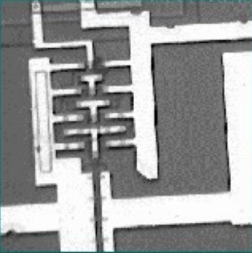
Noise Generation (Pascal Implementation)
| Original (Raw) | Salt & Pepper Noise |
|---|---|
|
 |
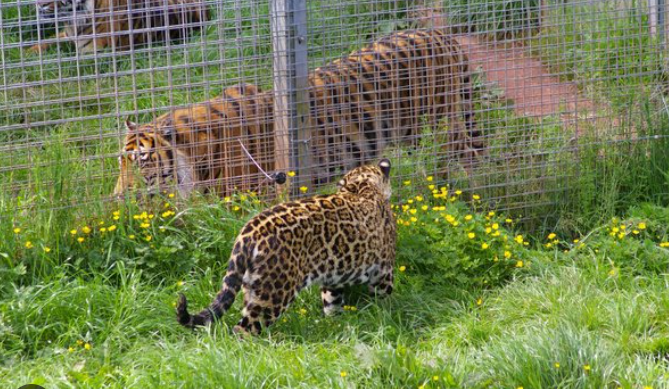
Dynamic Range Compression (Pascal Implementation)
| Original (Raw) | Dynamic Range Compression |
|---|---|
 |
 |
Additional Raw Samples
| imagem2.bmp |
|---|
An extra color test image kept alongside the primary samples for manual testing in the Pascal GUI.
How to Run
C Code
Navigate to the C/ directory, compile teste.c with GCC, and run the executable. Make sure a valid imagem.bmp is present in the same directory (it is the hardcoded input filename).
cd C
gcc teste.c -o teste -lm
./teste
This generates copia.bmp, imagem_Cinza.bmp, and imagem_Negativa.bmp next to the input file.
Pascal Code
Open project1.lpi (located in Pascal/Processamento-Digital-de-Imagens_Trabalho1/Trabalho_PDI/) using the Lazarus IDE. Compile and run with the IDE's built-in tools (F9), then use Arquivo → Abrir Imagem to load a sample and apply any filter from the Operações menu.
Code Review & Improvements
See CODE_REVIEW_TASKS.md for known issues and suggested refactoring work regarding dynamic memory allocation, code consistency, and test coverage.