

Catalog · How the catalog works
guimos_jdundel

- ★ 3 on GitHub
Anyone may press Interesting, signed in or not. It helps others find this project.
README
Guimos Jdundel
Table of Contents
📝 Description
Oh, no! Your best buddy is GONE! No chill, no waiting — kickstart the daring rescue mission right now. Who’s gonna save the day? You are, the hero!
Featuring:
- Monsters! Monsters!
- Treasure chests!
- Quirky humor, yummy quests!
Grab your legendary spoon, buckle up, and get ready for a frosty, wacky ride! The journey’s gonna be wild!😊
Screenshots
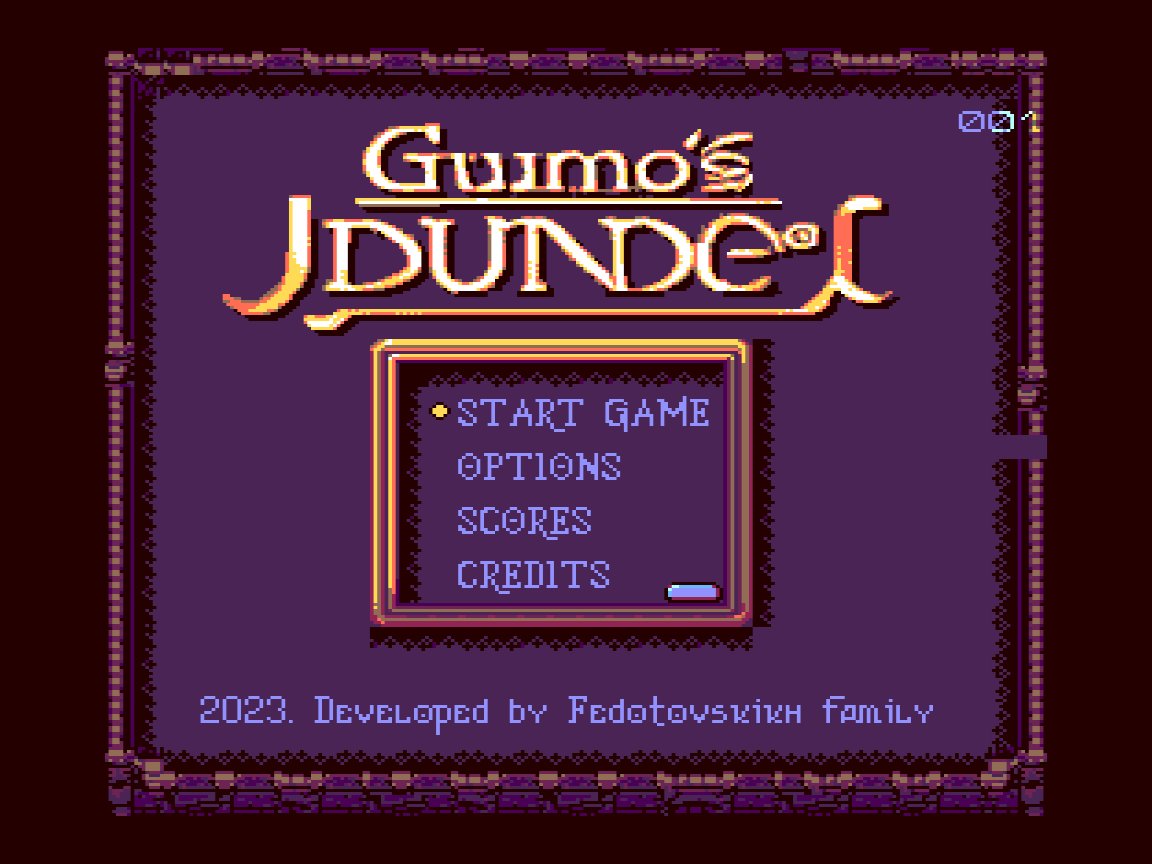
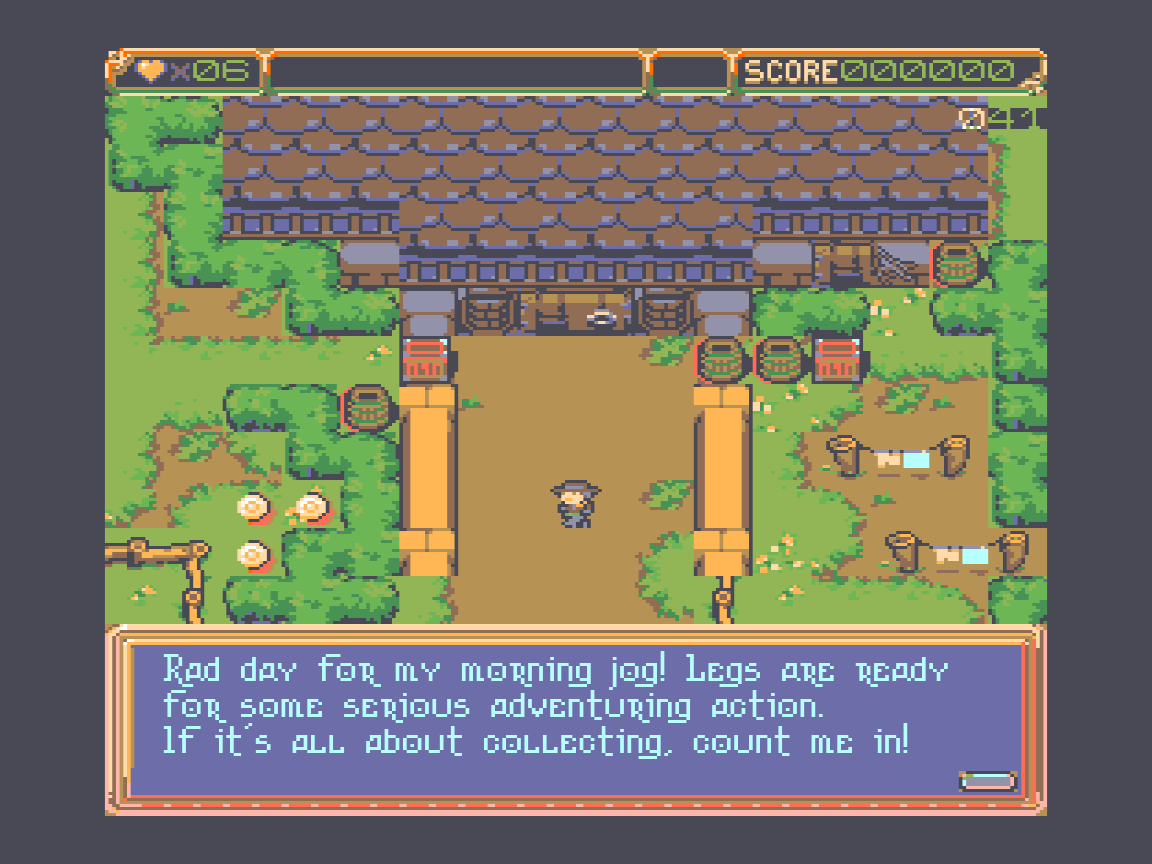
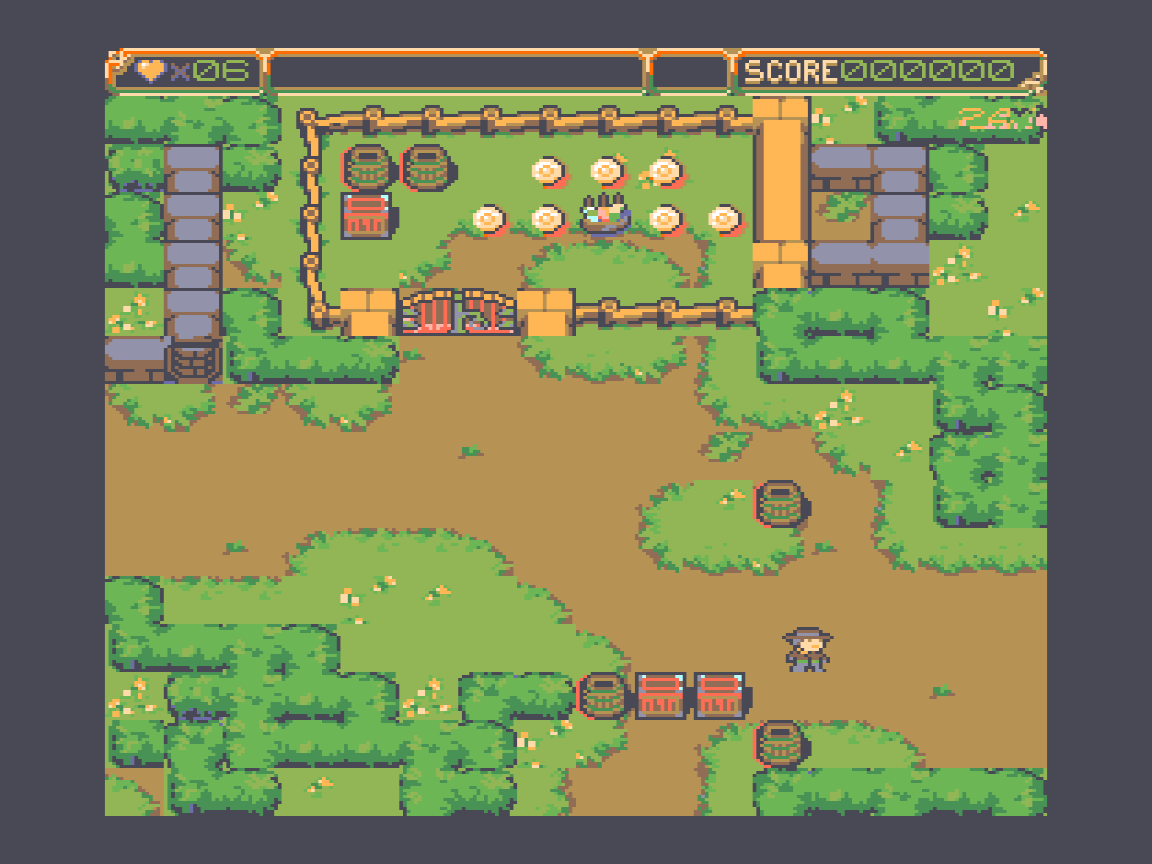
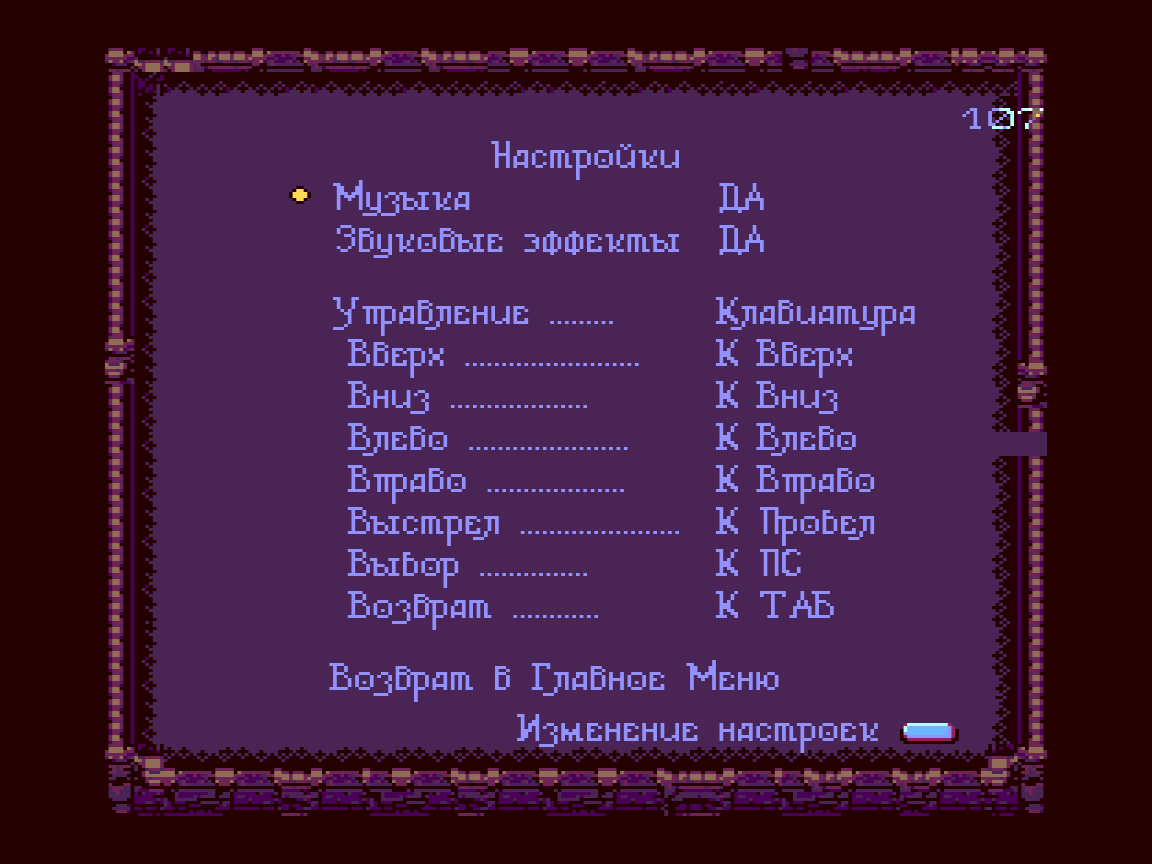
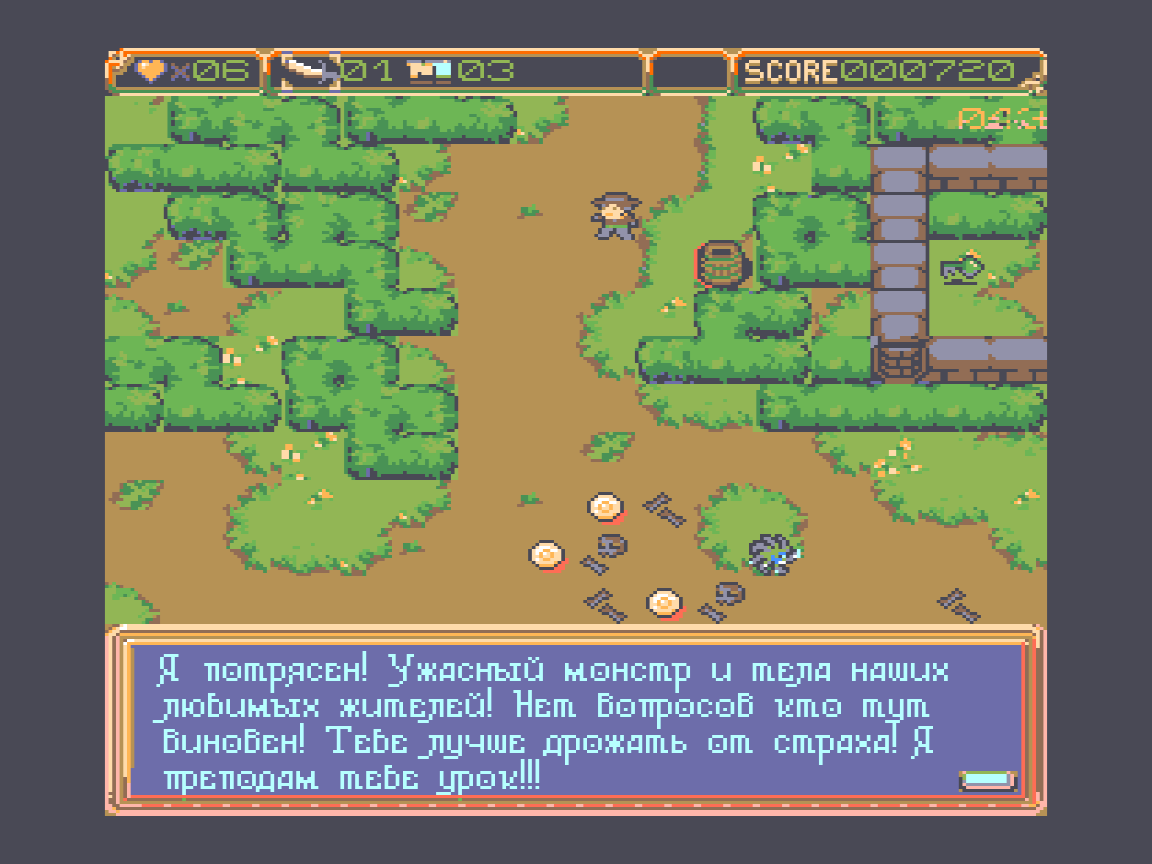
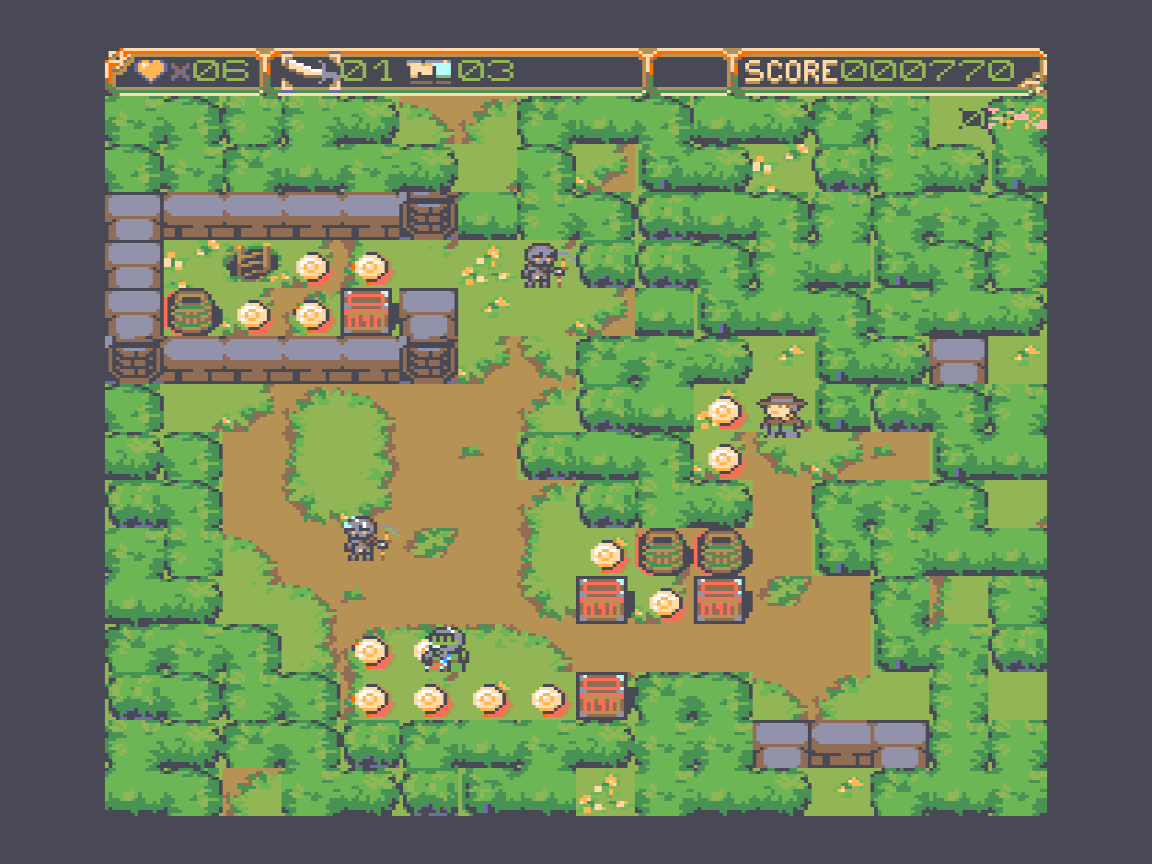
Video
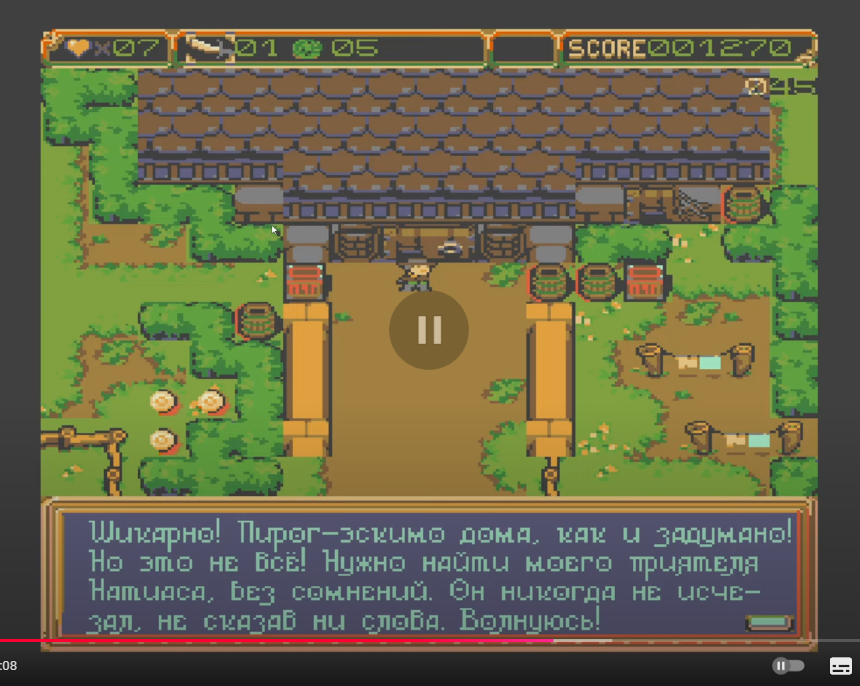
🕹️ Play
- Run
game.batto start the game.
🔨 Build
- 🛠️ Install
Retroassemblerfrom https://enginedesigns.net/ - 🛠️ Install
Python 3.12.0from - ▶️
F5orCtrl+F5to build & Run
📄 Documentation
Prehistory
This game was built for the Soviet retro PC Vector 06c, which was my first computer. It inspired me and set me on an endless journey into the game development industry. Sweet dreams, old friend. I'll remember you forever!
Creating this game was a tremendous effort. It started as a benchmark and then evolved into a game project. The lack of documentation, a small community of enthusiasts, and my twisted hands made the process complex and slow. Just the demo alone took me two years to complete. But I regret no second! It was a fun learning project! During this time, I learned a great deal about computer low-level architecture, practiced various programming languages like Assembly, Python, C++, and C#, built systems like Cmake, made one mine in Python, tried tons of different UI frameworks like Winforms, WPF, UWP, Dart, ImGui, databases, finally learned and integrated cross-platform development and testing.
During the demo development, I suffered from the rudimentary debugging tools available around for this computer. I spent several months adding debugging to v06x the emulator I used back then.
After releasing the demo, I concluded I needed more robust tooling and spent another year building my own emulator Devector. It has advanced debugging features and must significantly speed up my development process and help me finish the final product. Fingers crossed!
Intro
This project is divided into two key components: the game and the sprite engine, called V6. The engine's goal is to make life easier for retro gaming enthusiasts. Key features include:
- Ultra-fast sprite rendering.
- 8 color sprites with mask support.
- 16 color background.
- 16x15 tile field with 16x16 pixel tiles.
- Animated decals.
- Non-animated decal tiles.
- Efficient sprite sorting by Y.
- Overlay layer for projectiles & vfx.
- Non monospaced font support.
- Floppy disk data loading via I/O syscalls.
- AY music and multichannel sound effects.
- Up to 8 RAM disks support.
- A powerful yet intuitive build system to simplify workflows.
I hope it inspires more devs to dive into the retrocomputing world.
📁 Folder Structure
.vscode
├── launch.json       # VSCode build and debug tasks
└── settings.json     # Syntax highlighting and assembler integration
asm/
├── app/              # Game logic code
└── v6/               # Game engine code
assets/
├── backs/            # Animated background decals
├── basefdd/          # Contains rds308.fdd (bootable OS image used for final game FDD build)
├── decals/           # Static tile decals
├── design/           # Design documents
├── fonts/            # Non-monospaced fonts (Russian/English/etc.)
├── levels/           # Tiled level graphics and tiledata
├── music/            # Music metadata and source files (YM format)
├── palettes/         # Color palettes and fade transitions
├── sprites/          # Sprite graphics, animations, and preshift metadata
├── text/             # In-game dialog
├── tiled_imgs/       # Tiled images
└── config.json       # Game configuration file
build/
├── debug/            # Built project output (debug version)
├── build_consts.asm  # Generated constants
├── build_includes.asm# Generated includes (animations, FDD metadata)
└── build.bd          # SQLite DB tracking source file updates
docs/
├── images/           # Documentation images
├── faq.txt           # Frequently asked questions
└── ram_disk.txt      # RAM Disk hardware specification
scripts/
├── export/           # Python scripts for data export
├── fddutil_python/   # FDD image creation utilities
├── utils/            # Helper Python utilities
└── build_and_run.py  # Main build script (invoked by VSCode)
tools/
├── Ay_Emul29b32W64/  # Tracker music converter (PT3 → AY format)
├── ayfxedit-improved/# AY sound effects editor
├── retroassembler/   # Assembler application
├── dzx0.exe          # ZX0 decompressor (testing only; game uses ASM version)
├── zx0.exe           # ZX0 compressor (used in project)
└── zx0salvador.exe   # Fast ZX0 compressor variant
README.md             # This documentation file
❗ Troubleshooting
- F5 Not Building Project After Retroassembler Installation
- Solution:
- Open VS Code Keyboard Shortcuts (Ctrl+K, Ctrl+S)
- Search for "Start Debugging"
- Delete Retroassembler F5 bindings
- Solution:
📚 Naming Conventions
Prefixes:
- ADDR - Address
- BUF - Buffer
- INT - Interruption
- SCR - Screen buffer
- MEM - Memory
- LEN - Length
- SEC - Second
- SEG - Segment (half of a 64K bank of the RAM Disk)
- RES - Result
- PTR - Pointer