

Catalog · How the catalog works
Windows-Sidebar

Windows Sidebar for Rainmeter
- ★ 3 on GitHub
Anyone may press Interesting, signed in or not. It helps others find this project.
README
Windows Sidebar for Rainmeter
Free and Open Source, works on Windows 7, 10 and 11 In-part a museum / preservation effort of the wonderful design work from a bygone era...
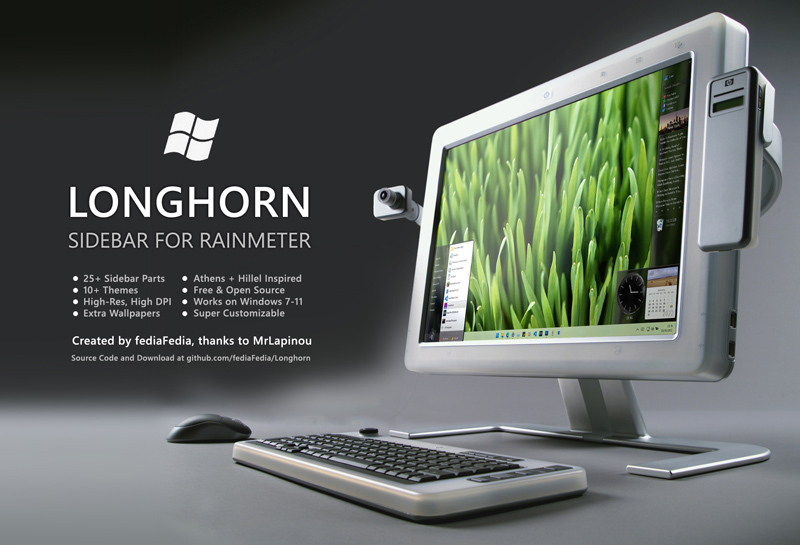
Also check out the Longhorn Sidebar!
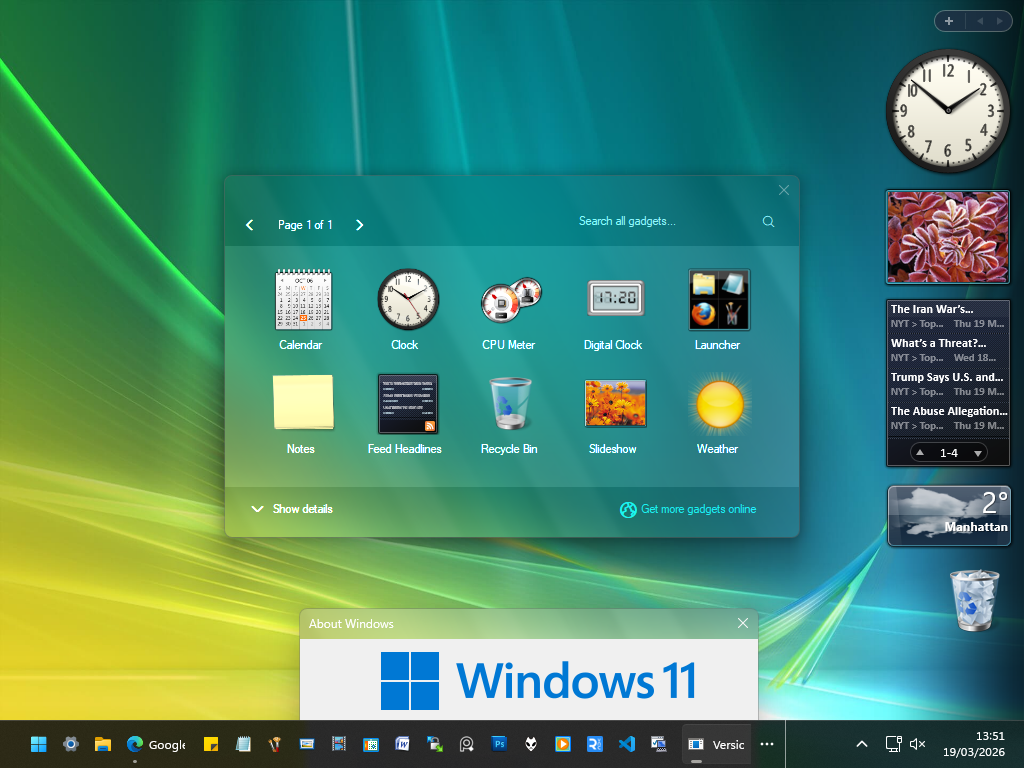
Been in the works for a couple of years but I've been putting it off... Now I had some motivation and help to finish it, however!
This is a massive update to the Vista Rainbar, originally by legace/Gavatx, later updated by me and then later by poiru, and now by me again A modernized, yet nostalgic Vista Sidebar with lots of great features and skins...
It also uses like 40MB of RAM and 0-1% CPU on my Core i5 Laptop, can't say the same about most Sidebars.
HOW TO INSTALL?
- Download https://www.rainmeter.net/
- Install Rainmeter
- Download Windows-Sidebar.rmskin from Releases and double click it
Enjoy
FEATURES IN 5.0:
Gadgets
You'll find almost every Gadget you may want:
| Preview | Name | Features | Alternatives | Settings |
|---|---|---|---|---|
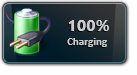 |
Battery | Displays current battery level and status | Yes | No |
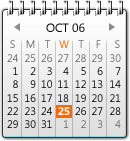 |
Calendar | Shows current date, month view, and upcoming days | Yes | Yes |
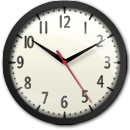 |
Clock | Displays current local time with configurable styles | No | Yes |
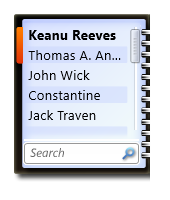 |
Contacts | Shows contact list with quick interaction options | No | Yes |
| CPU Meter | Monitors CPU load and performance in real time | No | No | |
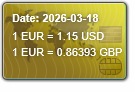 |
Currency | Displays up-to-date currency exchange rates | No | Yes |
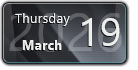 |
Date | Shows the current date with customizable format | No | No |
| Digital Clock | Displays digital time with day/night theme options | No | Yes | |
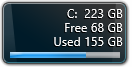 |
Drive | Monitors disk usage and available space | No | Yes |
| Feed Headlines | Displays live RSS or news feed updates | Yes | Yes | |
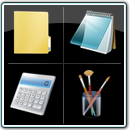 |
Launcher | Customizable shortcut panel for launching apps or websites | No | Yes |
| Media Player | Controls playback for supported media players | Yes | Yes | |
| Multi-Meter | Combines CPU, RAM, and disk usage monitoring in one | No | No | |
| Network | Displays network IP, upload/download speeds | No | No | |
| Notes | Simple sticky notes gadget for quick text memos | No | Yes | |
| Picture Puzzle | Interactive sliding puzzle game using selected images | No | Yes | |
| Recycle Bin | Shows Recycle Bin status and allows quick cleanup | No | Yes | |
| Red Button | Customizable button for system actions or shortcuts | No | Yes | |
| RED Clock | Stylish clock with alarm and customizable appearance | No | No | |
| Slideshow | Displays photos from a selected folder as a slideshow | Yes | Yes | |
| Sunset | Shows sunrise/sunset times and weather info | No | Yes | |
| Uptime | Displays system uptime since last boot | No | No | |
| Weather | Shows current weather conditions and forecast | No | Yes | |
| Wireless | Displays Wi-Fi signal strength and connection info | No | No | |
| World Clock | Displays current time for multiple locations | No | Yes | |
| Feedback | Shows a configurable link | No | No | |
| Windows Media Center | Shows a configurable link (to ehshell.exe) | No | No | |
| Windows Media Center | Shows a configurable link (to ehshell.exe) | No | No |
Skins / Styles
Included Skins from the Classics:
The Sidebar is also colorizable through the Settings Window. There is a Windows 7 option, where the sidebar is invisible and just a small + icon in the corner :)
Galleries
There are 4 Gallery Styles respective to Vista RTM, Vista Beta 2 5384, Vista Beta 2 5219, Vista Beta 2 5212
Settings
Sidebar and Gadgets have dedicated Config tools
Capabilities
- Ability to position on the Right or on the Left with one click
- Option to stay on top of other Windows (Reserve screen space)
- Easy Snapping
- Blur Effect on Win10 / Win11
- Super easy Customization
- Lots of Variants in every Gadget
- Possible future Translations
- Create your own Gadgets using included Gadgets\Template
Extras
Some more included Extras for real Windows fans:
| Preview | Name | Features |
|---|---|---|
| Reserve Screen Space | Included Utility lets you realistically reserve screen space for the Sidebar, does not run in Memory | |
| Build Tag | Put a configurable Build tag on your Desktop | |
| Configuration | The sidebar has lots of configuration options |
Vista Beta 2 Gadgets
For historical integrity, there are also Vista Beta 2 Gadgets in the Project They can be enabled either through a Sidebar Theme or by enabling "Show All Gadgets"
| Preview | Name | Features | Alternatives | Settings |
|---|---|---|---|---|
| Build 5384 | - | - | - | - |
| Calculator | You can do math on it | No | Yes | |
| Clock | Displays current local time with configurable styles | No | Yes | |
| CPU Meter | Monitors CPU load and performance in real time | No | No | |
| Currency | Displays up-to-date currency exchange rates | No | Yes | |
| Feed Viewer | Displays live RSS or news feed updates | Yes | Yes | |
| Feed Watcher | Displays live RSS or news feed updates | Yes | Yes | |
| Number Puzzle | Interactive sliding puzzle game using selected images | No | No | |
| Picture Puzzle | Interactive sliding puzzle game using selected images | No | No | |
| Recycle Bin | Shows Recycle Bin status and allows quick cleanup | No | Yes | |
| Timer | Kitchen Timer for just about anything | No | Yes | |
| Build 5219 | - | - | - | |
| Analog Clock | Displays current local time with configurable styles | No | Yes | |
| Clock | Displays current local time, day and night mode | No | Yes | |
| Shows a fake number, currently not possible to make it real | No | Yes | ||
| Internet Search | Lets you Search from the Gadget | No | Yes | |
| Launcher | Customizable shortcut panel for launching apps or websites | No | Yes | |
| RSS | Displays live RSS or news feed updates | Yes | Yes | |
| RSS in HTML | Displays live RSS or news feed updates | Yes | Yes | |
| Slideshow | Displays photos from a selected folder as a slideshow | Yes | Yes | |
| WM Player | Controls playback for supported media players | No | Yes | |
| Build 5212 | - | - | - | |
| Internet Search | Lets you Search from the Gadget | No | Yes | |
| Slideshow | Displays photos from a selected folder as a slideshow | Yes | Yes |
BUGS & TRANSLATIONS
If you find any bugs just let me know in a comment or something. Technically this thing supports multiple languages, you need to edit English.inc and replace it with your values. I started a few languages already but then I got lazy.
LICENSE
Software and Components
Images and Media https://creativecommons.org/licenses/by-nc-sa/3.0/
CREDITS
Big thanks to MrLapinou, AtheneRa, poiru, Gavatx and balazslaci (Currency gadget)
Credits to guinness for coming up with the reserve screen space AutoIt Script