Catalog · How the catalog works
SR24_decode

Read and decode data from Yuneec ZigBee receiver SR24. Test tool for Raspberry Pi.
Anyone may press Interesting, signed in or not. It helps others find this project.
README
SR24_decode
SR24 is a ZigBee receiver used for Yuneec drones.
The transmitter has to be connected to Raspberry PI via UART for tests and analysis with the test tool.
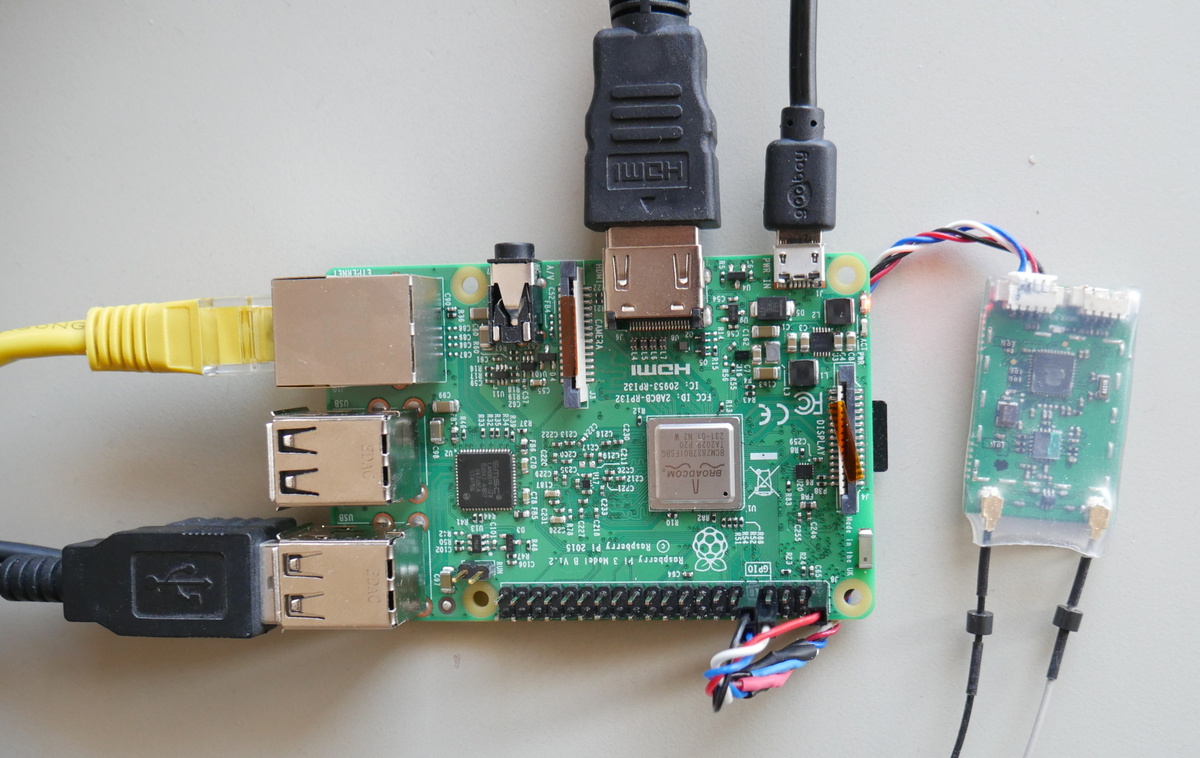
A test tool helps to create own applications for SR24.
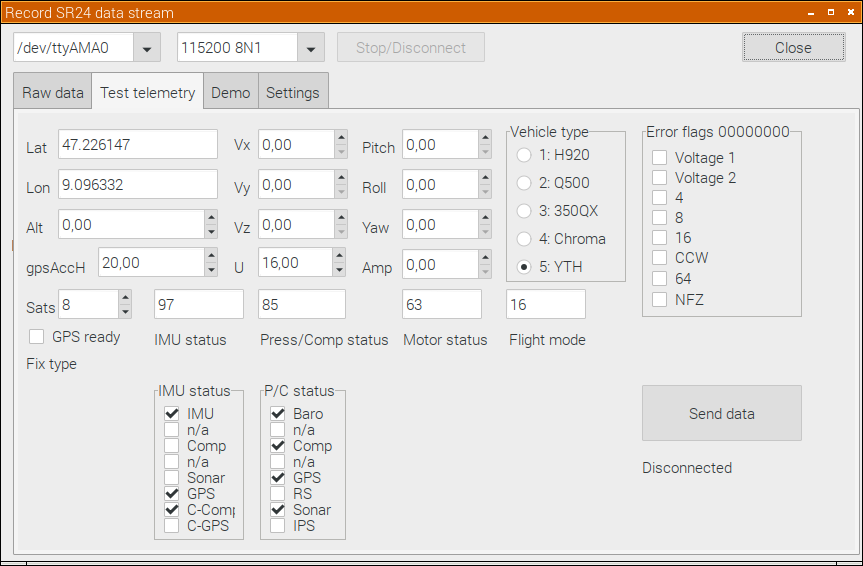
The tool can receive all messages from Radio controller ST10, ST12, ST16 and ST24. Also test messages (fake drone telemetry data) can be sent to analyze behavior of the Radio control unit. Findings are documeted in "UART_ST24_raw.ods". One can send different values back to ST16 just to see how it reacts. The Demo shows how the messages from the ST16 can used by program and is able to control two servos.
You can use the tool to bind SR24 to any STxx RCs without drone. The Bind button sends the bind message to the receiver via serial connection. You need an USB-to-Derial converter like YUNA100 or others with 3.3V power and signal. Use the Bind button on "Test telemtry" page.
The following executables are running with Raspian+GUI on Raspberry Pi:
- "SR24_decode" is the test tool to play with all that stuff
- "SR24wizard" is a tool to create and edit settings stored in file rc_settings.set
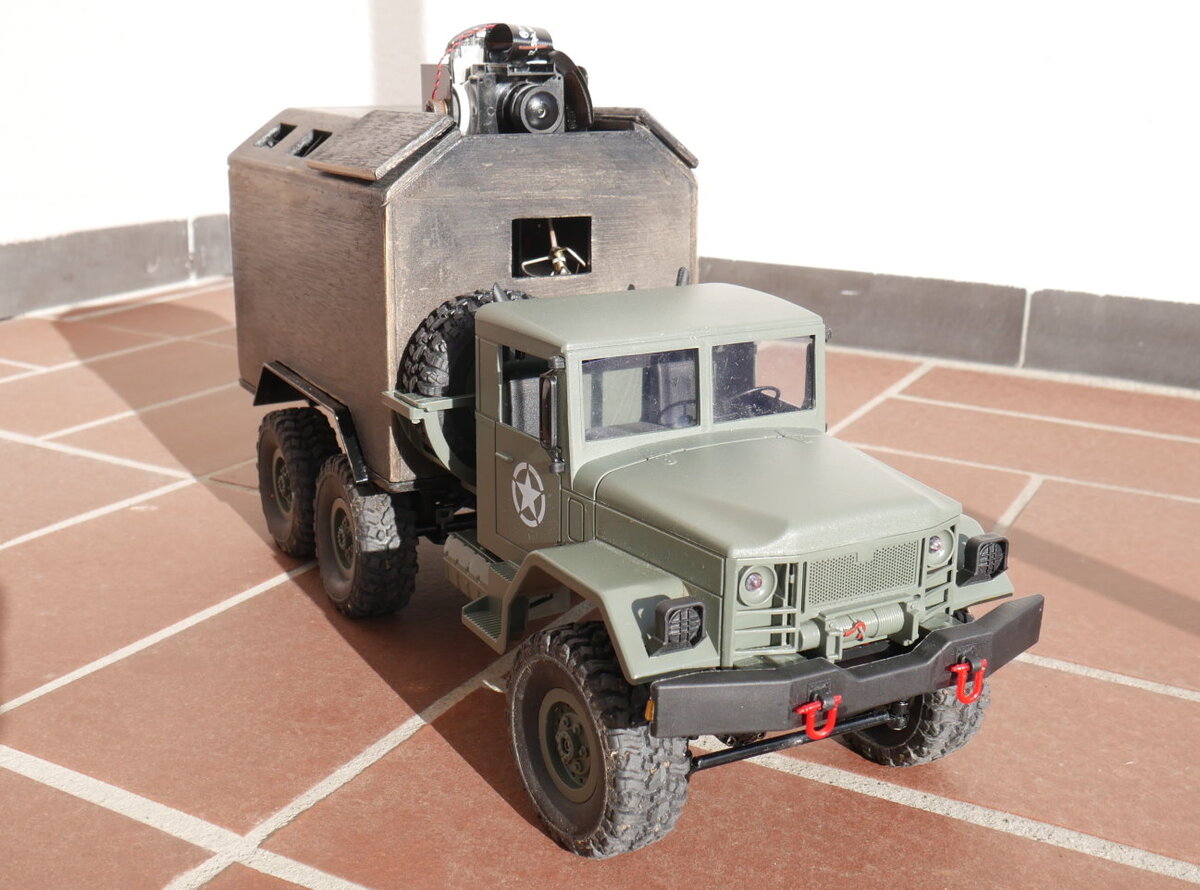
- "st16cars" is an example how you can control a model car (or ship) by ST10 or ST16. It runs as terminal program and should be started at boot time. No GUI. It uses rc_settings.set for configuration.