

Catalog · How the catalog works
BardAPI

Interacting with Google Bard, a conversational AI from Delphi
- ★ 3 on GitHub
Anyone may press Interesting, signed in or not. It helps others find this project.
README

BardAPI
Bard API for Delphi
Interact with Google® Bard™, a conversational AI from Delphi®.
Features
- Conveniently utilize Bard's features through a unified class interface.
- Effortlessly authenticate on the Bard website and store the AccessToken for future utilization.
- Automatically sanitize input to reduce the occurrence of errors.
- Customize proxy settings as per requirements.
- Engage in contextual conversations with Bard, enhancing the interactive experience.
- Preserve and retrieve conversations for later reference.
- Establish event handlers that trigger upon the initiation or modification of a conversation.
- Capture image links and code sections obtained from queries.
Minimum Requirements
- Windows 10
- Delphi Community Edition
Usage
{ ---------------------------------------------------------------------------
  This example presents a fundamental demonstration of engaging in a
  contextual conversation with Bard.
----------------------------------------------------------------------------- }
var
  LBardAPI: TBardAPI;
  LPrompt: string;
begin
  WriteLn('Hi, I am Bard. How can I help you?'#10#13);

  // init Bard instance
  LBardAPI := TBardAPI.Create;
  try
    // init proxy settings
    //LBardAPI.SetProxy(...)

    // init access token, setting to blank try to get from cached value else
    // it will open a window for you to logo into Bard and create one, then
    // cache and return this value. Just log in with a valid google account
    // then close the window and it will fetch the token.
    LBardAPI.AccessToken := '';

    // start the conversation loop
    repeat

      // wait for user to input a question
      Write('Q: ');
      ReadLn(LPrompt);

      // check for quit, then exit loop
      if SameText(LPrompt, '/q') or SameText(LPrompt, '/quit') then
        Break;

      // set input prompt to the question for Bard to query
      LBardAPI.Question := LPrompt;

      // query Bard with question
      LBardAPI.Query;

      // check result status
      if LBardAPI.Success then
        begin
          // success - response to query will be in TBardAPI.Answer
          WriteLn(#13#10'A: ', LBardAPI.Answer, #13#10);
        end
      else
        begin
          // failed - error message will be in TBardAPI.Answer
          WriteLn(#13#10, LBardAPI.Answer, #13#10);
         end;

    until False;

  finally
    // free Bard instance
    LBardAPI.Free;
  end;
end;
Media
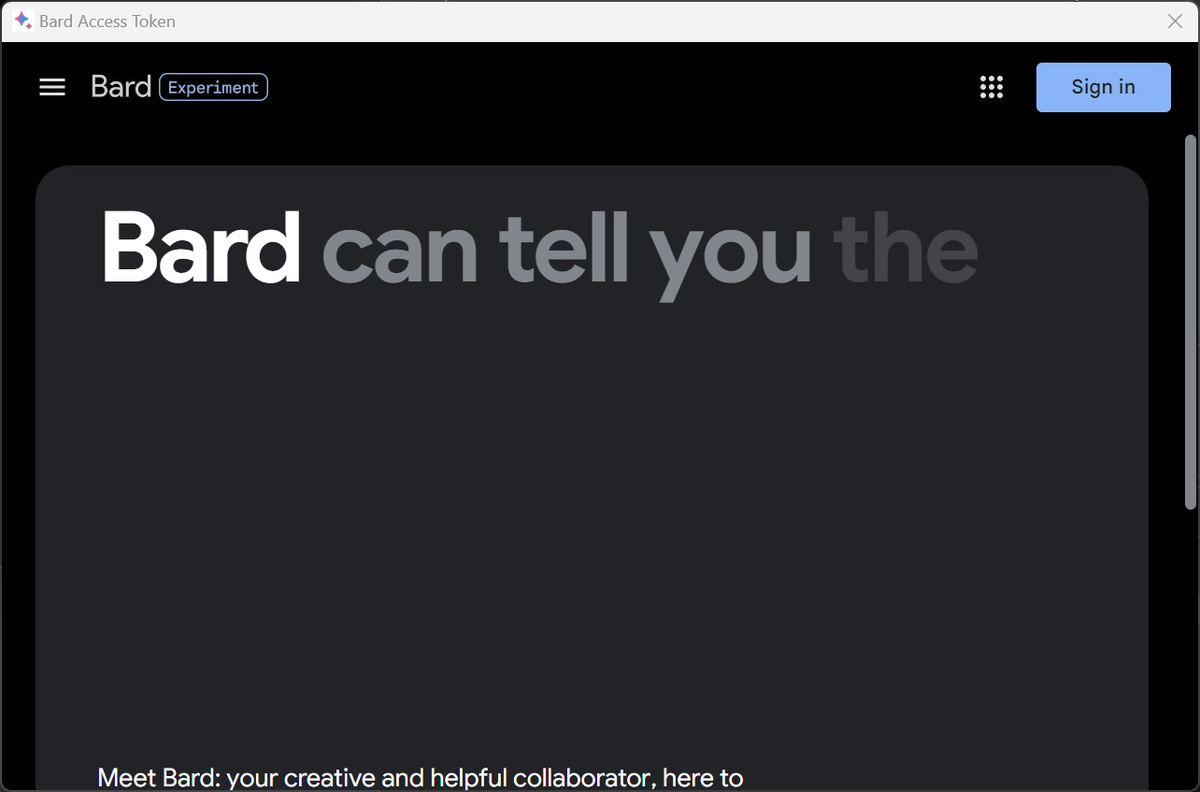
BardAPI can open a WebView2 window and allow you to logo into the Bard website to generated and fetch an AccessToken for use.
This is an example of how you can have a contextual conversation with Bard using the API.
https://github.com/tinyBigGAMES/BardAPI/assets/69952438/ec1e3e85-b7ac-4320-8cd4-ce1b97859a3c
Important Notice
The user assumes all legal responsibilities associated with using the BardAPI class. This Pascal class merely facilitates easy access to Google Bard for developers. Users are solely responsible for managing data and using the package appropriately. For further information, please consult the Google Bard Official Document.
Caution
This is not an official Google API service. It is not affiliated with Google and uses Google account cookies, which means that excessive or commercial usage may result in restrictions on your Google account. It should not be misused or abused.
Support
