

FPUI

Freepascal User Interface Demos in Text and Graph modes using Video unit and PTCGraph
- Quiet · last change 11-23-2022
- ★ 4 on GitHub
README
FP-UI
Freepascal USER INTERFACE DEMOS.
It is a GUI with menus, windows, scroll list with mouse and keyboard interface. I have also developed them in text mode using the unit video.
My units use PtcGraph, PtcCrt, PtcMouse included in FreePascal 2.6 or higher for Graphics and RTL (video and keyboard) for Text Mode.
I've created this only for fun and to learn programming. That's why they are full of mistakes and redundancies. I hope this will help me become a better programmer one day.
NOTE: FOR X11 headers in linux install: sudo apt-get install xorg-dev
Units:
Graph mode:
- gfxn.pas >> Graphic Unit to add buttons, textbox.
- gfwin.pas >> Graphic Unit to create windows.
- hex2bin.pas >> Unit to handle different operations with hexadecimals.
- gaedch.pas >> Graphic Unit that creates a dynamic list to select different options.
- gaedch2.pas >> Graphic Unit that creates a dynamic list to select different options with mouse control.
Text mode: Compatible with video unit.
- aedcho2.pas >> Unit that creates a dynamic list to select different options.
- winvideo.pas >> Unit that allows to create dynamic windows.
- vidutil.pas >> Unit with tools to expand the video functionality.
Programs:
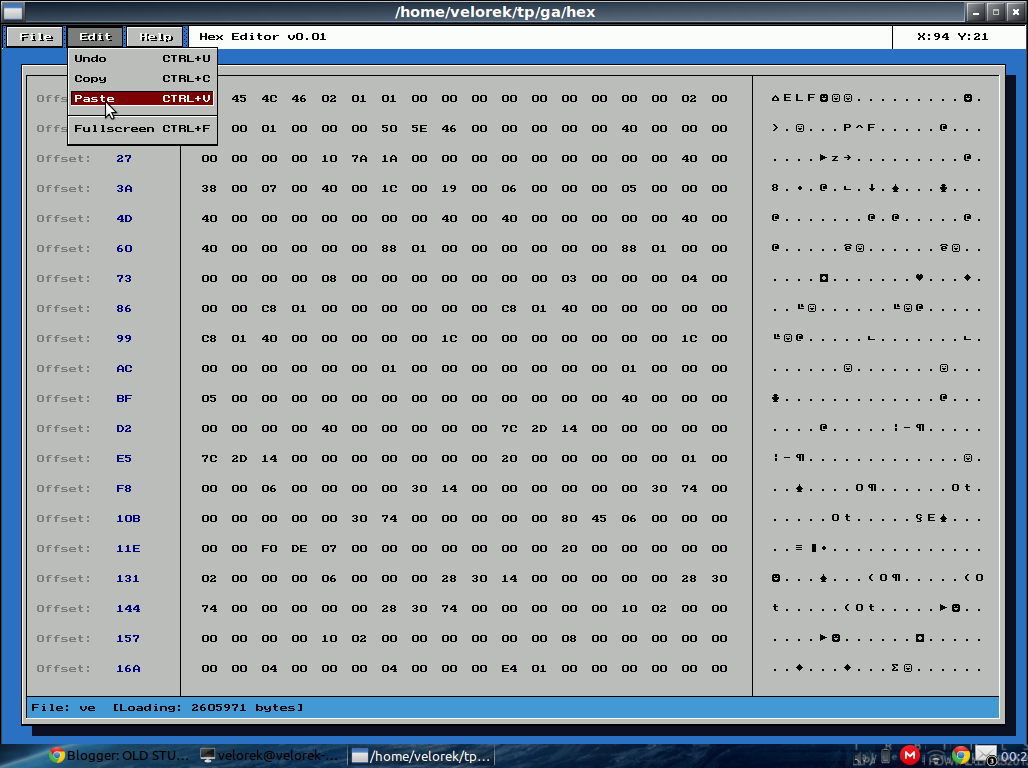
- hexeditor.pas >> demo hex editor that uses all the libraries.
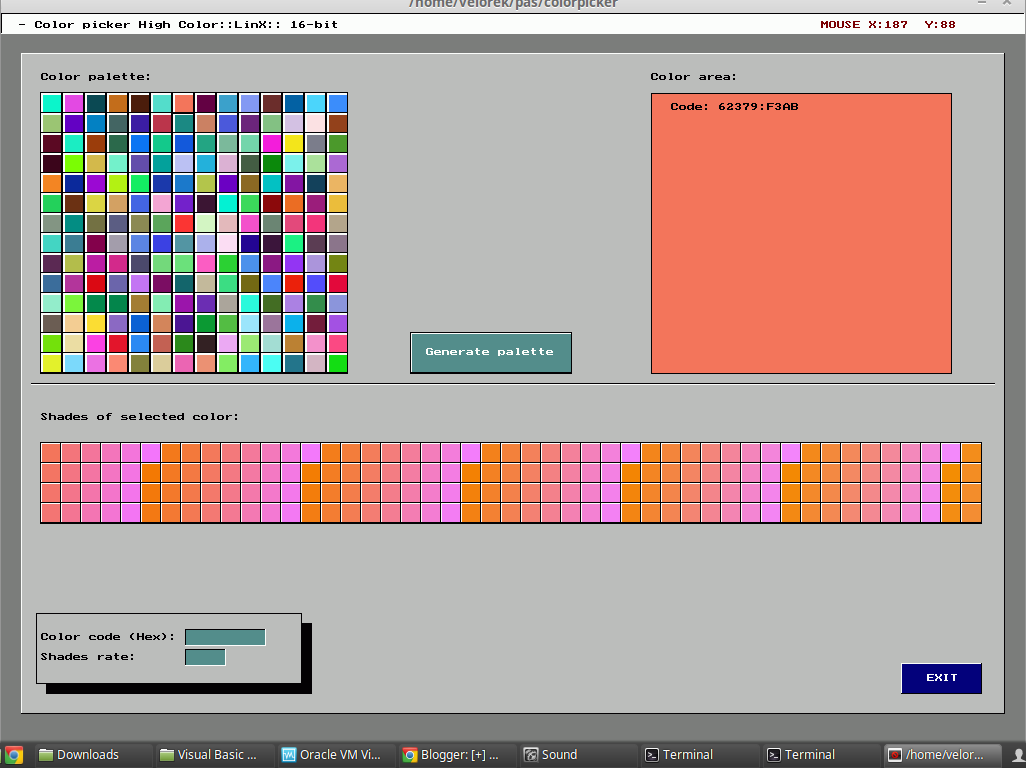
- colpick.pas >> True Color(16k) palette picker.
- wintest.pas, wintest2.pas, testscroll.pas >> Different test programs.
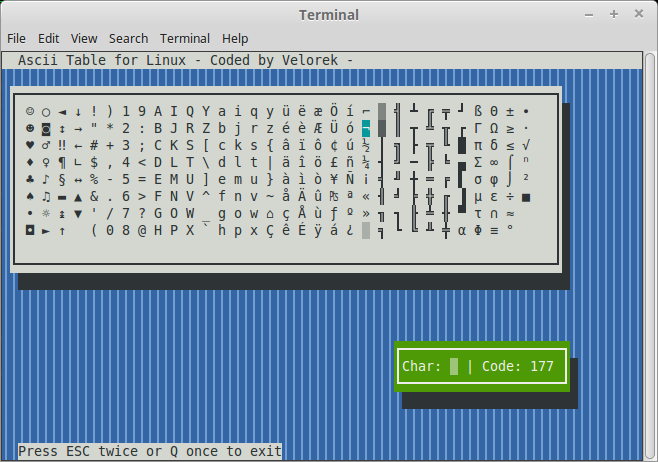
- asc.pas >> Text mode ASCII table with windows and multiple choice using unit video.
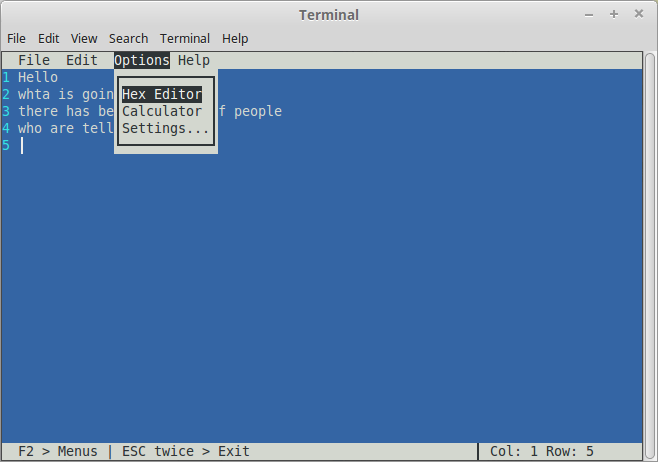
- rdf.pas >> A very rudimentary prototype of a text editor in text mode.
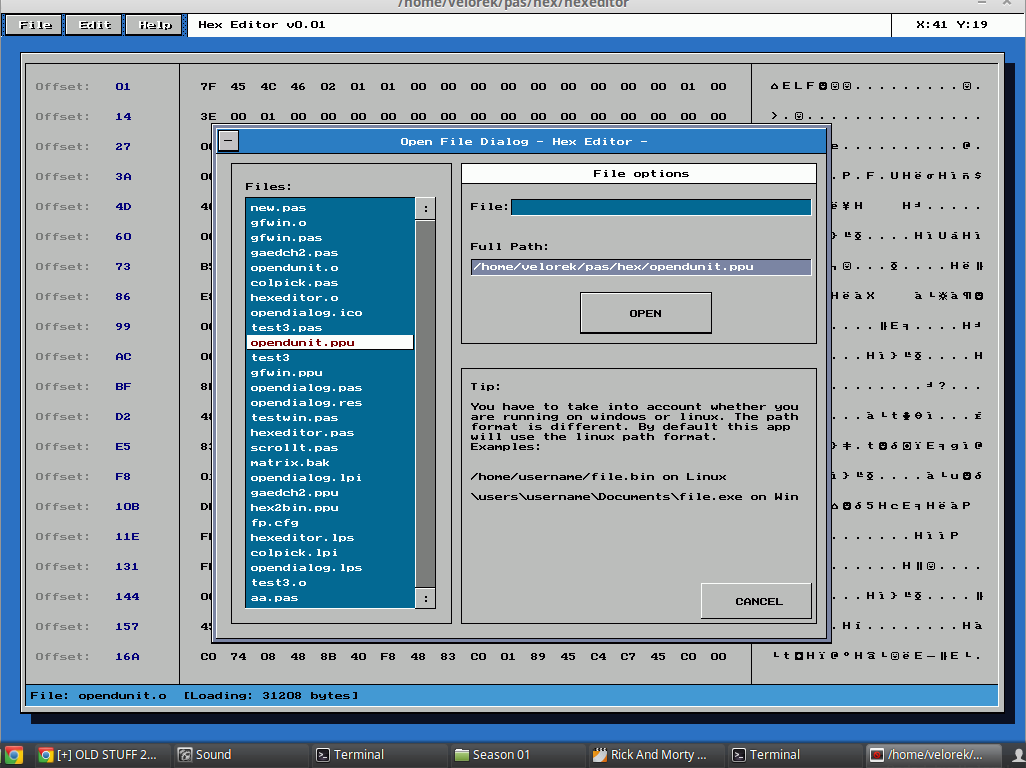
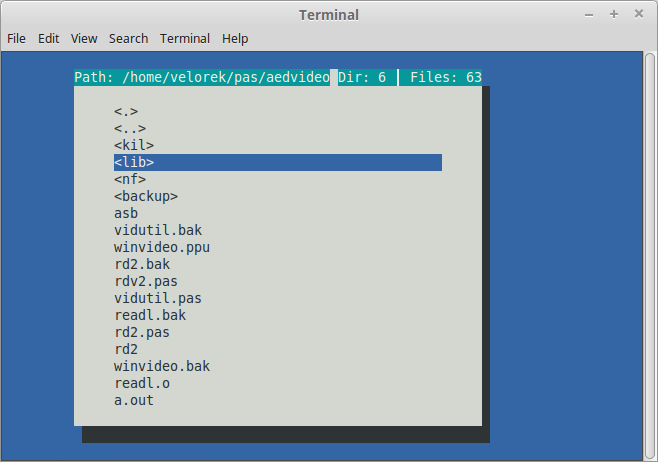
- openfile.pas >> Selecting a file in a menu-style dialog.
In Graph mode:
In text mode:
EOF