

Catalog · How the catalog works
LazRandR

X11 display layout tool for Linux that also maps touchscreens to the right monitor (Lazarus/FPC, GTK3)
- ★ 3 on GitHub
Anyone may press Interesting, signed in or not. It helps others find this project.
README
LazRandR
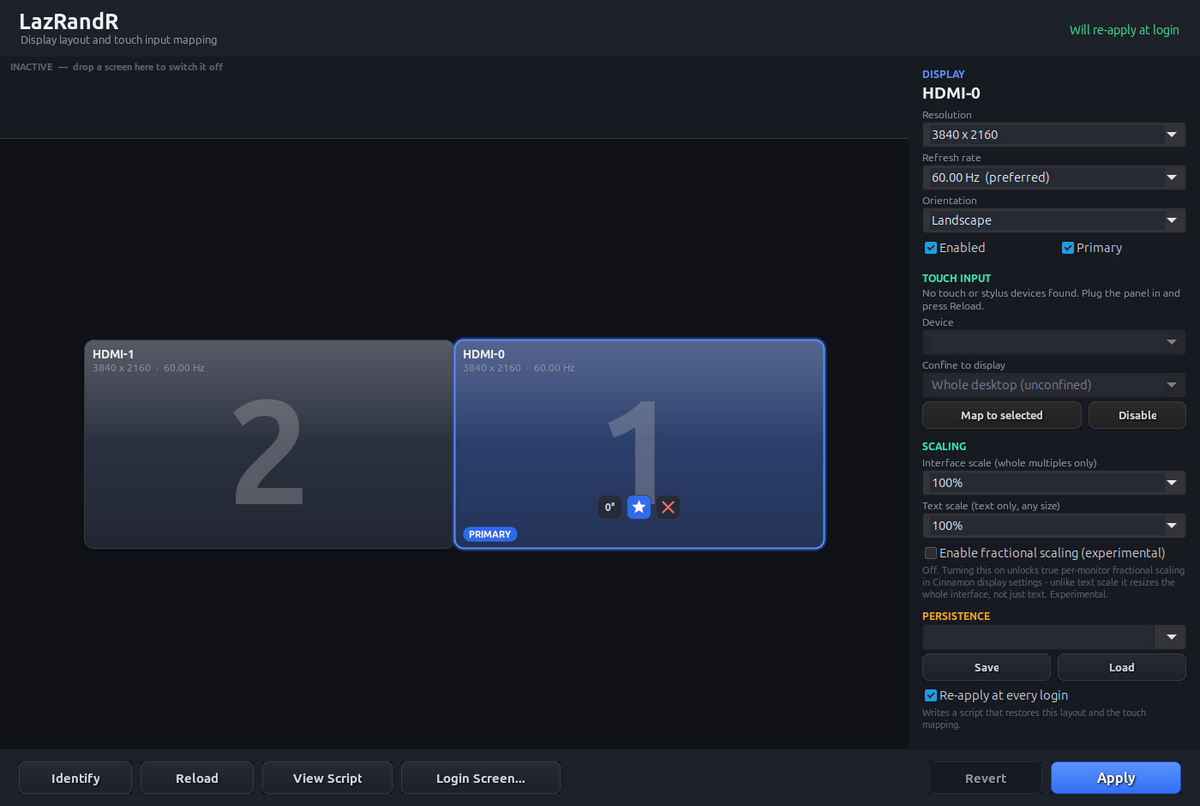
A display layout tool for Linux/X11 that also maps touchscreens to the right monitor, which no desktop environment's display panel does for you.
Written in Free Pascal with Lazarus (GTK3) and BGRABitmap. MIT licensed.
The story
LazRandR started in 2021 as a way to carve one big monitor into several
virtual displays with xrandr --setmonitor, so windows would snap into them
like separate screens. It turned out Cinnamon, GNOME, MATE and friends ignore
XRandR monitors, so there was nothing underneath to honour them, and the
project sat.
Years later I plugged a small portable touchscreen in next to my two 4K monitors on Linux Mint. The picture was fine, but touching it moved the cursor on a completely different screen. X spreads touch input across the whole desktop, and Mint's display settings have no way to tie a touchscreen to its own monitor. Rotate the panel and the axes swap too.
So in 2026 the old layout editor was rewritten as a display and touch
mapping tool. More in docs/HISTORY.md.
Features
- Drag-and-drop layout with snapping (hold
Altto place freely), resolution, refresh rate, rotation, primary and on/off per screen. - Touch mapping: confine any touchscreen or pen to any monitor, correct under rotation.
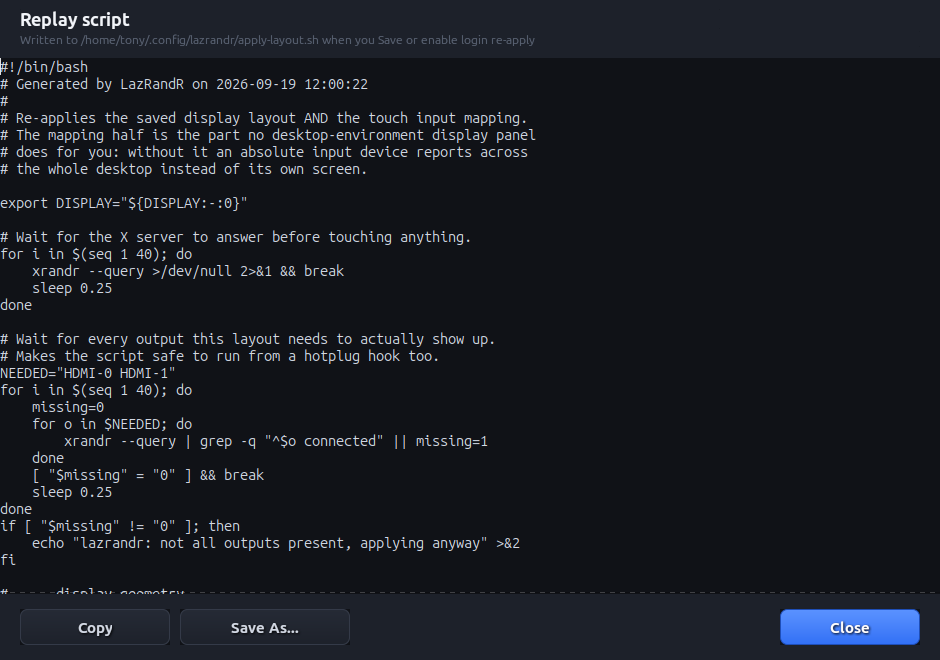
- Survives logout: saved profiles plus a replay script and autostart entry that restore the layout and the touch mapping.
- Login screen: installs the same layout into LightDM or SDDM, so the greeter isn't mirrored.
- Confirm or revert: every change rolls back after 15 seconds unless you confirm it.
- Also: identify screens, reverse PRIME linking for panels on a second GPU, and interface, text and fractional scaling controls.
Download
Get the prebuilt 64-bit binary from the
latest release,
unpack it and run ./lazrandr.
You need an X11 session (not Wayland), GTK3, xrandr, xinput and glibc
- 4+ (Linux Mint 21+, Ubuntu 22.04+, Debian 12+). Installing the login-screen
hook uses
pkexec. GDM is not supported.
Building
Needs Lazarus/FPC with GTK3 and the BGRABitmapPack and BGRAControls
packages. Open lazrandr.lpi in the IDE, or use the script with an
fpcupdeluxe-style install:
LAZ_ROOT=~/fpcupdeluxe ./build.sh   # optimised build
./build.sh --debug                  # checks, debug info, heaptrc
./run.sh                            # build if needed, then run
More
docs/TECHNICAL.md: how the touch matrix works, the login-screen race, a known Cinnamon panel quirk, code layout and build notesdocs/HISTORY.md: the full timeline
License
MIT, see LICENSE. Use it, change it, share it.