

Catalog · How the catalog works
FMX.ShadowVolume

FMX
- ★ 5 on GitHub
Anyone may press Interesting, signed in or not. It helps others find this project.
README
FMX.ShadowVolume
A FireMonkey (FMX) demonstration of stencil‑based Shadow Volumes for TCube
This repository contains a Delphi / FMX unit that implements real‑time Shadow Volume rendering on simple 3D objects (TCube).
The goal is to provide a clean and understandable demonstration of how to generate and render geometric shadow volumes using the stencil buffer, a classic technique used in OpenGL and DirectX.
The project is intentionally simple and focuses on clarity rather than completeness, making it a good starting point for anyone exploring low‑level 3D shadow techniques in FMX.
🎯 Purpose
FMX does not provide built‑in shadow volumes, so this project shows how to:
- detect lit and shadowed faces of a cube
- compute silhouette edges relative to a point light
- extrude these edges to build a closed shadow volume
- render the volume using the stencil buffer
- support both shadow‑volume rendering modes:
- Z‑PASS
- Z‑FAIL (Carmack’s Reverse)
The implementation is self‑contained and designed for experimentation, learning, and extension.
📦 Contents
Main Unit
Execute.FMX.ShadowVolume.pas
This unit includes:
TShadowVolume- silhouette detection
- volume extrusion
- stencil setup and rendering
- optional debug rendering (rays, volume outlines)
- full support for Z‑PASS and Z‑FAIL modes via conditional compilation
Demo Project
A small FMX application demonstrating:
- a cube illuminated by a point light
- the generated shadow volume
- the final shadow mask rendered via stencil operations
- optional visualization of rays and extruded geometry
🔍 How It Works
- Face classification
Each cube face is tested against the light direction to determine whether it is lit or shadowed. - Silhouette extraction
Edges between lit and shadowed faces form the silhouette. - Volume construction
Silhouette edges are extruded away from the light to form quads.
Shadowed faces are used as near caps, and extruded faces form far caps. - Stencil rendering
The volume is rendered twice (front faces and back faces) with increment/decrement operations.
The final shadowed region is where the stencil value is non‑zero.
Both Z‑PASS and Z‑FAIL are implemented, allowing the demo to illustrate the differences between the two techniques and the situations where each mode is appropriate.
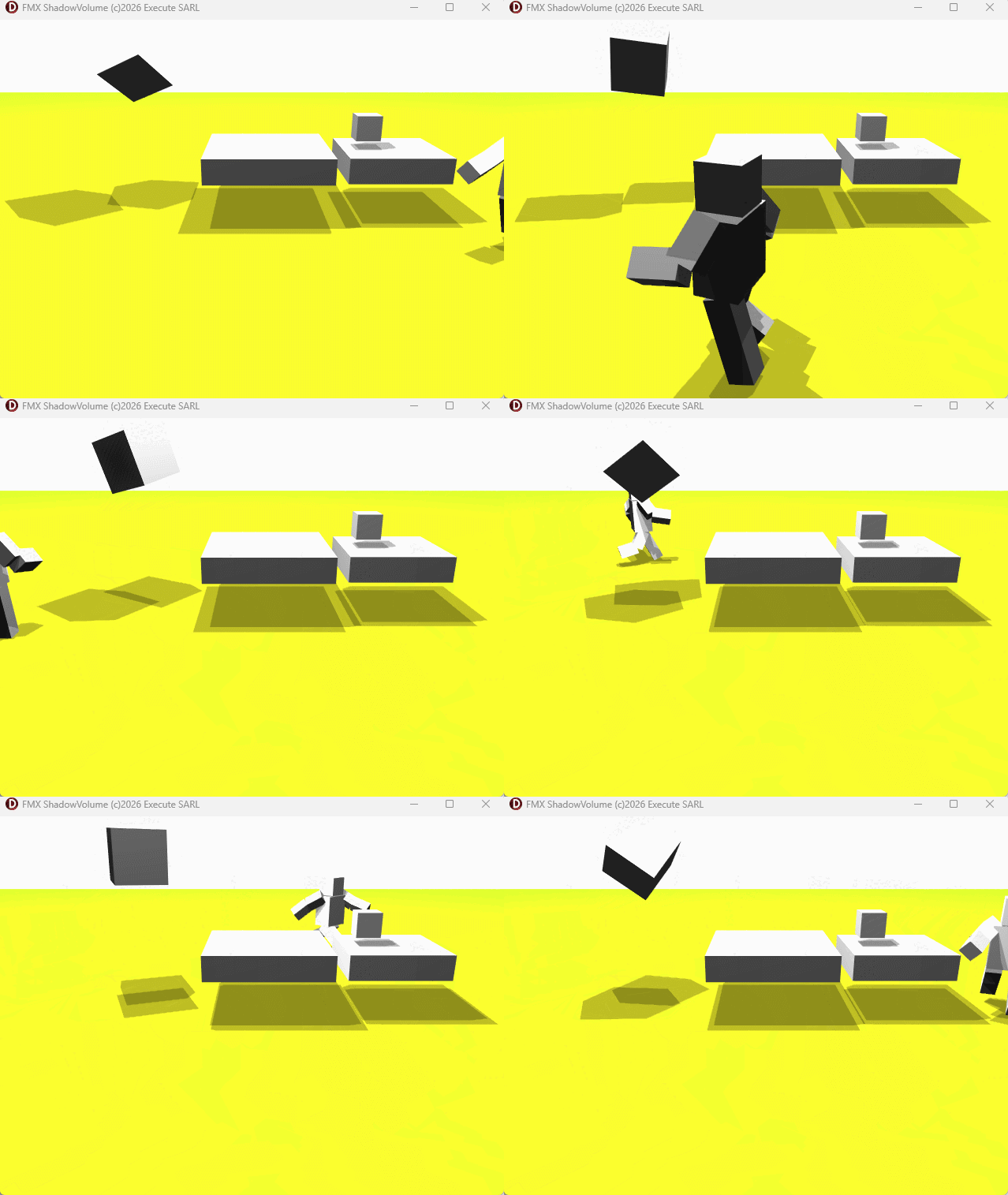
🖼 Screenshots
The repository includes several images showing:
- the cube
- the extruded shadow volume
- the stencil mask
- the final shadow overlay
⚠️ Limitations
This is a demonstration, not a full shadow system:
- only
TCubeis supported - no soft shadows
- no caps for arbitrary open geometry
- no support for concave or complex meshes
- no optimization for large scenes
Still, it provides a solid foundation for extending shadow volumes to other FMX 3D objects.
📄 License
This project is released under the MIT License.
You are free to use, modify, and integrate it into your own applications.
🤝 Contributions
Contributions, improvements, and extensions are welcome.
Feel free to open issues or submit pull requests.