

Catalog · How the catalog works
back-to-the-pascal

- ★ 6 on GitHub
Anyone may press Interesting, signed in or not. It helps others find this project.
README
Back to the Pascal
Back to the Pascal is about a game I wanted to build in the early '90s, but couldn't, because I wasn't a good enough programmer yet. 35 years later, I decided to see if I could finally pull it off using the same hardware (i386) and programming language (Turbo Pascal) I used back then.
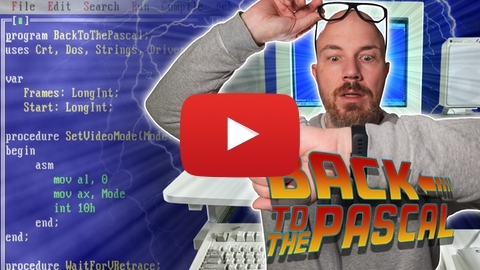
If you want to learn more about the backstory, check out this video:
Project Structure
.
|-- game                 // game root folder
|   |-- ASSETS              // game assets (tiles, sprites, maps)
|   |-- DEMO                // demo programs (experiments, benchmarks)
|   |-- MAIN.PAS            // the actual game
|   |-- UNITS               // units
`-- tiled-exporter       // Map export plugin for Tiled
Running the Code
To run the code you need an IBM‑compatible PC (or DOSBox) and a copy of Turbo Pascal 7. My development system is a 386DX-40.
If you use DOSBox, the following settings give roughly the same performance:
- CPU Type: 386
- CPU Cycles: 8000
Using Borland Make
- Enter the game's root folder
- Run
make all(runmakewithout arguments to see all available targets) - Run
build\main(or any of the other executables)
From Turbo Pascal's IDE
- Start Turbo Pascal from the game’s root folder.
- Add the
UNITSdirectory to the list of unit directories (Options → Directories). - Open
MAIN.PAS(or any file in theDEMOfolder) and run it with Ctrl+F9 (orRun → Run).