

Catalog · How the catalog works
abc-pascal-tui

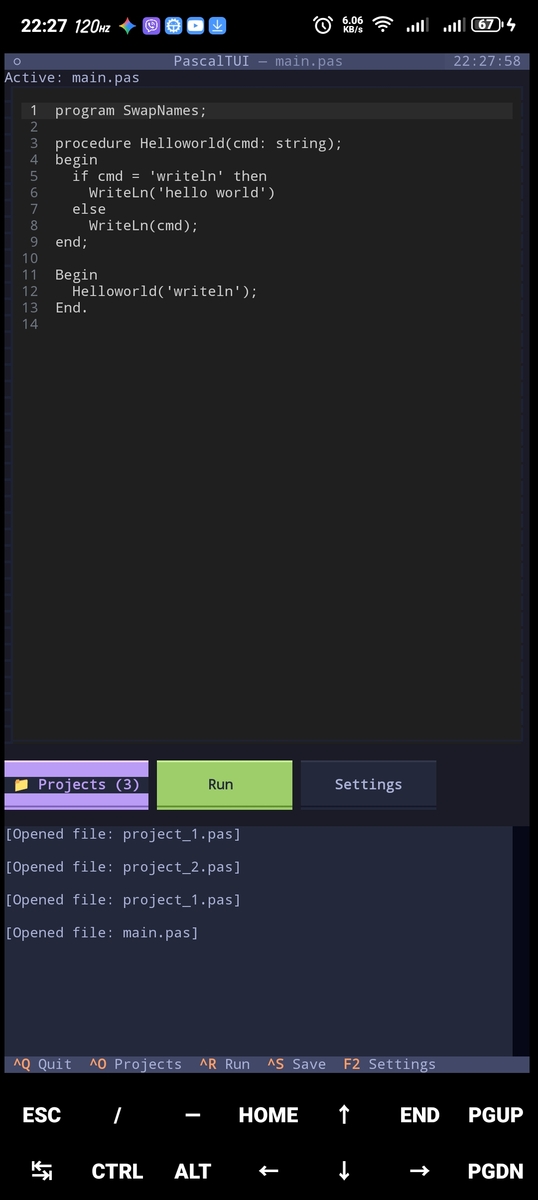
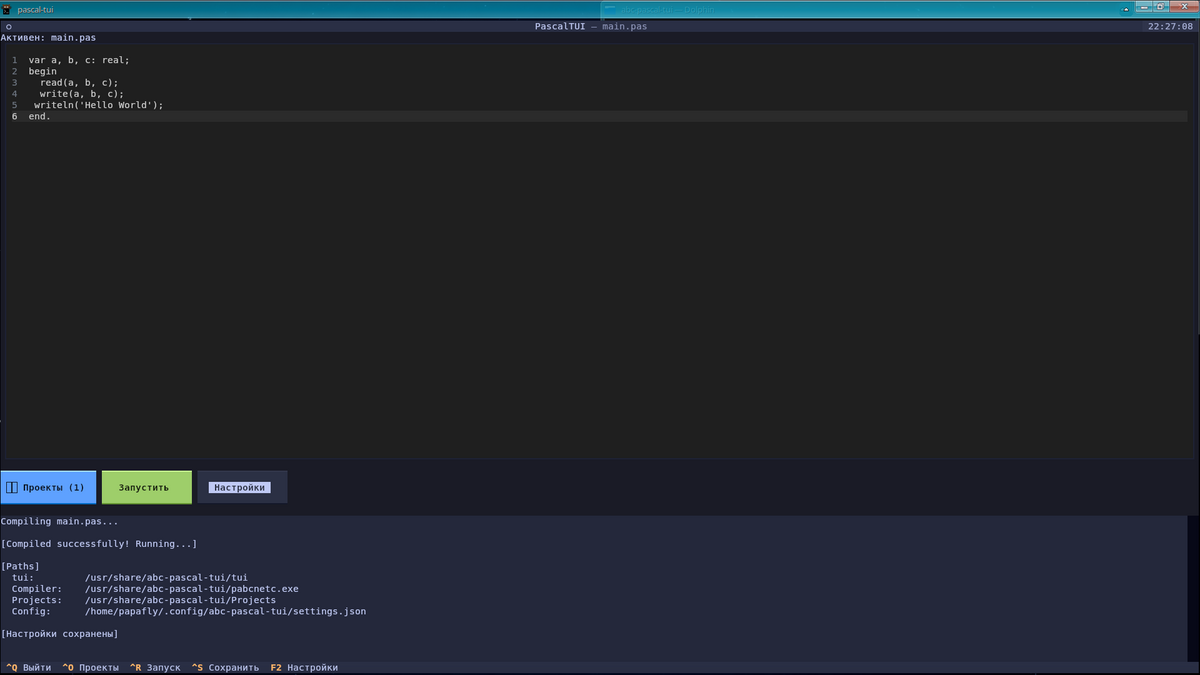
abc-pascal-tui is an IDE for Pascal based on the PascalABC.NET compiler, utilizing a Python-based TUI (Text User Interface).
- ★ 7 on GitHub
Anyone may press Interesting, signed in or not. It helps others find this project.
README
-blue)
DESCRIPTION
abc-pascal-tui is an IDE for Pascal based on the PascalABC.NET compiler, utilizing a Python-based TUI (Text User Interface).
REQUIREMENTS
Before installing the IDE, ensure you have Python, Mono, Git, and the Textual library installed. DotNet is not required yet (it is needed for running binaries that do not work correctly under Mono).
Instructions for Termux
pkg install mono -ypkg install python -ypkg install git -ypip install textual(It is advisable to install DotNet, but it is not required.)
pkg install dotnet-runtime-8.0git clone https://github.com/kuzmak161-creator/abc-pascal-tuicd abc-pascal-tuiInstallation
After cloning, run the installer from the root of the repository:
bash install.shThe script will ask you to select a language (English / Русский / Українська), then:
- Copy all project files (including the tui script) to
/usr/share/abc-pascal-tui(or$PREFIX/share/abc-pascal-tuiin Termux if$PREFIXis set). - Create the
pascal-tuicommand in/bin(or$PREFIX/bin) that runs the installed tui script.
After installation, you can run the IDE from anywhere using the command:
pascal-tuiSettings will be saved in:
~/.config/abc-pascal-tui/settings.jsonInstructions for Debian
(tested on Arm versions and mx linux x86_64)
sudo apt install mono-completesudo apt install git -ysudo apt install python3 -y(--break-system-packages is needed to install without venv.)
pip3 install textual --break-system-packages(It is advisable to install DotNet, but it is not required.)
curl -sSL https://dot.net/v1/dotnet-install.sh | bash -s -- --runtime dotnet --channel 8.0git clone https://github.com/kuzmak161-creator/abc-pascal-tuicd abc-pascal-tuiRun the installer (root is required, because files are installed to /usr/share and /bin):
sudo bash install.shUpdating
Update the IDE folder:
cd ~/abc-pascal-tui && git pullThen run the installer again (bash install.sh in Termux, sudo bash install.sh on Debian):
bash install.shUpdates are released less frequently in official releases.
Compiler Build Guide
License
- PascalABC.NET Compiler — GNU Lesser General Public License v3 (LGPL v3) https://github.com/pascalabcnet/pascalabcnet
The interface code (tui) is distributed under the terms of the MIT License.