

Catalog · How the catalog works
castle-doom

Doom levels rendered and played with Castle Game Engine (Object Pascal), with a WebAssembly build
- ★ 8 on GitHub
Anyone may press Interesting, signed in or not. It helps others find this project.
README
Castle DOOM
**Play in the browser: https://mariuz.github.io/castle-doom/** (WebAssembly build; it plays offline after one visit and can be installed as an app from the browser's menu) · Downloads: Releases (Windows installer or zip, Linux, macOS, Android APK) · Changelog
Doom levels, rendered and played with Castle Game Engine
(Object Pascal). It reads the original WAD format directly: Freedoom Phase 1 and
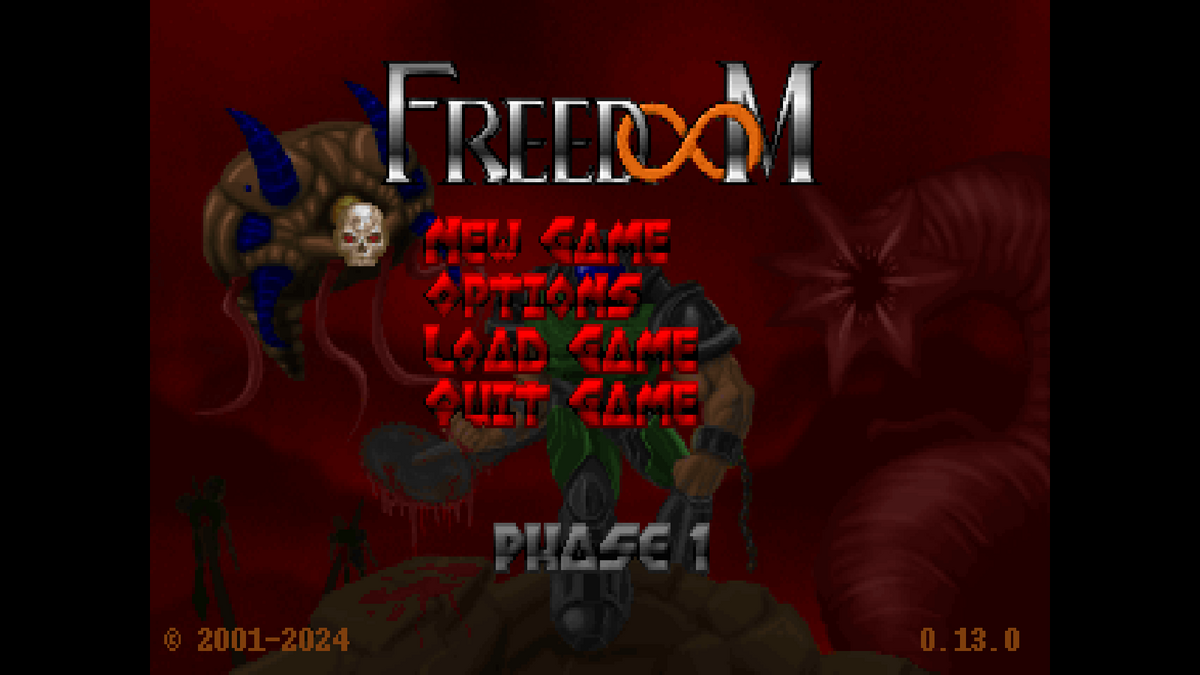
Phase 2 (BSD licensed, bundled in data/wads/) work out of the box, and your own
vanilla-format Doom 1 / Doom 2 IWADs and PWADs can be loaded from the menu
(New Game -> Custom game, or Options -> Custom game...) or the command line:
castle-doom -iwad DOOM2.WAD -file mymap.wad -deh mymap.deh -warp MAP01
castle-doom -random 42                       # eight generated maps from seed 42
castle-doom -random 42 --random-wad r42.wad  # ...written as a PWAD for other ports
castle-doom --record e1m1.cdemo              # record the level you play
castle-doom --playdemo e1m1.cdemo            # play it back (it says if it stayed in sync)
castle-doom --ghost e1m1.cdemo -warp E1M1    # race its ghost
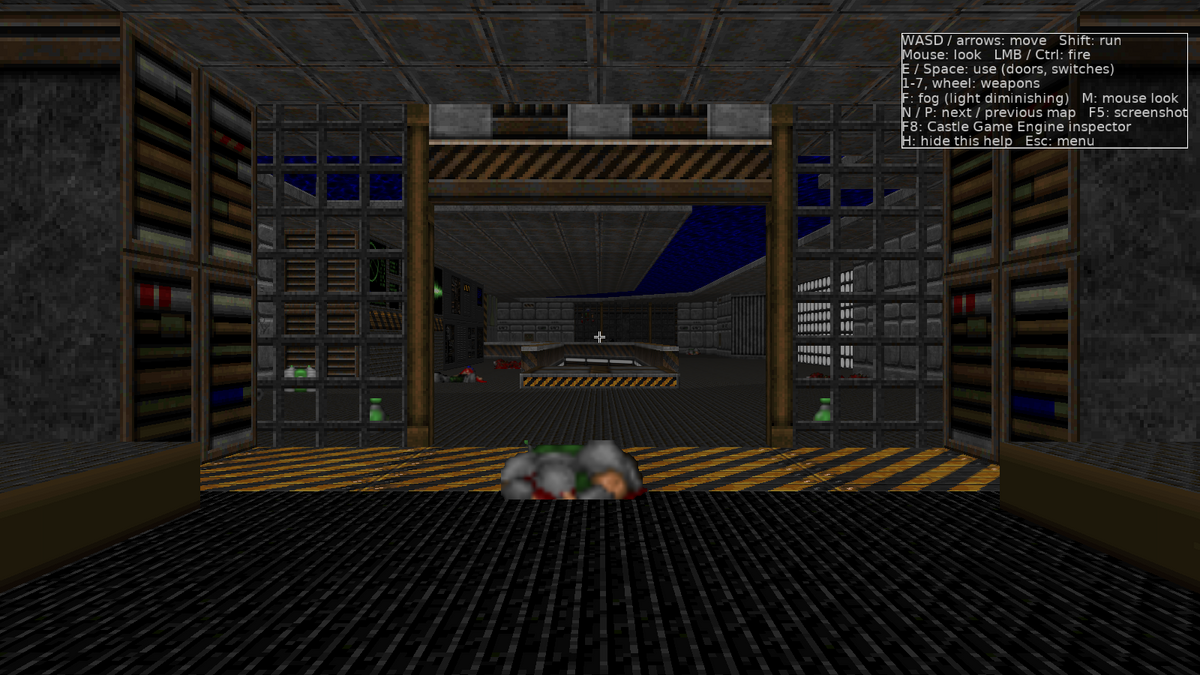
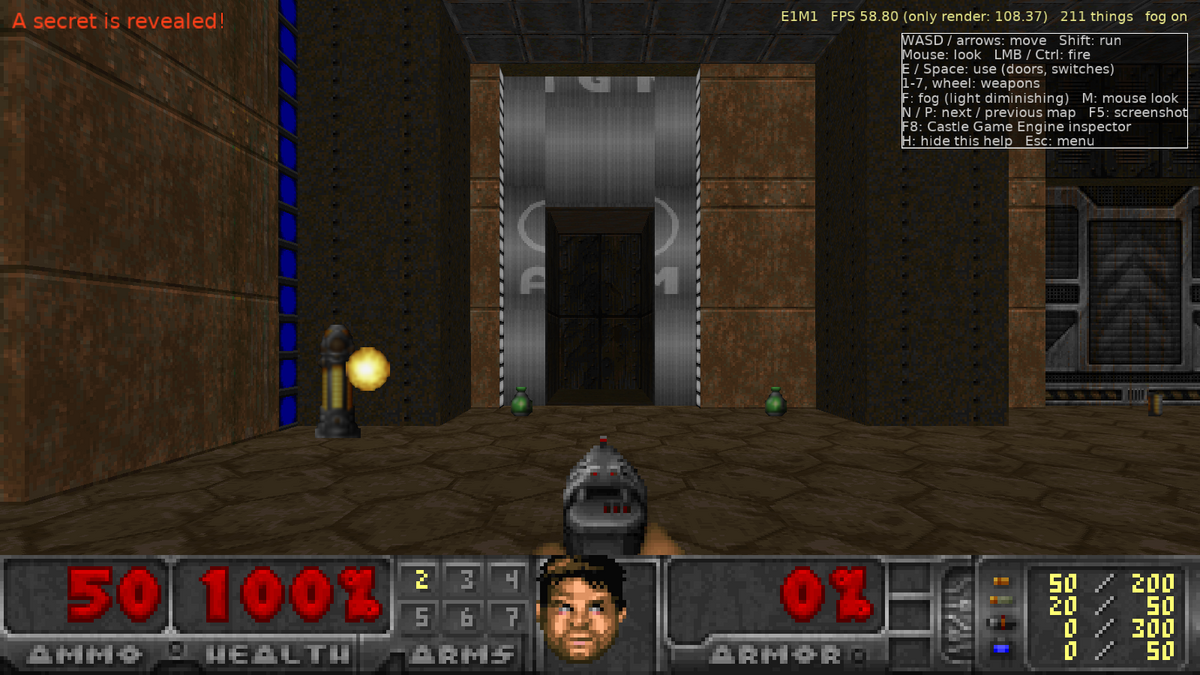
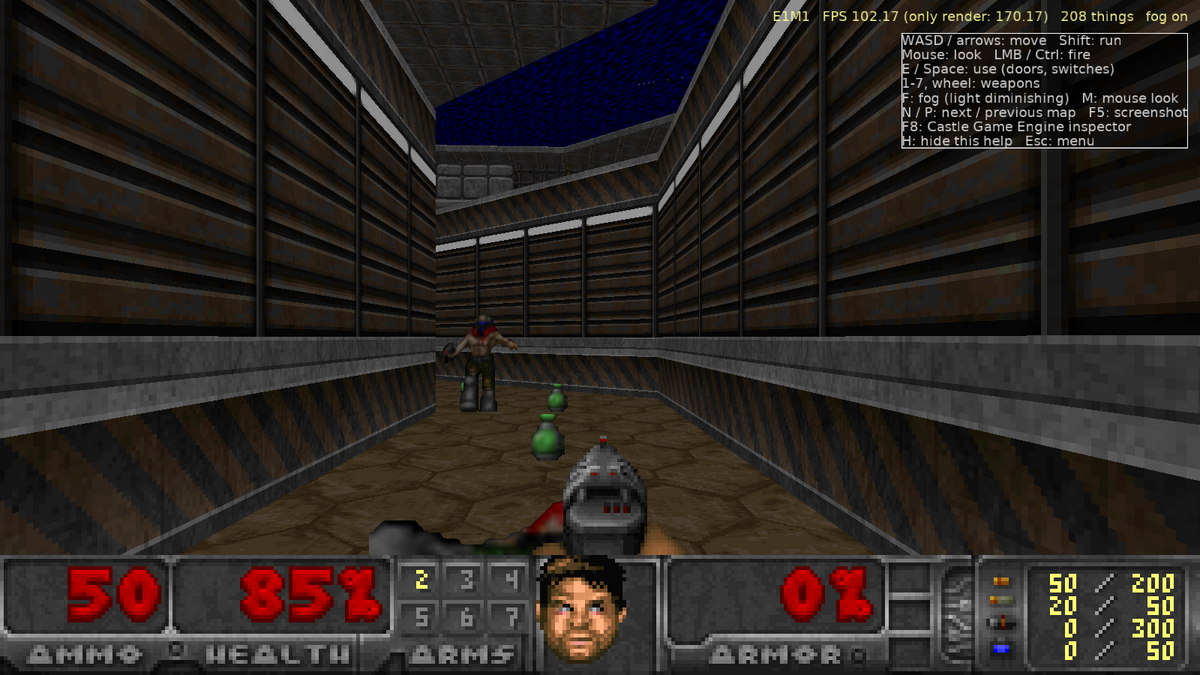
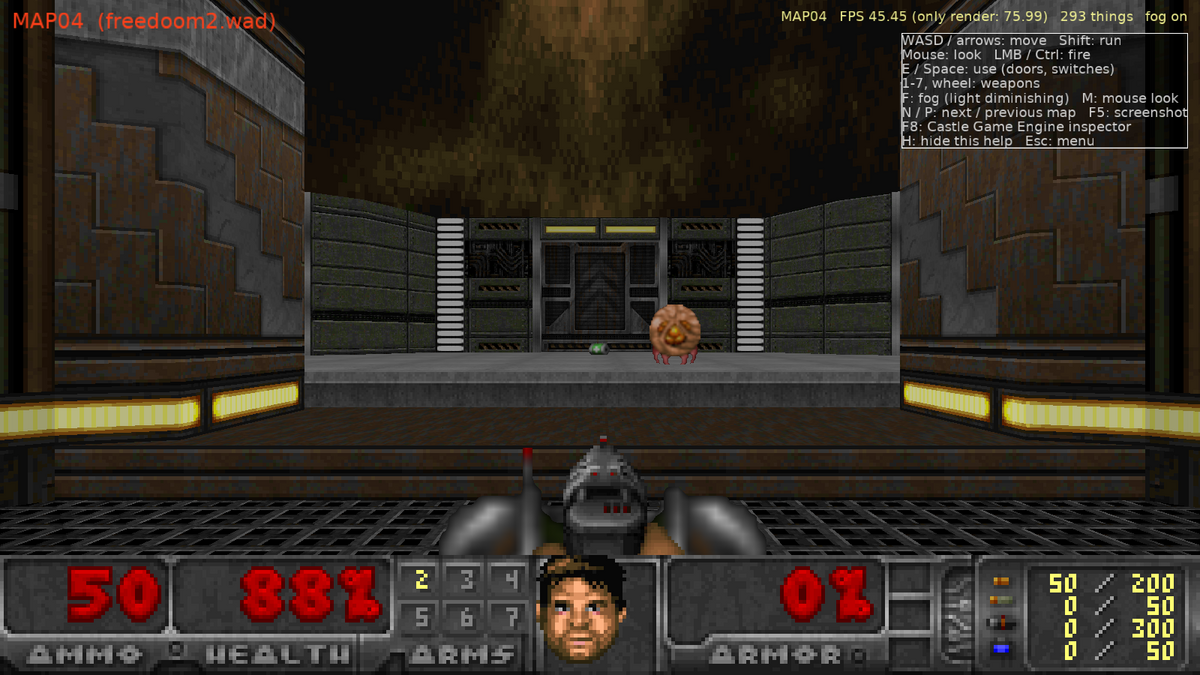
This project is deliberately written as a tour of the engine: every Doom subsystem is mapped onto a Castle Game Engine feature.
 |
 |
 |
 |
| Doom | Castle Game Engine |
|---|---|
WAD lumps (VERTEXES, LINEDEFS, SECTORS, BSP NODES...) |
DoomWad / DoomMap units, plain Pascal records |
| Walls, floors, ceilings | X3D nodes built in code: TIndexedTriangleSetNode, TUnlitMaterialNode, per-vertex TColorNode for sector light, one TCastleScene per movable sector |
Textures (TEXTURE1 + PNAMES patch composition, flats, sprites) |
decoded to TRGBAlphaImage, served through a custom URL protocol doomgfx:/tex/STARTAN3.png (RegisterUrlProtocol) so the engine's texture cache shares them between scenes |
| Animated flats/walls (NUKAGE, BFALL...) | TImageTextureNode.SetUrl swapped every 8 tics |
| Sky | a textured cylinder scene that follows the camera |
| Light diminishing | Doom's colormap arithmetic as a GLSL shader effect (TEffectNode, a FloatVertexAttribute with the sector light) that looks each pixel up in the real PLAYPAL / COLORMAP (exact colours and banding), with the gun flash light, invulnerability and light amplification colormaps (toggle with F) |
| Player | TCastleWalkNavigation: gravity, PreferredHeight 41, ClimbHeight 24 (stairs), Radius, mouse look, head bobbing; collisions via PreciseCollisions on the map scenes |
| Things / monsters | one TCastleTransform per thing with a TCastleBillboard behavior and a quad TCastleScene; sprite rotations picked like R_ProjectSprite |
| Shooting | Doom's autoaim (P_AimLineAttack) and line attacks traced in Doom units against linedefs and thing boxes |
| Doors, lifts, floors, ceilings, stairs, crushers | sector height changes regenerate the affected TCastleScene coordinates in place |
Sounds (DS* DMX lumps) |
converted to WAV on the fly via doomsfx:/DSPISTOL URL protocol, positional audio with TCastleSoundSource |
Music (D_* MUS or MIDI lumps + GENMIDI OPL patches) |
DoomMusic programs Nuked OPL3 (a shared library loaded by DoomOpl3; a built-in FM model otherwise) with the GENMIDI registers and renders the song to WAV (doommus:/D_E1M1.wav), looped on SoundEngine.LoopingChannel[0] |
| Status bar | STBAR + digit patches composed into one image shown by a pixel-perfect TCastleImageControl |
| Weapon sprites, flashes, screen flashes, messages | TCastleImageControl, TCastleRectangleControl, TCastleLabel |
| Title / intermission | TCastleViews |
Read docs/ARCHITECTURE.md for a unit-by-unit explanation of how the port works and which engine APIs each part uses; docs/ROADMAP.md lists what is still missing, prioritized; CLAUDE.md has build, test and contribution notes.
What works
- Freedoom Phase 1 (36 ExMy maps) and Phase 2 (32 MAPxx maps), map selection in the menu.
- Custom game: New Game -> "Custom game" picks the game (Freedoom Phase 1 / 2, or Enter to open your IWAD), PWADs (their own page: add, reorder, remove), a recently used set of WADs, map, skill and a random seed on one page of Doom's menu (Delete on RECENT forgets a set); in the browser the page opens WAD files from your computer too, and the browser keeps them for the next visit (PWADS -> STORED FILES... lists them: Enter adds one, Delete forgets it). The title screen's Options panel leads there with "Custom game...".
- Random maps: New Game -> "Random maps" (or
-random [SEED],?random=SEEDin the browser) generates eight levels from a seed: rooms split from a rectangle (the splits are the BSP), connected by openings, doors and stairs (a locked door guards the exit from the second map on, its key before it), with windows, secret closets, lights, nukage and sky rooms, monsters and supplies that grow with the map number, an exit switch in the farthest room and names in a UMAPINFO. The same seed gives the same maps, saves keep it, and--random-wad FILEwrites the PWAD. - Map editor:
F7in a game (or New Game -> Custom game -> Edit map, or--edit [MAP]) opens the map from above like Doom Builder: select and drag vertices, lines, sectors and things, draw new rooms (inside a sector, in the void, or against a wall: corners on a wall split it), select several with Shift+click or a box, set floor and ceiling heights, light, specials and tags, pick wall textures and flats from their pictures (Space), make doors, cut a sector in two along a path, delete lines, sectors and vertices, toggle line and thing flags (number keys), type exact values in a properties panel (E: heights, light, both sides' texture offsets, angles, positions), flip lines (F), add, turn, copy and paste things and sectors, undo / redo, look at the map in 3D beside the 2D view (F5; Space over it picks the texture of the wall or flat you point at,Oaligns it with the arrows) and open PWAD files (Ctrl+O, in the browser too;Mlists their maps).F9play-tests the map at once (F7in the game comes back),F2exports it as a PWAD with its nodes built (it runs in other Doom ports:-file e1m1-edited.wad),F3/F4export the level's walls, floors, things and sky as glTF / X3D with their textures for Blender, other engines or the Castle Game Engine editor. On the command line--export-map MAP FILE,--export-gltf MAP FILEand--export-x3d MAP FILEdo the same for any map of the loaded WADs. - A Doom level as a Castle Game Engine component: "Doom Map" (
TDoomMapTransform) in a design builds a map from its WAD, PWADs, skill, monsters on / off and extra light (all editable in the CGE editor's inspector) and can export it as glTF / X3D. - Textured walls with Doom's pegging rules and offsets, masked middle textures (grates), floors and ceilings from BSP subsectors, sky, sector light levels with "fake contrast".
- Doors (manual, switch, walk-over, locked, blazing), lifts (perpetual ones stop and resume), floors (raise to the shortest lower texture, donuts), ceilings, crushers (slow ones slow down on what they crush, silent ones, stop and resume), stairs, teleporters, light changes, scrolling walls (and Boom's scrolling floors and ceilings and carrying conveyor floors), switch textures, secret sectors, damaging floors, exits (normal and secret) with an intermission screen.
- Pickups: health, armor, ammo, keys, weapons, powerups, with Doom's messages.
- Monsters wake up like in Doom: on sight in front of them, or when your shots reach their
sector (sound spreads through open doors, stops at closed ones and crosses at most one sound-blocking
line; ambush monsters must also see you). They chase (2D Doom-style movement with step/drop-off
rules, they open doors and use teleporters and monster-only teleport lines; spectres are
drawn as Doom's speckled
fuzzoffsetfuzz; flyers rise and sink towards you like Doom'sP_ZMovementand their corpses fall), attack with melee, hitscan or projectiles, take pain, die (or burst into gibs when overkilled), get knocked back by hits and explosions (so do you), are squashed to gibs as corpses under closing doors and crushers, drop items, and fight each other when hit by another monster (infighting). Lost souls charge, Pain Elementals spit lost souls (three more when they die), Arch-viles raise the dead and burn you with their fire attack. Barrels explode with splash damage. Boss deaths trigger the special map events (E1M8, E2M8, E3M8, E4M6, E4M8, MAP07, Commander Keen). The Icon of Sin on MAP30 spits cubes that spawn monsters and dies to rockets through the hole in its wall. - Weapons: fist, chainsaw, pistol, shotgun, super shotgun, chaingun, and real projectiles for the rocket launcher (splash damage), plasma gun and BFG (charge, ball, tracer spray). Punches and the chainsaw turn you towards what they hit, like in Doom.
- Status bar with face, keys, arms, ammo table; weapon bobbing, weapons lowered and raised when switching; damage, pickup and radiation-suit tints from the WAD's palettes; Doom's screen melt between levels.
- Automap (Tab) with Doom's line colours, player arrow, zoom, grid and a reveal-all cheat.
- Doom's text font for messages, and the real intermission screen (level names, FINISHED, animated kills/items/secrets/time with sounds, par times, ENTERING), with the episode maps' animations, visited-level splats and blinking "you are here" pointer (ZDoom's intermission scripts; Freedoom's own maps leave them blank).
- Freedoom's own wording from the WAD's
DEHACKEDstrings: pickup and door messages, level titles (also on the automap), the Nightmare and quit questions. - Finales: Freedoom's story texts (read from the WAD's
DEHACKEDstrings), the end pictures, the bunny scroller after E3M8 and the Doom 2 cast call after MAP30. - Doom's own menu from the WAD's graphics: the title pages cycle (TITLEPIC, CREDIT, HELP2)
until a key opens the menu; New Game, episode and skill select (all five skills, with
Nightmare's fast monsters and respawning), Load Game, Read This! (
F1);-skill 1..5. In the game, Esc / F2 / F3 / F4 open Doom's main menu, save and load pages and the sound volume page (M_*graphics, thermometer sliders) over the paused game; saves get a typed name (Doom's_cursor; the map, kills and time by default). The Options page picks WADs, map and skill, and the video options: field of view (Doom's 90 by default), UI scale for the text and panels, fullscreen, v-sync and a frame rate cap on the desktop and, in the browser, the render resolution (25-100% of the canvas' pixels, for slow machines). - Demos:
--record FILE(or Options -> Record demo...) records a game level after level (from its start or a loaded game) as the world received it and--playdemo FILE(Play demo...) plays it back on its own random numbers, so it plays the same at any frame rate; a checksum every second says where a playback went out of sync. In the browser Record demo... keeps the recording with your saves and downloads it when the game ends, Play demo... opens a demo file (the home page's "Your saves" plays or downloads the last one).--ghost FILE(the home page's "Race its ghost") races a recording: its run is drawn as a see-through player, and the log tells your time against it. - Dynamic lights (Options -> Video, off by default): rockets, fireballs, plasma, BFG balls, explosions, muzzle flashes, lamps, torches and candles light the walls and sprites around them in their colour.
- Photo mode:
O(gamepad Y, touch PHOTO) pauses the game, hides the HUD and lets the camera fly through the level;Elets the game run behind it,+/-zoom,[/]tilt,F5saves a screenshot without the HUD,Oor Esc returns to the player. - Closed captions: Options -> Sound Volume -> Captions (or F4) shows a line for each sound heard ("Door opens, ahead", "Serpentipede sees you, left") under the messages.
- Gamma correction:
F11(or Options -> Brightness) brightens the dark parts in Doom's five steps, remembered in the settings. - Level statistics:
Lshows kills, items, secrets and the level time above the status bar, and every level's best time (per WADs and skill) is kept and shown on the intermission ("NEW BEST TIME!"). - Save and load: F2 / F3 slot menus, F6 / F9 quick save / load, "Continue (quick save)" on
the title screen,
-loadgame N. Everything is saved: open doors, moving lifts, used switches, corpses, monsters mid-fight, inventory and the automap. In the browser saves are kept in the page'slocalStorage, so they survive reloads; the home page's "Your saves" section exports them to a file and imports them back, and the desktop build reads the same file (Options: Export / Import saves,--export-saves/--import-saves). - External IWADs and PWADs (menu file dialogs or
-iwad/-file/-deh/-warp), PWAD lumps overriding the IWAD's like in Doom; vanilla and ZDoom extended nodes (XNOD,ZNOD,XGLN/ZGLN,XGL2/ZGL2,XGL3/ZGL3) and glBSP GL nodes (V1, V2, V3, V5, also from a.gwafile), so maps built with ZDBSP or glBSP load too. UDMF maps (TEXTMAP, the format of maps made for UZDoom / GZDoom) load as well, their nodes fromZNODESor built by the game, Hexen-style line actions and ZDoom sector types translated, with coloured sector light, fog, texture scaling, offsets and rotation and per-surface light, and their ACS scripts (with their libraries) run, their floors and ceilings can slope and their 3D floors (solid slabs, opaque or translucent) are drawn and walked on (polyobjects are not supported yet). A PWAD's GLDEFS lights (point, pulse, flicker, bound to sprite frames) become dynamic lights, and its brightmaps make the marked parts of textures and flats glow; UDMF light things light their rooms. Options -> Video -> LIGHT MODE switches Doom's banded light for a smooth one. Boom's generalized linedef types (floors, ceilings, doors, locked doors, lifts, stairs and crushers), its numbered extra line types (silent teleports among them), sector types (damage and secret bits), ice and mud, wind, currents and point pushers, translucent middle textures and things (MBF's DeHackEd bit), elevators, line-to-line teleports, light and sky transfers (each sky sector its own sky), scrollers driven by moving sectors, MBF's slower monsters in mud, deep water (pools drawn at another sector's heights, tinted under the surface),ANIMATEDandSWITCHESlumps give PWADs their own animated textures and switches, and aUMAPINFOlump (or ZDoom'sMAPINFO/ZMAPINFO, old or new syntax: maps, clusters, episodes) their level names, music, skies, par times, map order, story texts, intermission pictures and endings; ZDoom'sLANGUAGElumps give the strings those name (and replace the game's own messages and texts like BEX strings). - Music: MUS and MIDI lumps played on an emulated OPL3 (Nuked OPL3, loaded as a shared library packaged with the game) driven by the WAD's GENMIDI instrument bank, the AdLib / Sound Blaster sound of the original; a built-in FM model plays when the library is missing and in the browser. Title, level and intermission tracks.
Not (yet) done
See docs/ROADMAP.md and, for UZDoom-style rendering (slopes, 3D floors,
coloured light, models, post-processing), docs/RENDERING_ROADMAP.md.
Headlines: no polyobjects in UDMF maps, no light under or swimming in 3D floors,
DeHackEd patches cannot rename sprites or sounds (BEX [SPRITES] / [SOUNDS]),
the browser's music is the approximate FM model (no OPL3 emulator there).
Build and run
Install Castle Game Engine 7 (its Windows download bundles Free Pascal), then
(on Windows, copy OpenAL32.dll and wrap_oal.dll from the engine's bin/ next to the
executable for sound; castle-engine package does that automatically):
castle-engine compile --mode=release
castle-engine run
or open CastleEngineManifest.xml in the Castle Game Engine editor.
Keys: WASD/arrows move, Shift run, mouse look, left mouse / Ctrl fire,
E/Space use, 1-7 and mouse wheel weapons, F light diminishing, M mouse look on/off,
J music on/off, F4 sound / music volume, Tab automap (+/-/wheel zoom, G grid, I reveal all),
F2/F3 save/load menu, F6/F9 quick save/load, L level statistics, F11 gamma correction (5 levels, also Options -> Brightness), O photo mode, N/P next/previous map,
F5 screenshot, F8 the engine's inspector (the map, every thing and the game state by name; its F9 selects the monster under the crosshair), H help, Esc Doom's menu over the paused game
(Options: end game, messages, mouse sensitivity, sound volume and captions, video, brightness; Esc again or a click beside
the items resumes; in the browser, Esc releasing the mouse opens it the same way, and a
"click to look around" prompt shows until a click captures the mouse again). These are the
default keys: the title screen's Options -> Controls... rebinds moving, turning, running,
firing, using and the automap, the weapon keys and next / previous weapon, and the hotkeys
from light diminishing to quick save / load (two keys and a mouse button or wheel direction
each, on three pages, saved in settings.json; the help panel shows the new bindings). The
left button fires and the wheel changes weapons until rebound; Esc, F1-F4 and F8 stay fixed.
Gamepad (Windows, Linux and the browser, where the pad shows up after a button press): left stick move / strafe, right stick turn / look, right trigger fire, A / X use, LB / RB previous / next weapon, View automap, Menu Doom's menu; in menus the D-pad, A (Enter) and B (back). Options -> Controls... -> Gamepad rebinds fire, use, the automap and the weapon changes (two buttons each, the triggers too).
Android: the Releases page has an APK for 64-bit ARM phones and tablets (Android 5.0 or newer; allow installing from your browser or file manager). It carries both Freedoom WADs, the touch controls are always on (a gamepad works too) and the back button opens Doom's menu; naming a save opens the on-screen keyboard (tap the name if it was closed); music plays on the built-in FM synthesizer. Until the project has release signing keys the APK is signed with a build's debug key: uninstall the old version before installing a newer one (your saves go with it).
Touch screens (phones and tablets in the browser and on Android; --touch on the desktop, where the
mouse is one finger): a stick appears where the left thumb lands (pushed to its edge it
runs), dragging anywhere else on the right turns and looks, and round buttons fire (drag
the fire button to aim while shooting), use, change weapons, toggle the automap and open
the menu. The controls show when a finger touches the screen and hide again when the
mouse is used; taps work as clicks in the menus and on the intermission. Options ->
Controls... -> Touch mirrors them for the left hand (the stick on the right), makes them
75 to 150% as large and 25 to 100% opaque, and its Edit... lets you drag each button where
your thumbs want it.
Automated smoke test (loads a map, runs a script, saves screenshots, quits):
castle-doom --autotest E1M1 shots/e1m1 --demo "S,F:3,S,T:90,U,W:2,S,X,S,Q"Continuous integration
.github/workflows/build.yml: packages Windows x86_64, Linux x86_64 and macOS app bundles (x86_64 and aarch64, unsigned: right-click > Open the first time) on every push, each on GitHub's runner for that system with FPC and the CGE snapshot set up by castle-build-ci, and a Windows installer (MSI, WiX on a Windows runner, from the Windows zip bytools/make_msi_wxs.py); pushing a tagvX.Y.Z, or running the workflow by hand withrelease_tag, attaches them to a GitHub Release. The same workflow builds an Android APK (64-bit ARM) in CGE's Docker image, which has the Android SDK, NDK and FPC's Android cross-compilers; it is release-signed when the repository has the secretsANDROID_KEYSTORE_BASE64,ANDROID_KEY_ALIAS,ANDROID_KEYSTORE_PASSWORDandANDROID_KEY_PASSWORD, else debug-signed, and the same as an Android App Bundle (.aab, for app stores).- The
Autotestsjob runs the FPCUnit unit tests (tests/castle_doom_tests.lpr: WADs, map BSP, music rendering, DeHackEd) and thentools/run_autotests.pyunder Xvfb. .github/workflows/web.yml: builds the WebAssembly version (FPC main branch with the wasm32 cross-compiler and Pas2js are built from source and cached, since the Docker image does not ship them yet) and deployspages/+ the game to GitHub Pages.
Source layout
code/doomwad.pas        WAD directory and palette
code/doomgraphics.pas   patches, textures, flats, sprites, animations, doomgfx: protocol
code/doommap.pas        map lumps, BSP queries, subsector polygons
code/doomgeometry.pas   map -> X3D scenes (chunks that can be regenerated)
code/doomthings.pas     thing type table (info.c reduced)
code/doomactors.pas     sprite billboards with frame animation
code/doomworld.pas      game logic: movers, specials, pickups, AI, weapons
code/doomsound.pas      DMX -> WAV, doomsfx: protocol
code/doommusic.pas      MUS/MIDI parsing, GENMIDI -> OPL3 registers or the FM model, doommus: protocol
code/doomopl3.pas       Nuked OPL3 loaded as a shared library (data/lib)
code/doomhud.pas        status bar composition
code/doomautomap.pas    automap (DrawPrimitive2D)
code/doomfont.pas       STCFN text
code/doomintermission.pas  intermission screen
code/doomfinale.pas     finale text, end pictures, bunny scroller, cast call
code/doomstates.pas     vanilla's state table (frames, code pointers) and thing rows, generated by tools/make_states.py
code/doomdehacked.pas   DeHackEd patches: BEX strings, things, frames, code pointers, ammo, par times
code/doomwipe.pas       the screen melt
code/doommenu.pas       Doom's menu (M_* graphics): title pages, main, episode, skill, load / save, Read This
code/gameviewmenu.pas   title screen: Doom menu and options
code/gameviewplay.pas   viewport, navigation, input; the 2D layer comes from data/play.castle-user-interface
code/doomworldstatus.pas  the game's state as published properties (the inspector)
data/play.castle-user-interface  the play view's HUD, texts and screens: a CGE editor design
data/menu.castle-user-interface  the title screen, Doom's menu and the Options panel: a CGE editor design
code/doommaptransform.pas  TDoomMapTransform: a Doom level built from a WAD inside a design ("Doom Map" in the editor)
code/gameviewdesign.pas  --autotest MAPCOMPONENT: shows data/mapcomponent.castle-user-interface, a design with that component
code/doomeditmap.pas    the map editor's data: import from a WAD, edits, undo, PWAD export
code/doomnodebuilder.pas  BSP node builder (vanilla SEGS / SSECTORS / NODES) for exported maps
code/doomwadwriter.pas  writing lumps, BLOCKMAP and PWAD files (editor and random maps)
code/doomexport.pas     a level's geometry and textures as glTF 2.0 or X3D
code/gameviewedit.pas   the map editor's 2D view (F7, --edit), play-test and export
Freedoom is Copyright (c) 2001-2024 Contributors to the Freedoom project, BSD licence
(see data/wads/COPYING.txt). Castle Game Engine is LGPL with static linking exception.
The music's OPL3 emulator is Nuked OPL3 by
Nuke.YKT, LGPL 2.1 or later: it is not part of this repository but built by
tools/build_nuked_opl3.sh into data/lib/ (CI does this for the packages, with the
licence text next to it) as a shared library the game loads at runtime, so you can
replace it with your own build, or delete it to get the built-in FM synthesizer.