

LazInk

Canvas-drawn HTML and Markdown text controls for Lazarus: labels, memos, list boxes, a rich editor and a help-page viewer. No browser engine, no widgetset-specific code.
- Active · last change 10-31-2026
- ★ 7 on GitHub
- 1 finds this interesting
README
LazInk
Formatted text for Lazarus, drawn entirely on a TCanvas. Labels,
memos, list boxes, a document viewer and a WYSIWYG Markdown editor that read
HTML or Markdown and look the same on every widgetset - no RichMemo, no
browser engine, no dependencies beyond the LCL, and 0BSD licensed.
Features
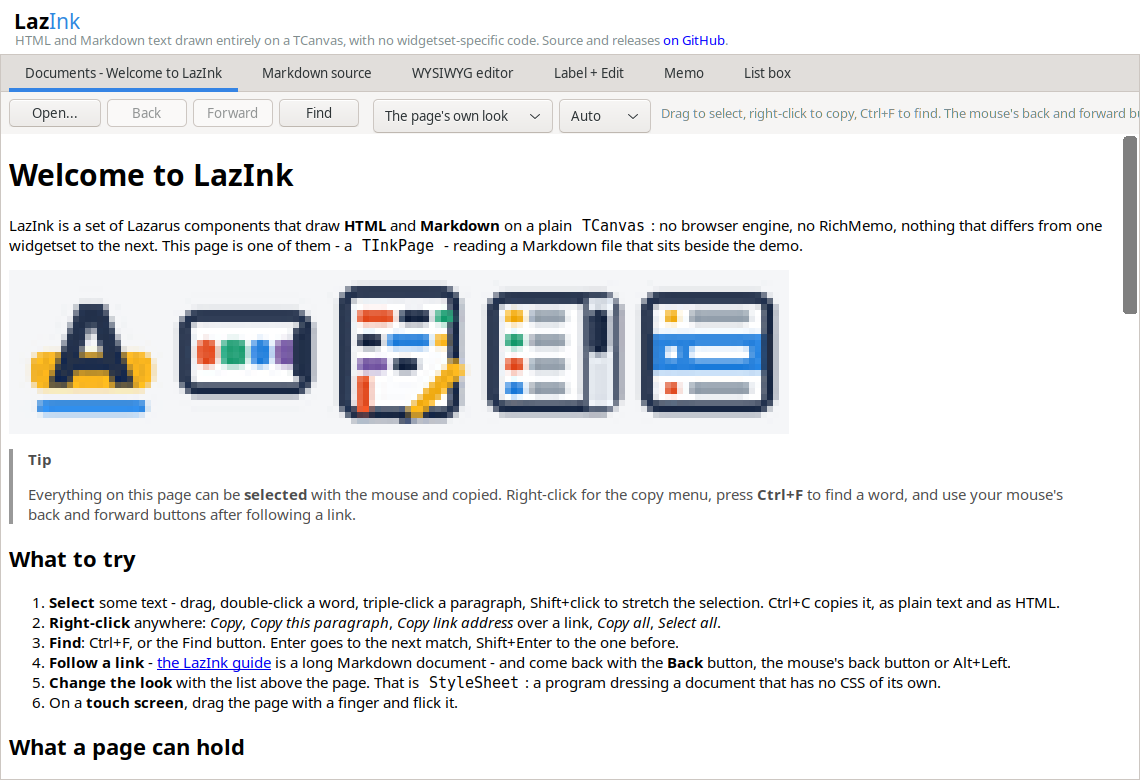
- Document viewer.
InkPage1.LoadFromFile('help/index.html')renders a help site: headings, lists, tables, highlighted code, PNG, animated GIF and WebP (decoded in Pascal, nothing to install), links with Back and Forward, find in page, selection and copy, touch scrolling. Layout follows the page's CSS, with light and darkprefers-color-scheme. - Markdown. Every display control accepts
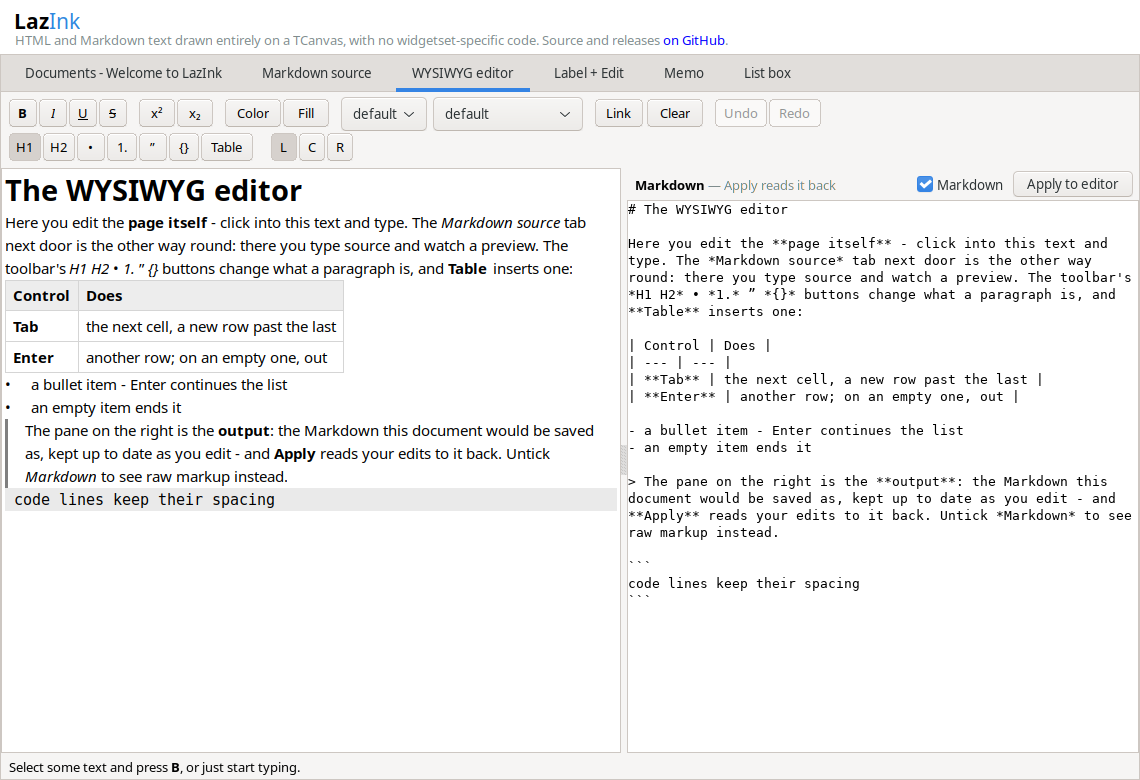
TextFormat := itfMarkdown; the page loads whole.mddocuments with GitHub's rules. - WYSIWYG Markdown editor.
TInkRichEditedits headings, nested lists, quotes, tables and fenced code in rendered form, and reads and writes Markdown. No other Lazarus component does this. - Selection. Drag, double-click a word, Shift+arrows, a right-click copy menu, Ctrl+C as text and HTML - in the page, the memo, the list box, and the label when enabled.
- Zoom. Ctrl+wheel, Ctrl+plus, Ctrl+minus and Ctrl+0 zoom the page, the
memo and both editors, as in a browser; a
Zoomproperty and anOnZoomevent let a program set it and remember it. - Chat logs.
TInkMemo.AppendBlockappends a message with lists, tables and highlighted code as one entry with its own background color;ReplaceLastupdates the last entry while a reply streams in. - Checked against Chromium. A test harness renders every construct next to Chromium; line heights match exactly. The comparison page is in the repository.
Example
uses InkLabel, InkMemo, InkPage, InkMarkdown;

InkLabel1.Caption := 'Status: <b><font color="#00AA00">connected</font></b>';

InkMemo1.TextFormat := itfMarkdown;
InkMemo1.Append('**12:04** build finished, `0 errors`');

InkPage1.StyleSheet.Text :=
  'body { background: #23262c; color: #b8bcc4 } h2 { color: #4ab3e8 }';
InkPage1.LoadMarkdown(ReleaseNotes);
A style attribute on these inline tags is read too: color,
background-color, font-size (px, pt, %, em, the keywords, smaller
and larger), font-weight, font-style and text-decoration, on a
span or any other inline tag. The rest of CSS belongs to the page and
the memo, which lay out a document; a label and a list box draw lines.
The controls
| Control | What it is |
|---|---|
TInkPage |
scrolling viewer for complete HTML/Markdown documents |
TInkMemo |
a list of formatted lines that grows, for a log or a chat |
TInkLabel |
a caption with inline markup |
TInkListBox |
formatted items with an in-place editor |
TInkRichEdit |
the WYSIWYG editor, Markdown in and out |
TInkEdit |
a one-line edit; an event sets each character's color |
TInkCodeMemo |
a plain multi-line editor that can grow with its text |
Install
Open lazink.lpk with Package → Open Package File, then
Compile → Use → Install. The controls are on the LazInk palette
tab. The demo is demo/lazinkdemo.lpi - a tab for every control, built
in the form designer.
Status: 1.0.0.0. Usable, and the API may still change. Developed with FPC 3.3.1 and Lazarus trunk on GTK3/Linux, and tested on macOS/Cocoa with the released Lazarus 4.8 and FPC 3.2.4. The other widgetsets have not been run yet; test reports are welcome.
On a Mac
The package and the demo build and run on macOS Sequoia 15 with the Cocoa widgetset - an Intel virtual machine, Lazarus 4.8 and FPC 3.2.4 - and the whole test suite passes there: document tree, styles, layout, renderer and interaction, Markdown, WebP. Apple Silicon has not been tried.
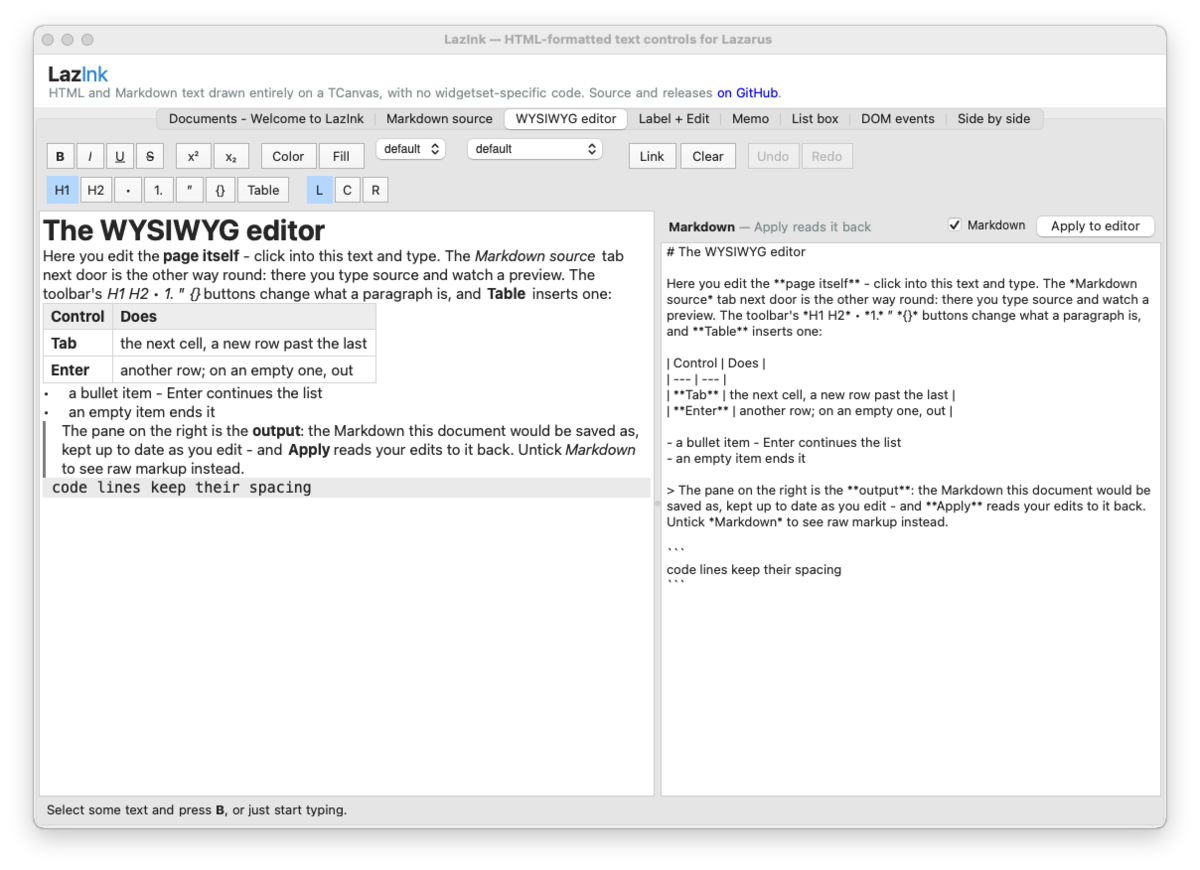
Every tab of the demo on macOS.
Learn more
- The guide - every control, feature and limit, in detail.
- Writing pages - every tag and CSS property it reads, with examples.
License
0BSD, the BSD Zero Clause License. The default stylesheet and the
character-name table come from the WHATWG HTML standard (CC BY 4.0), and the
WebP decoder's tables from RFC 6386 (BSD terms); both are credited in
LICENSES/THIRD-PARTY.md. A program that uses
TInkPage should carry the RFC 6386 notice in its documentation.