

Catalog · How the catalog works
AudioBookConverter

Split and / or convert multimedia files using a built-in media player, manually or according to the internal chapters of source. Generating a playlist for split parts is possible.
- ★ 7 on GitHub
Anyone may press Interesting, signed in or not. It helps others find this project.
README
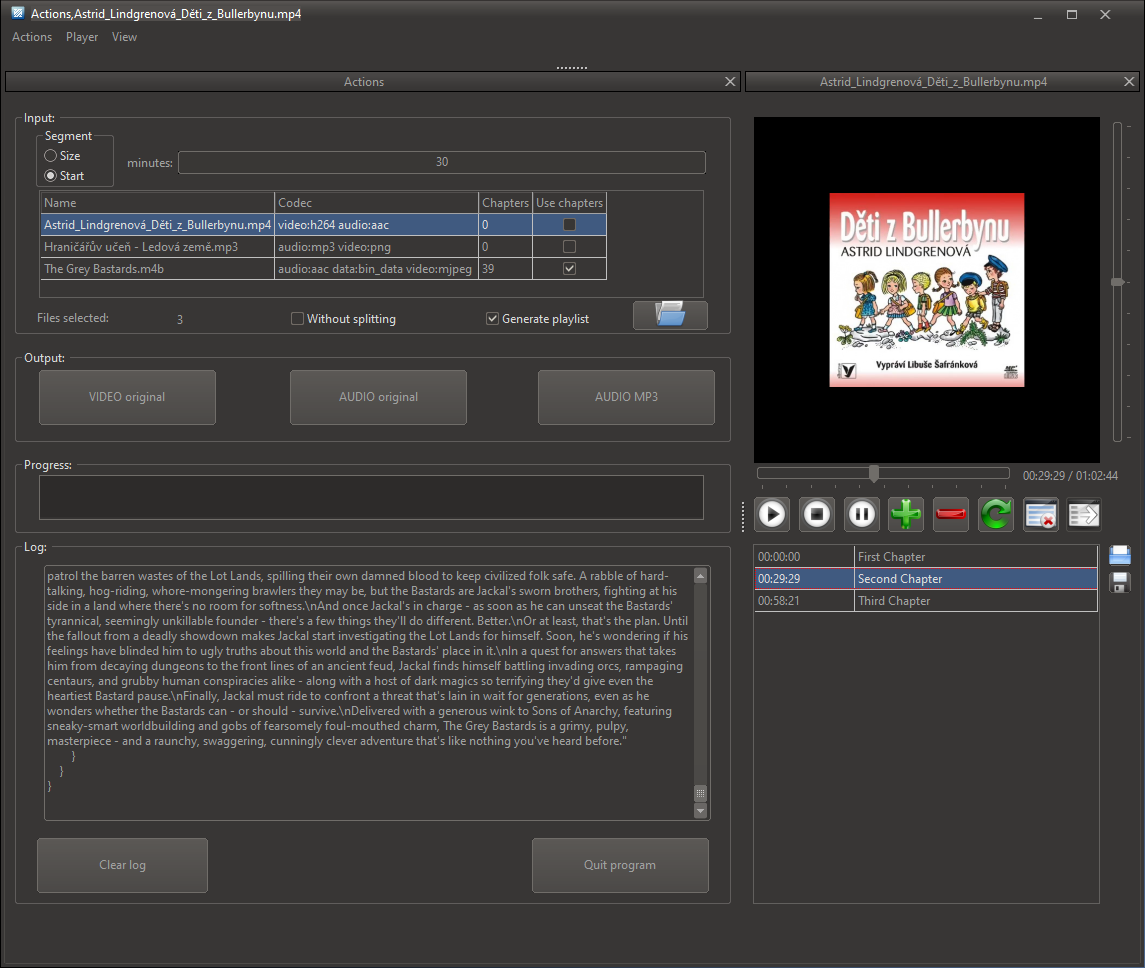
Simple ffmpeg based application for transcoding, audio extraction and splitting of media files.
It provides the possibility:
- to add, delete and update time point(s) where to split manually or using the built-in media player
- to create user defined output part names
- to use input file internal chapters names and their timecodes as a base for custom splitting
- playlist generation (m3u8).
Input:
- one or more audio or video files
- required time segments´ information:
1. Manually
1. time
   - one size for constant repeating segment
   - starting points where to split (comma separated) for several different segments
   - possibility to format time values like:
       - HH:MM:SS or MM
- combined both split by comma HH:MM:SS,MM2. name
- generic file name_00x will be used
2. using input file internal chapters
- enabling flag Use chapters in the 4th row of Input table
- internal chapters time codes and names will be used for output
3. using built-in media player
1. time
  - from time slider position using  Add command
2. name
  - user defined text in a row next to the time point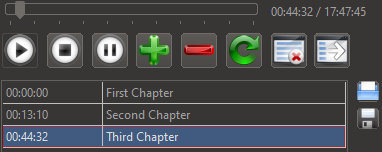
- possibility to generate playlist
