

psio-gamesharker

A tool to enable gameshark multidisc in all games.
- Quiet · last change 1-6-2024
- ★ 5 on GitHub
README
Gamesharker
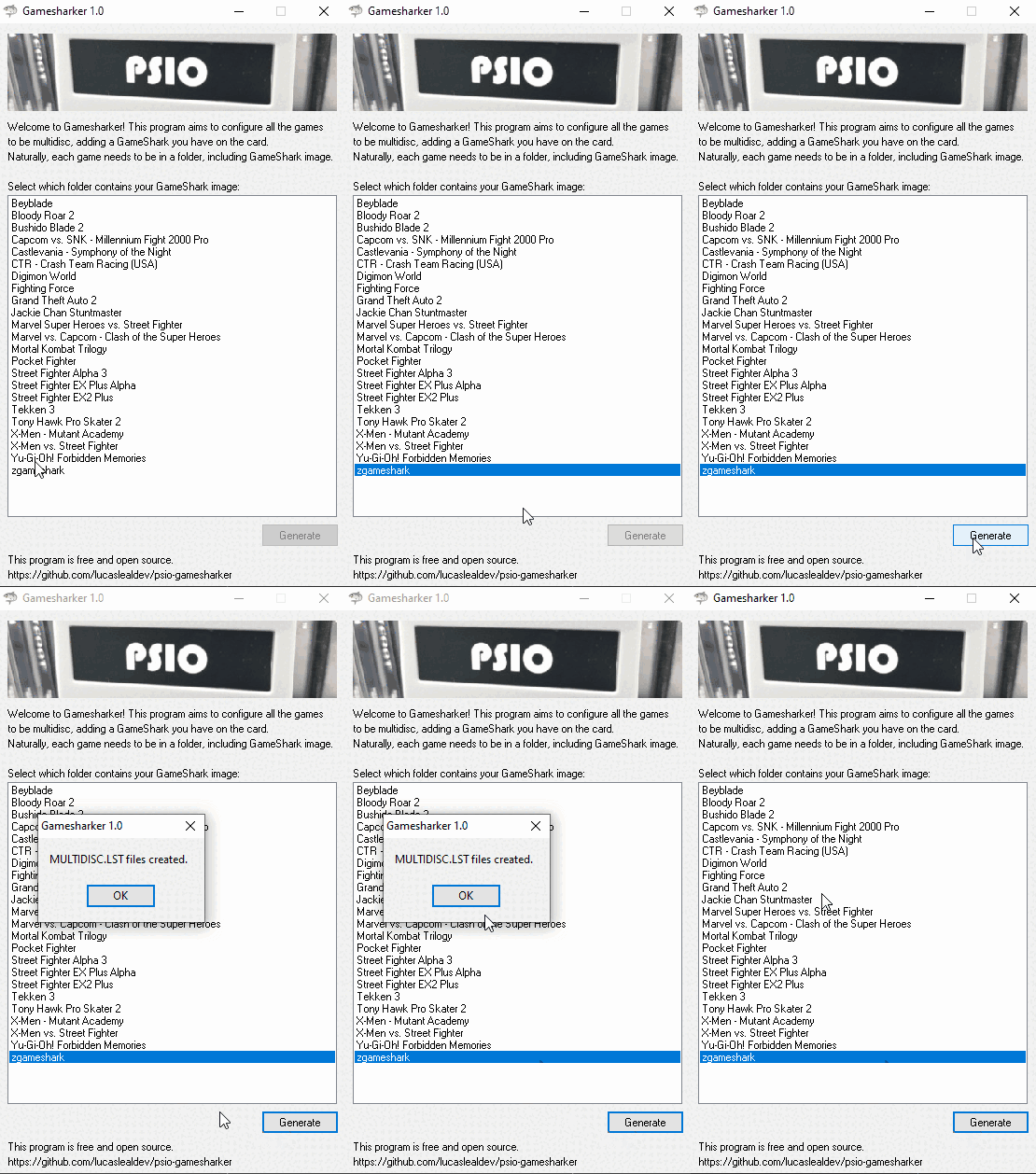
Welcome to Gamesharker! This program aims to configure all the games on your TF used in PSIO to be multidisc, adding a GameShark you have on the card.
Requirements
- MENU.SYS File: The program requires the presence of the MENU.SYS file in the same directory as the executable. Otherwise, the program will terminate.
- Directory Structure: Each game should be in a separate folder, and one of these folders needs to be the GameShark folder.
How to Use
- Ensure the MENU.SYS file is present in the same directory as the executable.
- Set up the directory structure with each game in its own folder, including the GameShark folder.
- Select the GameShark folder in the list.
- Click the "Generate" button to generate the configuration files.
Notes
- Make sure to have proper backups before making changes to the configuration files.
- If there are issues, check the error messages displayed by the program.
Enjoy Gamesharker!
Credits
- Pixel240P on youtube for teaching me how to configure the gameshark with PSIO