dialogs4delphi

Dialog Boxes for Delphi Project (VCL and uniGUI)
- Quiet · last change 6-9-2019
- ★ 6 on GitHub
README
Dialog Boxes for Delphi Projects
This component is a dialog factory for Delphi projects (VCL and uniGUI). It uses native resources to create dialogues. Uses native build directives to identify the project type (VCL / uniGUI).
Why use? Allows use the same code for desktop application (VCL) and web applications (uniGUI).
Prerequisites
[Optional]For ease I recommend using the Boss for installation- Boss - Dependency Manager for Delphi
- For VCL projects you need
- BlockUI-VCL - Block User Interface for VCL Projects (Delphi)
- For uniGUI projects you need to install
- uniGUI - Web Application Framework for Embarcadero Delphi
- Set in Project > Options > Delphi Compiler > Conditional defines the compilation directive for your application:
UNIGUI_VCLfor stand alone applicationUNIGUI_SERVICEfor windows service applicationUNIGUI_ISAPIfor ISAPI library
Installation using Boss (dependency manager for Delphi applications)
boss install github.com/viniciussanchez/dialogs4delphiManual Installation
Add the following folders to your project, in Project > Options > Resource Compiler > Directories and Conditionals > Include file search path
../dialogs4delphi/src
../dialogs4delphi/src/modal
../dialogs4delphi/src/input
Getting Started
You need to use Dialogs4D.Factory
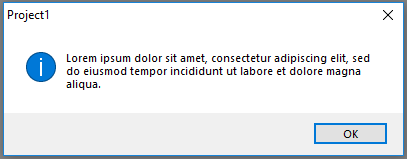
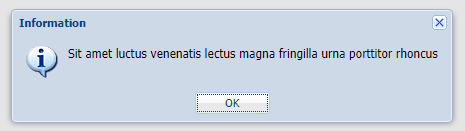
uses Dialogs4D.Factory;Success dialog box
begin
  TDialogs.Info('Information');
end;
[VCL]
[uniGUI]
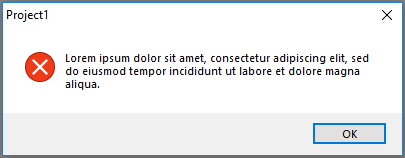
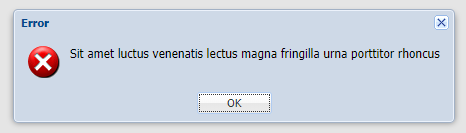
Error dialog box
begin
  TDialogs.Error('Error');
end;
[VCL]
[uniGUI]
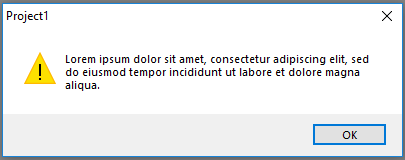
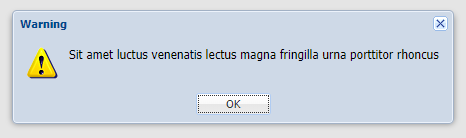
Warning dialog box
begin
  TDialogs.Warning('Warning');
end;
[VCL]
[uniGUI]
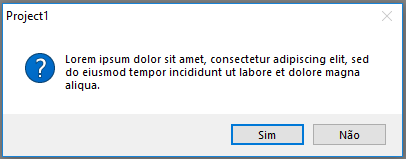
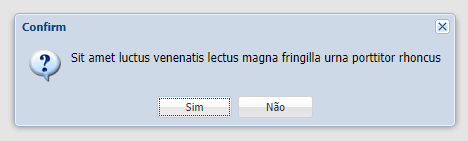
Confirm dialog box
begin
  if TDialogs.Confirm('Warning') then
    Continue;
end;
[VCL]
[uniGUI]
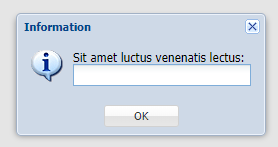
Input dialog box
var
  Name: string;
begin
  Name := TDialogs.Input('Your name:', 'Default value');
end;
[VCL]
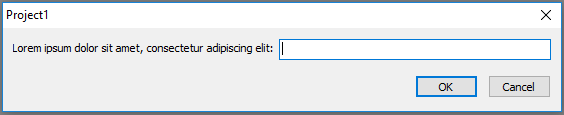
[uniGUI]