

Delphi_TSplitterEx

Extended version of TSplitter that has clickable area and able to toggle visibility of linked control
- Quiet · last change 8-2-2017
- ★ 8 on GitHub
README
TSplitterEx
Extended version of TSplitter that has clickable area and able to toggle visibility of linked control.
Delphi 7+ supported.
Demo app included.
Could be used with standard TSplitter without installing new components.
Screenshots
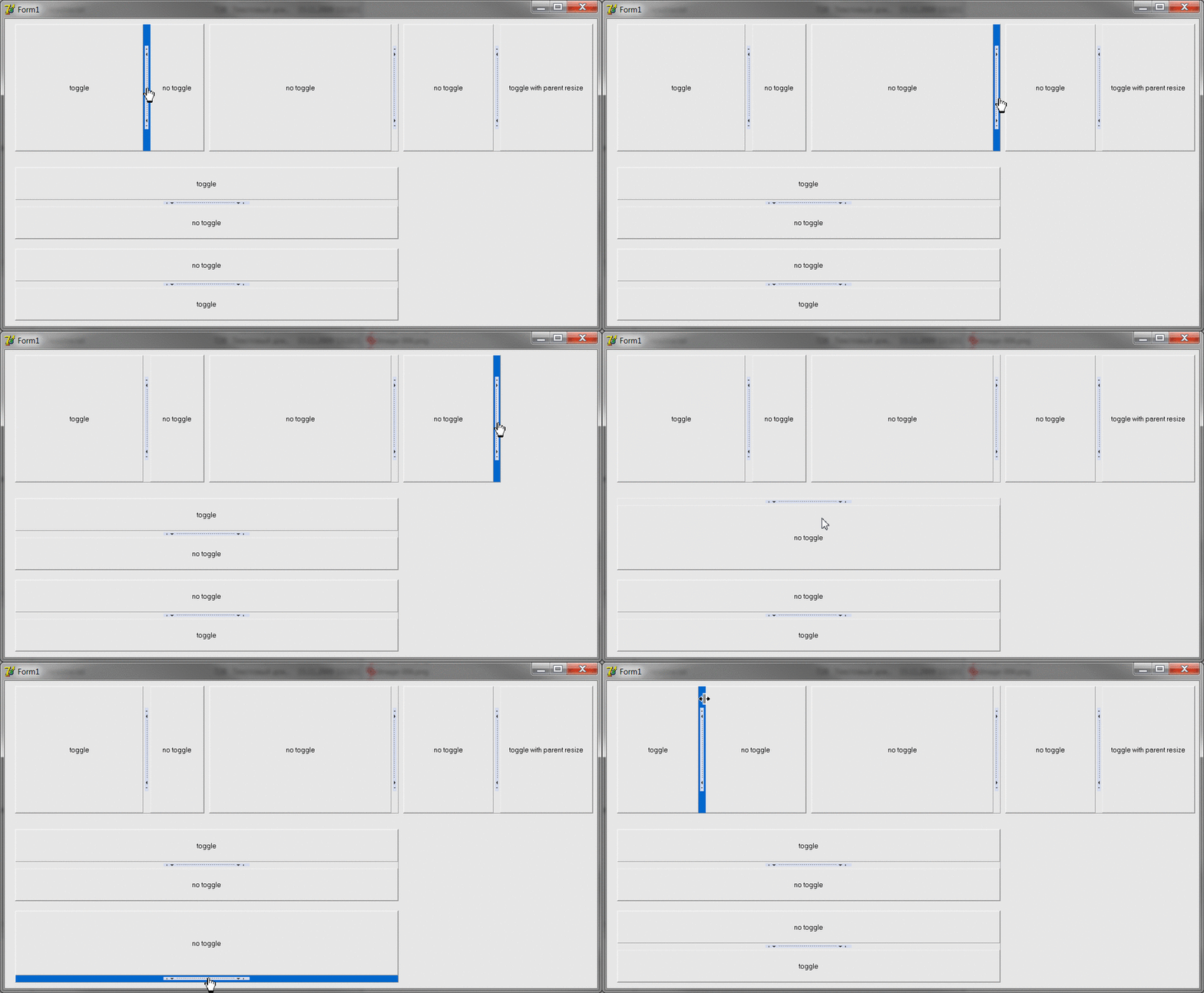
Properties
ToggleControl: TControl- linked control that will be toggled on splitter clickResizeControl: TControl- (optional) control that will be resized too on splitter click. IfToggleControl.AlignisalClientand this property is not set,ToggleControl.Parentwill be resized. Set this property to resize other control.DenyDrag: Boolean- (optional) if True, splitter will ignore mouse dragging (if you want only toggle and not resize). You must changeSplitter.Cursorto default one by yourself.HotColor: TColor- (optional) color a Splitter will have when a mouse is over.
Methods
Toggle- toggle the controlSetImages- Init click image and calculate click area from image's dimensions
Usage
- Add this line before form definition:
TSplitter = class(TSplitterEx); - Place usual
TSplitteron a form, setAlignproperties of splitter and neighbour controls as usual - Assign
Splitter1.ToggleControlto control you want to toggle - Prepare an image (I borrowed one from Firefox panel toggler)
- Call
Splitter1.SetImages(ImageShown, ImageHidden);whereImageShownisTImagewith image for state when ToggleControl is shown andImageHiddenis for state when it is hidden - Assign optional fields
- Enjoy
Notes
- If
ToggleControl.AlignisalClient, the splitter will change width of a parent control instead. Thus you can toggle controls that go after the splitter.