Catalog · How the catalog works
Ant Renamer
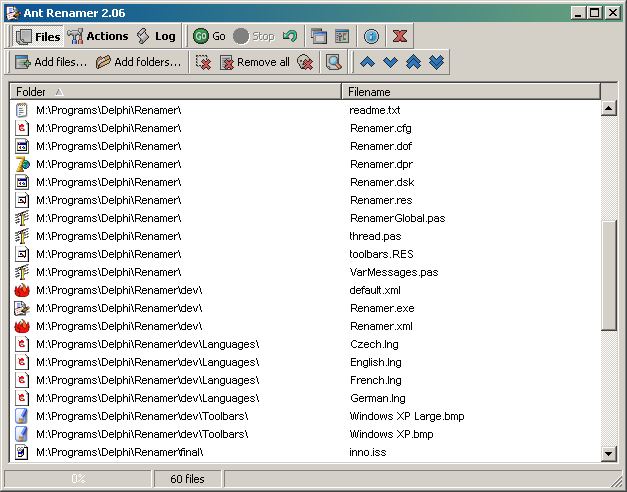
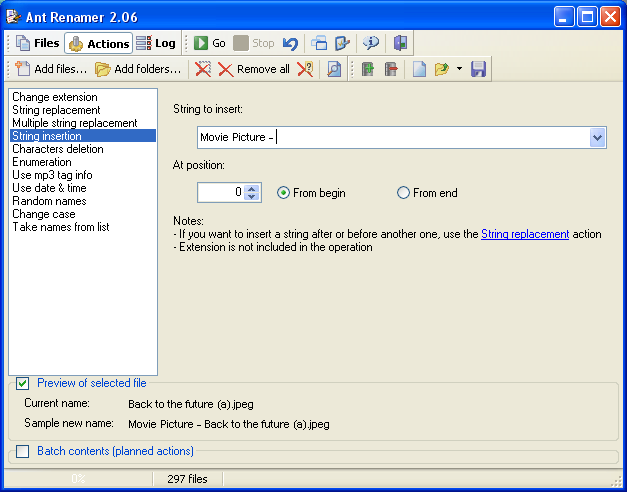
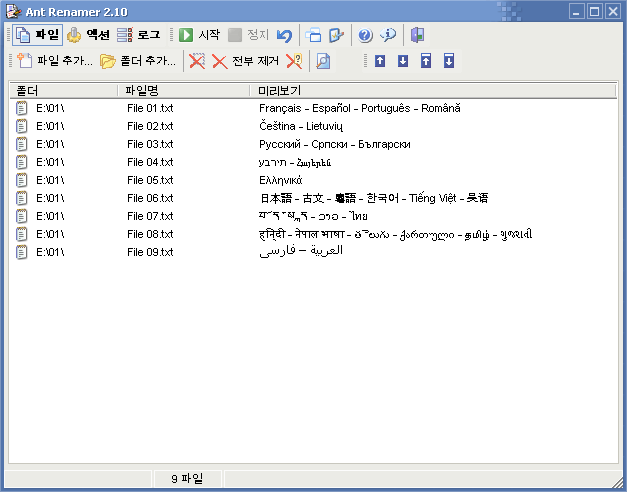
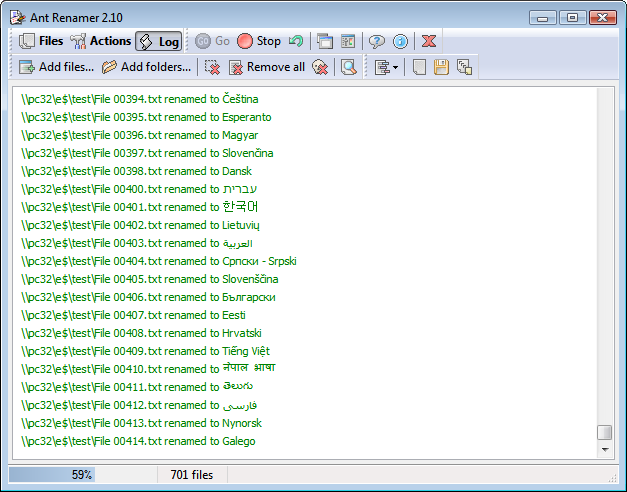
This program can rename large amounts of files and folders in few clicks. It only modifies files/folders names. Changing extension, Replacing character strings by others, Inserting a character string, Moving characters, Deleting characters, Enumeration, Name creation with mp3's Tag (ID v1.1), Name creation with file's last modified date and time, Random names creation, Case change (uppercase, lowercase, first letter of each word in uppercase), Take names from a list/file, Use of EXIF info, Regular expressions. Available in several languages. Unicode file names are supported, so it is possible to rename without problems files that have names containing characters from Japanese, Chinese, Arab, etc. This may seem common nowadays, but back then when it was added (2003) it was a big plus. Tested successfully under various Windows versions, from 98 (possibly with a few updated system files) and NT4 (SP4 required) up to current ones (Windows 10/11 included).
Anyone may press Interesting, signed in or not. It helps others find this project.
About this project, from SourceForge
This program can rename large amounts of files and folders in few clicks. It only modifies files/folders names.
Changing extension, Replacing character strings by others, Inserting a character string, Moving characters, Deleting characters, Enumeration, Name creation with mp3's Tag (ID v1.1), Name creation with file's last modified date and time, Random names creation, Case change (uppercase, lowercase, first letter of each word in uppercase), Take names from a list/file, Use of EXIF info, Regular expressions.
Available in several languages.
Unicode file names are supported, so it is possible to rename without problems files that have names containing characters from Japanese, Chinese, Arab, etc. This may seem common nowadays, but back then when it was added (2003) it was a big plus.
Tested successfully under various Windows versions, from 98 (possibly with a few updated system files) and NT4 (SP4 required) up to current ones (Windows 10/11 included).
Screenshots