Catalog · How the catalog works
SGLauncher
Lightweight launcher for eXo collections. ------------------------------------------------------------------------------------------------------ For corectly showing installed games need to add specify name folders (located in TrayMenu/Options/Specify folder). Example: !dos;!win3x;!win9x;!IF;!appleiigs;!DREAMM;!ScummVM;!demoscn ------------------------------------------------------------------------------------------ For corectly showing language pack need to add specify name folders (located in TrayMenu/Options/Specify languages folders) Example: !german;!spanish etc... ------------------------------------------------------------------------------------------ No installation required, just move the SGLauncher folder to your LaunchBox folder. Example: D:\LaunchBox\eXo\ D:\LaunchBox\SGLauncher\SGLauncher.exe D:\LaunchBox\SGLauncher\torrents\ ------------------------------
Anyone may press Interesting, signed in or not. It helps others find this project.
About this project, from SourceForge
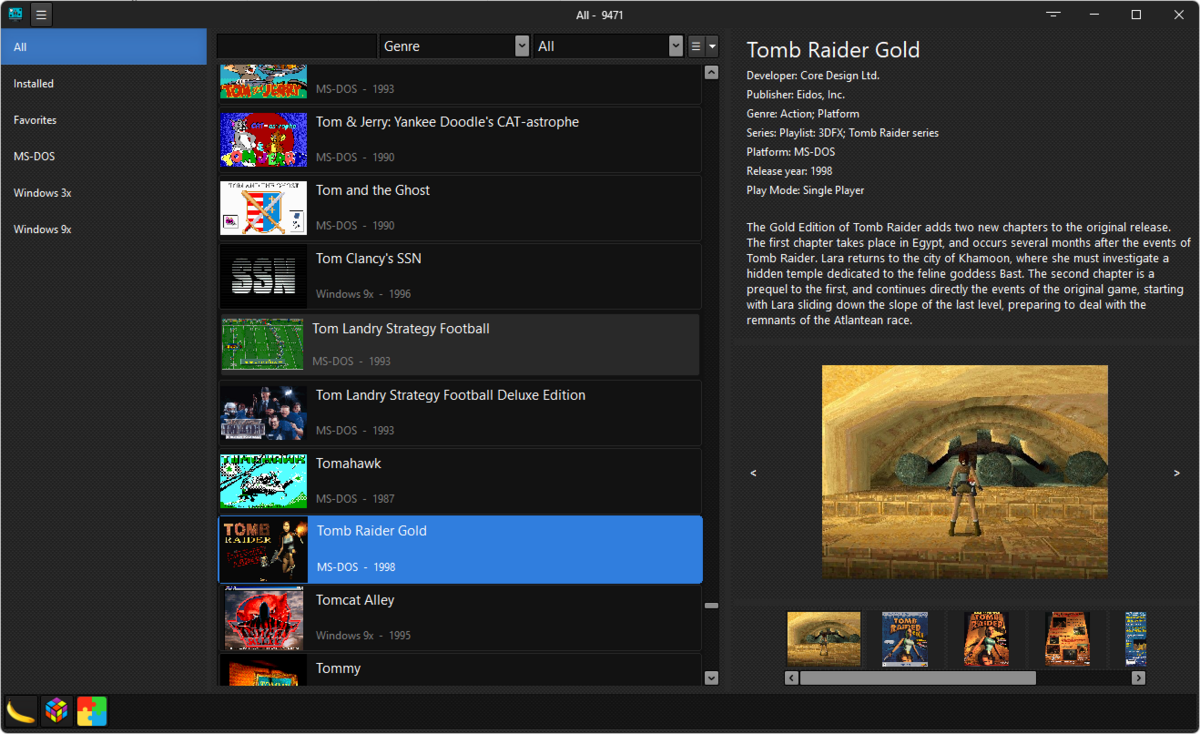
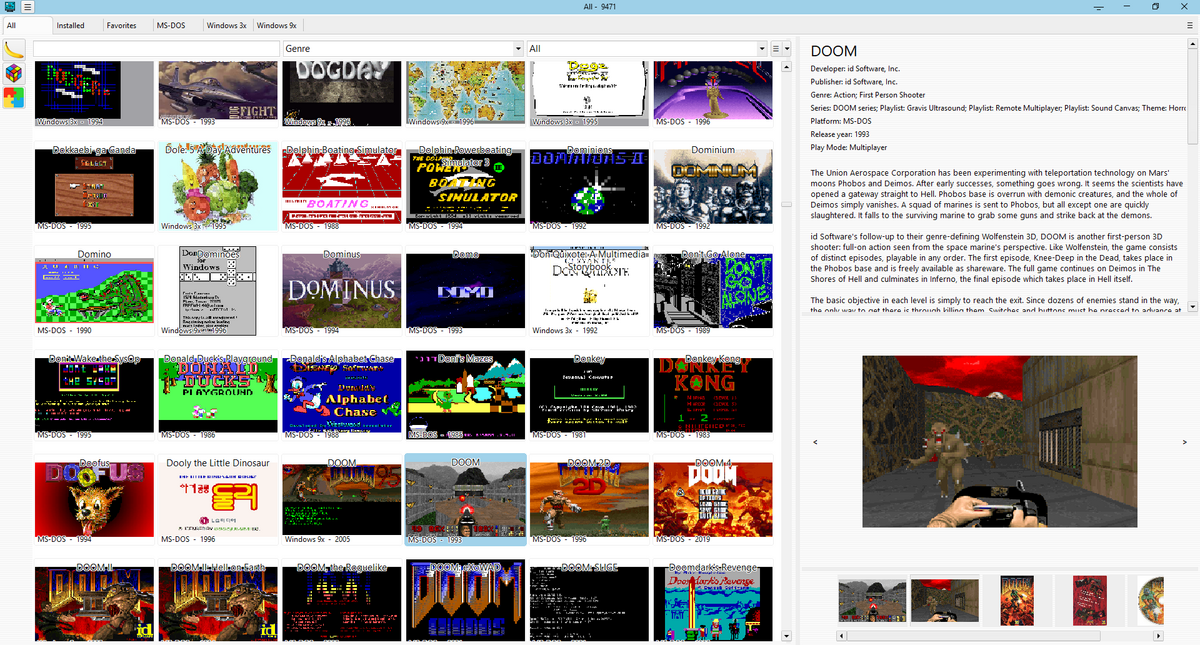
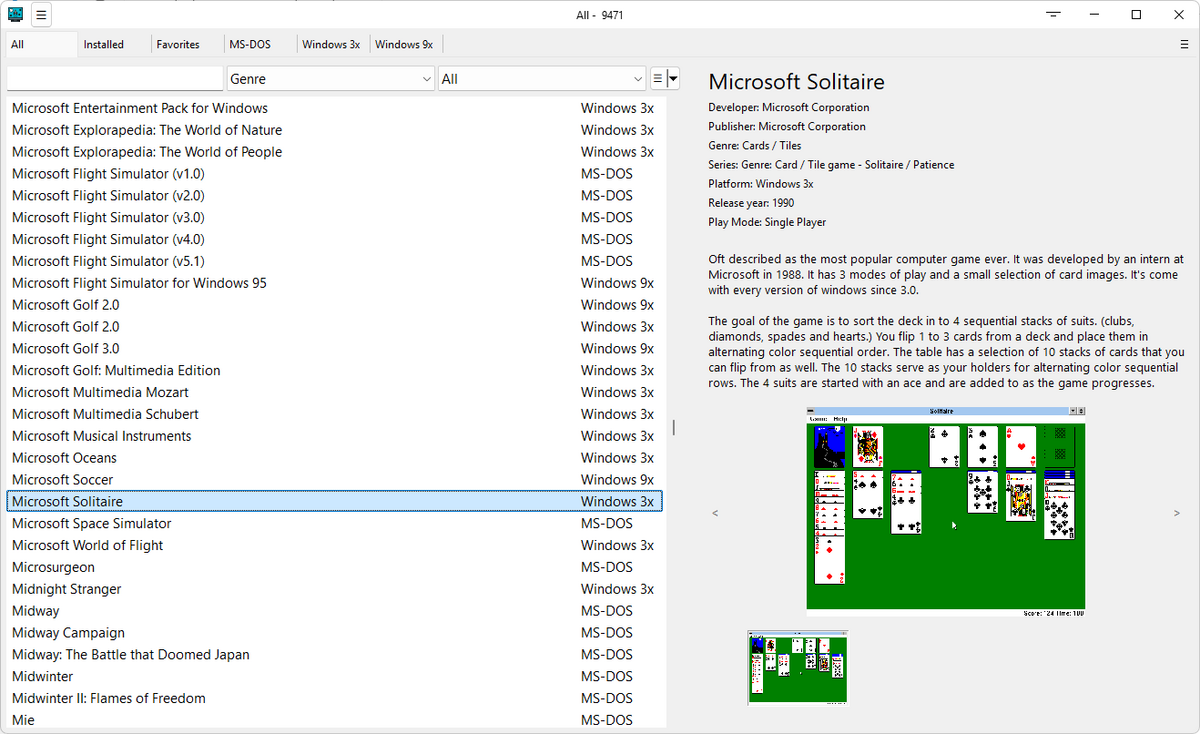
Lightweight launcher for eXo collections.
For corectly showing installed games need to add specify name folders (located in TrayMenu/Options/Specify folder).
Example:
!dos;!win3x;!win9x;!IF;!appleiigs;!DREAMM;!ScummVM;!demoscn
For corectly showing language pack need to add specify name folders (located in TrayMenu/Options/Specify languages folders)
Example:
!german;!spanish
etc...
No installation required, just move the SGLauncher folder to your LaunchBox folder.
Example:
D:\LaunchBox\eXo\
D:\LaunchBox\SGLauncher\SGLauncher.exe
D:\LaunchBox\SGLauncher\torrents\
Screenshots