Catalog · How the catalog works
MS Word Print With Path Automator
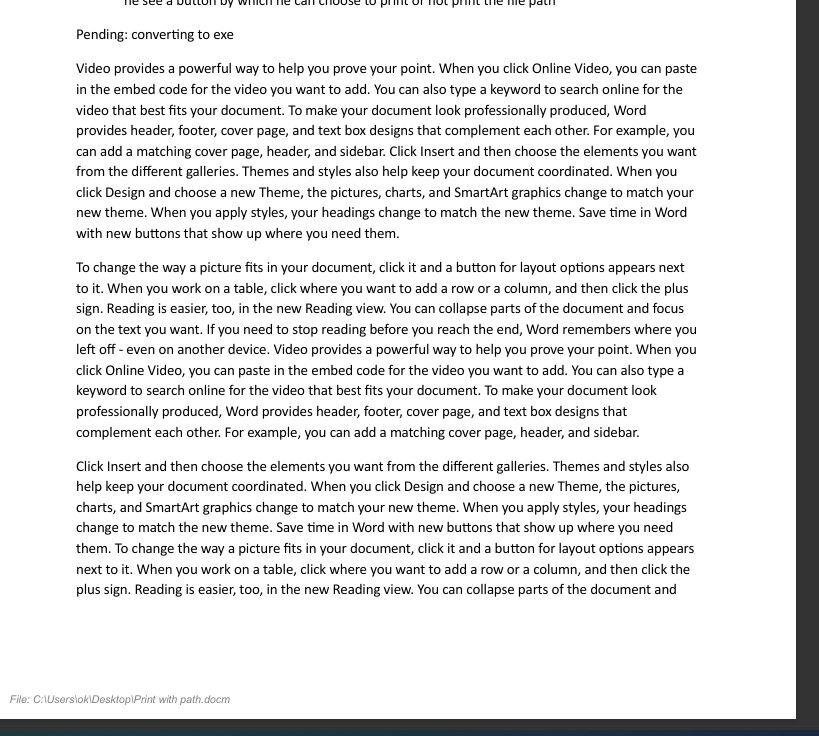
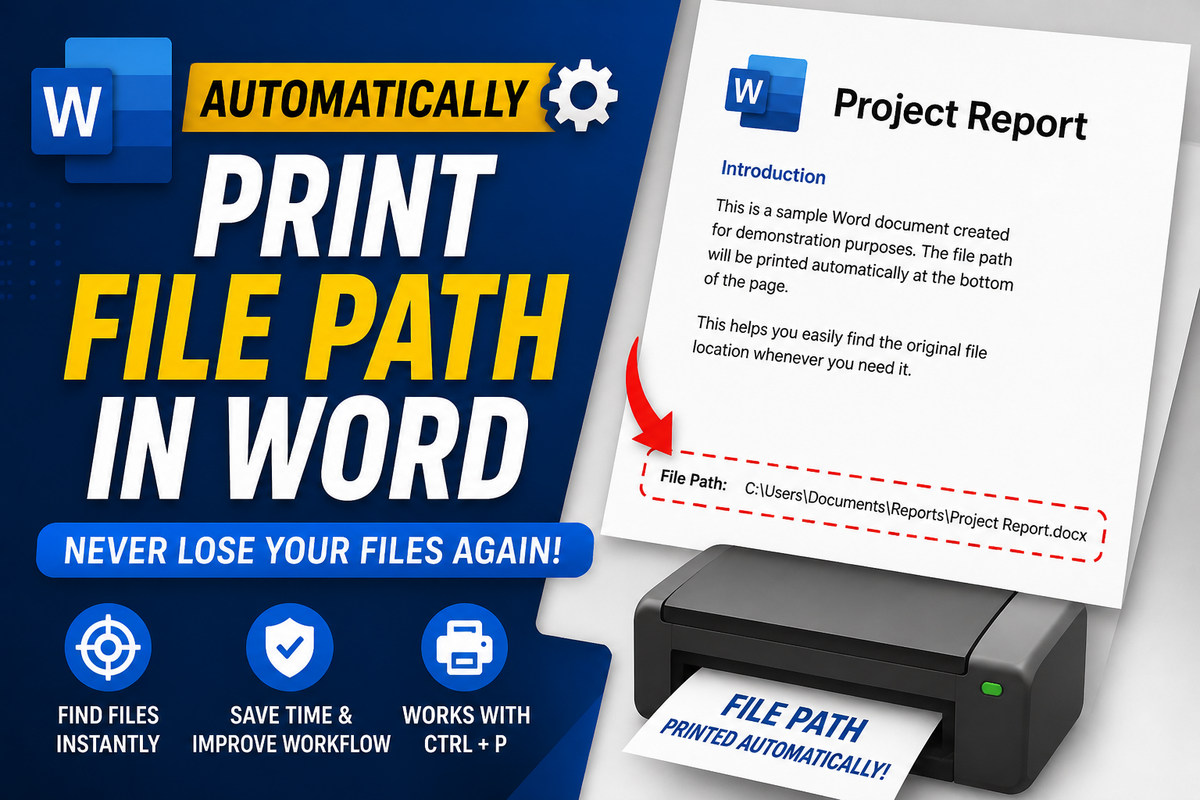
Print With Path Automator automatically adds the file path, folder location, and filename to printed Microsoft Word documents. It helps users identify where a document is stored after printing without manually editing headers or footers. The tool inserts the document path during printing, making it useful for document tracking, record keeping, audits, office paperwork, and version control. Unlike permanent file path fields in Word, the path is printed temporarily and does not remain visible in the saved document. This keeps the original file clean while ensuring every printout contains the document location. Ideal for users searching for add file path in Word, print filename and path, show file location in Word footer, print document path automatically, display folder path in Word, document tracking, file path watermark, and Microsoft Word document location solutions.
Anyone may press Interesting, signed in or not. It helps others find this project.
About this project, from SourceForge
Print With Path Automator automatically adds the file path, folder location, and filename to printed Microsoft Word documents. It helps users identify where a document is stored after printing without manually editing headers or footers. The tool inserts the document path during printing, making it useful for document tracking, record keeping, audits, office paperwork, and version control.
Unlike permanent file path fields in Word, the path is printed temporarily and does not remain visible in the saved document. This keeps the original file clean while ensuring every printout contains the document location.
Ideal for users searching for add file path in Word, print filename and path, show file location in Word footer, print document path automatically, display folder path in Word, document tracking, file path watermark, and Microsoft Word document location solutions.
Screenshots