

Catalog · How the catalog works
JSMeter10

JSMeter 10 Suite of skins for Rainmeter
- ★ 11 on GitHub
Anyone may press Interesting, signed in or not. It helps others find this project.
README
JSMeter10 - Suite of skins for Rainmeter
Get the latest release of the .rmskin
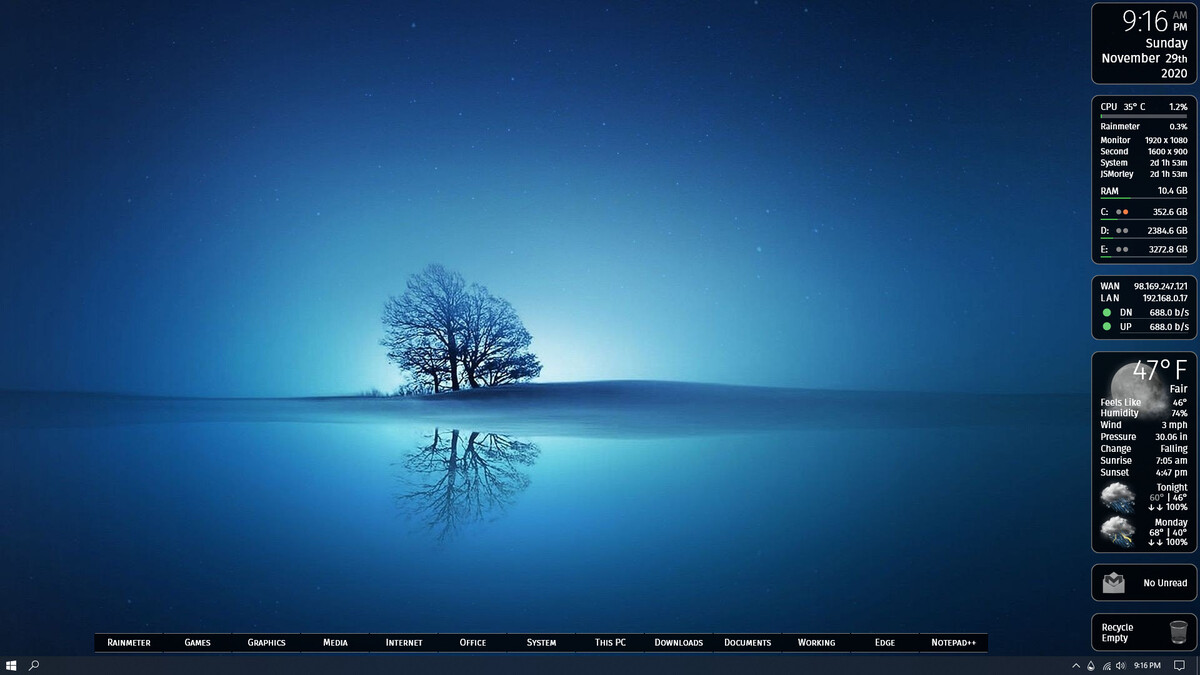
- ClockWeather
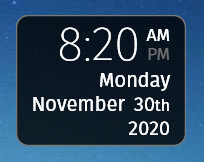
Speaks the date, time and current weather when clicked
- System
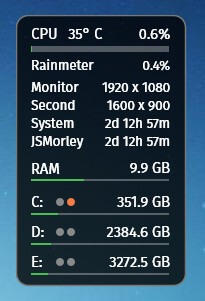
System information in a tooltip
CPU usage with temperature
The CPU temperature requires that you are running HWInfo. See the skin file for details.
Top process
Monitor size, with optional second monitor
System uptime
User login time
RAM memory, with details in a tooltip
Drive space and read/write indicators for 3 drives, with details in a tooltip
- Network
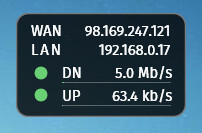
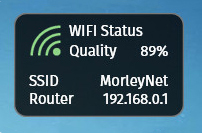
Network information
WAN and LAN IP addresses
Upload and download rates
Optional WIFI status and information
- Weather.com
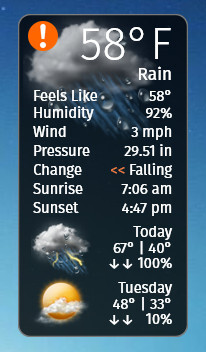
Weather information
Using the JSON API from weather.com
- GMailNotify

Count of unread emails in a GMail inbox
Message subjects in a tooltip
Slide-out notification on new emails
- Recycle
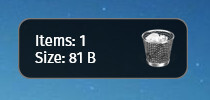
Windows Recycle Bin
Size and count
Left-click to open, Right-click to empty
- Dock

Customizable Dock / Launcher
- Welcome
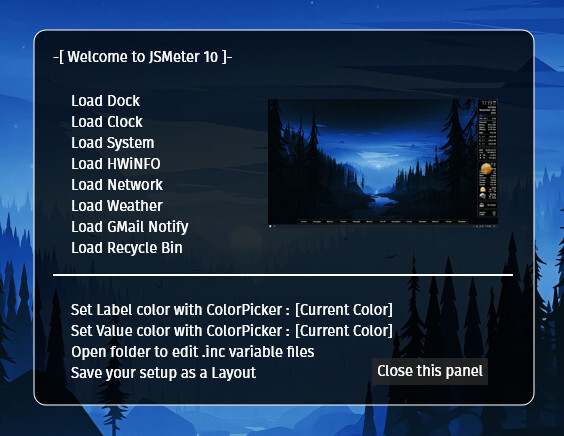
When installed, the .rmskin will load the Welcome skin for the JSMeter10 suite. You can use this to toggle on and off individual skins, set a desired color for both labels and values in the skins, and open the all-important @Resources folder to change various settings.
Get help on the Rainmeter forums