

SAWeatherCast

A weather skin with a full transparent background
- Active · last change 9-23-2025
- ★ 13 on GitHub
README
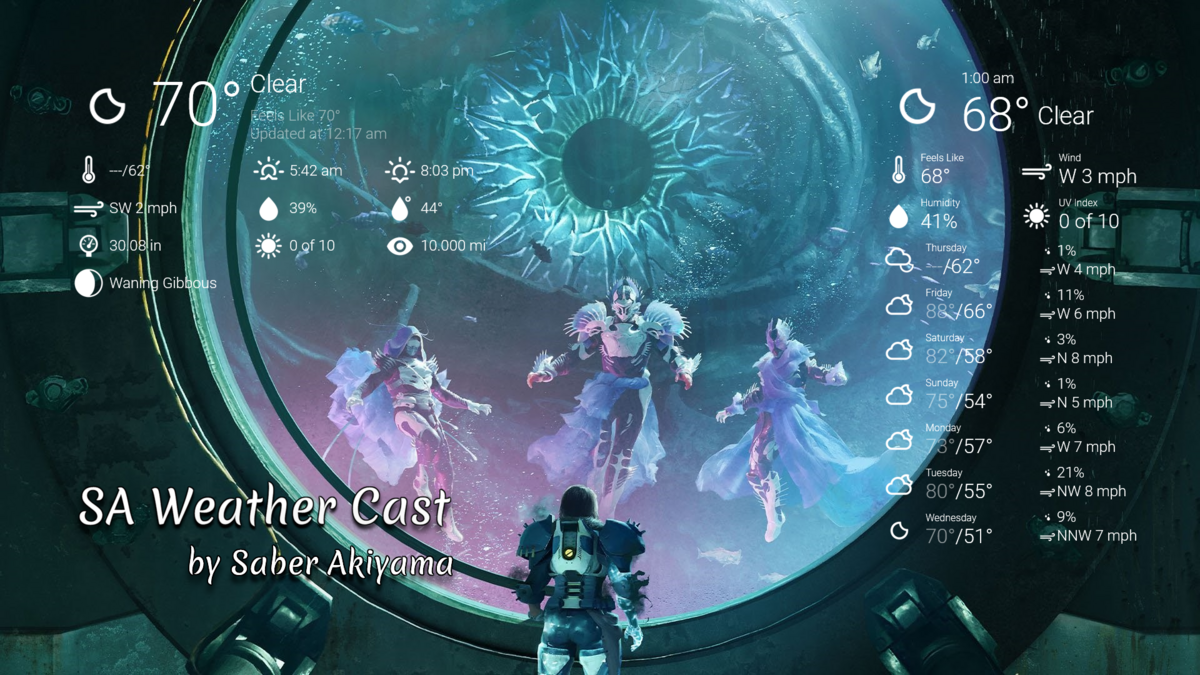
A weather skin with a fully transparent background
For how to mark your location with Google Maps, jump to the Wiki page
List of weather skins:
Current, Current Slim, Current Extra Slim, and Current Super Slim
.png)
One Hour and Six Hour
.png)
One Day, One Day Slim & Seven Day.
.png)
Severity Alert [Only inside the USA]
.png)
HOW TO NO.1
Change the time format. Some users accomplish how to change the time format. Here is how to work.
First, right-click on the current weather skin, hover "Custom skin menu," and click "Switch to 12 Hours" or "Switch to 24 Hours". It's easy to depend on what you want in a 12-hour or 24-hour format.
HOW TO NO.2
Change to a different language. Some users need clarification about different languages. Here is how to work.
First, right-click on the current weather skin, hover "Custom skin menu," and click "Open Settings panel."
Second, on the Settings skin, left-click the "Language" page on the left of a page tab. There are 30 different languages, including three different English. By default, English (US) is an Imperial format, English (GB) is a hybrid format, and English (World) is a Metric format. Other languages use the Metric format. It depends on what your language is if you want.
Finally, after you pick a language, click "Apply Changes" to refresh a weather skin.