

Playlist-editor

A simple cross-platform desktop playlist editor/converter.
- Archived · last change 11-3-2026
- ★ 18 on GitHub
README
This project is moved to a new repository.
https://github.com/torum/PlaylistEditor
The new project is a direct port of this Playlist-editor, which was originally developed in 2018 using ObjectPascal/Lazarus. This time, it has been rebuilt using C#/.NET and Avalonia UI.
Playlist editor/converter (Windows/Linux)
Playlist editor allows you to open iTunes txt/M3U/XSPF, edit and save them as M3U/XSPF playlists. The aim is to ease the transfering of a media library from one computer to another.
Format convert
- .txt(iTunes TSV) -> .m3u/.xspf
- .m3u <-> .xspf
Editing
Add, Remove, Rearrange order, Sort, Find & Replace and Edit path/URI.
Disclaimer
I just needed a little converter for my iTunes library and playlists because I was transfering my library to MPD (music player daemon) on my Linux PC. So, please don't expect too much.
Required to run
Windows/Linux. Otherwise, none.
Download
Windows version can be downloaded from the releases page.
Screenshots
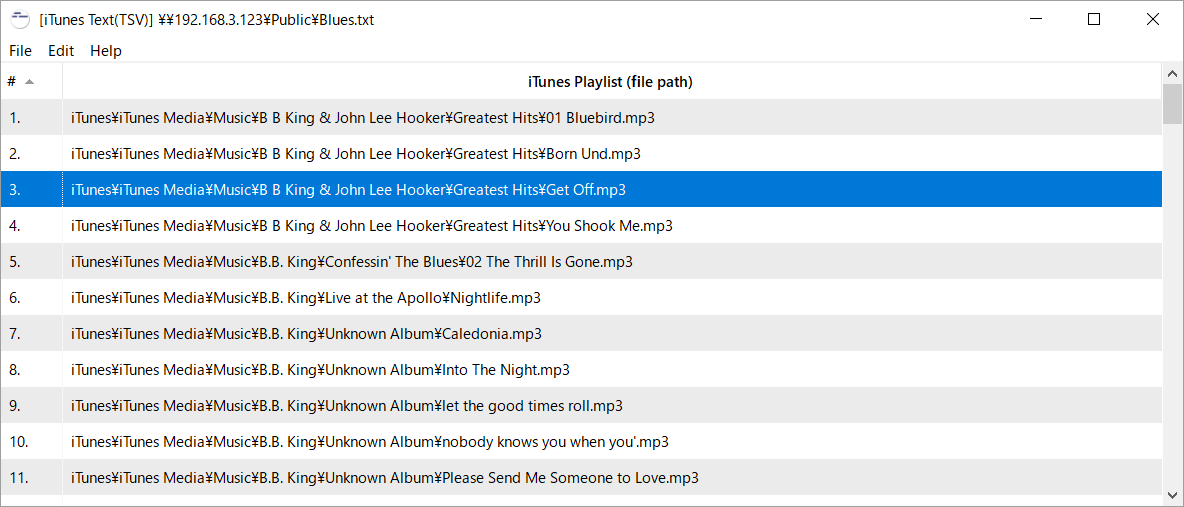
Windows
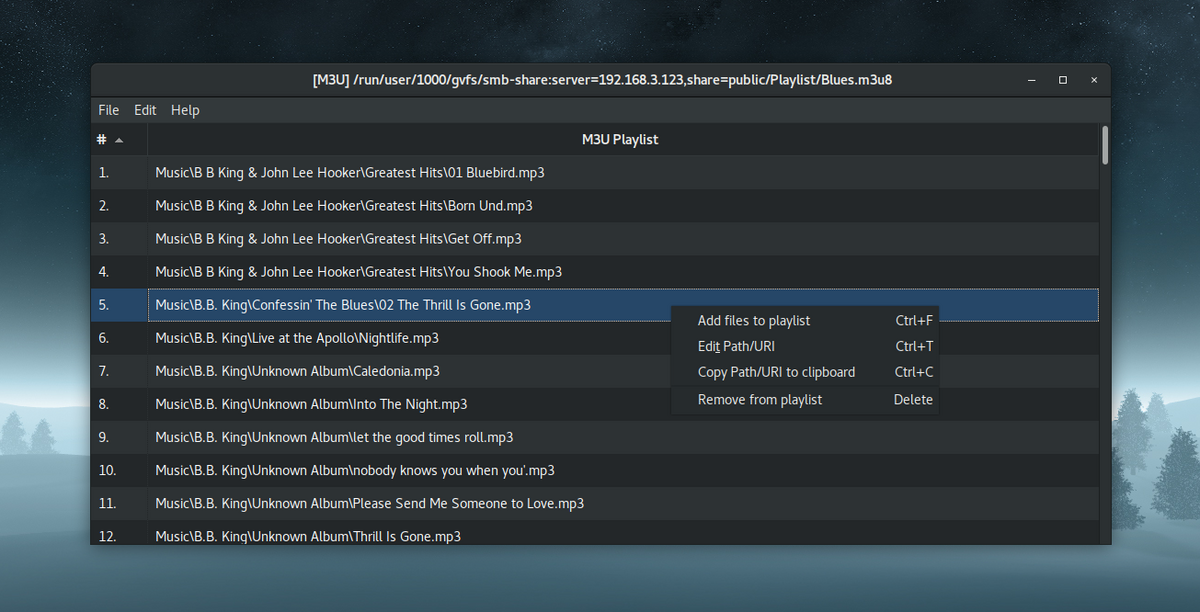
Ubuntu (gnome dark theme)
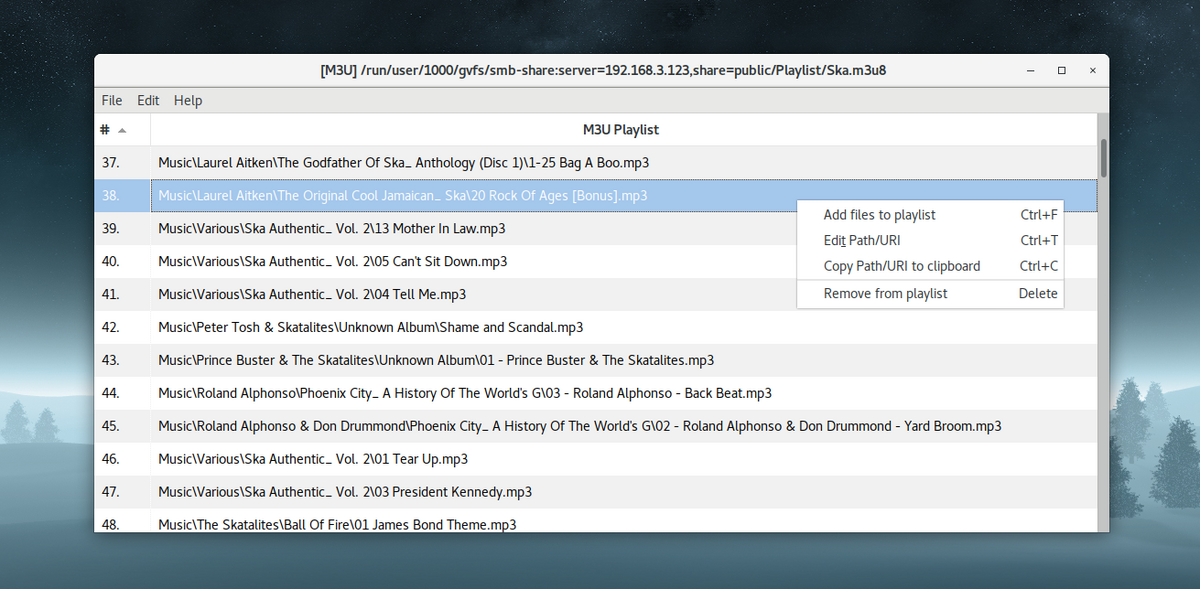
Ubuntu (gnome default theme)
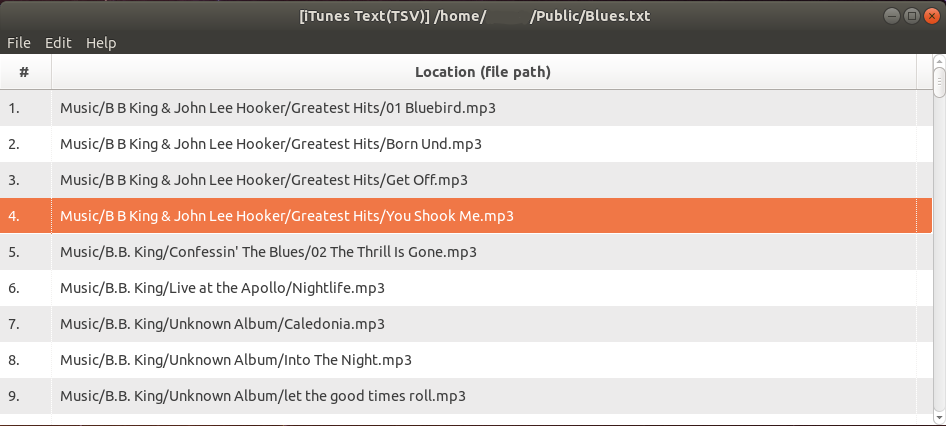
Ubuntu (Ubuntu default theme)
Development
Required to compile:
Compiled and tested on
- Windows 11 (64bit): Lazarus 3.4 (rev lazarus_3_4) FPC 3.2.2 x86_64-win64-win32/win64
- Windows 10 (64bit): Lazarus 1.8.0 r56594 FPC 3.0.4 x86_64-win64-win32/win64
- Ubuntu 17.10 and 16.04 LTS (64bit): Lazarus 1.8.0 rc4+dfsg-1 FPC 3.0.2 x86_64-linux-gtk2
- Mac - macOS 10.13.3 High Sierra and 10.11.6 El Capitan: Lazarus 1.8.0 rexported FPC 3.0.4 i386-darwin-carbon