

Shell Controls
English · Русский
The Shell Controls are a series of advanced controls destinated to beaultifully represent files and directories of the system.
TShellTreeView
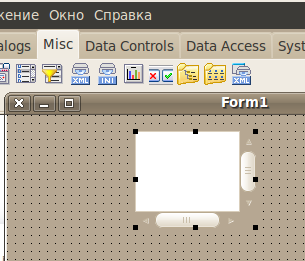
TShellTreeView component under the tab Misc.
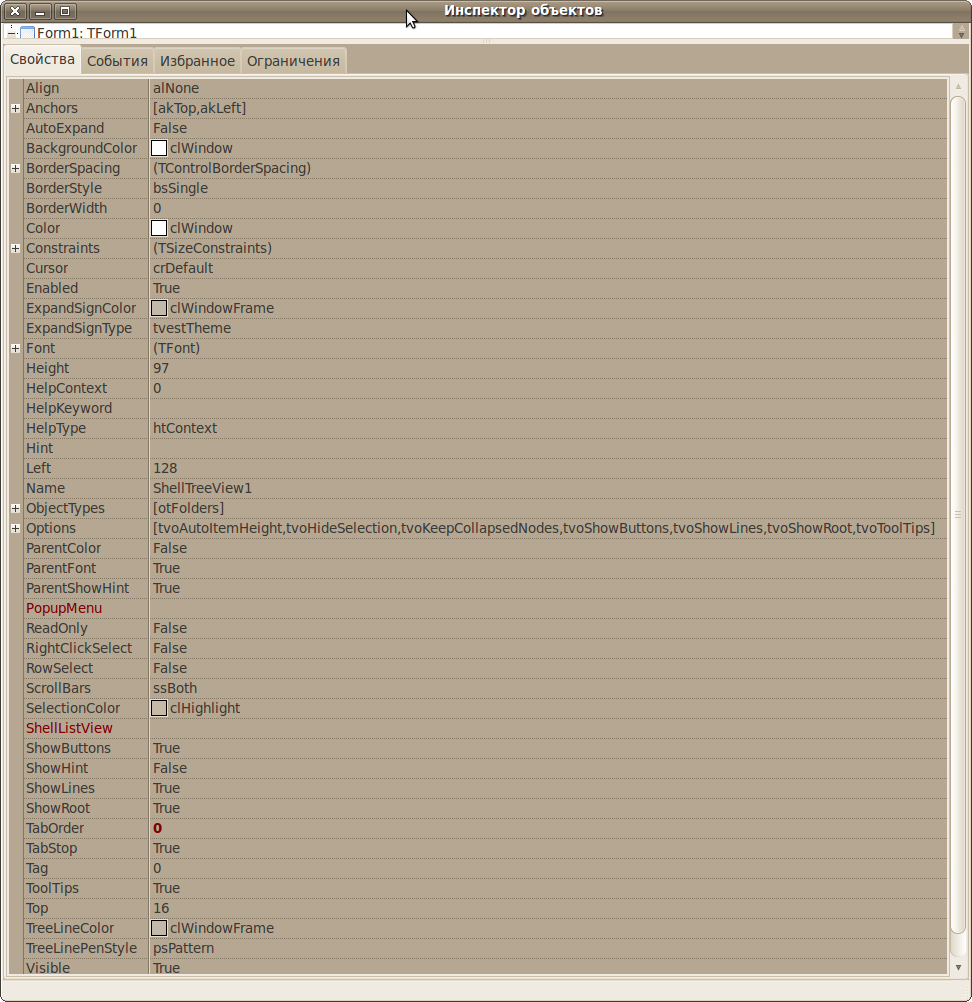
Component Properties TShellTreeView.
Add component TShellListView. Set properties
ShellTreeView1.ShellListView := ShellListView1;
ShellListView1.ShellTreeView := ShellTreeView1;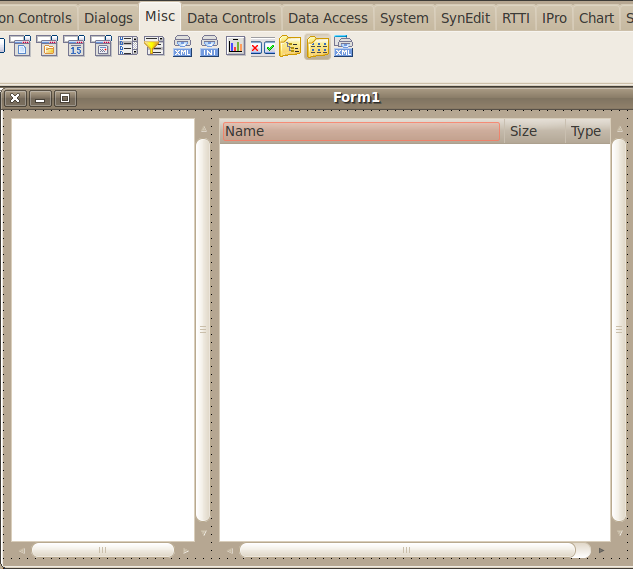
Run application. We can see root directory in Linux.
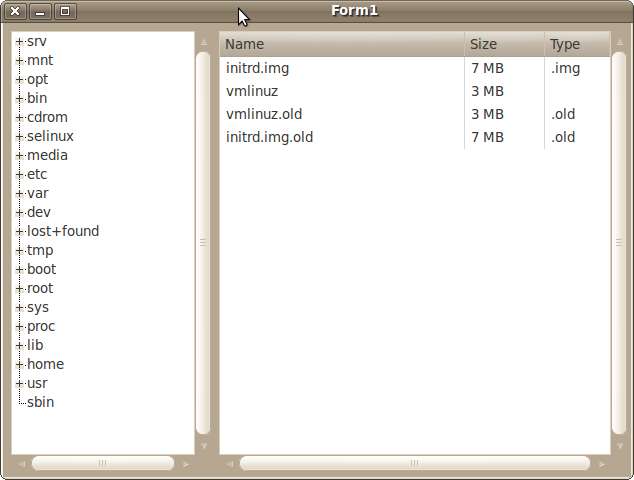
Better way to do this is:
procedure TForm1.FormCreate(Sender: TObject);
begin
   ShellTreeView2:= TShellTreeView.create(Self);
   ShellTreeView2.Left:=10;
   ShellTreeView2.Top:=10;
   ShellTreeView2.Width:=250;
   ShellTreeView2.Height:=430;
   ShellTreeView2.Parent:=Self;
end;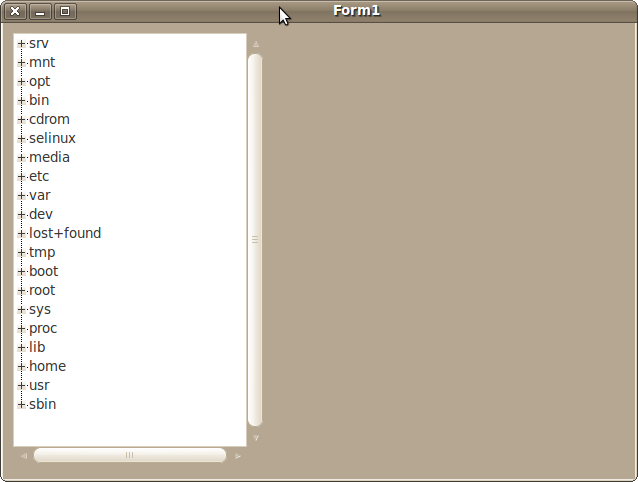
From the Free Pascal wiki, page "Shell Controls", as it stood on 2021-02-11 after a change by Wp, out of the wiki's dump of 2024-05-26. Copyright stays with the author who wrote it, according to the old wiki's Licensing page. If you have concerns about this material, message the admin.
Talk about this page
Nobody has opened a bench for this page yet. Sign in to open one.