

Scientific Linux: what changed
Revision 1 to 2. Removed lines have a minus sign; added lines have a plus sign.
| Old | New | Line | |
|---|---|---|---|
| 1 | 1 | *(Linux only)* | |
| 2 | 2 | ||
| 3 | 3 |  **Scientific Linux** is a free enterprise [[Portal:Linux|Linux]] distribution that is derived from sources of the Red Hat Enterprise Linux (RHEL) distribution. It is sponsored and developed by the Fermi National Accelerator Laboratory with major contributions of CERN, ETH Zürich and DESY. | |
| 4 | 4 | ||
| 5 | 5 | With its main goal to provide a world class environment for scientific computing it focusses on the needs of universities, major research institutions, experimental facilities, scientists, technologists and researchers. | |
| 6 | 6 | ||
| 7 | 7 | Scientific Linux has an install base in experiments on all seven continents and the International Space Station. | |
| 8 | 8 | ||
| 9 | 9 | ## Installation | |
| 10 | 10 | ||
| 11 | 11 | See [[Installing Lazarus on Linux]] | |
| 12 | 12 | ||
| 13 | 13 | Although [[Lazarus]] and [[Free Pascal]] are not included in the standard distribution they can be easily installed from packages provided by the Lazarus team. This requires only the following few steps: | |
| 14 | 14 | ||
| 15 | 15 | - Download current RPM packages for your processor type (32 or 64 bit) | |
| 16 | 16 | - **fpc** for Free Pascal (required for all configurations) | |
| 17 | 17 | - **fpc-src** for Free Pascal sources (required for code completion) | |
| 18 | 18 | - **lazarus** for the Lazarus IDE | |
| 19 | 19 | - Install the packages by double clicking (and confirm download of missing required packages). On systems, where neither the **Application Installer** nor the **GNOME Package Manager** are installed by default (e.g. live installations or small systems installed from CD), you should instead use the command line tool **[yum](http://yum.baseurl.org/)**, which is available on all current RPM-based Linux distributions. | |
| 20 | 20 | ||
| 21 | 21 | ## Graphical instructions | |
| 22 | 22 | ||
| 23 | - | ||
| 23 | + | 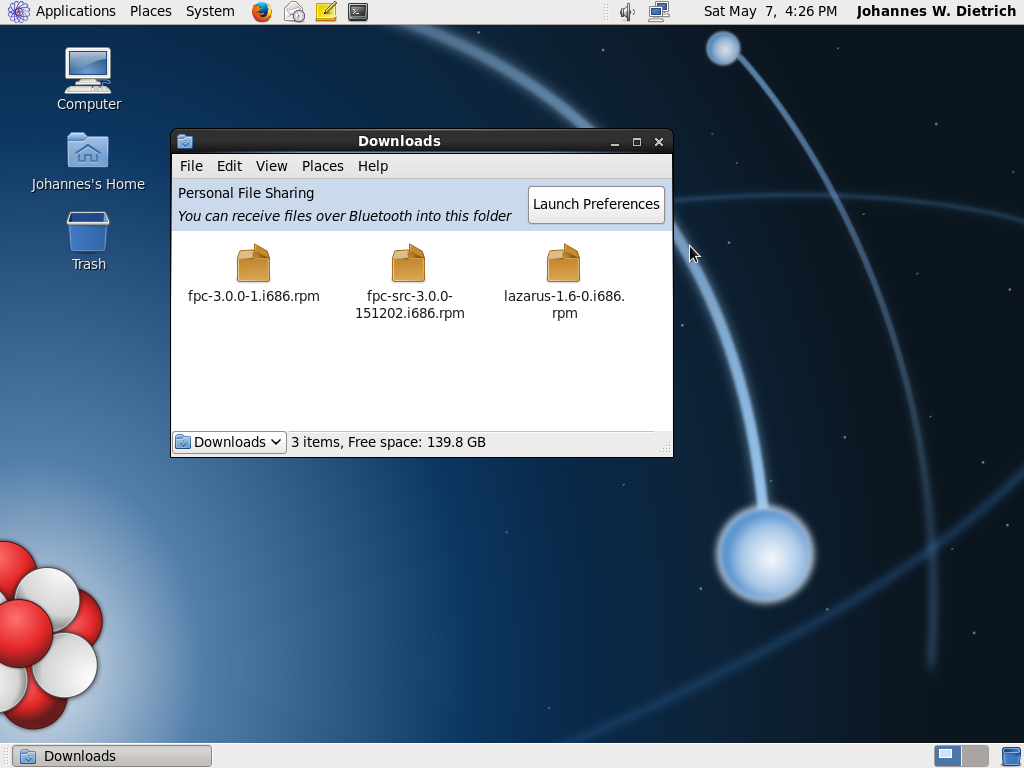 | |
| 24 | + | ||
| 25 | + | Files to be installed. | |
| 26 | + | ||
| 27 | + | 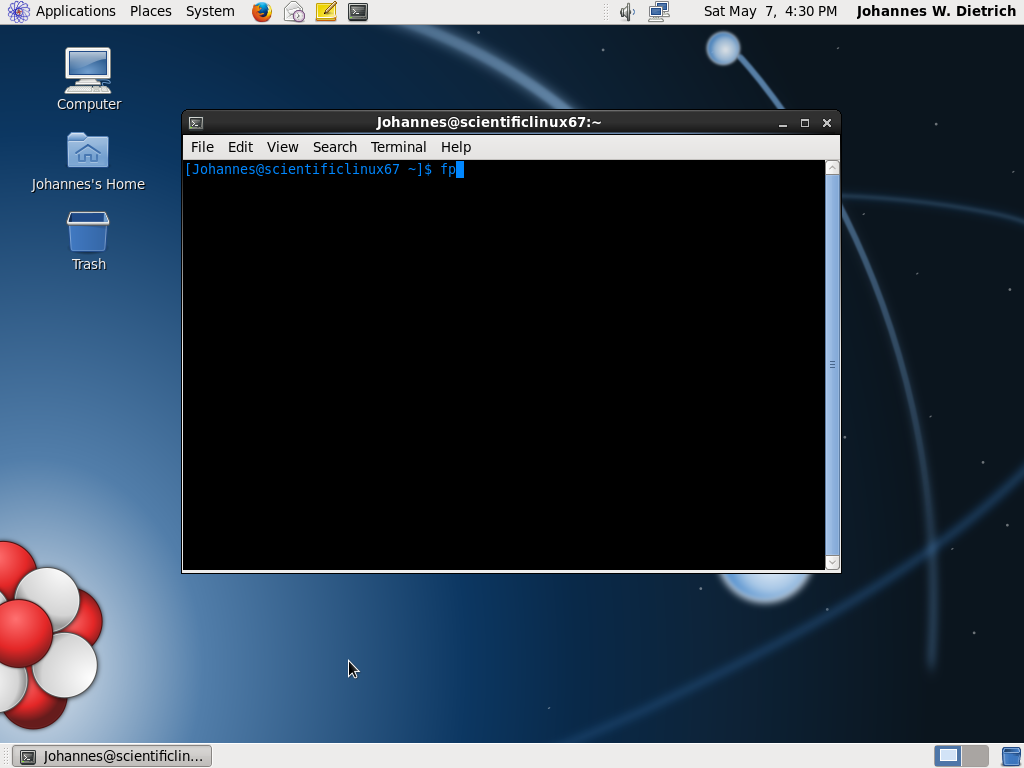 | |
| 28 | + | ||
| 29 | + | Start the Free Pascal Text mode IDE with **fp** | |
| 30 | + | ||
| 31 | + | 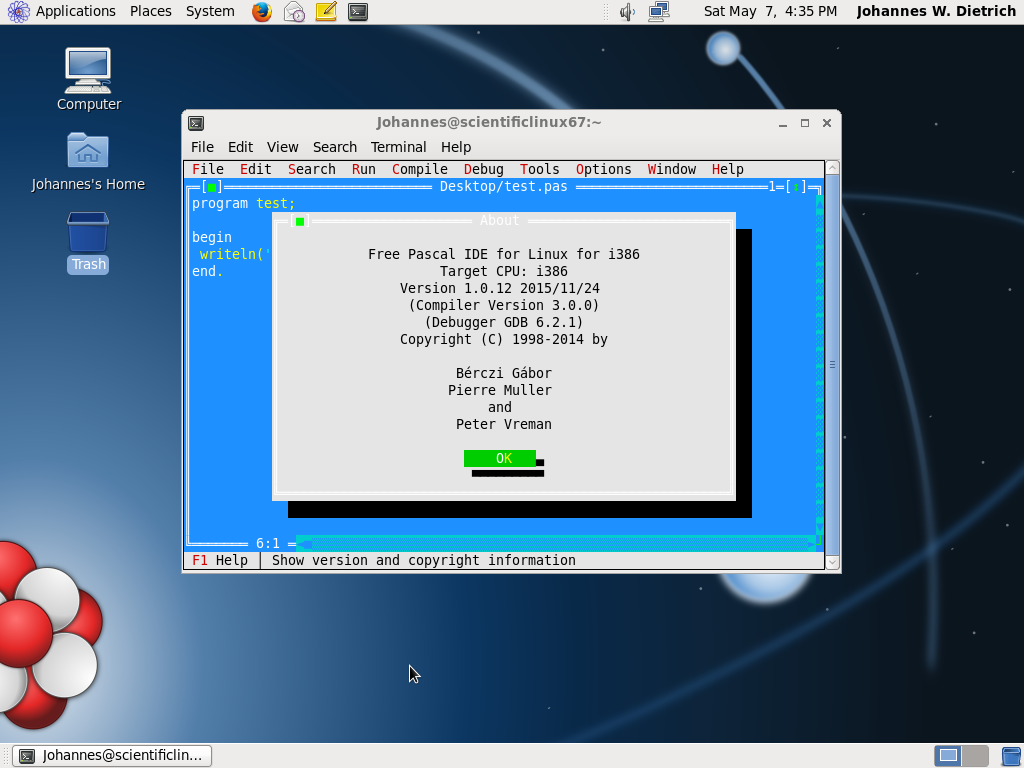 | |
| 32 | + | ||
| 33 | + | Free Pascal Text mode IDE on Scientific Linux | |
| 34 | + | ||
| 35 | + | 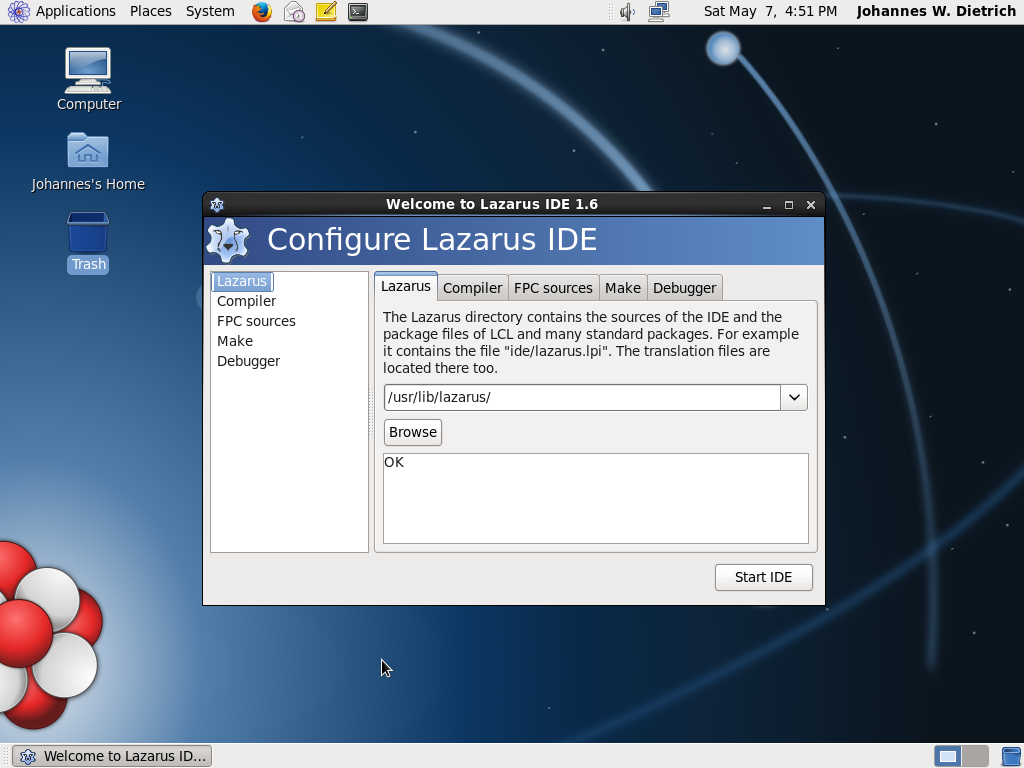 | |
| 36 | + | ||
| 37 | + | First start of Lazarus: Configure the IDE | |
| 38 | + | ||
| 39 | + | 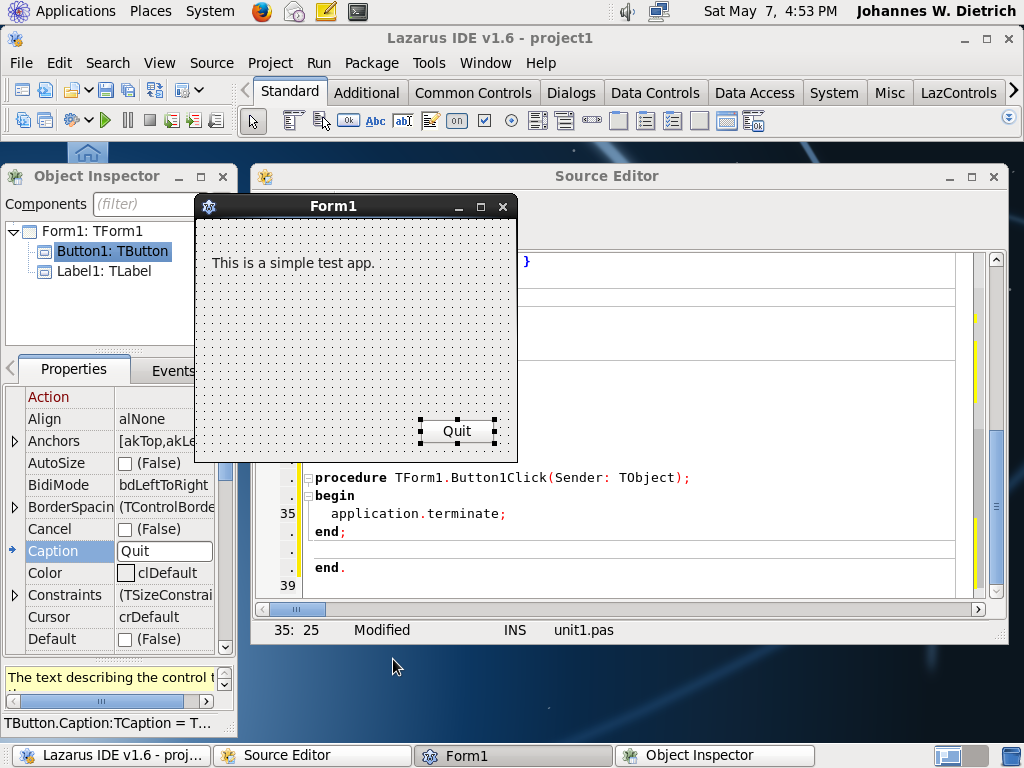 | |
| 40 | + | ||
| 41 | + | A simple first app in design mode | |
| 42 | + | ||
| 43 | + | 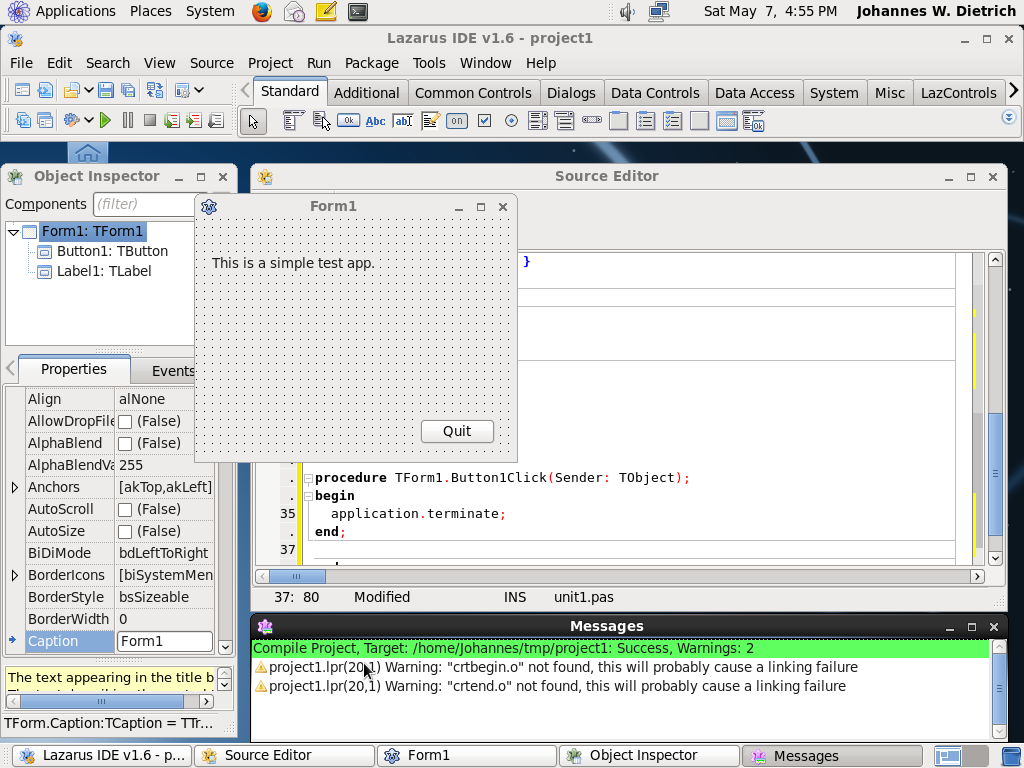 | |
| 44 | + | ||
| 45 | + | First app successfully compiled | |
| 46 | + | ||
| 47 | + | 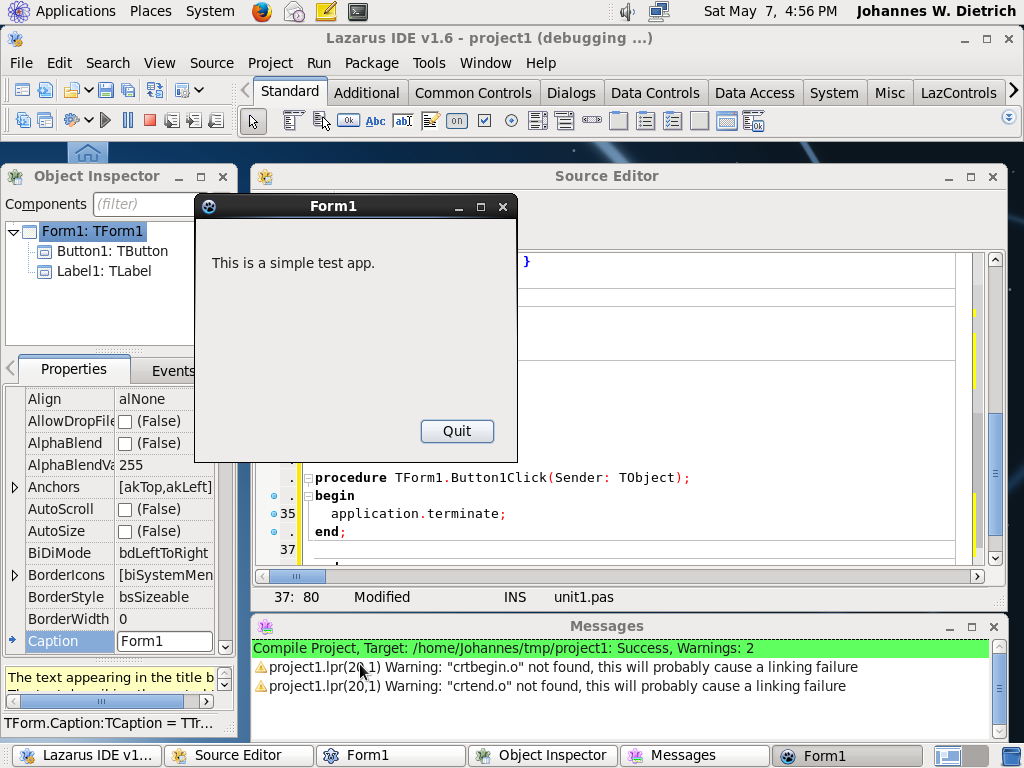 | |
| 48 | + | ||
| 49 | + | First app running... | |
| 24 | 50 | ||
| 25 | 51 | ## See also | |
| 26 | 52 | ||
| 27 | 53 | - [[Linux Programming Tips]] | |
| 28 | 54 | - [[Installing Lazarus]] | |
| 29 | 55 | - [[Cross compiling for Windows under Linux]] | |
| 30 | 56 | ||
| 31 | 57 | ## External links | |
| 32 | 58 | ||
| 33 | 59 | - [Official web site of the Scientific Linux project](http://www.scientificlinux.org/) | |
| 34 | 60 | ||
| 35 | 61 | --- | |
| 36 | 62 | *From the Free Pascal wiki, page "Scientific Linux", as it stood on 2021-07-19 after a change by Dbannon, out of the wiki's dump of 2024-05-26. Copyright stays with the author who wrote it, according to the old wiki's [[Licensing]] page. If you have concerns about this material, [message the admin](/wiki-contact).* | |
| 37 | 63 | Category: FPC | |
| 38 | 64 | Category: Install | |
| 39 | 65 | Category: Lazarus | |
| 40 | 66 | Category: Scientific Linux |